

$3.99
FREE
100% Off
Goosi
Xinhong Liu

About the App
Goosi is a helpful iOS app designed to make managing your files and buckets in Backblaze B2 cloud storage easy and straightforward. Whether you are using an iPhone, iPad, or Mac, Goosi offers a user-friendly interface that allows you to browse and manage all your important files effortlessly.
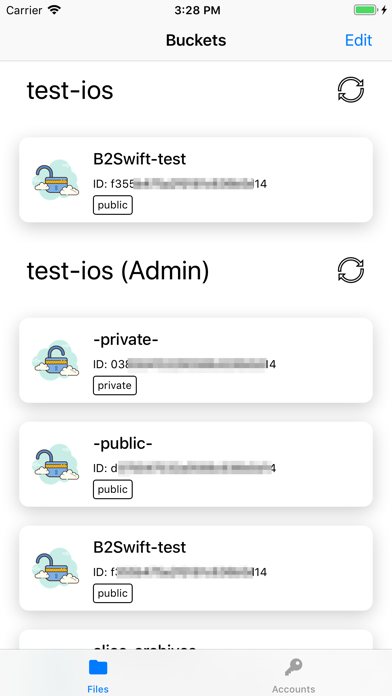
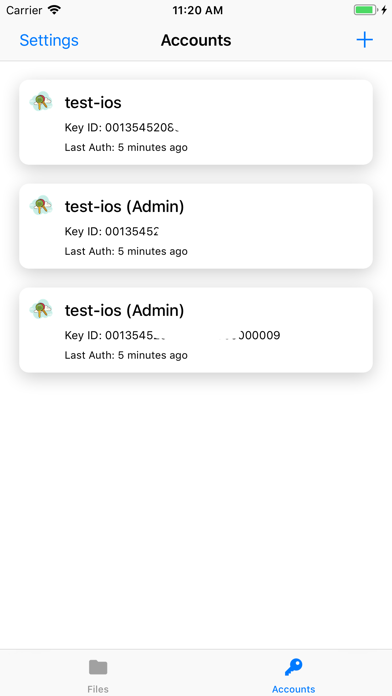
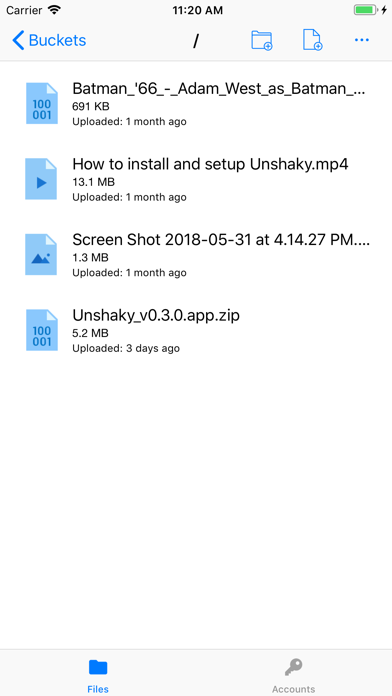
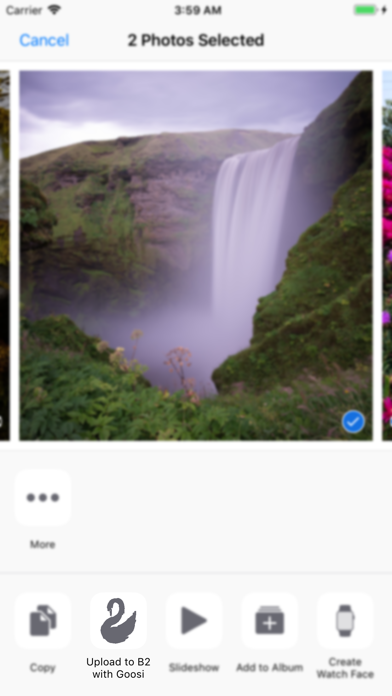
With Goosi, you can take advantage of fantastic features like multiple accounts support. This means you can manage different Backblaze B2 accounts all in one place. You can easily browse buckets, folders, and files without any hassle. If you need to upload files, Goosi provides seamless file uploading capabilities, ensuring that your documents are stored safely in the cloud.
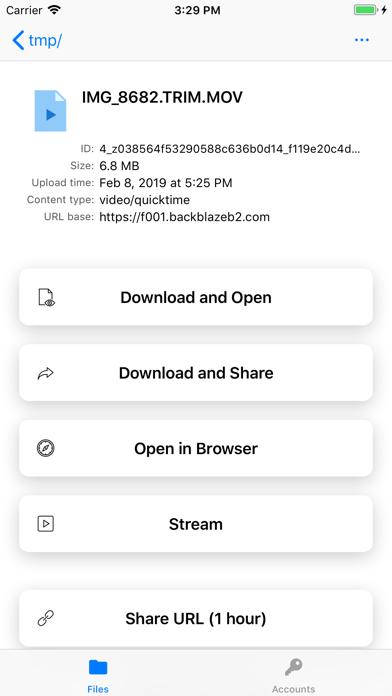
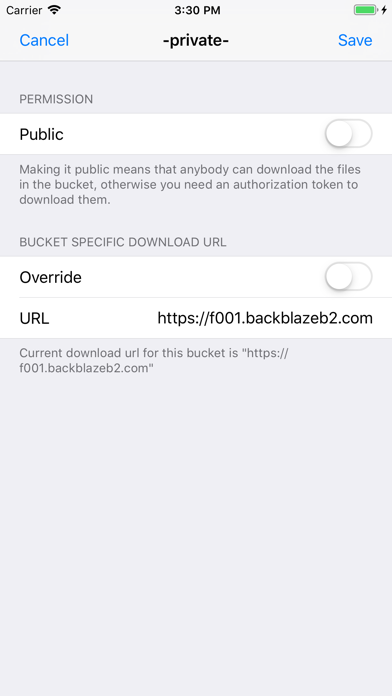
For those who want to preview files, the app supports file preview functionality, allowing you to quickly view your files directly on your device. Sharing files is also made easy with flexible file sharing options. You can choose between public and private sharing to control who has access to your information. Plus, if you have custom domain links, Goosi integrates this feature, allowing you to share links that match your brand or style.
Goosi also supports iOS 13’s dark mode, making it visually pleasing and easy to use, especially in low-light environments. If you use an iPhone, Goosi is a perfect iPhone file management app that keeps everything organized and accessible. For those using an iPad, it serves as an efficient iPad file browser, making it simple to find what you need.
Additionally, if you prefer to manage files on your computer, Goosi acts as a reliable Mac file viewer. As a 3rd party B2 client, it connects directly to Backblaze, ensuring that all your information is sent securely to Backblaze without collecting any data from you through Goosi.
With Goosi, you have access to solid cloud storage management, making your file organization tools reliable and effective. You can browse storage buckets with ease and enjoy link sharing features that improve how you distribute your files. The app is designed to support automated backup management, ensuring that your important data is regularly updated and secured in the cloud.
Goosi is also a perfect fit for anyone looking for iOS device compatibility. Whether you want to keep your workflow organized or simply need a straightforward way to handle your cloud storage needs, Goosi has you covered. It combines efficient file organization and backup options while also offering third-party integrations to enhance your overall experience.
If you are looking for a dependable iOS app for Backblaze, Goosi meets all your needs for file accessibility on iOS. It’s not just about storing files; it’s about managing them effectively. With Goosi, you can feel confident that you are using a tool that simplifies your digital life while keeping everything secure and organized. For feedback or inquiries, you can reach out on Twitter at @_SamLiu.
With Goosi, you can take advantage of fantastic features like multiple accounts support. This means you can manage different Backblaze B2 accounts all in one place. You can easily browse buckets, folders, and files without any hassle. If you need to upload files, Goosi provides seamless file uploading capabilities, ensuring that your documents are stored safely in the cloud.
For those who want to preview files, the app supports file preview functionality, allowing you to quickly view your files directly on your device. Sharing files is also made easy with flexible file sharing options. You can choose between public and private sharing to control who has access to your information. Plus, if you have custom domain links, Goosi integrates this feature, allowing you to share links that match your brand or style.
Goosi also supports iOS 13’s dark mode, making it visually pleasing and easy to use, especially in low-light environments. If you use an iPhone, Goosi is a perfect iPhone file management app that keeps everything organized and accessible. For those using an iPad, it serves as an efficient iPad file browser, making it simple to find what you need.
Additionally, if you prefer to manage files on your computer, Goosi acts as a reliable Mac file viewer. As a 3rd party B2 client, it connects directly to Backblaze, ensuring that all your information is sent securely to Backblaze without collecting any data from you through Goosi.
With Goosi, you have access to solid cloud storage management, making your file organization tools reliable and effective. You can browse storage buckets with ease and enjoy link sharing features that improve how you distribute your files. The app is designed to support automated backup management, ensuring that your important data is regularly updated and secured in the cloud.
Goosi is also a perfect fit for anyone looking for iOS device compatibility. Whether you want to keep your workflow organized or simply need a straightforward way to handle your cloud storage needs, Goosi has you covered. It combines efficient file organization and backup options while also offering third-party integrations to enhance your overall experience.
If you are looking for a dependable iOS app for Backblaze, Goosi meets all your needs for file accessibility on iOS. It’s not just about storing files; it’s about managing them effectively. With Goosi, you can feel confident that you are using a tool that simplifies your digital life while keeping everything secure and organized. For feedback or inquiries, you can reach out on Twitter at @_SamLiu.

iDatabase
Apimac
$1.99

Quick Reminders: To Do Notes
LeeDrOiD Labs
$1.89
$0.95

PIN VAULT – Secure Passwords
NIK
$1.99