
$0.49
FREE
100% Off
iGallery Pro – OS
CLIPITRA DIGITAL SERVICES LLP

About the App
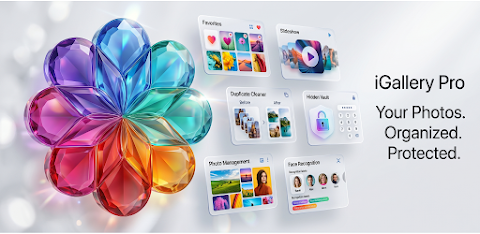
Experience your photos and videos with iGallery Pro - OS, a beautifully designed Android gallery app. This app combines elegant design and smooth performance, making it easy to manage your memories. With powerful media organization tools and advanced privacy features, you can browse, organize, protect, and enjoy your media collection in a clean and intuitive interface.
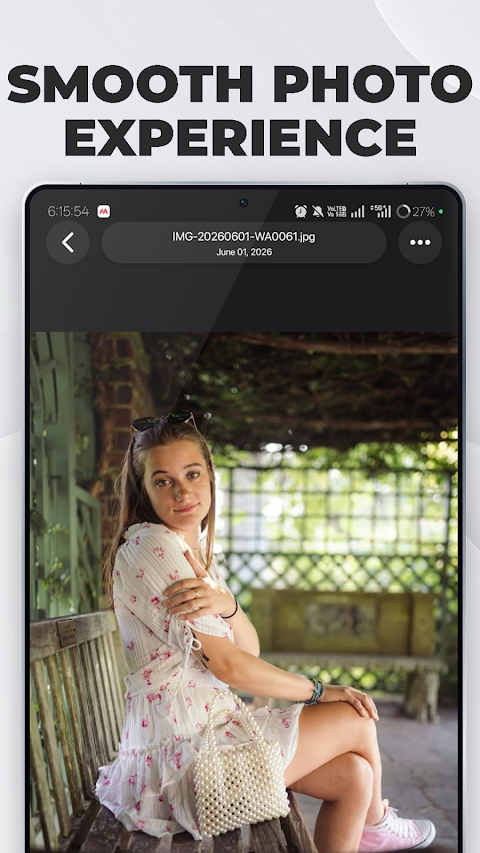
iGallery Pro - OS offers a fantastic photo and video viewer where you can enjoy your media with smooth animated transitions and swipe navigation between media. Full-screen viewing allows you to take in every detail, while thumbnail filmstrip navigation helps you quickly find what you need. The app loads your content quickly thanks to its fast loading performance and hardware-accelerated capabilities.
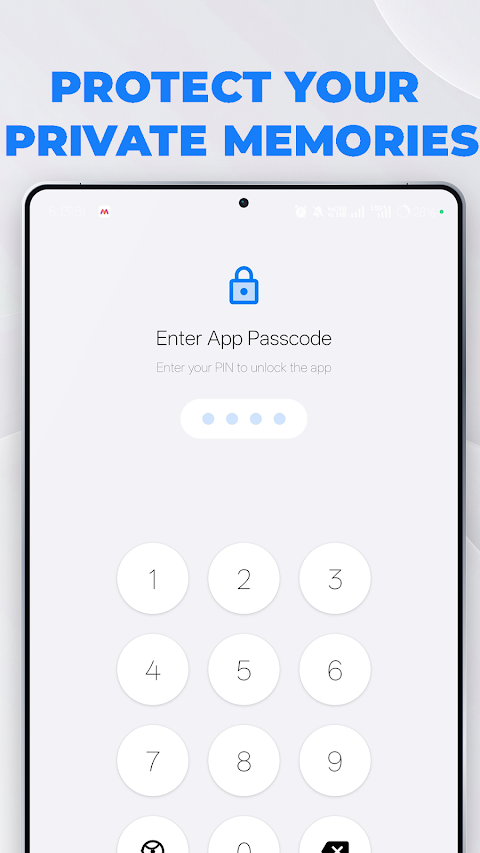
Your privacy is crucial, and that's why iGallery Pro - OS includes a secure private vault. With this feature, you can hide your personal photos and videos from others. You can set a 4-digit PIN or use biometric fingerprint unlock for quick access. Additionally, there’s an option for security question recovery to keep your memories safe and secure.
One of the standout features is the smart duplicate cleaner, which helps free up valuable storage space by detecting duplicate photos and videos. The app groups similar files automatically, allowing you to keep the best-quality version and remove unnecessary copies with just a tap.
If you accidentally delete something important, worry not! iGallery Pro - OS includes a recycle bin for recovery. This acts as temporary storage, letting you restore files easily before they are permanently removed.
For those special moments, the slideshow mode turns your memories into a beautiful presentation. You can adjust the slide duration and choose from multiple transition effects like Slide, Fade, Zoom, and Classic modes. An optional inactivity timer lets the slideshow exit when you’re done enjoying it.
iGallery Pro - OS features advanced album management, giving you the freedom to organize your media your way. It automatically detects albums like Camera, Screenshots, Downloads, and Videos, and allows you to create custom albums as well. You can even add media to multiple collections and navigate through albums quickly.
The face grouping feature lets you find photos faster by automatically detecting faces and grouping photos by person. This makes it simple to browse through collections of specific people.
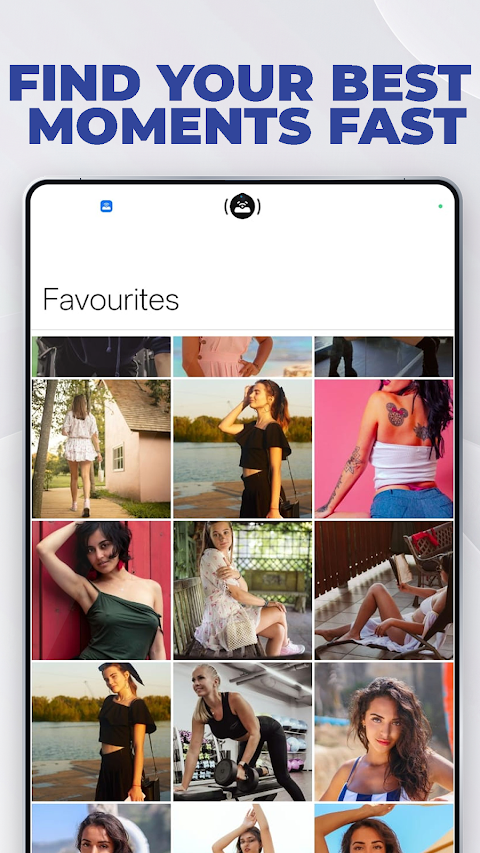
To make accessing your memories easier, you can mark photos and videos as favorites. There is a dedicated Favorites section for instant access whenever you need it.
You can also view detailed file information, such as file name, size, resolution, and date created. This media details viewing feature helps you keep track of everything in your collection and understand more about each file.
Sharing and managing your files is simple with iGallery Pro - OS's quick access actions. You can share single or multiple files at once, open them with external editors, or even set photos as wallpaper.
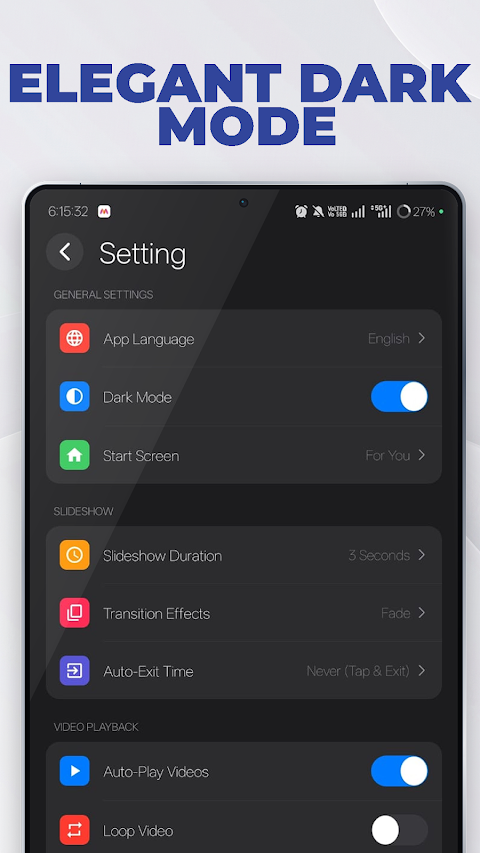
Customization options help you personalize the gallery experience. The app supports dark mode and allows you to set a custom start screen. You can also control video autoplay and playback resume settings.
With multi-language support, including English, Hindi, Spanish, French, and German, iGallery Pro - OS makes it easy for everyone to enjoy their media without language barriers.
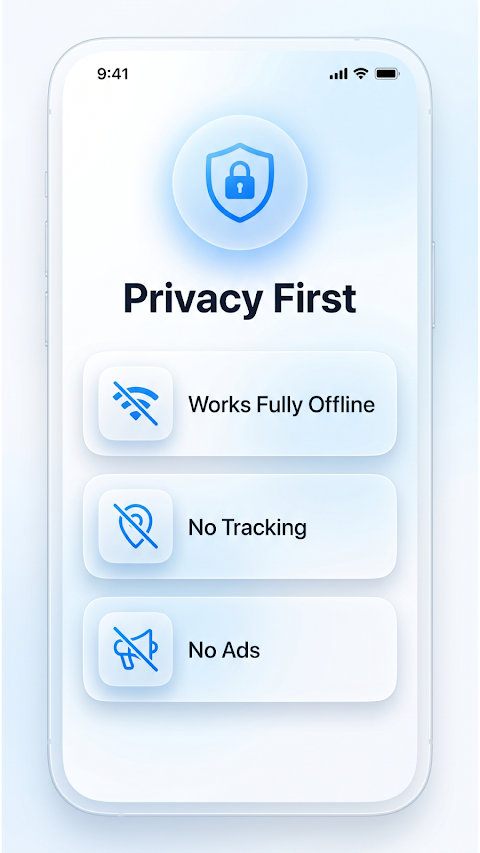
Why choose iGallery Pro - OS? This app is 100% ads free, offering a modern and elegant gallery experience without interruptions. With fantastic security features for privacy, a smart duplicate cleaner, and the ability to recover files through the recycle bin, it provides a comprehensive media management solution. Enjoy an elegant gallery experience designed to enhance your media collection enjoyment with iGallery Pro - OS. Download today for a smarter, cleaner, and more organized way to manage your photos and videos.
iGallery Pro - OS offers a fantastic photo and video viewer where you can enjoy your media with smooth animated transitions and swipe navigation between media. Full-screen viewing allows you to take in every detail, while thumbnail filmstrip navigation helps you quickly find what you need. The app loads your content quickly thanks to its fast loading performance and hardware-accelerated capabilities.
Your privacy is crucial, and that's why iGallery Pro - OS includes a secure private vault. With this feature, you can hide your personal photos and videos from others. You can set a 4-digit PIN or use biometric fingerprint unlock for quick access. Additionally, there’s an option for security question recovery to keep your memories safe and secure.
One of the standout features is the smart duplicate cleaner, which helps free up valuable storage space by detecting duplicate photos and videos. The app groups similar files automatically, allowing you to keep the best-quality version and remove unnecessary copies with just a tap.
If you accidentally delete something important, worry not! iGallery Pro - OS includes a recycle bin for recovery. This acts as temporary storage, letting you restore files easily before they are permanently removed.
For those special moments, the slideshow mode turns your memories into a beautiful presentation. You can adjust the slide duration and choose from multiple transition effects like Slide, Fade, Zoom, and Classic modes. An optional inactivity timer lets the slideshow exit when you’re done enjoying it.
iGallery Pro - OS features advanced album management, giving you the freedom to organize your media your way. It automatically detects albums like Camera, Screenshots, Downloads, and Videos, and allows you to create custom albums as well. You can even add media to multiple collections and navigate through albums quickly.
The face grouping feature lets you find photos faster by automatically detecting faces and grouping photos by person. This makes it simple to browse through collections of specific people.
To make accessing your memories easier, you can mark photos and videos as favorites. There is a dedicated Favorites section for instant access whenever you need it.
You can also view detailed file information, such as file name, size, resolution, and date created. This media details viewing feature helps you keep track of everything in your collection and understand more about each file.
Sharing and managing your files is simple with iGallery Pro - OS's quick access actions. You can share single or multiple files at once, open them with external editors, or even set photos as wallpaper.
Customization options help you personalize the gallery experience. The app supports dark mode and allows you to set a custom start screen. You can also control video autoplay and playback resume settings.
With multi-language support, including English, Hindi, Spanish, French, and German, iGallery Pro - OS makes it easy for everyone to enjoy their media without language barriers.
Why choose iGallery Pro - OS? This app is 100% ads free, offering a modern and elegant gallery experience without interruptions. With fantastic security features for privacy, a smart duplicate cleaner, and the ability to recover files through the recycle bin, it provides a comprehensive media management solution. Enjoy an elegant gallery experience designed to enhance your media collection enjoyment with iGallery Pro - OS. Download today for a smarter, cleaner, and more organized way to manage your photos and videos.

Photo Editor & Collage Maker
GEO SOFTECH
$1.29
$0.19

Zenith: Photo, Map & Astro
Bozdoğan Games
$4.99

Gallery PRO
Droid Corporation
$1.90
$1.43