

$0.99
FREE
100% Off
Espana – Icon Pack
Panoto Gomo

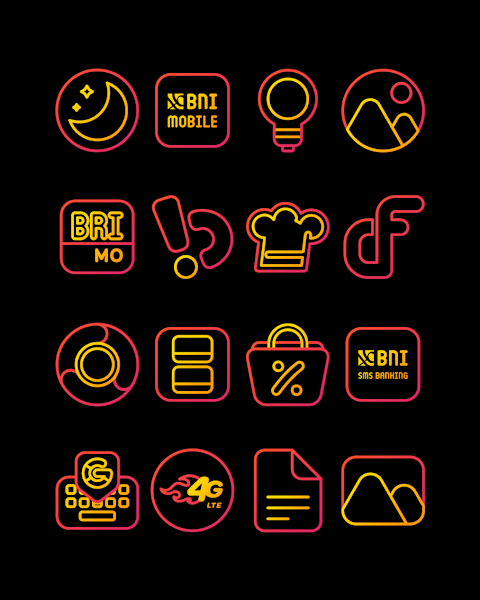


About the App
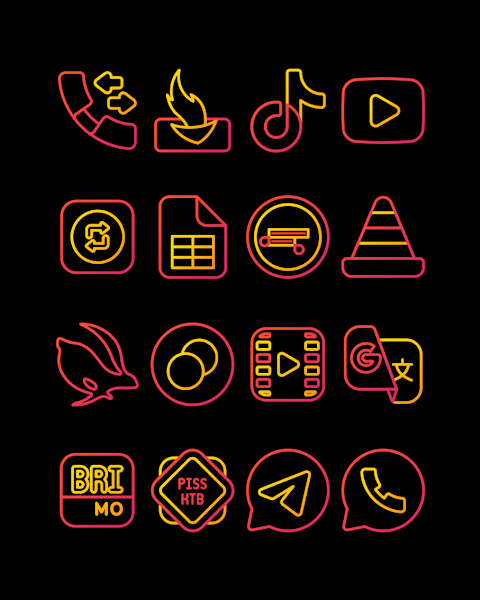
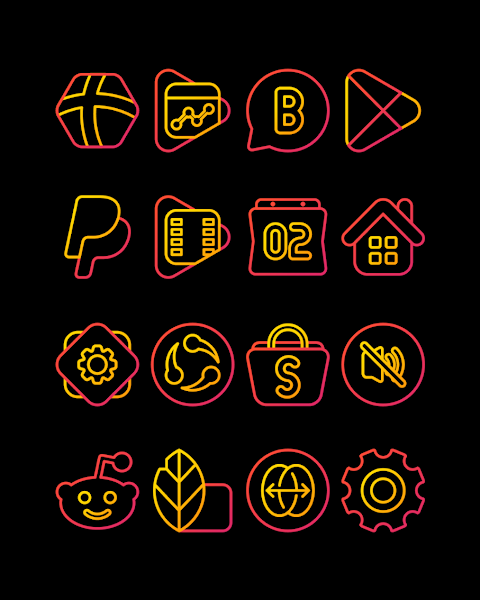
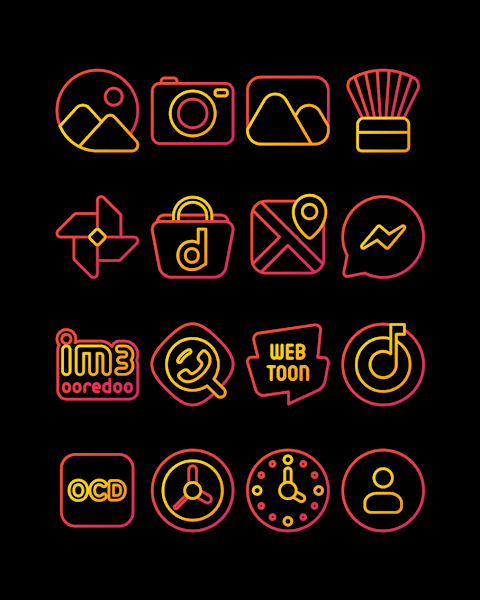
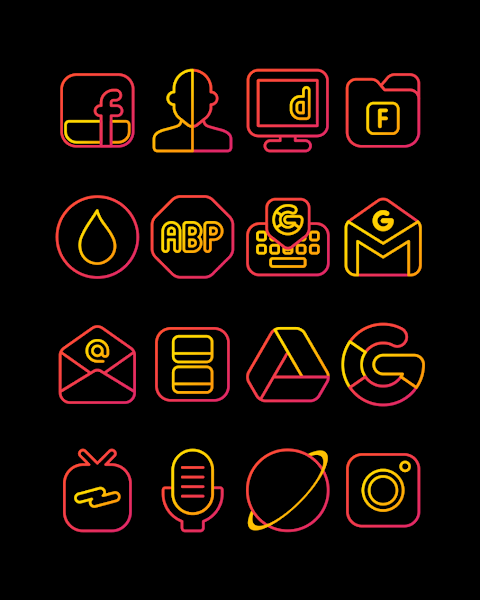
Espana is a vibrant icon pack that features red and yellow outline icons inspired by Spain's flag colors. With over 3000 icons and counting, this custom icon pack allows you to give your Android device a fresh new look. Each icon comes in an HD resolution of 256x256px, ensuring they look sharp and beautiful on your screen.
Espana also includes wallpapers to complement your new icons, enhancing the overall appearance of your device. Plus, with the icon request feature, you can suggest new icons whenever you'd like. This way, you can personalize your device even further.
Applying the Espana icon pack is straightforward. It supports many popular launchers, making it easy for you to switch up your icons. Launchers such as Nova Launcher, Evie Launcher, Apex Launcher, ADW Launcher, ABC Launcher, Holo Launcher, Lucid Launcher, Smart Launcher, Go Launcher, and Zero Launcher allow for quick and simple application of the icons.
To apply the Espana icon pack, follow these steps:
1. Open the Espana icon pack app.
2. Go to the "Apply Icon Pack" screen.
3. You'll see a list of supported launchers. Select the Nova Launcher installed on your phone.
4. The app will automatically apply the icons from the Espana icon pack.
If your launcher doesn’t appear when you're applying icons, you might need to try applying directly from the launcher itself.
If you’re using the Sony Xperia Home Launcher, this icon pack is compatible, but you will need to use some different settings. Here’s how to apply the icon pack on Sony Xperia:
1. Long press on the main screen.
2. Open the settings.
3. Scroll down to find the "appearance icon setting."
4. Choose the Espana icon pack from there.
5. Once done, your Sony Xperia will apply the Espana icon pack.
Please note that this icon pack only works on Sony Xperia Home Launcher version 10.0.A.0.8 or higher.
Whether you’re a fan of Android customization or simply want a mobile personalization upgrade, Espana has something for everyone. The user-friendly interface makes it easy for anyone to change their icons and enhance their device's appearance.
For design information and updates, you can follow Espana on Google+, Instagram, and Twitter. The app is built with the Candybar Dashboard, thanks to a special contribution from Dani Mahardika. With the Espana icon pack, transforming your Android device has never been easier.
Espana also includes wallpapers to complement your new icons, enhancing the overall appearance of your device. Plus, with the icon request feature, you can suggest new icons whenever you'd like. This way, you can personalize your device even further.
Applying the Espana icon pack is straightforward. It supports many popular launchers, making it easy for you to switch up your icons. Launchers such as Nova Launcher, Evie Launcher, Apex Launcher, ADW Launcher, ABC Launcher, Holo Launcher, Lucid Launcher, Smart Launcher, Go Launcher, and Zero Launcher allow for quick and simple application of the icons.
To apply the Espana icon pack, follow these steps:
1. Open the Espana icon pack app.
2. Go to the "Apply Icon Pack" screen.
3. You'll see a list of supported launchers. Select the Nova Launcher installed on your phone.
4. The app will automatically apply the icons from the Espana icon pack.
If your launcher doesn’t appear when you're applying icons, you might need to try applying directly from the launcher itself.
If you’re using the Sony Xperia Home Launcher, this icon pack is compatible, but you will need to use some different settings. Here’s how to apply the icon pack on Sony Xperia:
1. Long press on the main screen.
2. Open the settings.
3. Scroll down to find the "appearance icon setting."
4. Choose the Espana icon pack from there.
5. Once done, your Sony Xperia will apply the Espana icon pack.
Please note that this icon pack only works on Sony Xperia Home Launcher version 10.0.A.0.8 or higher.
Whether you’re a fan of Android customization or simply want a mobile personalization upgrade, Espana has something for everyone. The user-friendly interface makes it easy for anyone to change their icons and enhance their device's appearance.
For design information and updates, you can follow Espana on Google+, Instagram, and Twitter. The app is built with the Candybar Dashboard, thanks to a special contribution from Dani Mahardika. With the Espana icon pack, transforming your Android device has never been easier.
DADAM71: Classic Custom Watch
DADAM Watch Faces
$1.89
$0.19

24H – Big Digital Sport NTV009
NTV Watchfaces
$0.99
$0.49

TurboStep Hybrid Watch Face
Comback Watch Faces
$0.99