
$0.99
FREE
100% Off
ScannerGuy – Photo to PDF
42 Digital

About the App
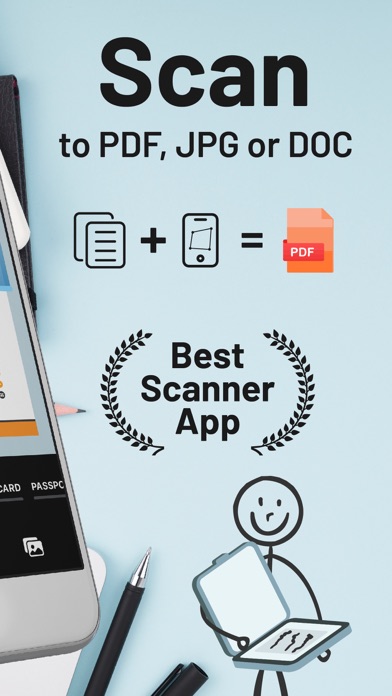
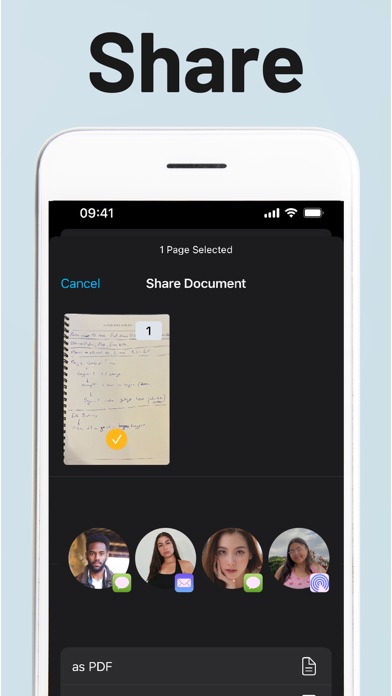
ScannerGuy is a handy photo scanner app that makes it simple to convert your documents and photos into digital files. With ScannerGuy, you can quickly scan, edit, share, and save these files as PDFs in just a few seconds.
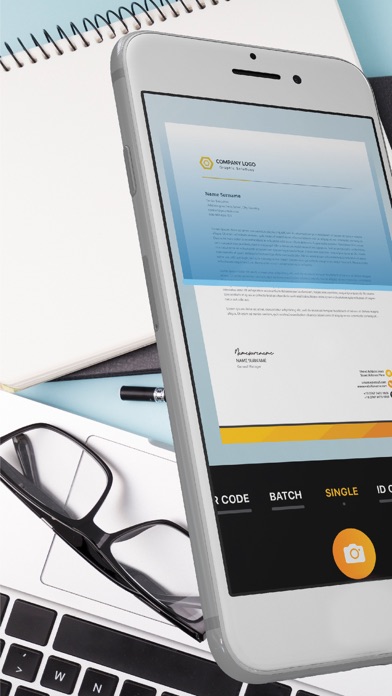
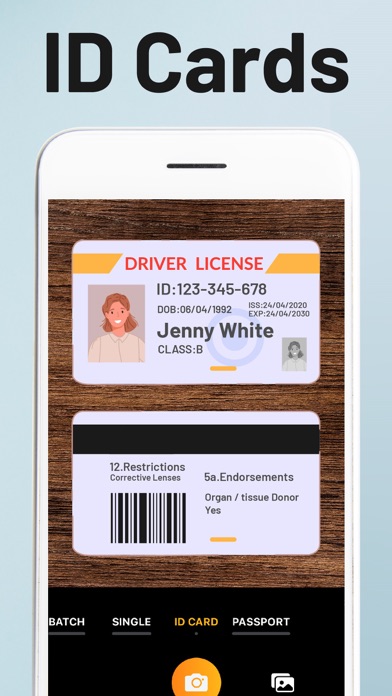
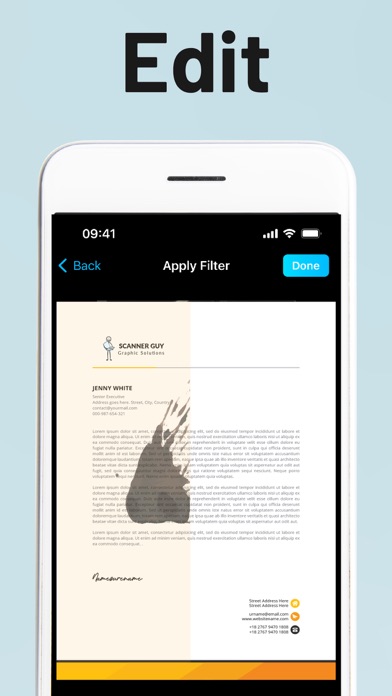
If you're away from a traditional scanner and need to scan a document or a photo, ScannerGuy is here to help. This iPhone scanner app allows you to easily capture documents, photos, ID cards, and even passports. You can also apply real scanner effects to enhance the images or documents you scan.
To convert a document to PDF on your phone, first, install ScannerGuy. Once it's set up, prepare the document or photo you want to convert and scan it using your iPhone camera scanner. You can crop and edit the file based on your needs before saving or sharing it as a PDF. The entire process typically takes up to 30 seconds.
If you need to convert multiple images to PDF on your iPhone, open ScannerGuy and tap ‘Create Document.’ Then, select ‘Batch mode’ for convenient scanning of several images at once. Simply choose the photos you wish to include, and scan them one by one for the best results. This method helps you maintain scan quality while enabling you to create complete PDF documents easily.
To convert a picture to PDF using an iPhone, like the iPhone 11 or iPhone 12, just download and launch ScannerGuy. Tap 'Create a document,' select the image you want to convert, and use your camera to scan it. The app will handle the conversion into a PDF seamlessly.
What’s great about ScannerGuy is that it also allows you to convert photos to PDFs for free. The app can turn images, documents, ID cards, and more into PDF format in about 30 seconds. After installing the scanner app, select the mode that suits your needs, and you can scan photos or documents one at a time. You can crop, rotate, and edit your scans before saving them as PDF copies. For even more features, you can unlock extra features by upgrading to a ScannerGuy premium subscription.
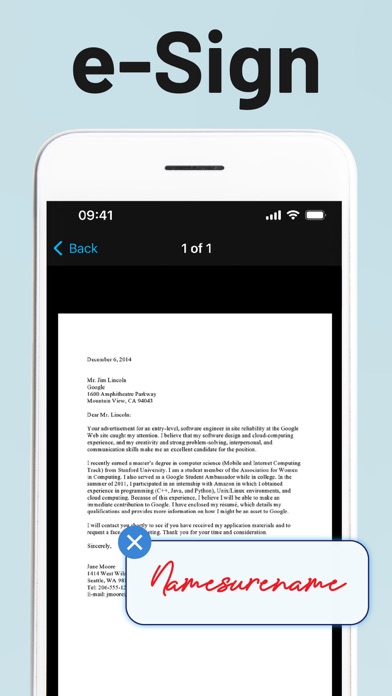
If you need to sign PDF documents, ScannerGuy simplifies this process too. Open the PDF you want to sign and click on the sign icon in the toolbar. Choose the '+' sign, and scan your physical signature. A digital signature box will appear that you can adjust to your PDF document with ease. This e-signature feature makes signing documents quick and straightforward.
ScannerGuy is also useful for invoice scanning. To save a hard copy invoice as a PDF, just scan it with ScannerGuy. After scanning, you can share or save the digital invoice copy easily. The app includes scanning tools that can help you edit the scanned documents, ensuring they are clear and easy to read.
Additionally, ScannerGuy is a multi-featured scanning app that can also scan QR codes. You can quickly scan any QR code to bring up full-scale menus or other information, allowing you to avoid awkward situations while dining out.
If you're interested in the premium features of ScannerGuy, the subscription provides access to advanced scanner capabilities and QR code functions. Subscription plans are available in different durations: weekly, monthly, or yearly. The renewal happens automatically unless you choose to cancel, and payment confirmation will be required.
Overall, ScannerGuy is an excellent tool for anyone needing to convert documents to PDF fast and easily. With its user-friendly features, you can scan photos quickly, create PDF documents, and enjoy easy document sharing. Whether you need to scan hard copies, convert pictures to PDFs, or save invoice copies, ScannerGuy is the perfect solution at your fingertips. Download the app today and simplify your scanning needs!
If you're away from a traditional scanner and need to scan a document or a photo, ScannerGuy is here to help. This iPhone scanner app allows you to easily capture documents, photos, ID cards, and even passports. You can also apply real scanner effects to enhance the images or documents you scan.
To convert a document to PDF on your phone, first, install ScannerGuy. Once it's set up, prepare the document or photo you want to convert and scan it using your iPhone camera scanner. You can crop and edit the file based on your needs before saving or sharing it as a PDF. The entire process typically takes up to 30 seconds.
If you need to convert multiple images to PDF on your iPhone, open ScannerGuy and tap ‘Create Document.’ Then, select ‘Batch mode’ for convenient scanning of several images at once. Simply choose the photos you wish to include, and scan them one by one for the best results. This method helps you maintain scan quality while enabling you to create complete PDF documents easily.
To convert a picture to PDF using an iPhone, like the iPhone 11 or iPhone 12, just download and launch ScannerGuy. Tap 'Create a document,' select the image you want to convert, and use your camera to scan it. The app will handle the conversion into a PDF seamlessly.
What’s great about ScannerGuy is that it also allows you to convert photos to PDFs for free. The app can turn images, documents, ID cards, and more into PDF format in about 30 seconds. After installing the scanner app, select the mode that suits your needs, and you can scan photos or documents one at a time. You can crop, rotate, and edit your scans before saving them as PDF copies. For even more features, you can unlock extra features by upgrading to a ScannerGuy premium subscription.
If you need to sign PDF documents, ScannerGuy simplifies this process too. Open the PDF you want to sign and click on the sign icon in the toolbar. Choose the '+' sign, and scan your physical signature. A digital signature box will appear that you can adjust to your PDF document with ease. This e-signature feature makes signing documents quick and straightforward.
ScannerGuy is also useful for invoice scanning. To save a hard copy invoice as a PDF, just scan it with ScannerGuy. After scanning, you can share or save the digital invoice copy easily. The app includes scanning tools that can help you edit the scanned documents, ensuring they are clear and easy to read.
Additionally, ScannerGuy is a multi-featured scanning app that can also scan QR codes. You can quickly scan any QR code to bring up full-scale menus or other information, allowing you to avoid awkward situations while dining out.
If you're interested in the premium features of ScannerGuy, the subscription provides access to advanced scanner capabilities and QR code functions. Subscription plans are available in different durations: weekly, monthly, or yearly. The renewal happens automatically unless you choose to cancel, and payment confirmation will be required.
Overall, ScannerGuy is an excellent tool for anyone needing to convert documents to PDF fast and easily. With its user-friendly features, you can scan photos quickly, create PDF documents, and enjoy easy document sharing. Whether you need to scan hard copies, convert pictures to PDFs, or save invoice copies, ScannerGuy is the perfect solution at your fingertips. Download the app today and simplify your scanning needs!

Giga Miner-Bitcoin Miner Cloud
RigMiner Cloud Miner Farm
$0.49

Microbooks®
North East Digital Ltd
$12.99
Salon & Barber Booking Manager
iCubemedia Inc.
$29.99