

$6.99
$1.05
85% Off
Game Booster Pro: Turbo Mode
Scoteam






About the App
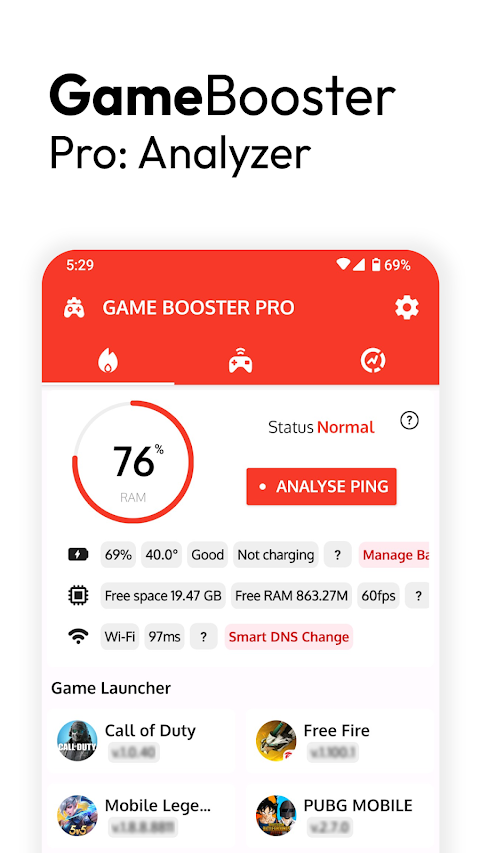
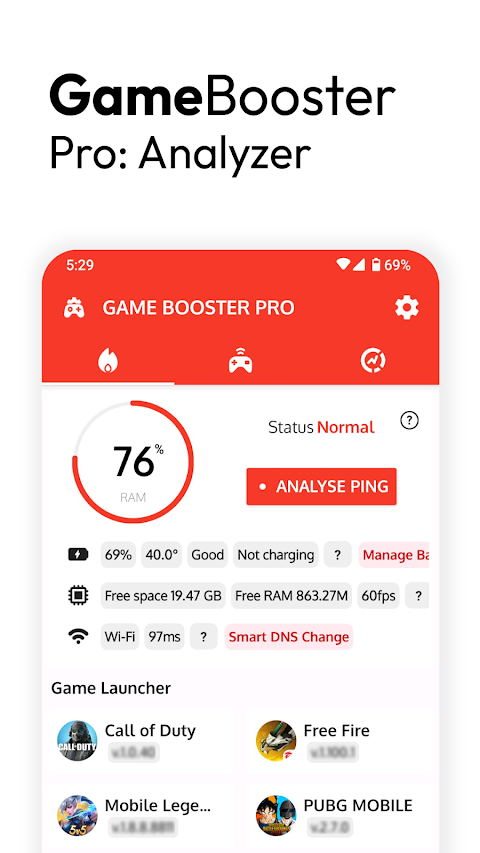
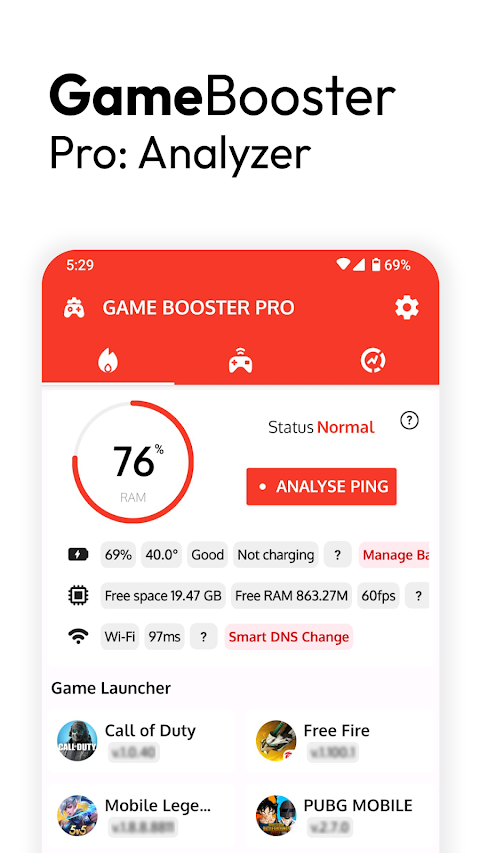
Game Booster Pro: Turbo Mode is a handy tool designed to enhance your gaming experience. Whether you're a casual player or a serious gamer, this app helps you start your games easily using its user-friendly game launcher. With just a tap, you can quickly access all your favorite games without wasting time searching for them.
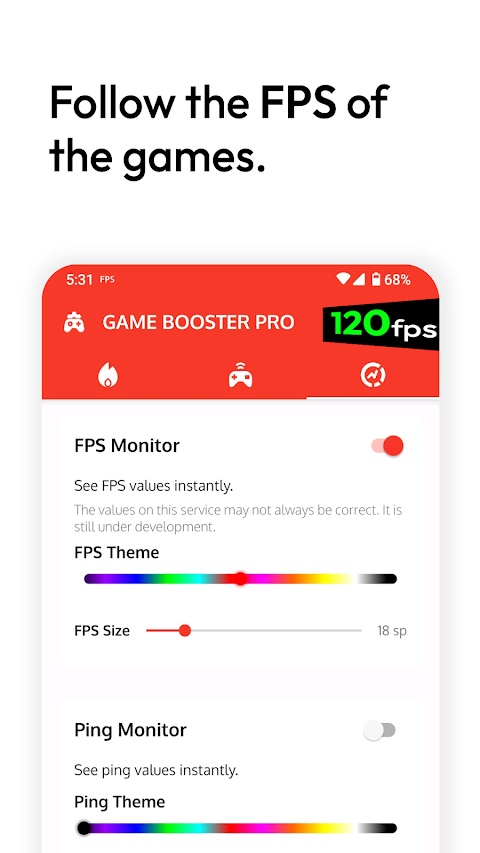
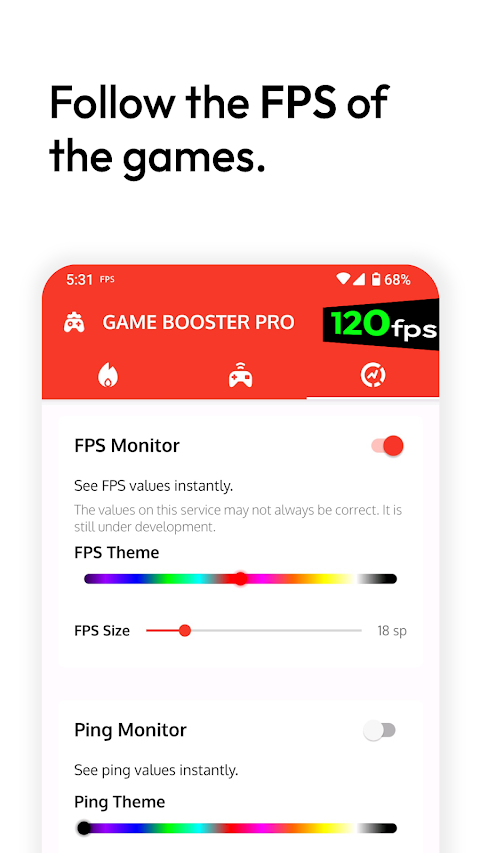
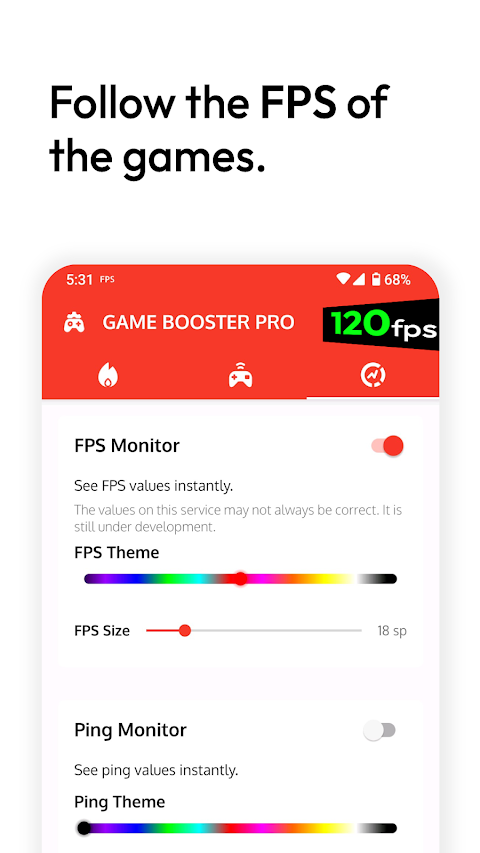
One of the standout features of Game Booster Pro is its FPS monitoring capability. FPS, or frames per second, indicates how smoothly your game runs. For example, a game at 60 FPS means it shows 60 frames per second, providing smoother movements and quicker reactions. By using the FPS panel, you can see real-time FPS values for your games. This helps you gather important data about your device's performance. If you notice any stuttering in your game, you can check whether it’s related to FPS problems, as this tool gives you insights into the game's performance.
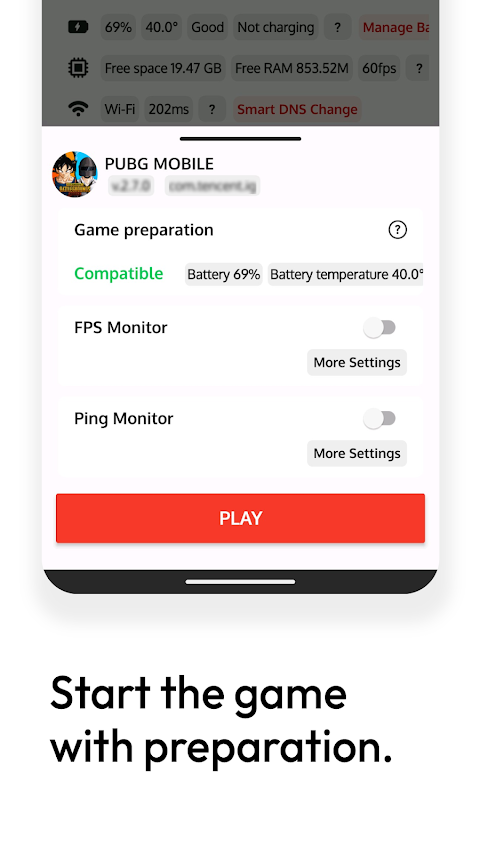
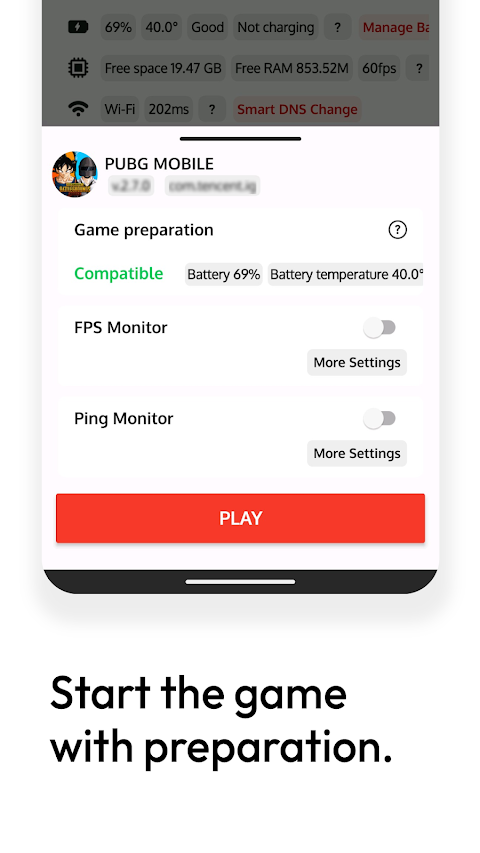
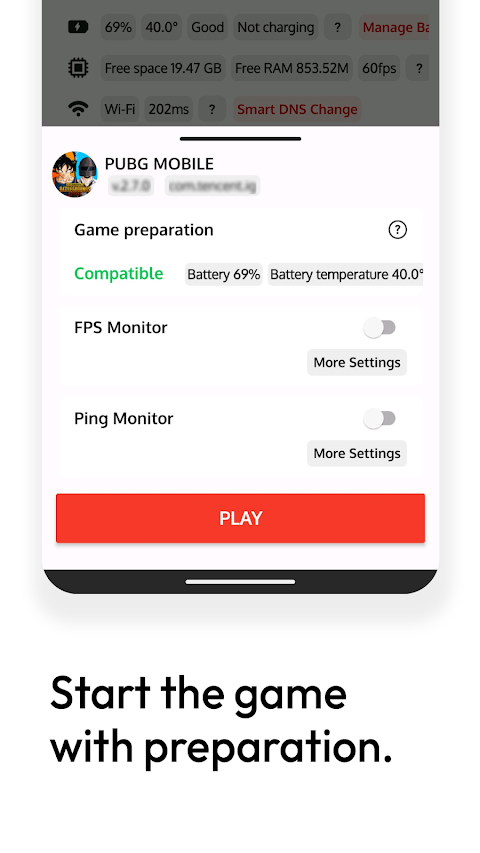
Before diving into gaming, it's vital to ensure your device is ready to go. The game preparation tools within Game Booster Pro help you with this. Sometimes, small details, like battery levels, can disrupt your gameplay. This app provides critical game data so you can assess whether your device is in good shape before you start playing.
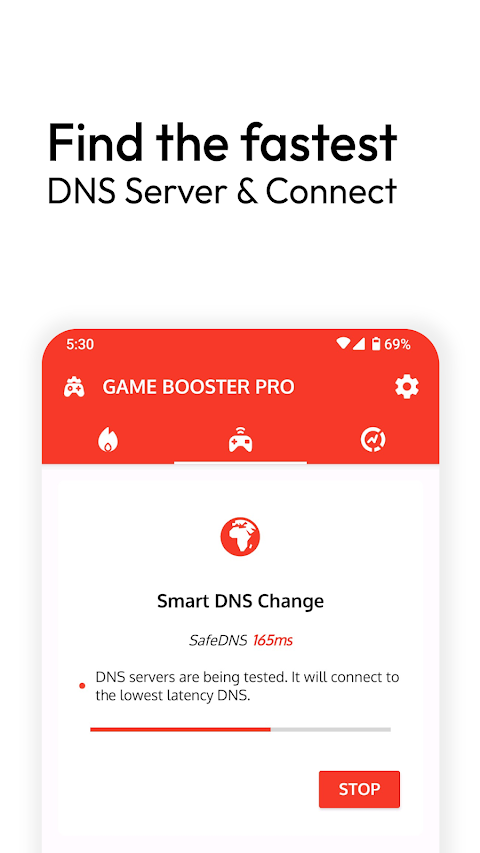
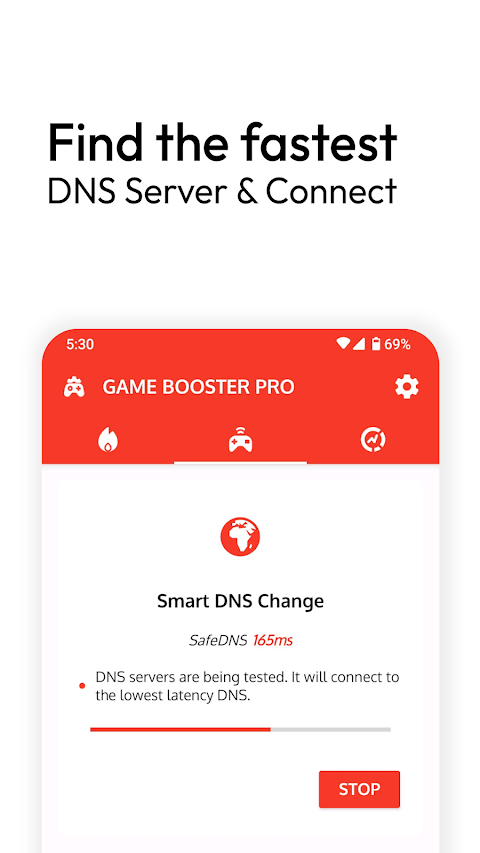
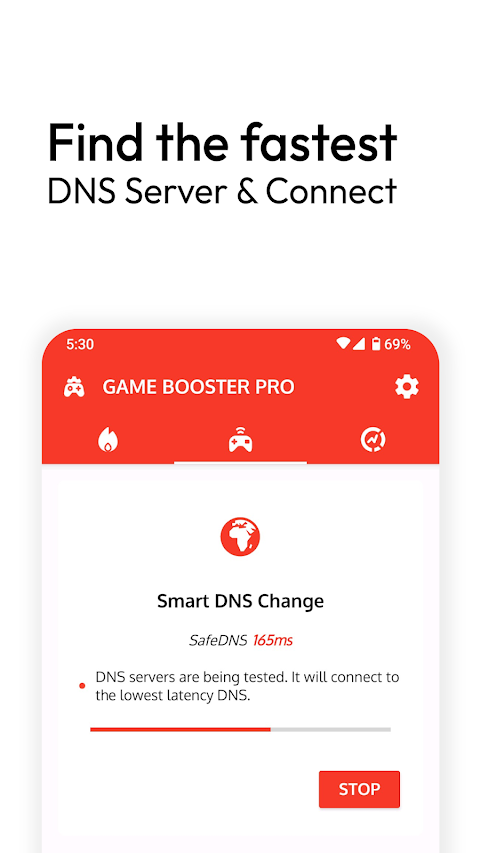
Another useful feature is the Smart DNS changer. This tool tests different DNS servers to find one with the least latency. Why is this important? Utilizing a smart DNS changer can improve your gaming performance by making connections faster and more reliable. To get the most out of this feature, the app works alongside VPN services, allowing you to connect seamlessly to the best DNS options available. Instant DNS testing helps streamline your connection, making it easier for you to optimize your gaming experience.
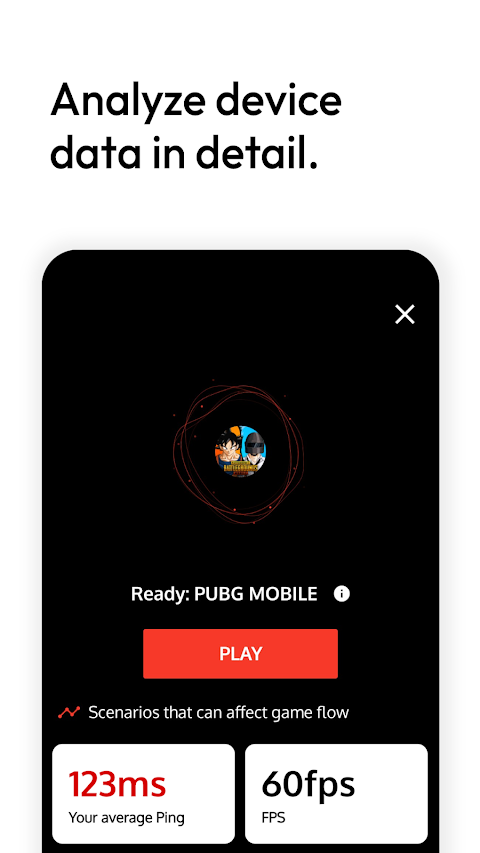
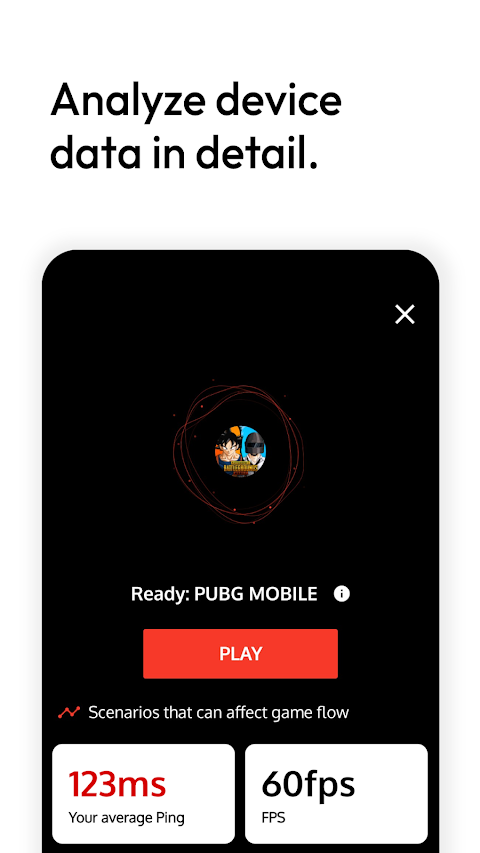
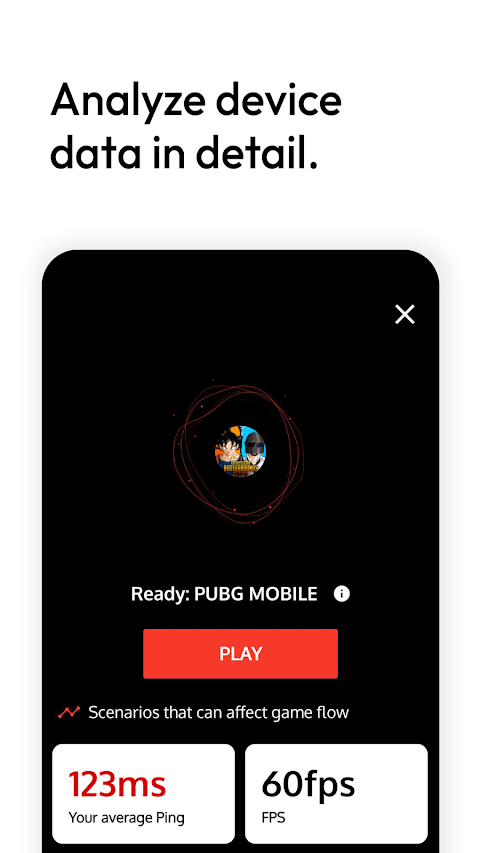
The ping analyzer is another key feature of Game Booster Pro. It measures the latency of your internet connection in milliseconds. Lower ping times lead to smoother interactions with the game server. This means less lag and fewer interruptions during gameplay, allowing you to respond quickly and enjoy a more fluid gaming experience. By using the ping analyzer, you can easily identify if there are internet connection issues affecting your gameplay.
While Game Booster Pro primarily serves as a game launcher, it goes beyond that by offering additional tools. It cannot directly improve your device’s performance, but it provides insights that can help you diagnose performance problems. With its features like device performance analysis and performance troubleshooting, you can better understand where issues may be arising in your games. This understanding makes it easier for you to find solutions, enhancing your overall gaming experience.
The app also focuses on mobile game improvements. With clear insights into FPS performance and latency impacts on gaming, you can make informed decisions about optimizing game settings for the best possible performance on your device. It helps manage your device's battery effectively, ensuring that you're set for longer gaming sessions without unexpected interruptions.
Overall, Game Booster Pro: Turbo Mode is all about enhancing your gaming experience. Its combination of features makes it a valuable tool for any mobile gamer. From real-time FPS values and critical game data analysis to smooth gaming experiences and improved game connection stability, this app equips you with the tools needed for a better gameplay experience. So, whether you’re testing your network’s performance or preparing your device for gaming, Game Booster Pro has got you covered.
One of the standout features of Game Booster Pro is its FPS monitoring capability. FPS, or frames per second, indicates how smoothly your game runs. For example, a game at 60 FPS means it shows 60 frames per second, providing smoother movements and quicker reactions. By using the FPS panel, you can see real-time FPS values for your games. This helps you gather important data about your device's performance. If you notice any stuttering in your game, you can check whether it’s related to FPS problems, as this tool gives you insights into the game's performance.
Before diving into gaming, it's vital to ensure your device is ready to go. The game preparation tools within Game Booster Pro help you with this. Sometimes, small details, like battery levels, can disrupt your gameplay. This app provides critical game data so you can assess whether your device is in good shape before you start playing.
Another useful feature is the Smart DNS changer. This tool tests different DNS servers to find one with the least latency. Why is this important? Utilizing a smart DNS changer can improve your gaming performance by making connections faster and more reliable. To get the most out of this feature, the app works alongside VPN services, allowing you to connect seamlessly to the best DNS options available. Instant DNS testing helps streamline your connection, making it easier for you to optimize your gaming experience.
The ping analyzer is another key feature of Game Booster Pro. It measures the latency of your internet connection in milliseconds. Lower ping times lead to smoother interactions with the game server. This means less lag and fewer interruptions during gameplay, allowing you to respond quickly and enjoy a more fluid gaming experience. By using the ping analyzer, you can easily identify if there are internet connection issues affecting your gameplay.
While Game Booster Pro primarily serves as a game launcher, it goes beyond that by offering additional tools. It cannot directly improve your device’s performance, but it provides insights that can help you diagnose performance problems. With its features like device performance analysis and performance troubleshooting, you can better understand where issues may be arising in your games. This understanding makes it easier for you to find solutions, enhancing your overall gaming experience.
The app also focuses on mobile game improvements. With clear insights into FPS performance and latency impacts on gaming, you can make informed decisions about optimizing game settings for the best possible performance on your device. It helps manage your device's battery effectively, ensuring that you're set for longer gaming sessions without unexpected interruptions.
Overall, Game Booster Pro: Turbo Mode is all about enhancing your gaming experience. Its combination of features makes it a valuable tool for any mobile gamer. From real-time FPS values and critical game data analysis to smooth gaming experiences and improved game connection stability, this app equips you with the tools needed for a better gameplay experience. So, whether you’re testing your network’s performance or preparing your device for gaming, Game Booster Pro has got you covered.

Compass
Fatih Balsoy
$1.99
$0.99

Turbo Cloud VPN Pro – Premium
GEO SOFTECH
$1.29
$0.29

Xproguard AppLock
Total Xproguard Private Limited
$19.99
$5.00