

$1.99
$0.49
75% Off
Fluffy Icons
NARIK DESIGN

About the App
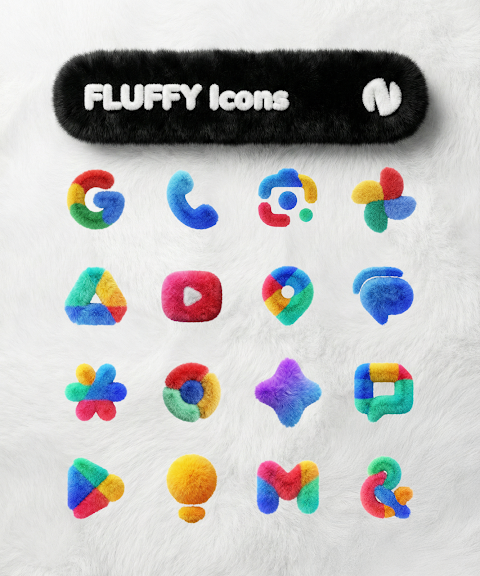
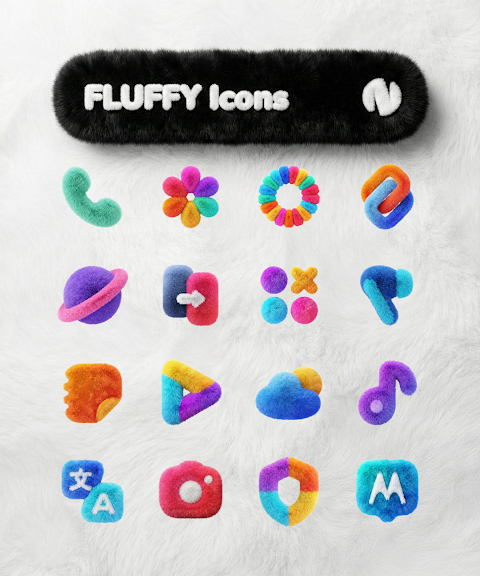
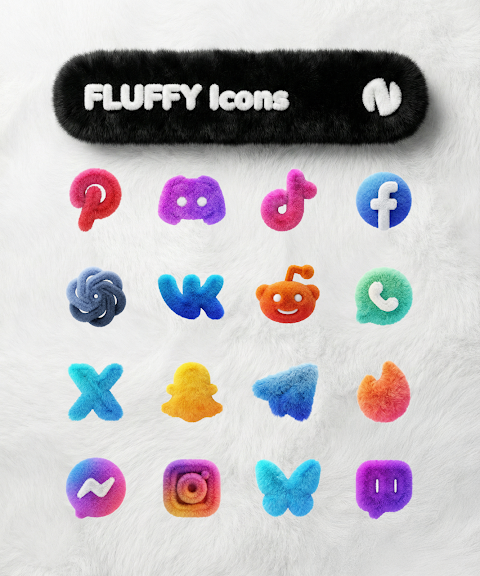
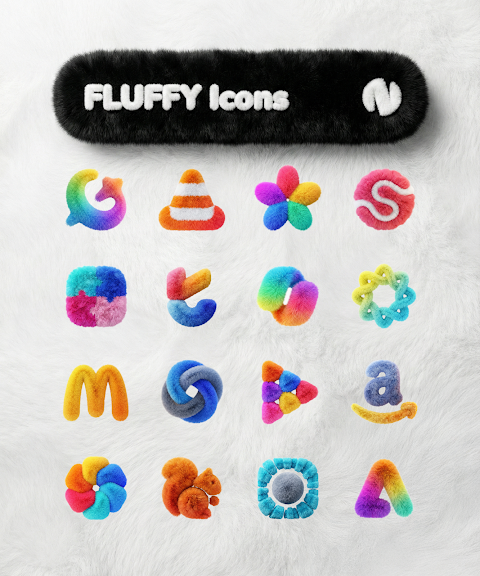
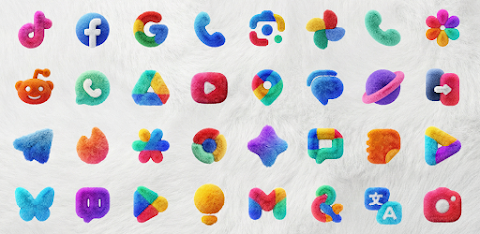
Fluffy Icons is an adorable and vibrant icon pack designed to brighten up your device. With over 6200 cute icons, this pack offers a diverse array of colorful options to suit your personal style.
To enhance your home screen, Fluffy Icons also provides cloud-based wallpapers. You can easily request additional icons through the built-in icon request tool, ensuring that you have the icons you want. Regular updates keep the pack fresh and exciting.
To use this icon pack, you first need to install a supported launcher. Once that's done, open Fluffy Icons and navigate to the Apply section. From there, simply select your launcher to apply the new icons. If your launcher isn’t listed, don’t worry. You can apply it directly through your launcher settings.
The icon pack works with several popular launchers, including Nothing Launcher, Nova Launcher, Lawnchair Launcher, and Niagara Launcher, as well as Smart Launcher 6, Rootless Pixel Launcher, Shade Launcher, Lean Launcher, Hyperion Launcher, Posidon Launcher, Action Launcher, and Stario Launcher.
Keep in mind that using Fluffy Icons requires a supported launcher. If you’re using a Pixel device, the stock launcher may need the app Shortcut Maker to apply the icons effectively. For those using Stock One UI Launcher, the Theme Park app should be used for customization. If you're on Nova Launcher, remember that shadows must be enabled for the icons to display correctly.
Fluffy Icons also works with Kustom widgets, but you will need KWGT and KWGT PRO for it to function. It won't work without the KWGT PRO app, which is a paid requirement.
For any questions, there's an FAQ section within the app that covers many common inquiries. Be sure to check that out before reaching out with a question.
Fluffy Icons is perfect for anyone looking to customize their home screen with personalized app icons and interactive widgets. Make your device uniquely yours and enjoy a fresh home screen design with this charming icon pack!
To enhance your home screen, Fluffy Icons also provides cloud-based wallpapers. You can easily request additional icons through the built-in icon request tool, ensuring that you have the icons you want. Regular updates keep the pack fresh and exciting.
To use this icon pack, you first need to install a supported launcher. Once that's done, open Fluffy Icons and navigate to the Apply section. From there, simply select your launcher to apply the new icons. If your launcher isn’t listed, don’t worry. You can apply it directly through your launcher settings.
The icon pack works with several popular launchers, including Nothing Launcher, Nova Launcher, Lawnchair Launcher, and Niagara Launcher, as well as Smart Launcher 6, Rootless Pixel Launcher, Shade Launcher, Lean Launcher, Hyperion Launcher, Posidon Launcher, Action Launcher, and Stario Launcher.
Keep in mind that using Fluffy Icons requires a supported launcher. If you’re using a Pixel device, the stock launcher may need the app Shortcut Maker to apply the icons effectively. For those using Stock One UI Launcher, the Theme Park app should be used for customization. If you're on Nova Launcher, remember that shadows must be enabled for the icons to display correctly.
Fluffy Icons also works with Kustom widgets, but you will need KWGT and KWGT PRO for it to function. It won't work without the KWGT PRO app, which is a paid requirement.
For any questions, there's an FAQ section within the app that covers many common inquiries. Be sure to check that out before reaching out with a question.
Fluffy Icons is perfect for anyone looking to customize their home screen with personalized app icons and interactive widgets. Make your device uniquely yours and enjoy a fresh home screen design with this charming icon pack!

Lineblack – Yellow icon Pack
Panoto Gomo
$0.99
FREE
Simplicon Icon Pack
JustNewDesigns
$1.29
$0.29
AD Classic Digital – WatchFace
Albuquerque Design
$1.49
$0.97