
$3.99
$2.00
50% Off
KReader PRO
HK App - Kindle App Release







About the App
KReader PRO is a straightforward and customizable reading app designed to enhance your document experience. It supports a wide range of formats, including PDF document support, EPUB file reader, MOBI format compatibility, DjVu document support, RTF file handling, and many more. Whether you have books in AZW, HTML, or even comic formats like CBR and CBZ, KReader is equipped to handle them all.
This user-friendly app features an intuitive design that makes reading enjoyable. Its unique auto-scrolling feature allows for hands-free reading, making it easy to enjoy your documents without lifting a finger. KReader PRO also includes voice reading capability through its Text to Speech engine, bringing your texts to life.
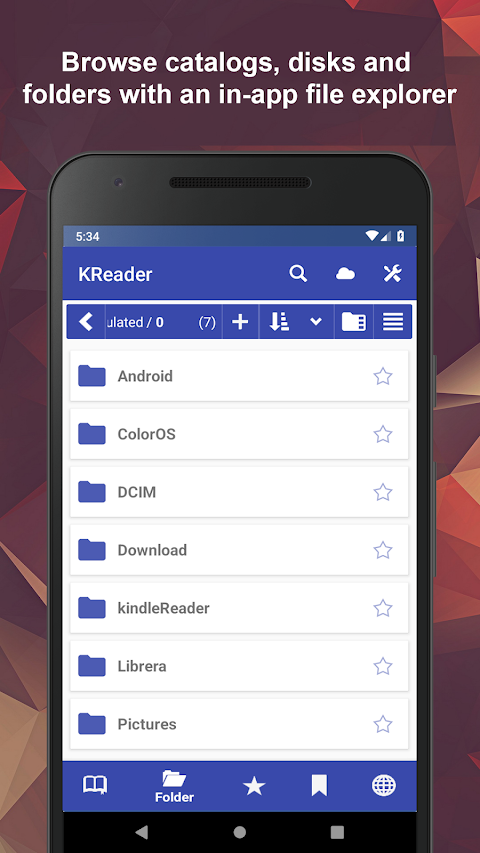
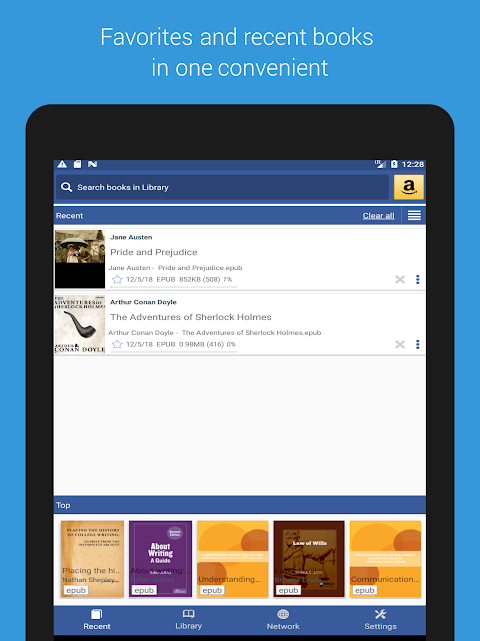
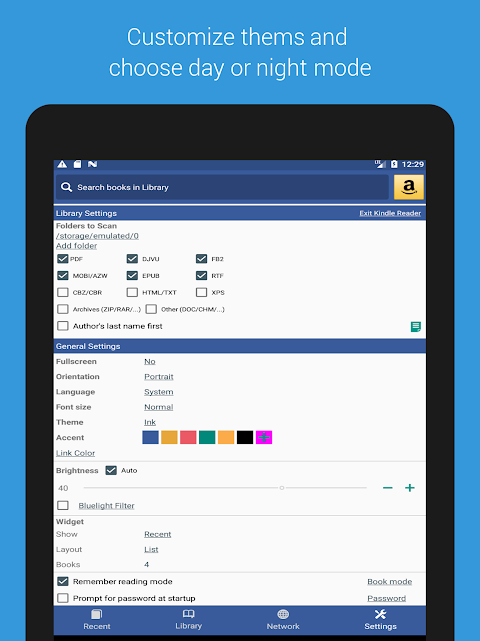
Discovering your documents is easy with KReader. You can quickly access your files through easy document discovery options like Auto-Scan, which scans user-selected folders, and an in-app file explorer that lets you browse your system. There’s also a Recent documents view complete with a progress percentage bar to keep track of your reading.
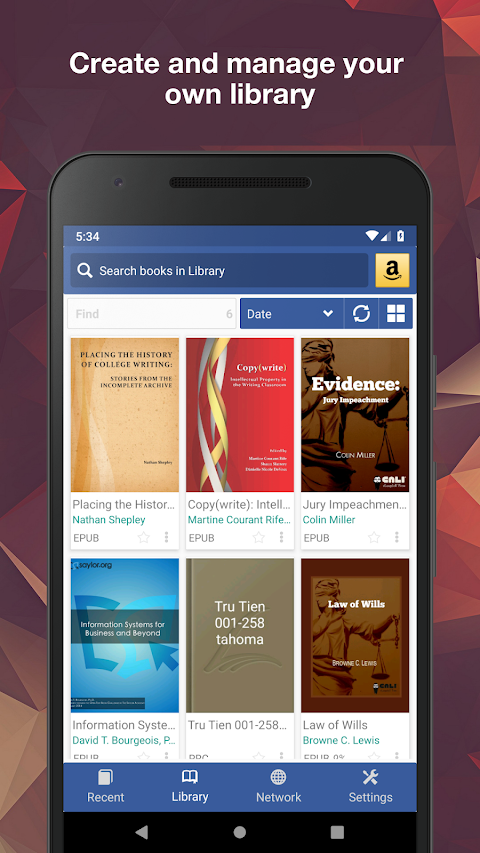
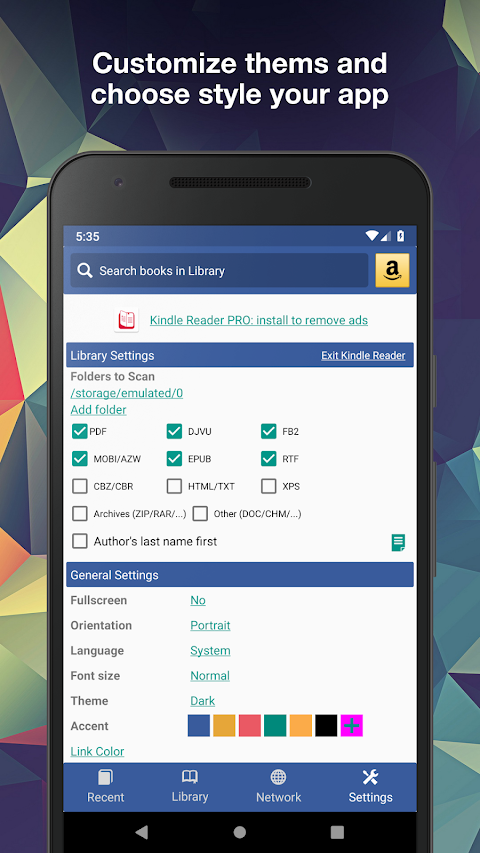
KReader is highly configurable, allowing you to create self-maintained document libraries. You can specify which formats to include and which folders to scan. Your library can be displayed in either a list or grid pattern, and documents are easy to identify with size-adjustable thumbnails and detailed descriptions. You can sort your collections by path, name, size, or date. A filter helps you quickly locate specific documents.
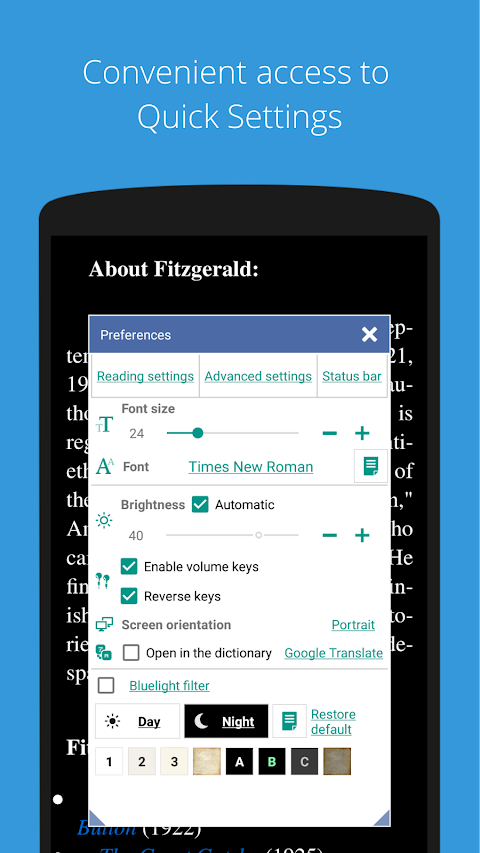
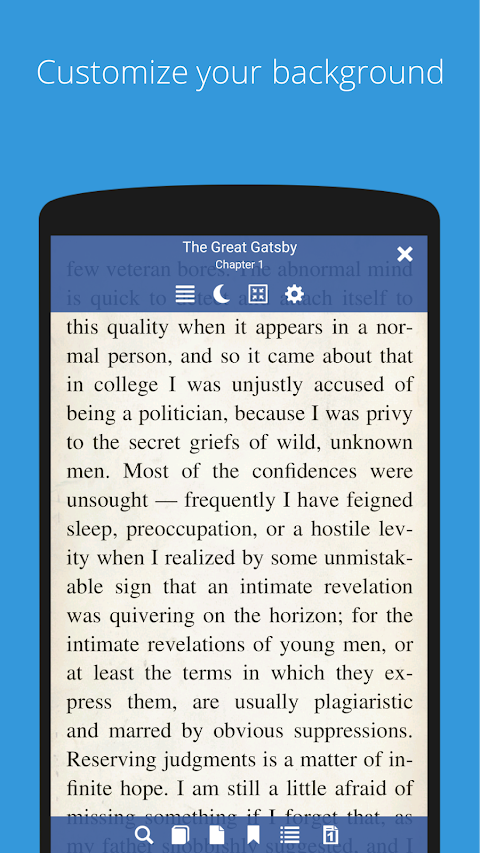
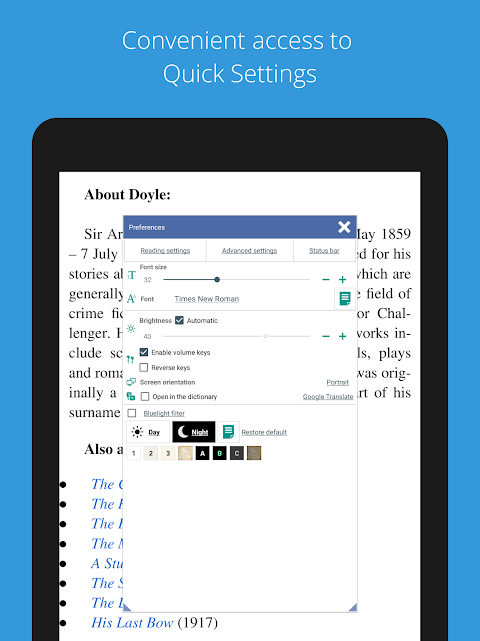
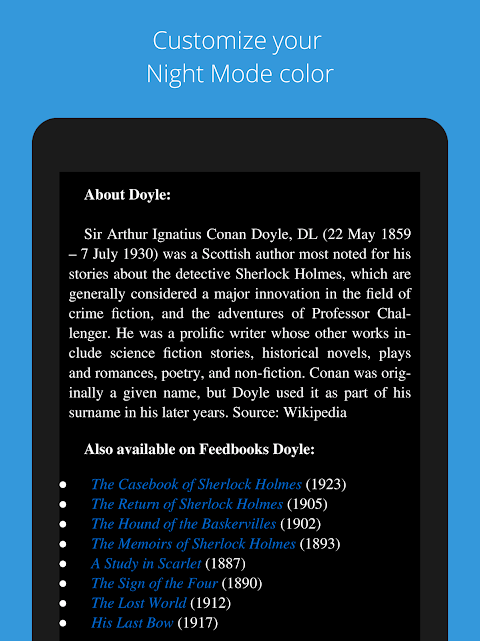
While reading, KReader allows for a vertical scrolling lock, making it easier to stay focused. You can also switch between page or screen flipping. Plus, enjoy customizable Day and Night modes for comfortable reading no matter the time of day. Other convenient features include bookmarking and annotations, so you can easily mark important sections for later reference.
For additional support, KReader offers offline dictionary support and language support for languages like Hebrew and Thai, including options for right to left language support. You can also utilize its configurable scrolling speed during reading sessions.
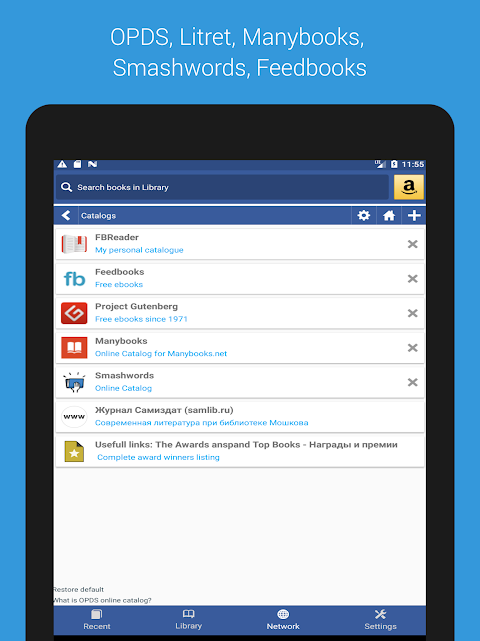
KReader makes searching and accessing information quick and easy. It allows for multi-document word search, enabling you to find specific terms across various texts. You can convert documents to different formats online and open files directly from archives. Sharing options allow you to quickly share excerpts or translate them for further understanding.
If you ever need to stop reading, KReader lets you continue from where you left off, ensuring you never lose your place. You can also enjoy reading music with the app's unique music mode, further enhancing your reading experience.
Overall, KReader PRO is packed with features that cater to all your reading needs. It is versatile and efficient, making it an ideal choice for anyone looking to manage various document types easily. To get started, you can try the free, ad-supported version first. If you’re satisfied, consider supporting further development by purchasing an ad-free PRO license. With KReader PRO, your reading experience will be both enjoyable and convenient.
This user-friendly app features an intuitive design that makes reading enjoyable. Its unique auto-scrolling feature allows for hands-free reading, making it easy to enjoy your documents without lifting a finger. KReader PRO also includes voice reading capability through its Text to Speech engine, bringing your texts to life.
Discovering your documents is easy with KReader. You can quickly access your files through easy document discovery options like Auto-Scan, which scans user-selected folders, and an in-app file explorer that lets you browse your system. There’s also a Recent documents view complete with a progress percentage bar to keep track of your reading.
KReader is highly configurable, allowing you to create self-maintained document libraries. You can specify which formats to include and which folders to scan. Your library can be displayed in either a list or grid pattern, and documents are easy to identify with size-adjustable thumbnails and detailed descriptions. You can sort your collections by path, name, size, or date. A filter helps you quickly locate specific documents.
While reading, KReader allows for a vertical scrolling lock, making it easier to stay focused. You can also switch between page or screen flipping. Plus, enjoy customizable Day and Night modes for comfortable reading no matter the time of day. Other convenient features include bookmarking and annotations, so you can easily mark important sections for later reference.
For additional support, KReader offers offline dictionary support and language support for languages like Hebrew and Thai, including options for right to left language support. You can also utilize its configurable scrolling speed during reading sessions.
KReader makes searching and accessing information quick and easy. It allows for multi-document word search, enabling you to find specific terms across various texts. You can convert documents to different formats online and open files directly from archives. Sharing options allow you to quickly share excerpts or translate them for further understanding.
If you ever need to stop reading, KReader lets you continue from where you left off, ensuring you never lose your place. You can also enjoy reading music with the app's unique music mode, further enhancing your reading experience.
Overall, KReader PRO is packed with features that cater to all your reading needs. It is versatile and efficient, making it an ideal choice for anyone looking to manage various document types easily. To get started, you can try the free, ad-supported version first. If you’re satisfied, consider supporting further development by purchasing an ad-free PRO license. With KReader PRO, your reading experience will be both enjoyable and convenient.
AppLock: Fingerprint &Password
AVS Family Pvt. Ltd.
$9.99

Tech VPN Pro / Protect Privacy
Xylo Solution LLC
$10.99
Polar Event: Watch face
amoledwatchfaces™
$1.49
FREE