
$14.99
FREE
100% Off
Pdf Tools
SYSTEMPORT

About the App
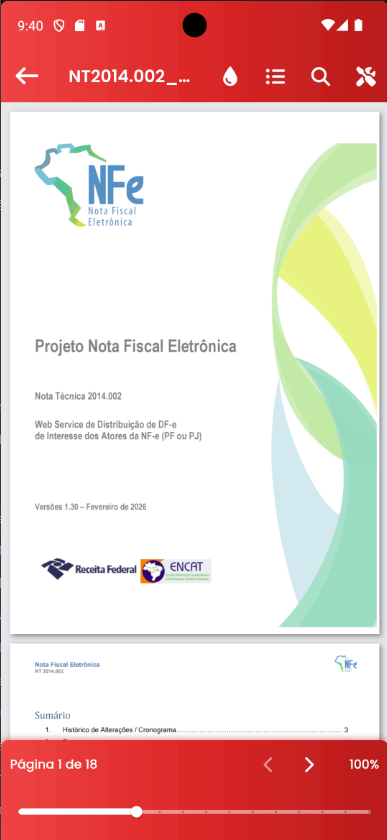
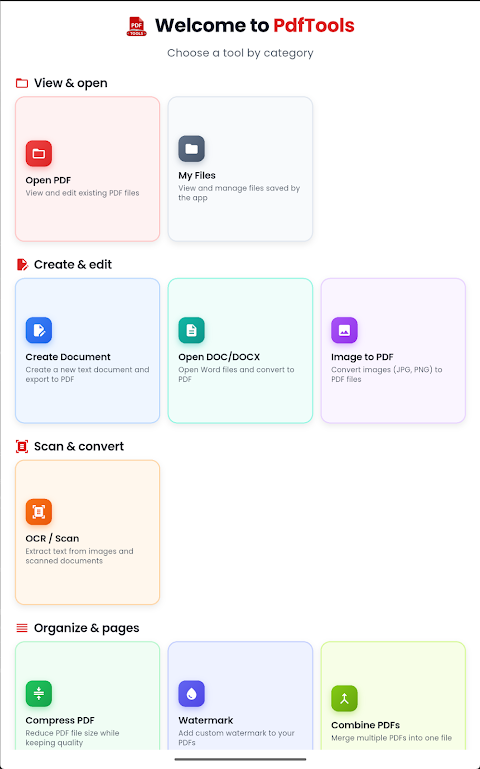
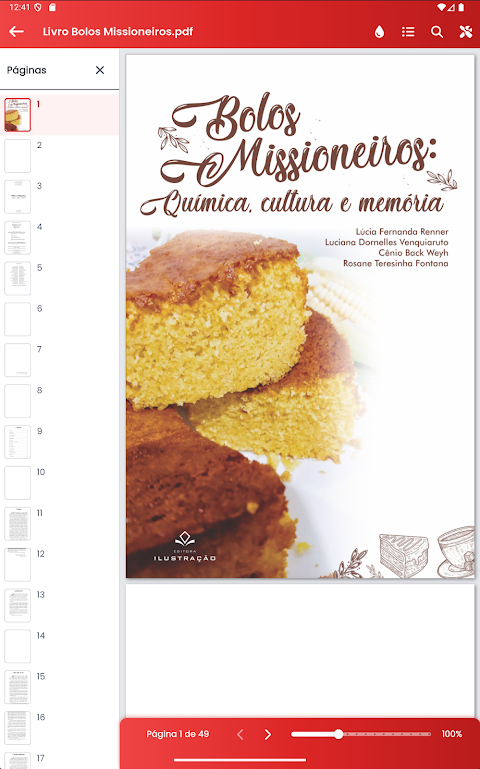
With **Pdf Tools**, managing your PDFs has never been easier. This all-in-one app lets you edit, sign, compress, and convert PDFs just as simply as using a text editor—no computer is required.
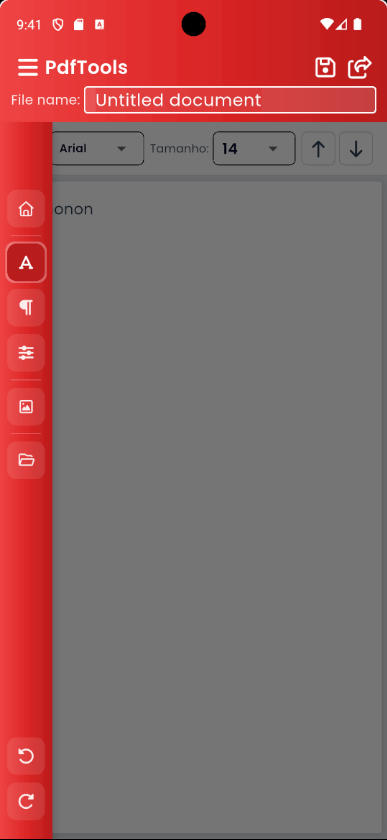
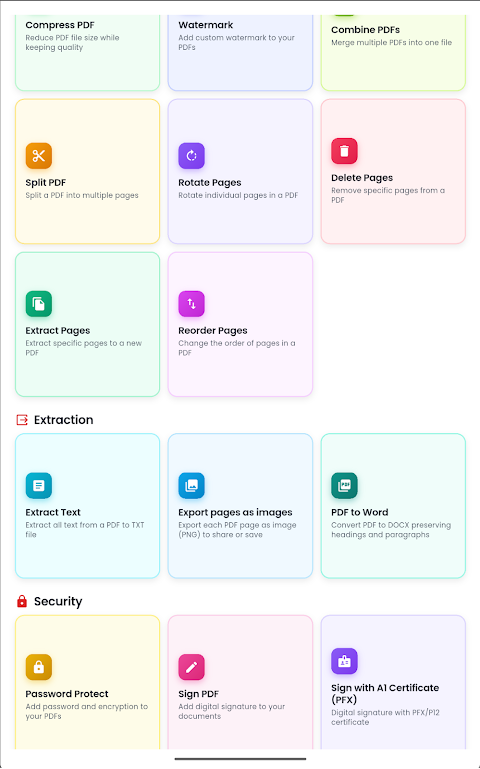
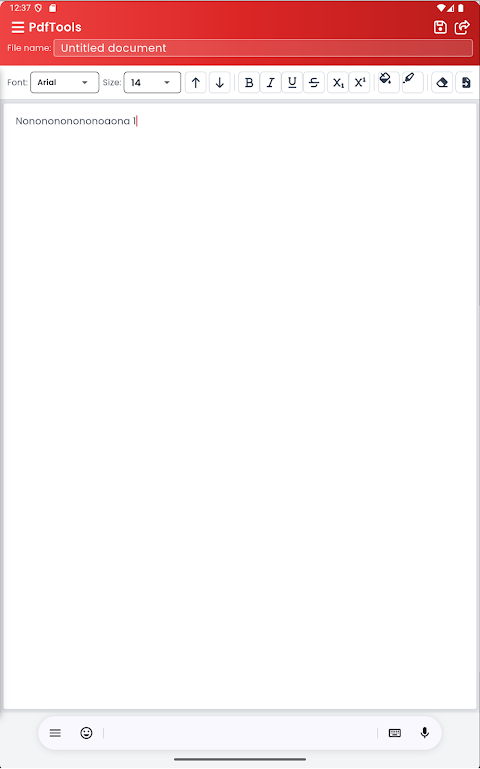
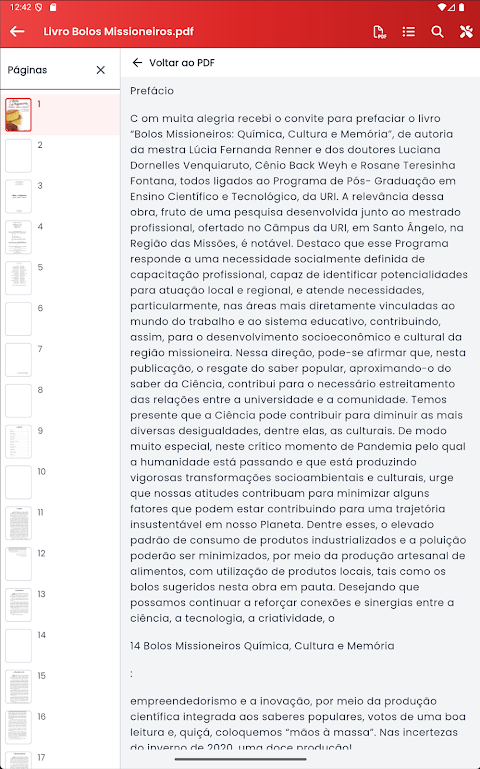
You can start editing PDFs right away. The app allows you to easily change PDF text, fonts, colors, and formatting with an interface similar to text editors you already know. If you need to sign documents, you can add handwritten signatures or drawings directly to your PDF. This feature is perfect for contracts, proposals, and forms.
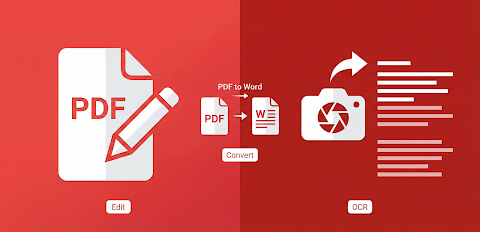
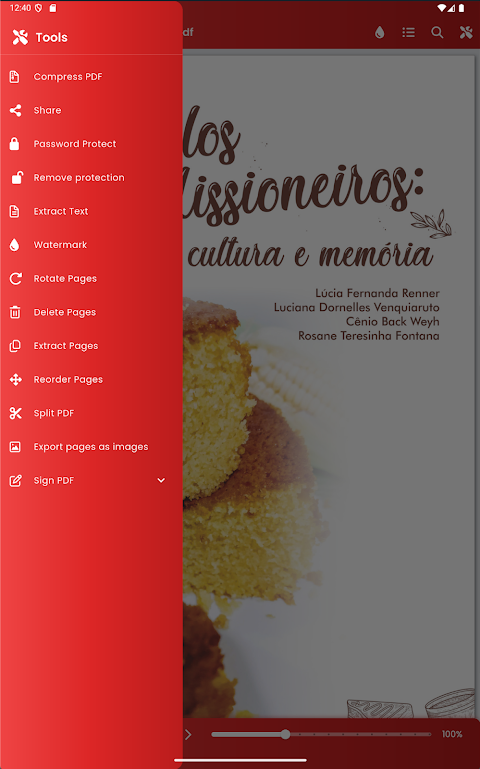
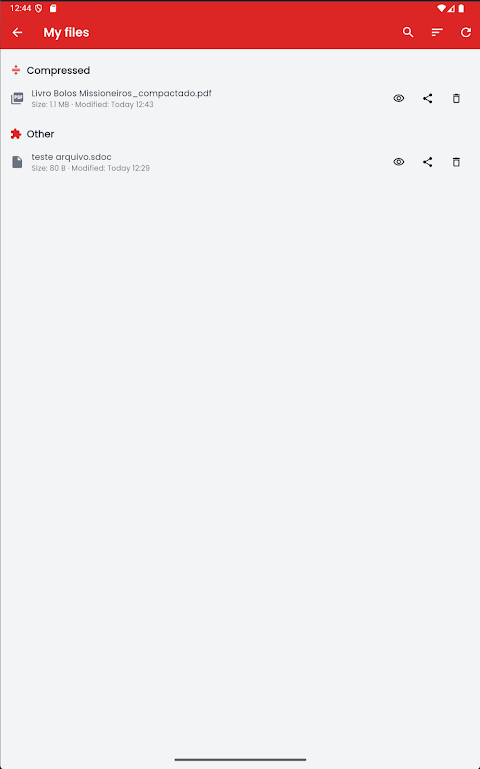
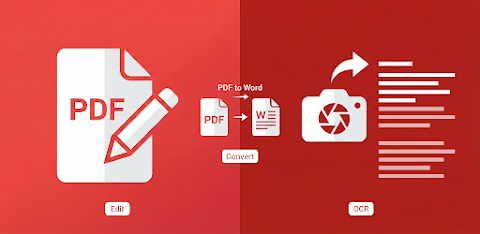
If you have large PDF files, you can use **Pdf Tools** to compress PDF files, making them smaller. This is especially useful when you want to send them via email or messaging apps without losing important quality. If you need to work on your document in a different format, this app also allows you to export to Word (DOCX). You can take your PDFs and turn them into editable documents, letting you keep working in the format you prefer.
Additionally, **Pdf Tools** can open and edit DOCX files. You can convert Word documents into PDFs whenever you need. Want to add a personal touch to your PDFs? You can easily insert images in PDFs by choosing photos from your gallery or camera, making your documents more engaging.
When it comes to sharing or printing, this app makes it straightforward. You can print PDF documents directly from the app or save them as PDFs from the print screen. Sharing PDFs via email, WhatsApp, or other installed apps is also quick and easy, allowing for instant PDF sharing with anyone you choose.
Security is just as important as functionality. **Pdf Tools** offers PDF password protection, ensuring that your documents remain private and secure. The app also features text recognition (OCR), which enables you to extract text from images and scanned PDFs, making it easy to edit and search.
**Pdf Tools** is designed for a variety of users. Professionals can rely on it for signing and editing documents wherever they are. Students use it to organize and edit their PDF study materials. Small businesses will find it helpful for managing contracts, proposals, and quotes in PDF format. Plus, anyone who prefers to handle their PDFs on the go, without the need for a computer, will benefit from this app.
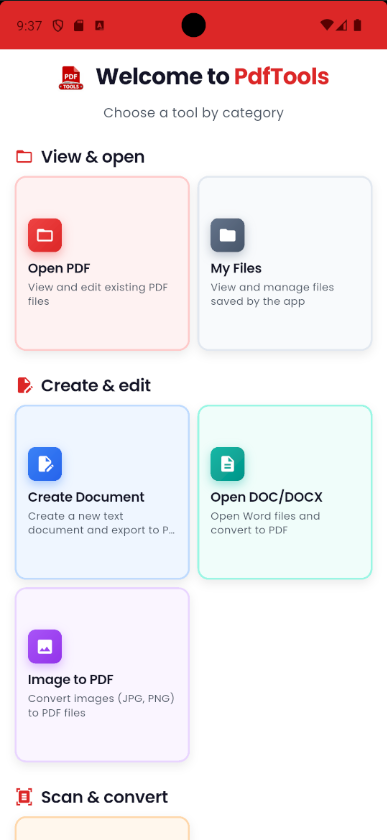
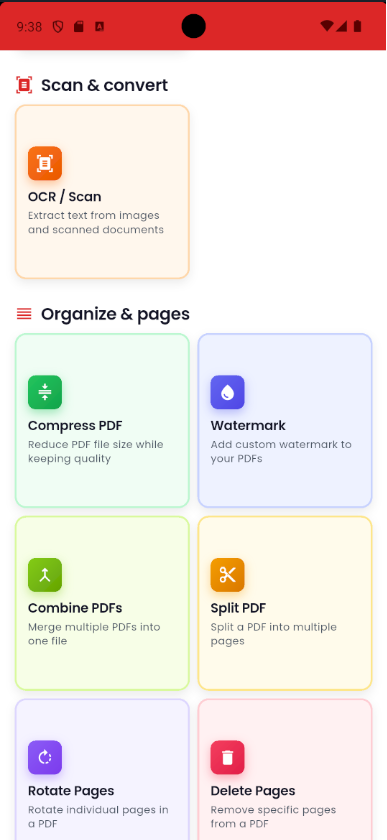
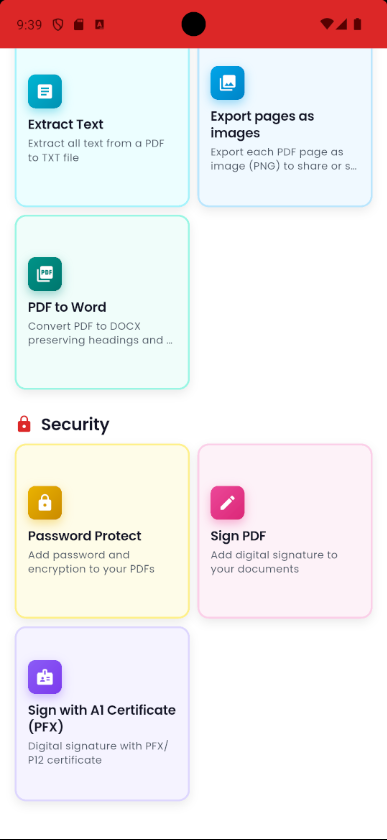
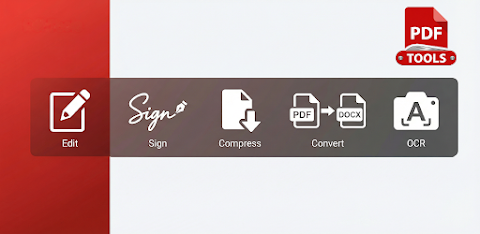
One of the strongest points of **Pdf Tools** is its clean and straightforward interface. Everything feels simple and uncomplicated. The tools you need every day—such as editing, signing, compressing, and converting—are all in one place. The app is designed to work fast and stable on your Android device, making it perfect for mobile PDF management.
So if you're looking to manage your PDF files easily, whether for creating PDF forms, collaborating on documents, or handling PDFs for contracts and proposals, **Pdf Tools** is the right choice for you. Download now, and take control of your documents directly from your phone!
You can start editing PDFs right away. The app allows you to easily change PDF text, fonts, colors, and formatting with an interface similar to text editors you already know. If you need to sign documents, you can add handwritten signatures or drawings directly to your PDF. This feature is perfect for contracts, proposals, and forms.
If you have large PDF files, you can use **Pdf Tools** to compress PDF files, making them smaller. This is especially useful when you want to send them via email or messaging apps without losing important quality. If you need to work on your document in a different format, this app also allows you to export to Word (DOCX). You can take your PDFs and turn them into editable documents, letting you keep working in the format you prefer.
Additionally, **Pdf Tools** can open and edit DOCX files. You can convert Word documents into PDFs whenever you need. Want to add a personal touch to your PDFs? You can easily insert images in PDFs by choosing photos from your gallery or camera, making your documents more engaging.
When it comes to sharing or printing, this app makes it straightforward. You can print PDF documents directly from the app or save them as PDFs from the print screen. Sharing PDFs via email, WhatsApp, or other installed apps is also quick and easy, allowing for instant PDF sharing with anyone you choose.
Security is just as important as functionality. **Pdf Tools** offers PDF password protection, ensuring that your documents remain private and secure. The app also features text recognition (OCR), which enables you to extract text from images and scanned PDFs, making it easy to edit and search.
**Pdf Tools** is designed for a variety of users. Professionals can rely on it for signing and editing documents wherever they are. Students use it to organize and edit their PDF study materials. Small businesses will find it helpful for managing contracts, proposals, and quotes in PDF format. Plus, anyone who prefers to handle their PDFs on the go, without the need for a computer, will benefit from this app.
One of the strongest points of **Pdf Tools** is its clean and straightforward interface. Everything feels simple and uncomplicated. The tools you need every day—such as editing, signing, compressing, and converting—are all in one place. The app is designed to work fast and stable on your Android device, making it perfect for mobile PDF management.
So if you're looking to manage your PDF files easily, whether for creating PDF forms, collaborating on documents, or handling PDFs for contracts and proposals, **Pdf Tools** is the right choice for you. Download now, and take control of your documents directly from your phone!

Memorization Made Easy
William Hause
$1.99

NotifiNote: Notification Notes
Mert Can Kus
$0.99

python3$
小文 黄
$3.99
$2.99