
$1.99
$1.19
40% Off
Moxy Shapeless Icons
myAP Devs

About the App
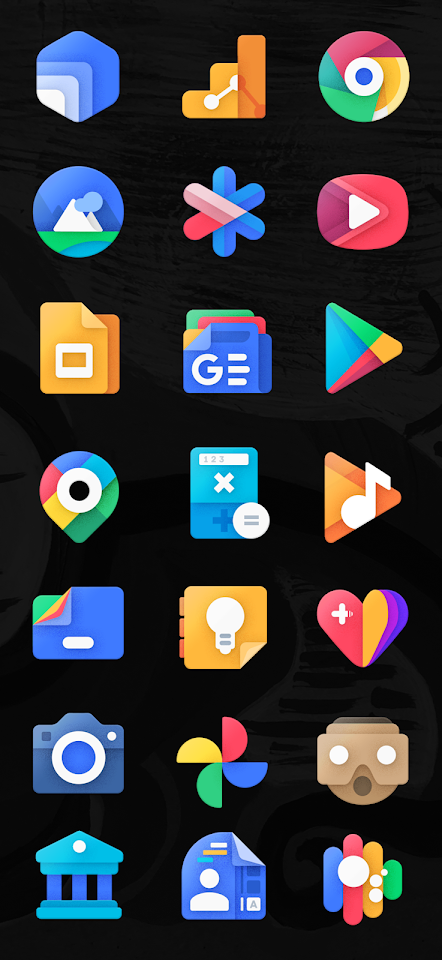
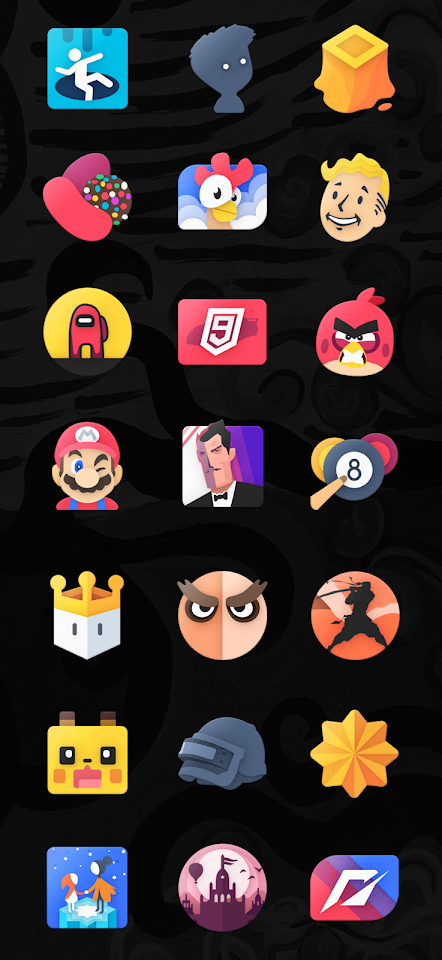
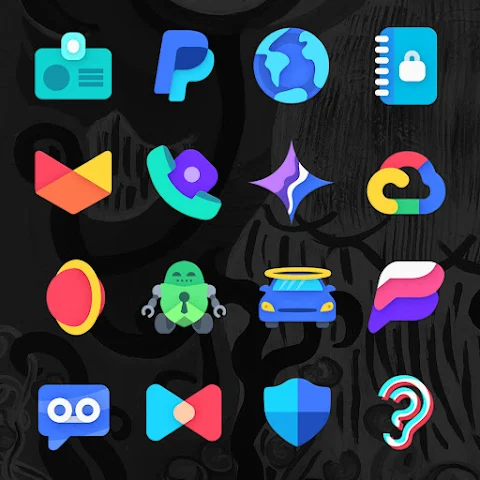
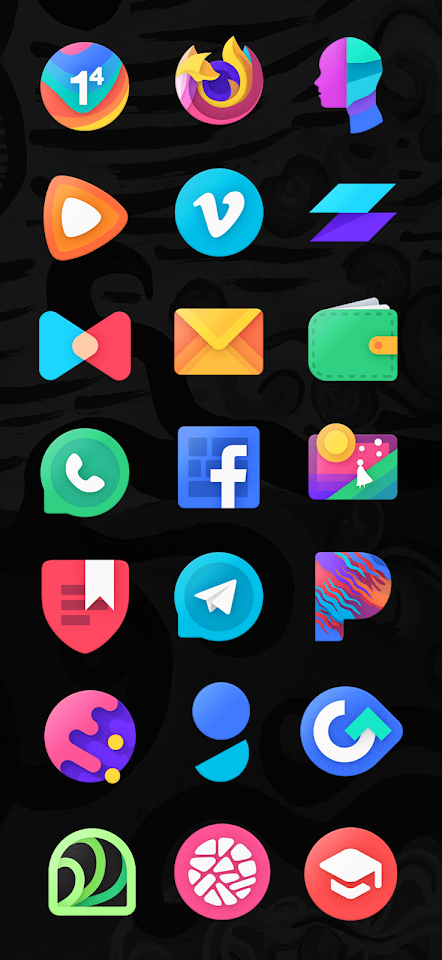
Moxy is a bold and unique shapeless icon pack designed to enhance your Android customization experience. Each icon is crafted with care, showcasing vibrant colors and a free-form design style that can truly transform any home screen.
One of the standout features of Moxy is its CandyBar dashboard support, which easily allows you to manage and apply your icons. With over 6,765 handcrafted vector icons, this icon pack ensures that you have a variety of choices to fit your style. There are also more than 8,000 themed activities included for perfect icon consistency across your apps.
Moxy offers dynamic calendar icons that automatically change to reflect the current date, adding a touch of functionality along with aesthetic appeal. Additionally, you can explore 30 cloud-based wallpapers that complement the icons beautifully. The folder icons package further enriches your experience by organizing your apps in a visually appealing way.
High-resolution icons are key to Moxy's design, each icon being 192x192 pixels. The pack supports icon theming for major OEMs, including Asus, Alcatel, Blackberry, and Xiaomi MIUI. You’ll find compatibility with Samsung One UI and Motorola icon themes as well, ensuring that Moxy works seamlessly with popular devices.
For those looking to personalize their icons further, the app includes an icon request tool, which allows you to suggest icons you want added. There’s also a premium request tool for priority requests, making it easier to get the icons you need quickly.
To get the best out of Moxy, it’s recommended to adjust your custom launcher settings. Set your icon size to 120% and disable icon normalization to make your home screen look its best. Moxy works well with many popular Android launchers. You can use it with Action Launcher, Nova Launcher, Pixel Launcher, and many more. The app ensures that users have plenty of options when it comes to customizing their home screens.
Moxy also supports Muzei Live Wallpaper, which brings your home screen to life with dynamic wallpapers. With multiple background styles, including square, rectangle, circle, and abstract, users have plenty of options to choose from.
Community engagement is important for Moxy. You can join the Moxy Telegram group for updates, support, and to request new icons. This ensures that you are always in the know and can actively participate in shaping the icon pack.
Whether you’re using Vivo Android themes or customizing your device with specific launcher configurations, Moxy has everything you need to express your individuality through icons. With real-time icon updates, you can keep your home screen fresh and unique.
In summary, Moxy is more than an icon pack; it’s a tool for Android customization. With its wide range of features, including folder icons, handcrafted vector designs, and support for many major launchers, Moxy makes it easy for anyone to personalize their devices. Discover the vibrant world of Moxy Shapeless Icons and make your home screen truly yours.
One of the standout features of Moxy is its CandyBar dashboard support, which easily allows you to manage and apply your icons. With over 6,765 handcrafted vector icons, this icon pack ensures that you have a variety of choices to fit your style. There are also more than 8,000 themed activities included for perfect icon consistency across your apps.
Moxy offers dynamic calendar icons that automatically change to reflect the current date, adding a touch of functionality along with aesthetic appeal. Additionally, you can explore 30 cloud-based wallpapers that complement the icons beautifully. The folder icons package further enriches your experience by organizing your apps in a visually appealing way.
High-resolution icons are key to Moxy's design, each icon being 192x192 pixels. The pack supports icon theming for major OEMs, including Asus, Alcatel, Blackberry, and Xiaomi MIUI. You’ll find compatibility with Samsung One UI and Motorola icon themes as well, ensuring that Moxy works seamlessly with popular devices.
For those looking to personalize their icons further, the app includes an icon request tool, which allows you to suggest icons you want added. There’s also a premium request tool for priority requests, making it easier to get the icons you need quickly.
To get the best out of Moxy, it’s recommended to adjust your custom launcher settings. Set your icon size to 120% and disable icon normalization to make your home screen look its best. Moxy works well with many popular Android launchers. You can use it with Action Launcher, Nova Launcher, Pixel Launcher, and many more. The app ensures that users have plenty of options when it comes to customizing their home screens.
Moxy also supports Muzei Live Wallpaper, which brings your home screen to life with dynamic wallpapers. With multiple background styles, including square, rectangle, circle, and abstract, users have plenty of options to choose from.
Community engagement is important for Moxy. You can join the Moxy Telegram group for updates, support, and to request new icons. This ensures that you are always in the know and can actively participate in shaping the icon pack.
Whether you’re using Vivo Android themes or customizing your device with specific launcher configurations, Moxy has everything you need to express your individuality through icons. With real-time icon updates, you can keep your home screen fresh and unique.
In summary, Moxy is more than an icon pack; it’s a tool for Android customization. With its wide range of features, including folder icons, handcrafted vector designs, and support for many major launchers, Moxy makes it easy for anyone to personalize their devices. Discover the vibrant world of Moxy Shapeless Icons and make your home screen truly yours.

Glance X: Watch face
amoledwatchfaces™
$1.49
$0.75
PIXEL WORLD PRO Watch Face
LIBERTY WATCH FACES™
$0.99
FREE
Pix-Minimal Black/White Icons
PashaPuma Design
$1.49
$0.86