

$1.39
$0.39
72% Off
Combat Field WF Wear OS 5+
OQ Watchfaces






About the App
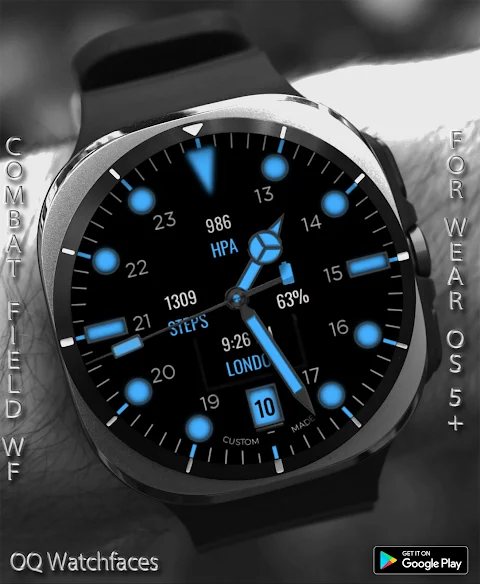
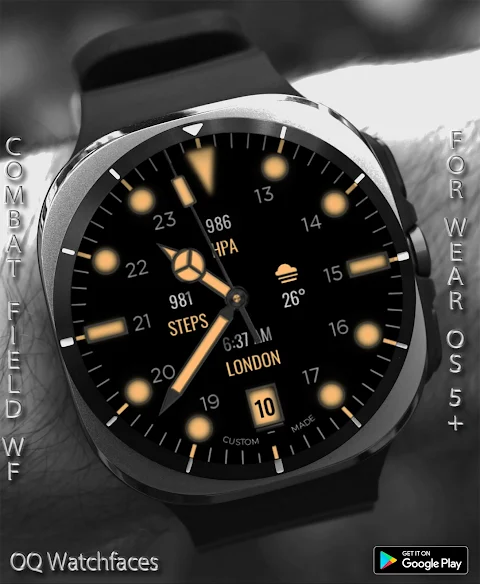
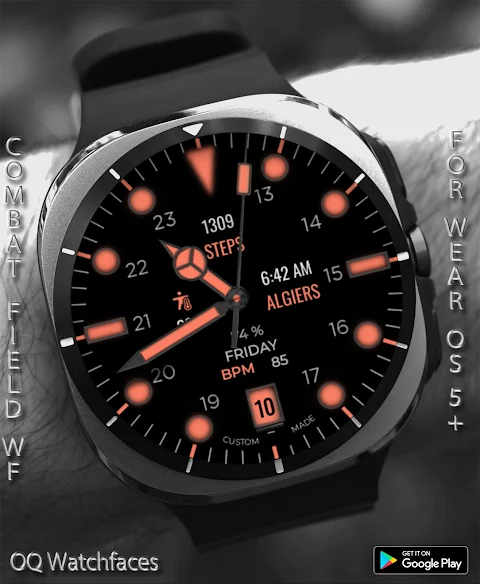
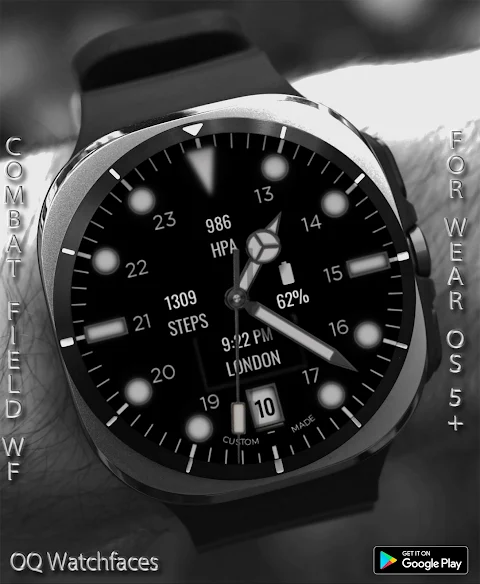
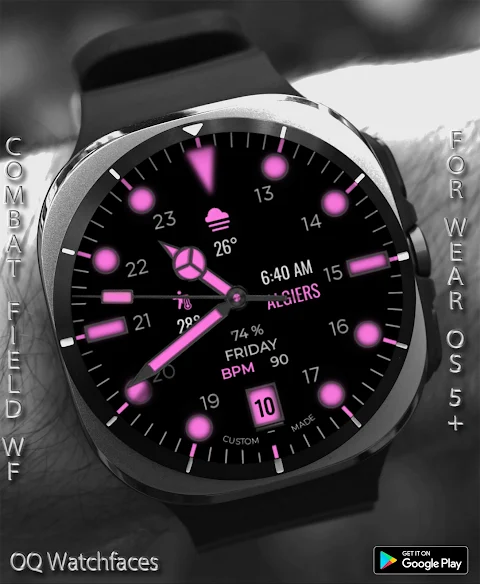
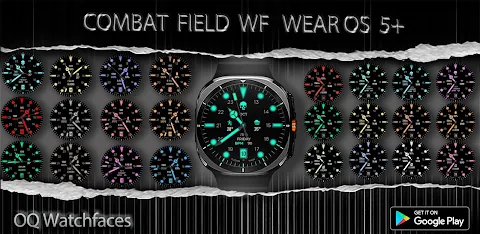
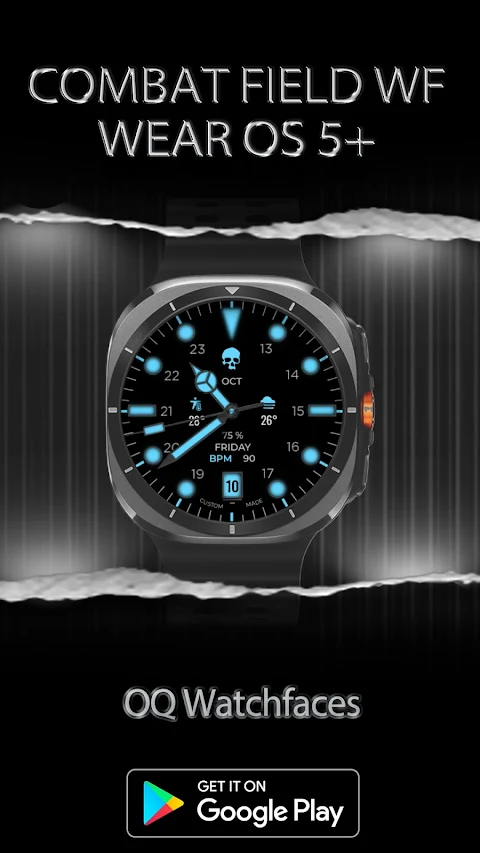
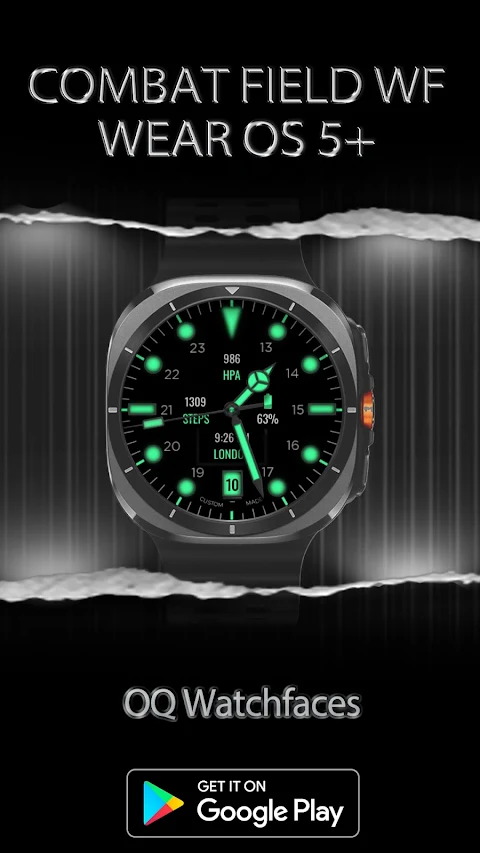
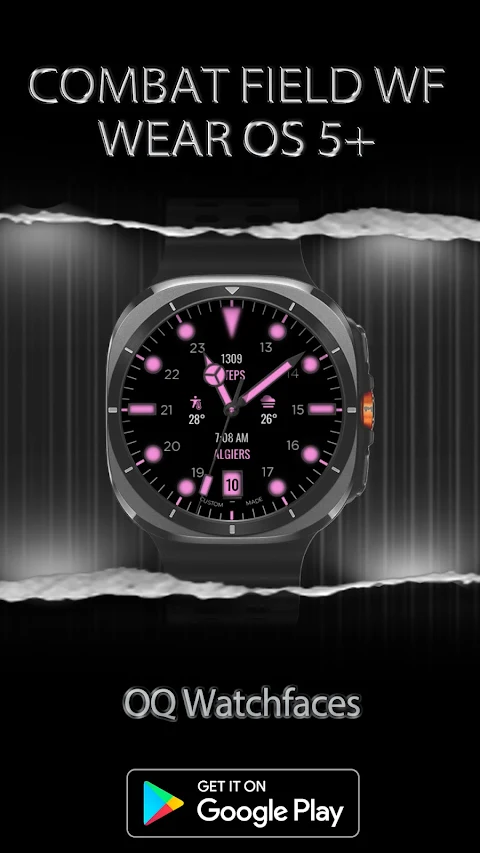
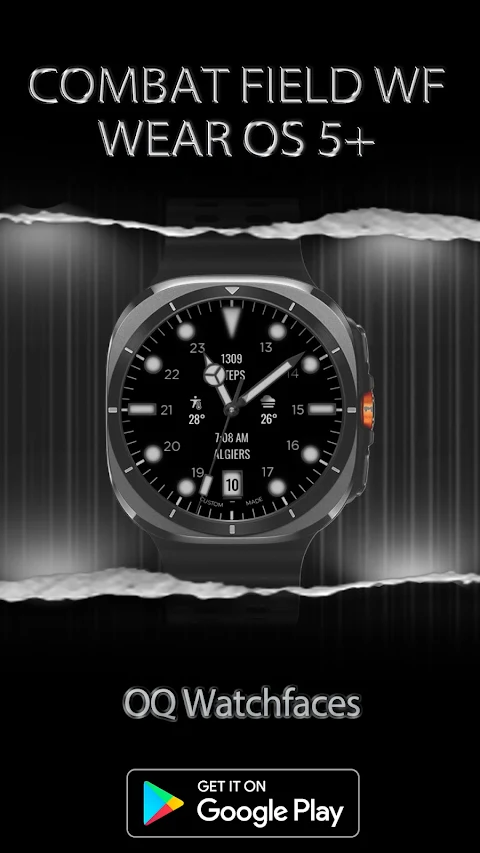
Combat Field WF is a vibrant watch face designed specifically for WEAR OS 5+. Developed using the Samsung Galaxy Watch face studio, this watch face works seamlessly on popular devices like the Samsung Watch 8 Classic, Samsung Watch Ultra, and Samsung Watch 5 Pro. It is also compatible with other WEAR OS 5+ devices, though some features may appear differently on different watches.
One standout trait of Combat Field WF is its customizable watch complications. You can choose from eight different complications to tailor your watch to your needs through the customization menu. Among these features, there is a customizable logos feature that allows you to personalize your watch face further. You can display four logos, including the default logo, and even remove them if desired.
Navigating Combat Field WF is simple. You can use tap gestures for features, making it easy to access the watch Google Play Store by tapping the minutes index circle at 1 o'clock. If you need to check your watch battery, tap the index circle at 11 o'clock to open the battery settings menu. More quick access options are available: tap at 12 o'clock for the watch settings menu, at 4 o'clock to open the phone app, or at 8 o'clock to launch the alarm app. For messaging, simply tap the minutes index circle at 5 o'clock.
Combat Field WF also offers a calendar menu functionality. By tapping on the date text, you can quickly view your calendar. Above this date text, you will find the heart rate data display, day text, and the battery percentage indicator. If you tap this text area, it can toggle between showing simple text and revealing more detailed information about your heart rate and battery, depending on your preference. You can also utilize the complication slot functionality to hide this data if you choose.
To enhance your user experience, Combat Field WF provides various customization menu features. You will appreciate the dim modes for display, allowing you to choose between settings for the main display and Always on Display (AoD). If you prefer a more dynamic display, the seconds movement option can be changed in the customization menu too. Additionally, you have control over shadow display settings, allowing you to switch off the shadow on the main display if you’d like a cleaner look.
Combat Field WF is designed to make smartwatch customization easy and enjoyable. With a user-friendly interface and interactive watch face features, this watch face helps you express your personal style while providing essential information at your fingertips. Whether you are keeping track of your heart rate, your messages, or just customizing your watch, Combat Field WF is a reliable companion on your wrist.
One standout trait of Combat Field WF is its customizable watch complications. You can choose from eight different complications to tailor your watch to your needs through the customization menu. Among these features, there is a customizable logos feature that allows you to personalize your watch face further. You can display four logos, including the default logo, and even remove them if desired.
Navigating Combat Field WF is simple. You can use tap gestures for features, making it easy to access the watch Google Play Store by tapping the minutes index circle at 1 o'clock. If you need to check your watch battery, tap the index circle at 11 o'clock to open the battery settings menu. More quick access options are available: tap at 12 o'clock for the watch settings menu, at 4 o'clock to open the phone app, or at 8 o'clock to launch the alarm app. For messaging, simply tap the minutes index circle at 5 o'clock.
Combat Field WF also offers a calendar menu functionality. By tapping on the date text, you can quickly view your calendar. Above this date text, you will find the heart rate data display, day text, and the battery percentage indicator. If you tap this text area, it can toggle between showing simple text and revealing more detailed information about your heart rate and battery, depending on your preference. You can also utilize the complication slot functionality to hide this data if you choose.
To enhance your user experience, Combat Field WF provides various customization menu features. You will appreciate the dim modes for display, allowing you to choose between settings for the main display and Always on Display (AoD). If you prefer a more dynamic display, the seconds movement option can be changed in the customization menu too. Additionally, you have control over shadow display settings, allowing you to switch off the shadow on the main display if you’d like a cleaner look.
Combat Field WF is designed to make smartwatch customization easy and enjoyable. With a user-friendly interface and interactive watch face features, this watch face helps you express your personal style while providing essential information at your fingertips. Whether you are keeping track of your heart rate, your messages, or just customizing your watch, Combat Field WF is a reliable companion on your wrist.

Orange Citrus Icon Pack
PizzApp Design
$0.99
$0.69
ML2U 261 Watch Face
ML2U
$1.49
$0.25
Ajisai Japanese Watch Face
wabiface
$0.99
$0.50