
$1.79
FREE
100% Off
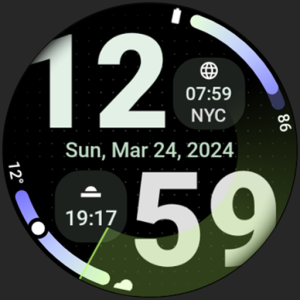
Nomad Watch Face
amoledwatchfaces™







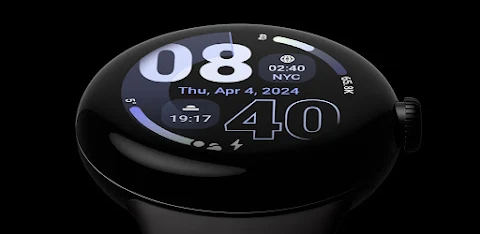
About the App
Nomad Watch Face is designed specifically for Wear OS devices that run on API 33 or higher. It’s important to note that this watch face is not suitable for rectangular watches.
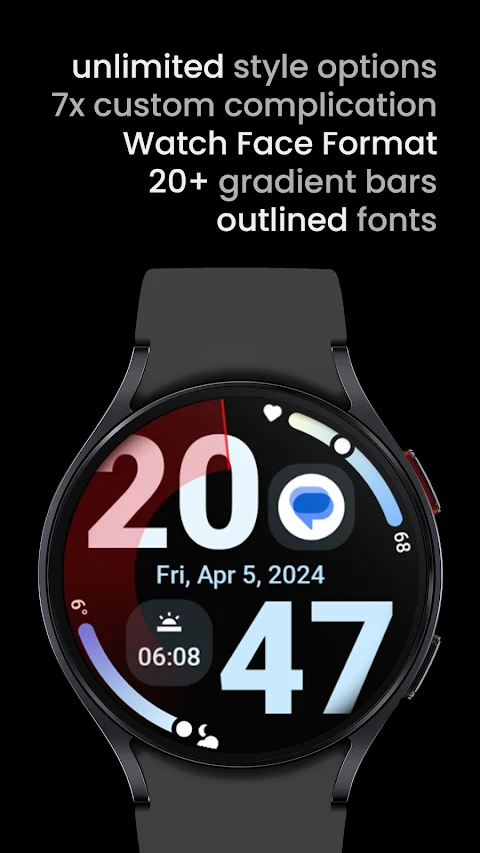
This watch face is powered by Watch Face Format 2, allowing you to create a personalized experience. With Nomad Watch Face, you can enjoy unlimited customizations, making it truly your own. You can customize each progress bar gradient individually, especially when using the ranged value complication. You also have the option to choose between different ranged value types to fit your style.
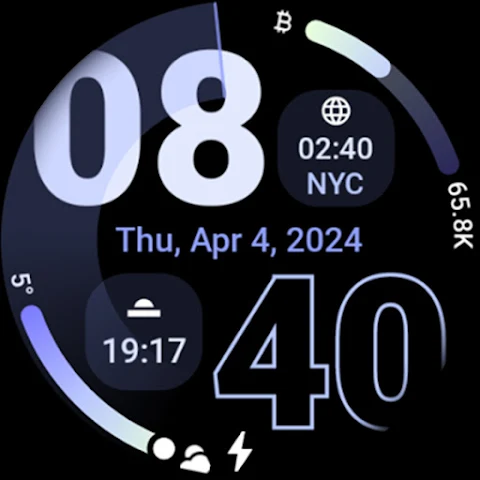
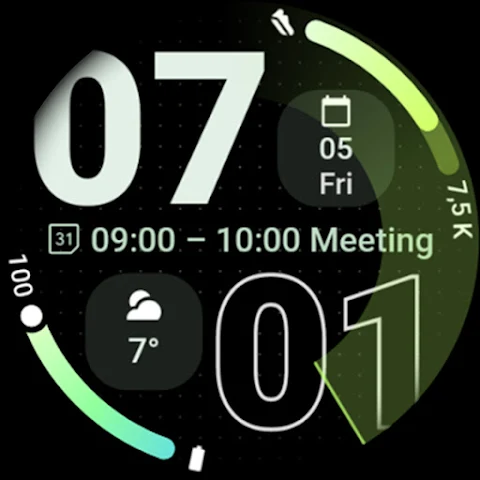
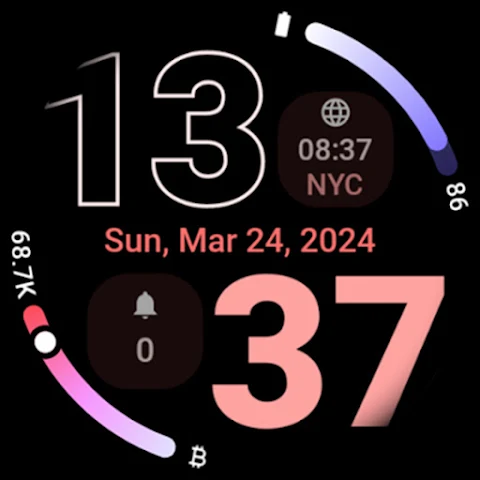
One of the exciting features is the option to create an outlined DigitalClock that shows hours and minutes, giving it a unique look. The watch face offers several color themes and even an optional seconds wave indicator for those who want to keep track of seconds in a dynamic way. Nomad Watch Face also includes two hidden custom app shortcuts, making it easy to access your favorite apps directly from the watch face.
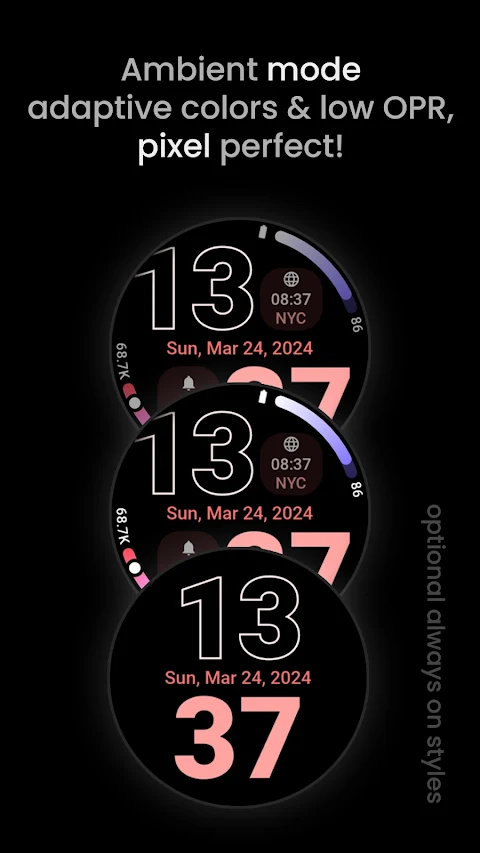
You will appreciate the special ambient mode, which combines low power requirements with adaptive colors. This mode helps extend your watch’s battery life while still looking great. The true black background enhances visibility and helps conserve battery. With high resolution, every detail shines brightly on your screen.
Nomad Watch Face features two complication slots for ranged value or LONG_TEXT complications, which can include date information or upcoming events using the NEXT_EVENT option. Burn-in protection is also included to help keep your watch face looking new over time.
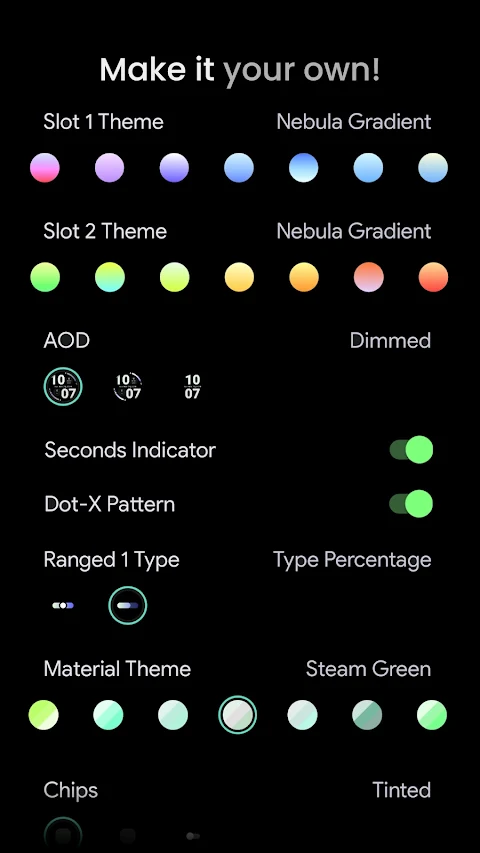
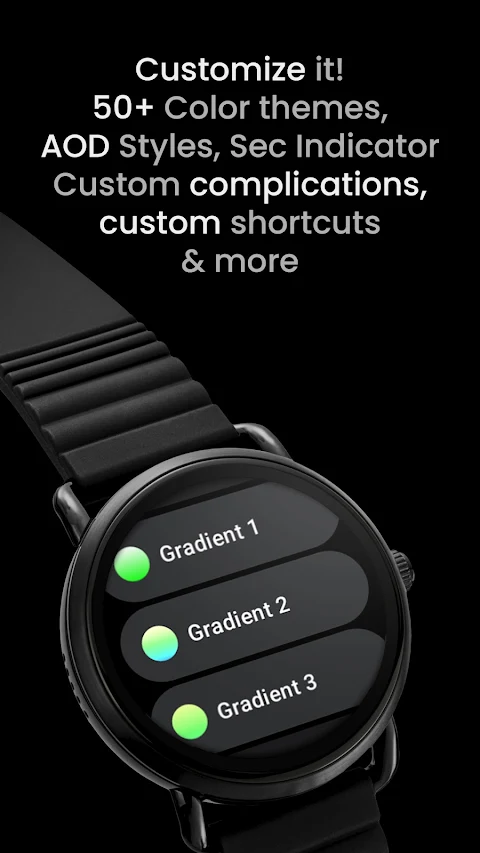
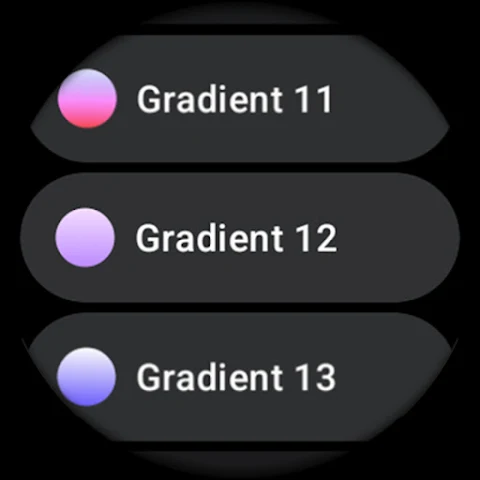
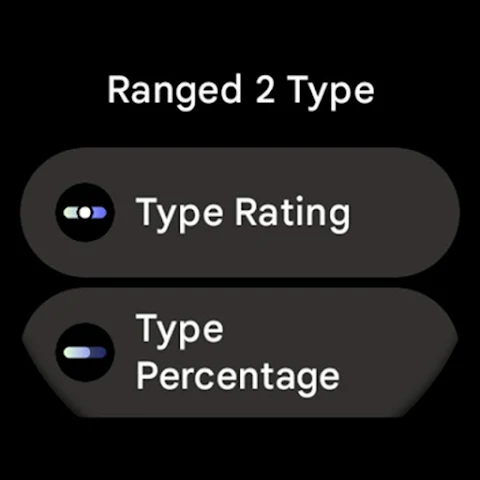
Users can easily configure their experience with various user configurations. You can choose from options like Slot 1 and Slot 2 themes for progress bars, which include white, tint, and over 20 progress bar gradients. Additionally, there are options for ranged value types such as TYPE_RATING and TYPE_PERCENTAGE. The AOD style can be adjusted, allowing you to choose settings like dimmed options or display only the digital clock.
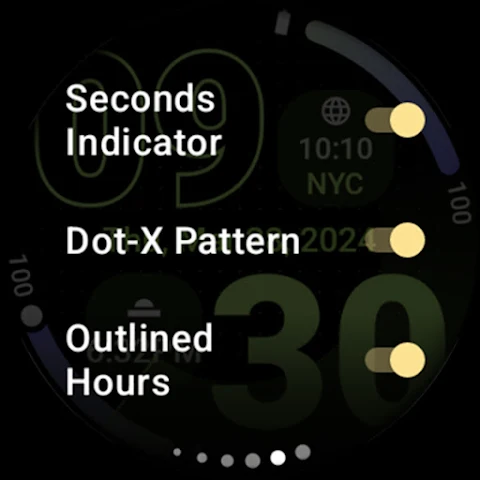
Customization goes further with choices for chips, badges, and seconds indicators. You can toggle the digital clock background and even adjust the Dot-X pattern. For those wanting more customization, a variety of material themes are available, with over 50 to select from, and you can choose from more than 30 different seconds tints. There are also options for creating up to 7 different custom complications.
If you ever run into issues or need assistance, a troubleshooting guide is available to help you get back on track. You can reach out to the support team by emailing support@amoledwatchfaces.com. Additionally, you can join a live support group on Telegram where you can discuss any questions or issues in real-time.
Don’t forget about the buy one get one offer available at amoledwatchfaces.com/bogo, which allows you to enjoy even more customization options. Explore the custom complication apps at amoledwatchfaces.com/apps and enhance your Nomad Watch Face experience.
Experience the blend of style and functionality with Nomad Watch Face, tailored for those who value customizations and unique features.
This watch face is powered by Watch Face Format 2, allowing you to create a personalized experience. With Nomad Watch Face, you can enjoy unlimited customizations, making it truly your own. You can customize each progress bar gradient individually, especially when using the ranged value complication. You also have the option to choose between different ranged value types to fit your style.
One of the exciting features is the option to create an outlined DigitalClock that shows hours and minutes, giving it a unique look. The watch face offers several color themes and even an optional seconds wave indicator for those who want to keep track of seconds in a dynamic way. Nomad Watch Face also includes two hidden custom app shortcuts, making it easy to access your favorite apps directly from the watch face.
You will appreciate the special ambient mode, which combines low power requirements with adaptive colors. This mode helps extend your watch’s battery life while still looking great. The true black background enhances visibility and helps conserve battery. With high resolution, every detail shines brightly on your screen.
Nomad Watch Face features two complication slots for ranged value or LONG_TEXT complications, which can include date information or upcoming events using the NEXT_EVENT option. Burn-in protection is also included to help keep your watch face looking new over time.
Users can easily configure their experience with various user configurations. You can choose from options like Slot 1 and Slot 2 themes for progress bars, which include white, tint, and over 20 progress bar gradients. Additionally, there are options for ranged value types such as TYPE_RATING and TYPE_PERCENTAGE. The AOD style can be adjusted, allowing you to choose settings like dimmed options or display only the digital clock.
Customization goes further with choices for chips, badges, and seconds indicators. You can toggle the digital clock background and even adjust the Dot-X pattern. For those wanting more customization, a variety of material themes are available, with over 50 to select from, and you can choose from more than 30 different seconds tints. There are also options for creating up to 7 different custom complications.
If you ever run into issues or need assistance, a troubleshooting guide is available to help you get back on track. You can reach out to the support team by emailing support@amoledwatchfaces.com. Additionally, you can join a live support group on Telegram where you can discuss any questions or issues in real-time.
Don’t forget about the buy one get one offer available at amoledwatchfaces.com/bogo, which allows you to enjoy even more customization options. Explore the custom complication apps at amoledwatchfaces.com/apps and enhance your Nomad Watch Face experience.
Experience the blend of style and functionality with Nomad Watch Face, tailored for those who value customizations and unique features.
Fluorescence Clock ZKin Watch
ZKin
$2.99
$1.50
WAW039 Classy Elegant Weather
WAW Watch Faces
$1.99
$0.49
ML2U 389 Purrfect Heart
ML2U
$1.60