

$0.99
FREE
100% Off
Ichigo Red – Icon Pack
Panoto Gomo


About the App
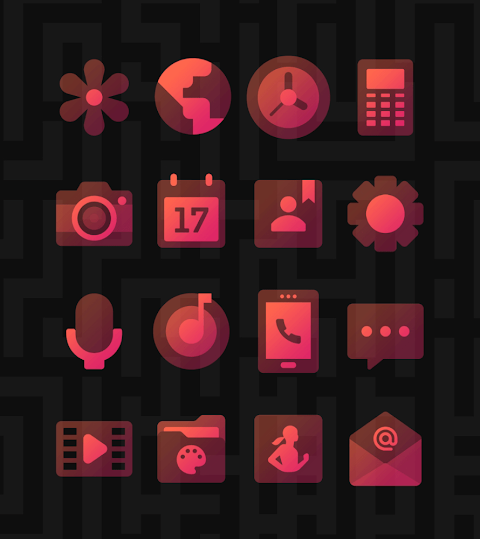
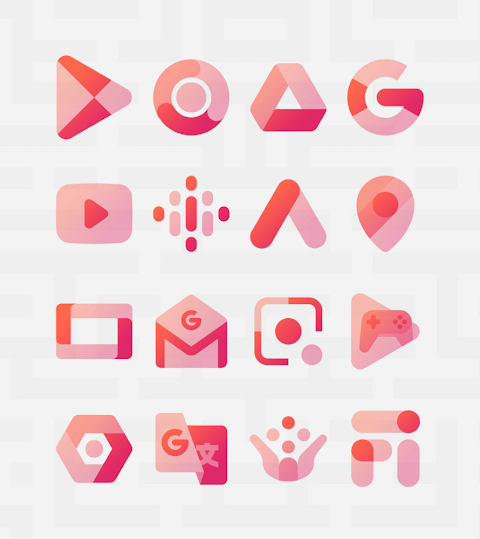
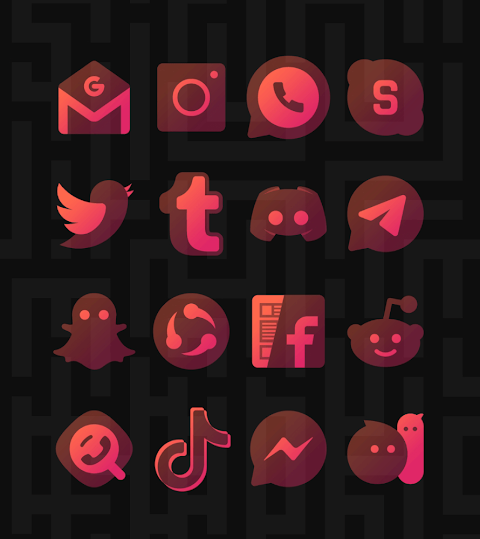
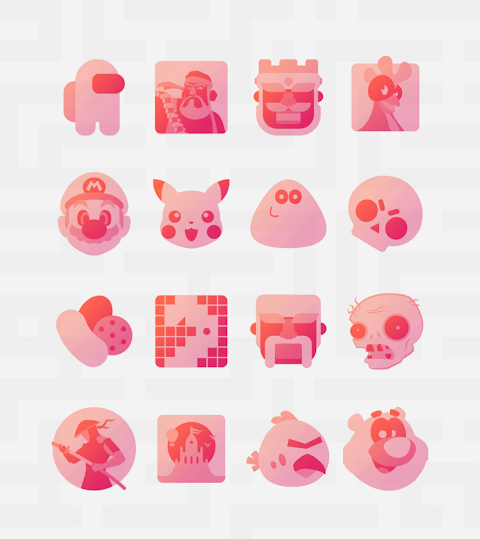
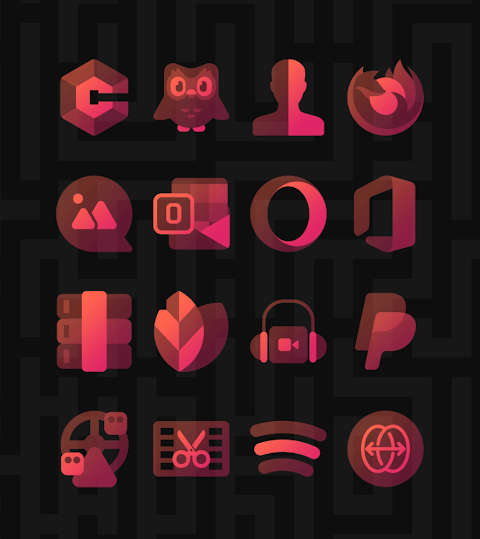
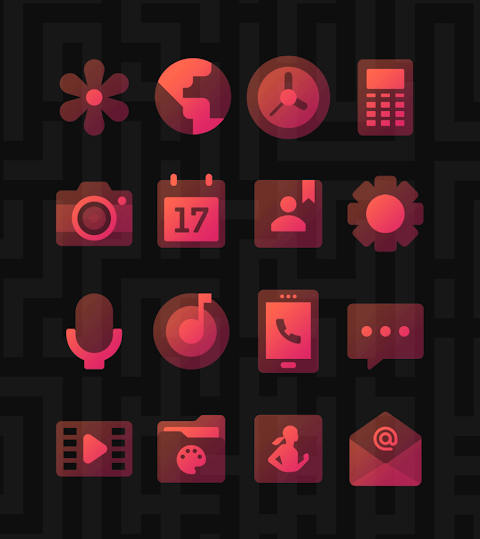
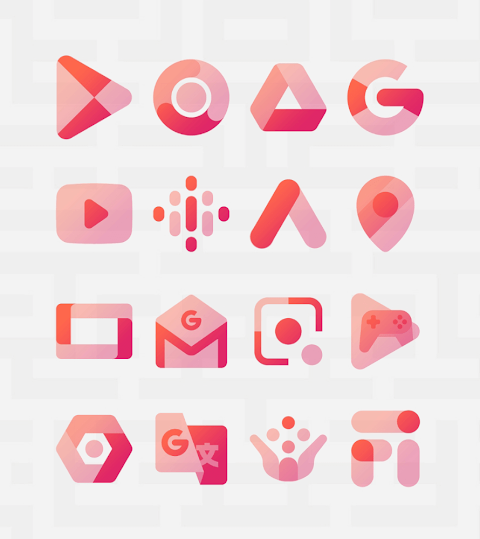
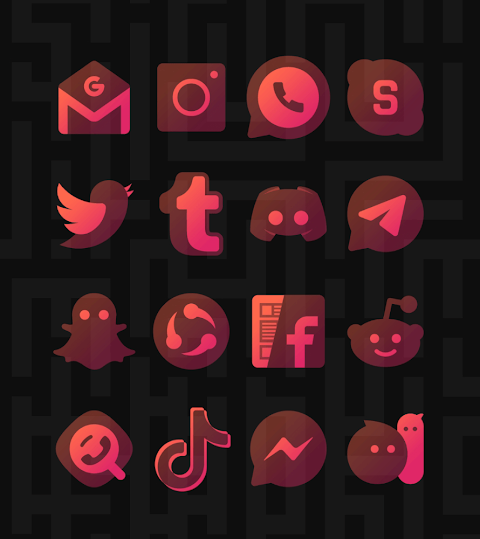
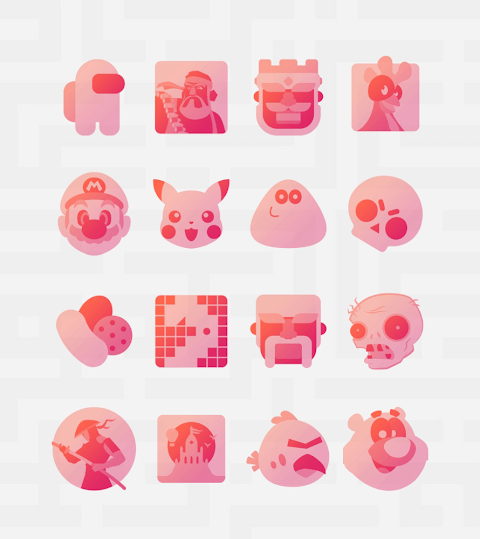
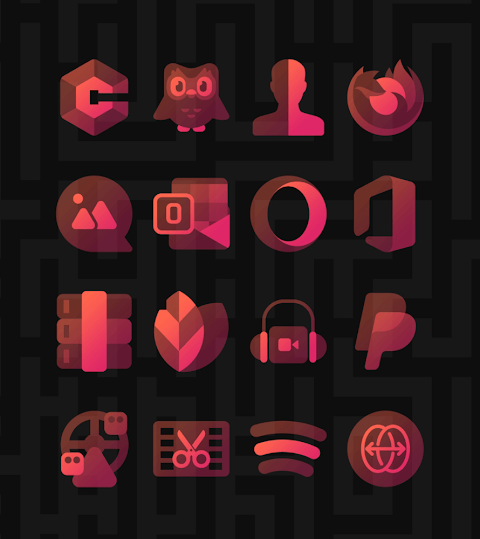
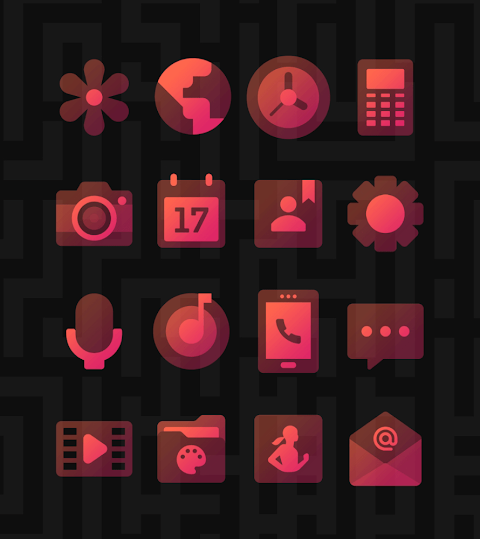
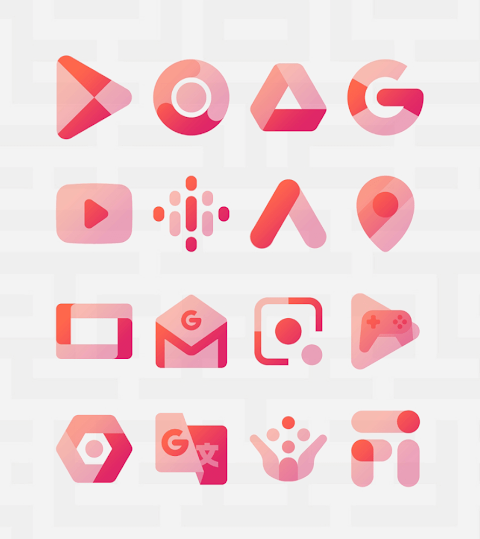
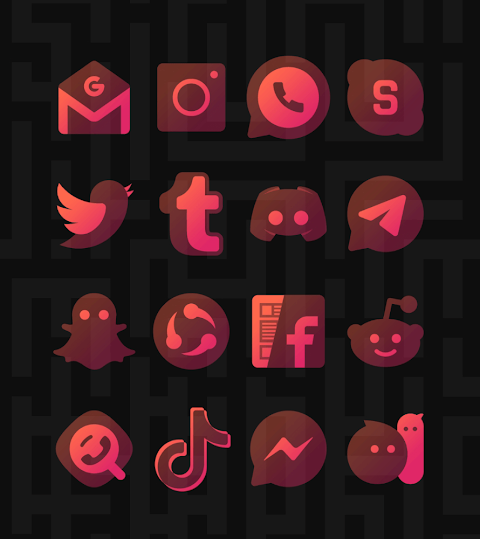
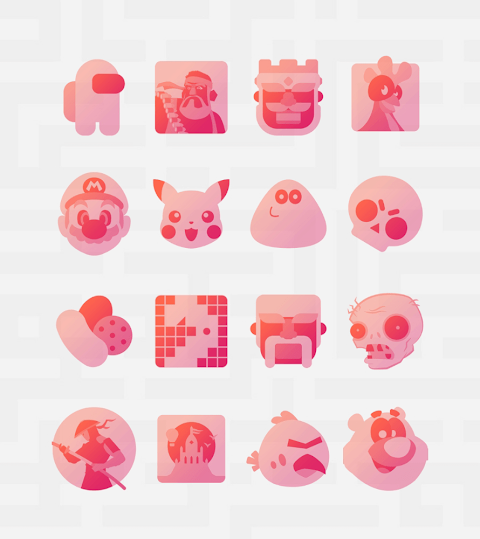
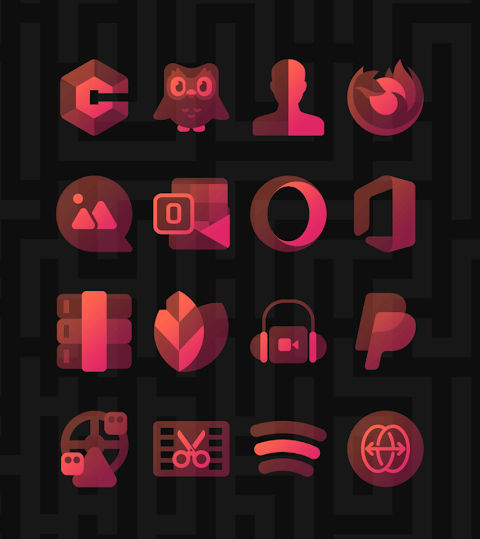
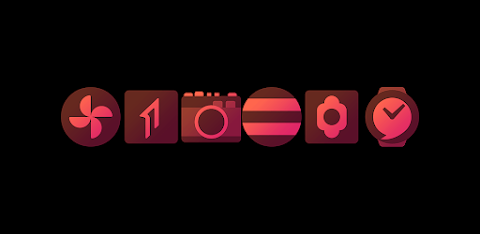
Ichigo Red is a red transparent icon pack designed to give your screen an elegant look. This pack features beautiful translucent design icons that follow material design guidelines. Each icon appears vibrant and lively, even with their transparent nature. They work well with both dark and light wallpapers. For the best appearance, it is recommended to disable shadows.
The Ichigo Red Icon Pack comes with over 3,500 high quality icons, each sized at 254x254 pixels. The collection continues to grow with frequent updates, ensuring you always have fresh icons at your fingertips. If you find any missing apps, you can use the free icon request feature to get them added. There are also high quality wallpapers available for download to enhance your device's look.
Installation is simple. First, you’ll need a compatible launcher, such as Nova Launcher or Lawnchair. Once you have your launcher installed, open the Ichigo Red Icon Pack and apply it. If your launcher isn’t on the suggested list, you can change the icon pack from your phone’s launcher theme or icon change screen. Simply find the Ichigo Red icon pack in the list and apply it.
For easy management of your icons, there is an icon pack management dashboard included. This allows you to try out icons on your current wallpapers in the icon preview pane, helping you see how they will look before you make changes. Frequent updates ensure long term support so that your experience with the Ichigo Red Icon Pack remains smooth and enjoyable.
Ichigo Red is compatible with many launchers. You can apply it via the dashboard with options like Abc Launcher, Action Launcher, Adw Launcher, Apex Launcher, and many more. Additionally, it works with launchers set through theme settings such as Poco Launcher, Arrow Launcher, and Xperia Home. If you encounter any issues with Go Launcher, adjustments can be made by accessing the icon pack theme settings through the downloaded button at the top right.
Make sure to check the launcher app requirements before installation to ensure everything works properly. Keep in mind that when using Nova Launcher, icon shape adjustments may automatically round the icons. You can change this setting from the Nova theme menu by turning off the icon shape option.
With its vibrant icon aesthetics, customization options, and solid compatibility with various launchers, Ichigo Red is designed to elevate your mobile experience. Should you have any questions or require assistance, please feel free to contact support via email or Twitter. Enjoy a new look on your phone with the Ichigo Red Icon Pack!
The Ichigo Red Icon Pack comes with over 3,500 high quality icons, each sized at 254x254 pixels. The collection continues to grow with frequent updates, ensuring you always have fresh icons at your fingertips. If you find any missing apps, you can use the free icon request feature to get them added. There are also high quality wallpapers available for download to enhance your device's look.
Installation is simple. First, you’ll need a compatible launcher, such as Nova Launcher or Lawnchair. Once you have your launcher installed, open the Ichigo Red Icon Pack and apply it. If your launcher isn’t on the suggested list, you can change the icon pack from your phone’s launcher theme or icon change screen. Simply find the Ichigo Red icon pack in the list and apply it.
For easy management of your icons, there is an icon pack management dashboard included. This allows you to try out icons on your current wallpapers in the icon preview pane, helping you see how they will look before you make changes. Frequent updates ensure long term support so that your experience with the Ichigo Red Icon Pack remains smooth and enjoyable.
Ichigo Red is compatible with many launchers. You can apply it via the dashboard with options like Abc Launcher, Action Launcher, Adw Launcher, Apex Launcher, and many more. Additionally, it works with launchers set through theme settings such as Poco Launcher, Arrow Launcher, and Xperia Home. If you encounter any issues with Go Launcher, adjustments can be made by accessing the icon pack theme settings through the downloaded button at the top right.
Make sure to check the launcher app requirements before installation to ensure everything works properly. Keep in mind that when using Nova Launcher, icon shape adjustments may automatically round the icons. You can change this setting from the Nova theme menu by turning off the icon shape option.
With its vibrant icon aesthetics, customization options, and solid compatibility with various launchers, Ichigo Red is designed to elevate your mobile experience. Should you have any questions or require assistance, please feel free to contact support via email or Twitter. Enjoy a new look on your phone with the Ichigo Red Icon Pack!

N-SPORT173 High Digital Face
N-SPORT WATCH FACE
$1.49
$0.45
Colorful Turntable ZKin Watch
ZKin
$2.99
$0.99
Win10 Flat – Icon Pack
Olivera Onias Design
$0.99
$0.10