
$0.99
FREE
100% Off
rens watchface81
rens watchfaces

About the App
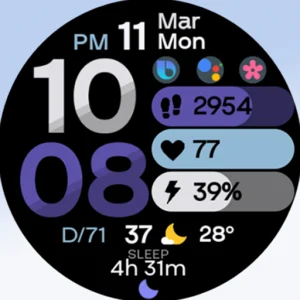
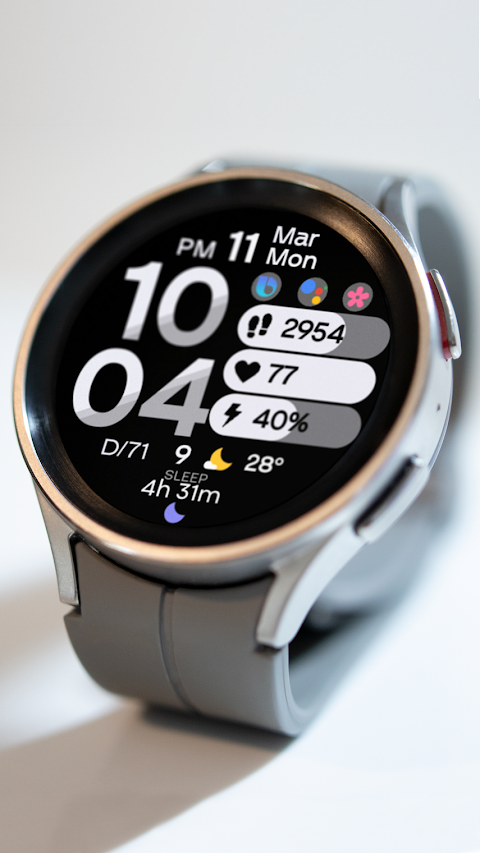
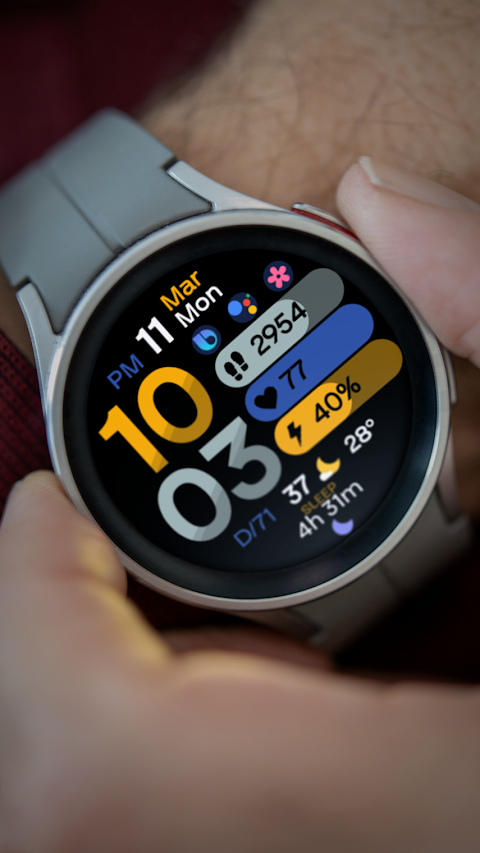
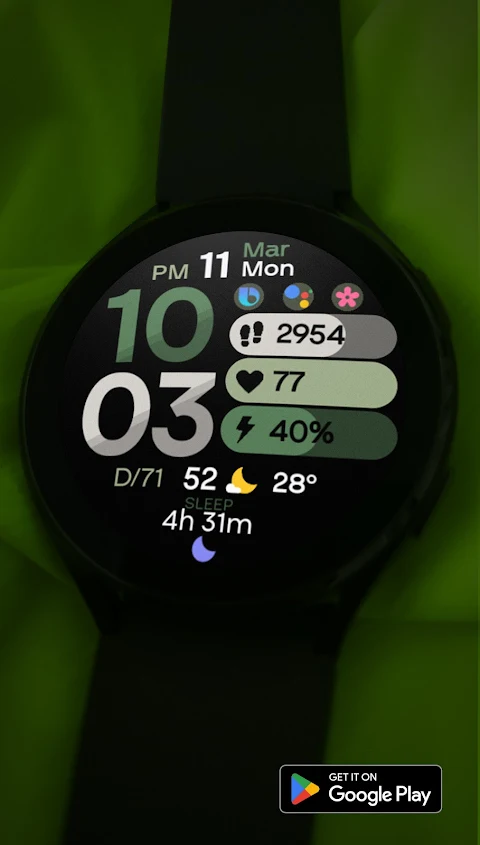
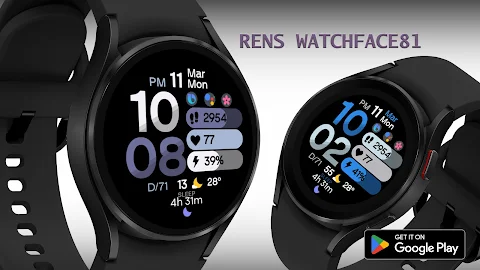
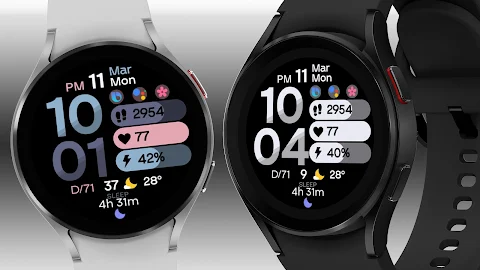
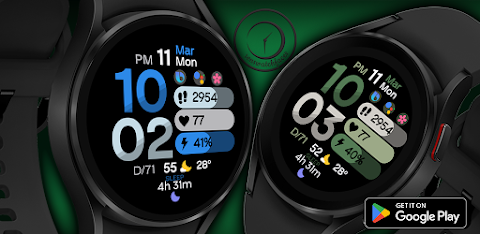
Rens Watchface81 is designed to enhance your smartwatch experience by providing a beautiful Wear OS watch face. Our goal is to make sure you enjoy using our watch face every day. If you encounter any issues, such as the app not being available for your device, we recommend using the Google Play Store through a web browser like Chrome on your PC, laptop, or phone. Make sure to copy and paste the watch face link into the browser, then proceed with the installation.
For any assistance, contact us at renswatchface@gmail.com before leaving negative feedback. We’re here to help with any instructions or screenshots you might need for the watch face installation.
We have a helpful video made by Samsung Developers that shows several ways to install a Wear OS watch face. You can find it at this link: https://youtu.be/vMM4Q2-rqoM.
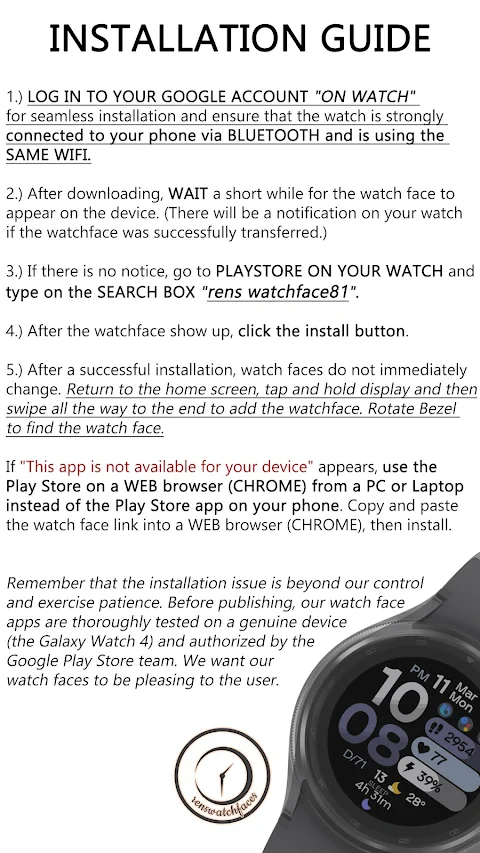
To help you install Rens Watchface81, here is a simple installation guide:
1. First, log in to your Google account on your watch and ensure that it is connected to your phone via Bluetooth. It is also important that both devices are on the same Wi-Fi network.
2. After downloading the watch face, wait a moment for it to appear on your smartwatch. You will receive a watch face notification if it has successfully transferred.
3. If you don’t see a notification, go to the Play Store on your watch and type "rens watchface81" into the search box.
4. When the watch face appears, click on the install button.
5. After the installation, the watch face may not change immediately. To set it, return to the home screen, tap and hold the display, and swipe to the end to add your new watch face. You can use the bezel to rotate and find the watch face.
Please remember that installation issues can be frustrating, but they are often beyond our control. We thoroughly test all our watch face apps, including on the Galaxy Watch 4, ensuring they are approved by the Google Play Store team before publishing. Our goal is to provide you with watch faces that are both attractive and easy to use.
The Rens Watchface81 mobile companion app will help you find and easily download the watch face on your Wear OS device. Once the watch face is installed, you can uninstall the companion app if you choose.
For the best experience, make sure to enable all permissions through Settings > Applications > Permissions.
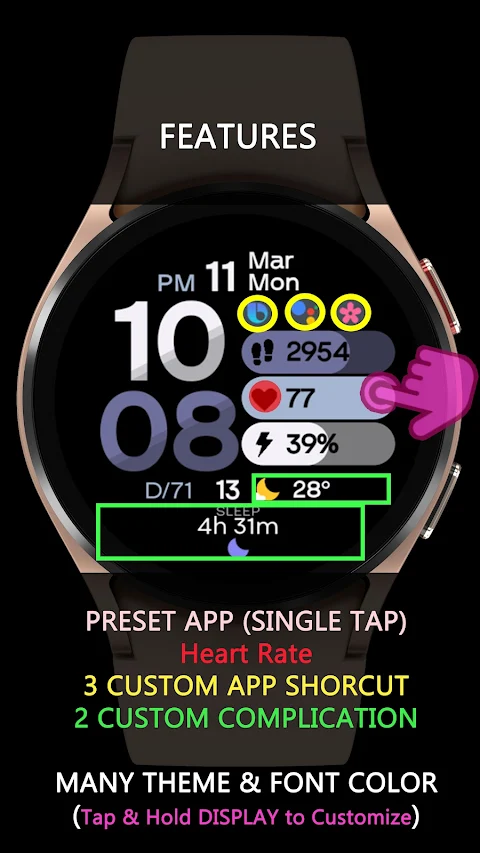
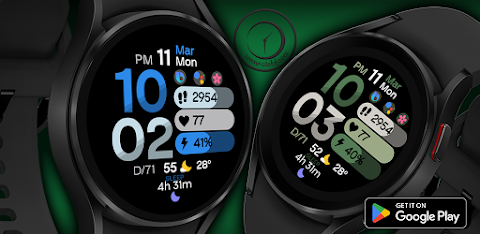
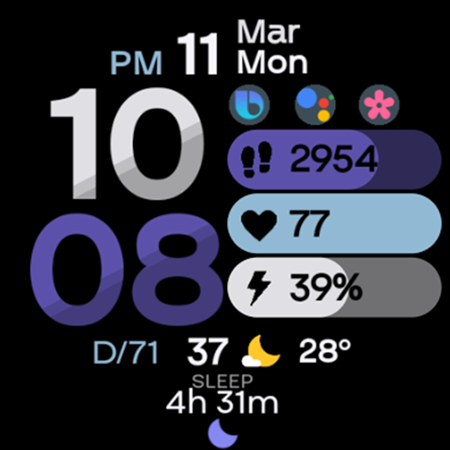
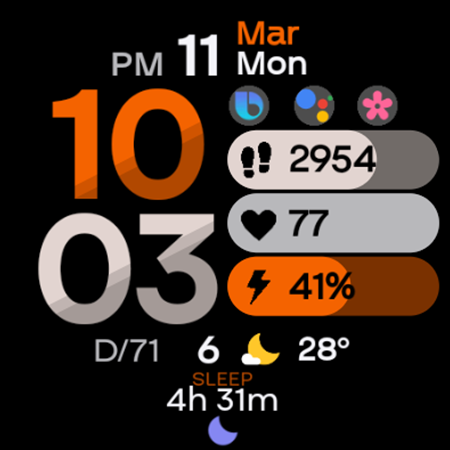
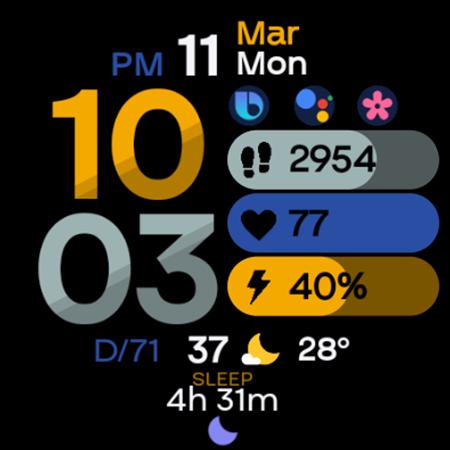
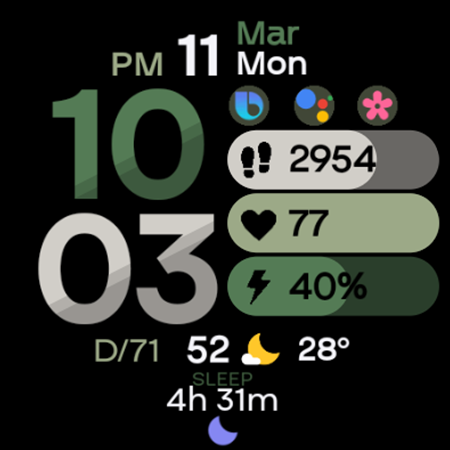
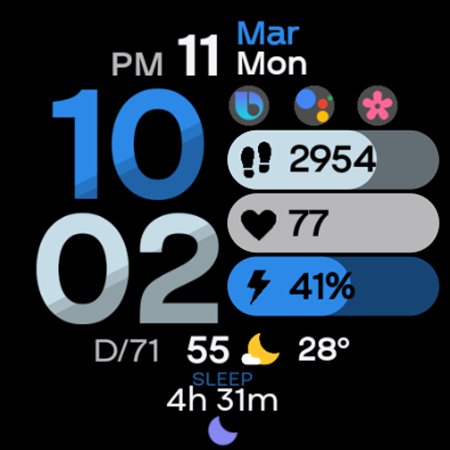
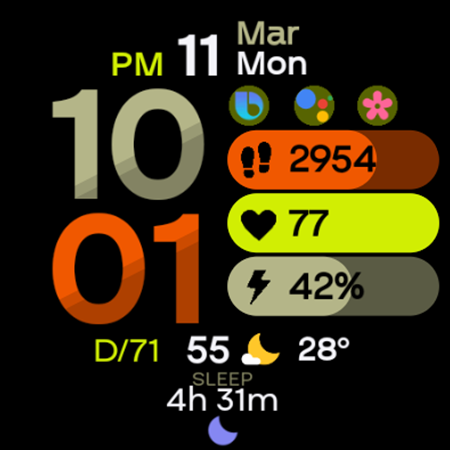
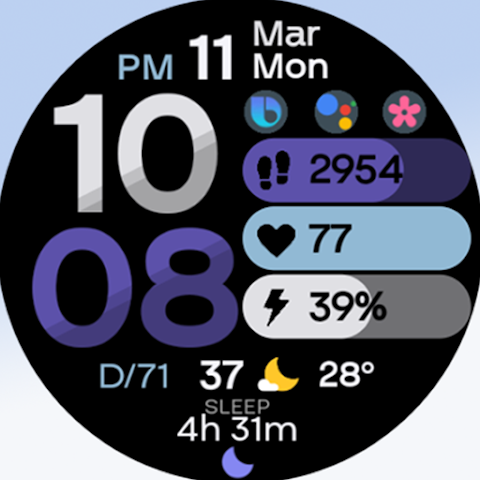
Rens Watchface81 includes some great features such as two custom complications, three custom app shortcuts, always on display capability, and many theme color combinations which you can customize by tapping and holding the display. However, please note that some features might not be available on every watch.
Thank you for your support. For more options, check out the full Rens Watchfaces collection. If you have any questions or need support, feel free to reach out to us at renswatchface@gmail.com. You can also visit our Facebook page at https://www.facebook.com/renswatchfaces for updates and more information.
For any assistance, contact us at renswatchface@gmail.com before leaving negative feedback. We’re here to help with any instructions or screenshots you might need for the watch face installation.
We have a helpful video made by Samsung Developers that shows several ways to install a Wear OS watch face. You can find it at this link: https://youtu.be/vMM4Q2-rqoM.
To help you install Rens Watchface81, here is a simple installation guide:
1. First, log in to your Google account on your watch and ensure that it is connected to your phone via Bluetooth. It is also important that both devices are on the same Wi-Fi network.
2. After downloading the watch face, wait a moment for it to appear on your smartwatch. You will receive a watch face notification if it has successfully transferred.
3. If you don’t see a notification, go to the Play Store on your watch and type "rens watchface81" into the search box.
4. When the watch face appears, click on the install button.
5. After the installation, the watch face may not change immediately. To set it, return to the home screen, tap and hold the display, and swipe to the end to add your new watch face. You can use the bezel to rotate and find the watch face.
Please remember that installation issues can be frustrating, but they are often beyond our control. We thoroughly test all our watch face apps, including on the Galaxy Watch 4, ensuring they are approved by the Google Play Store team before publishing. Our goal is to provide you with watch faces that are both attractive and easy to use.
The Rens Watchface81 mobile companion app will help you find and easily download the watch face on your Wear OS device. Once the watch face is installed, you can uninstall the companion app if you choose.
For the best experience, make sure to enable all permissions through Settings > Applications > Permissions.
Rens Watchface81 includes some great features such as two custom complications, three custom app shortcuts, always on display capability, and many theme color combinations which you can customize by tapping and holding the display. However, please note that some features might not be available on every watch.
Thank you for your support. For more options, check out the full Rens Watchfaces collection. If you have any questions or need support, feel free to reach out to us at renswatchface@gmail.com. You can also visit our Facebook page at https://www.facebook.com/renswatchfaces for updates and more information.
S4U Race2 – digital watch face
styles4you
$1.49
$0.45

Pixel Cubic 3D – Icon Pack
GomoTheGom
$1.49
FREE

Flixy 3D – Icon Pack
Cris87
$2.79
$0.95