

$1.80
$0.49
73% Off
Electronics toolbox pro
Anas Abubakar







About the App
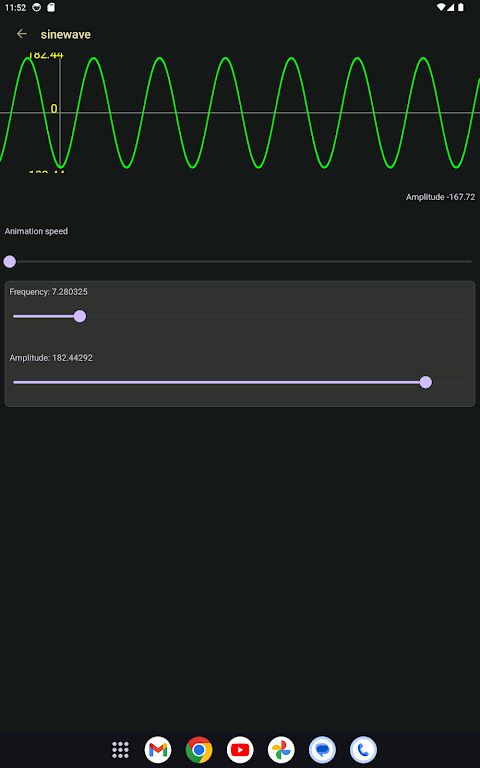
Electronics Toolbox Pro is a fantastic app designed for students, engineers, and hobbyists interested in electronics. With its complete electronics toolkit, you can learn everything from basic concepts to complex circuit designs. The app helps you discover electronics in one place, making it ideal for anyone looking to improve their skills or solve real-world circuit problems.
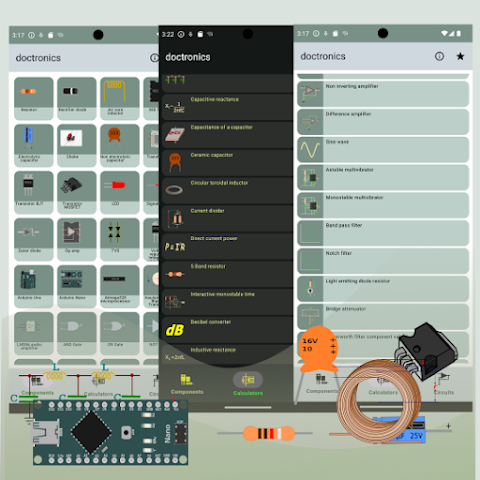
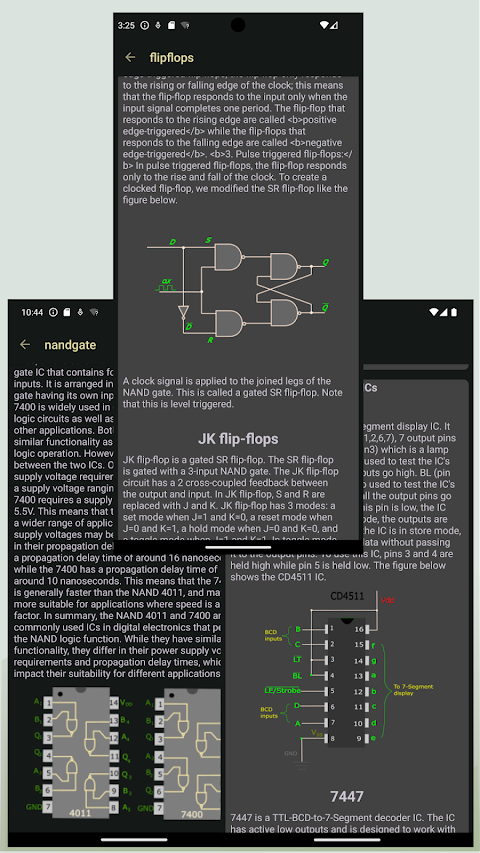
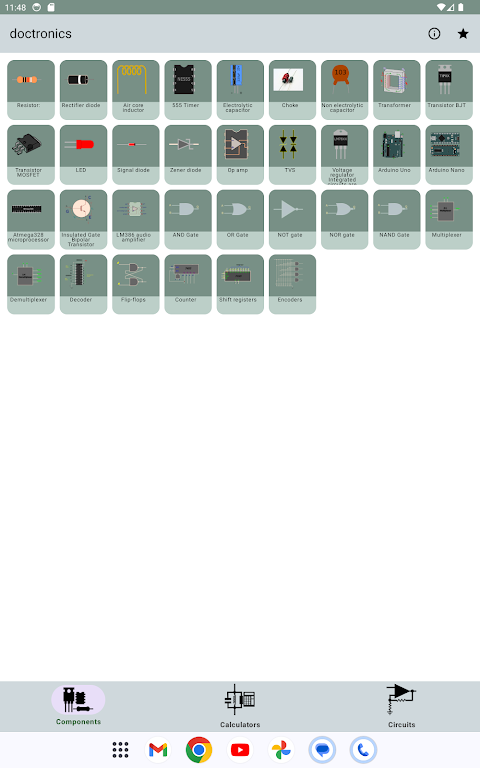
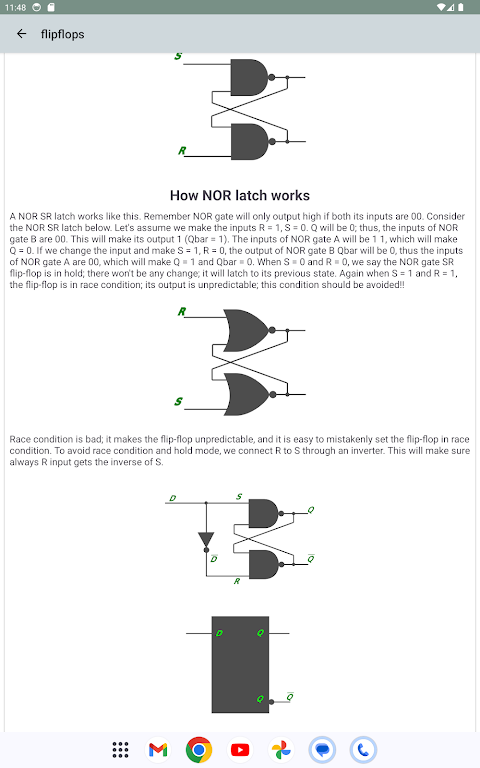
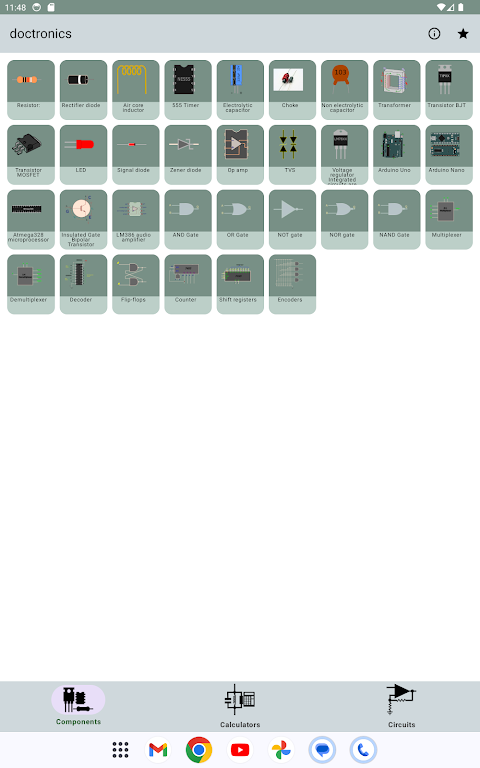
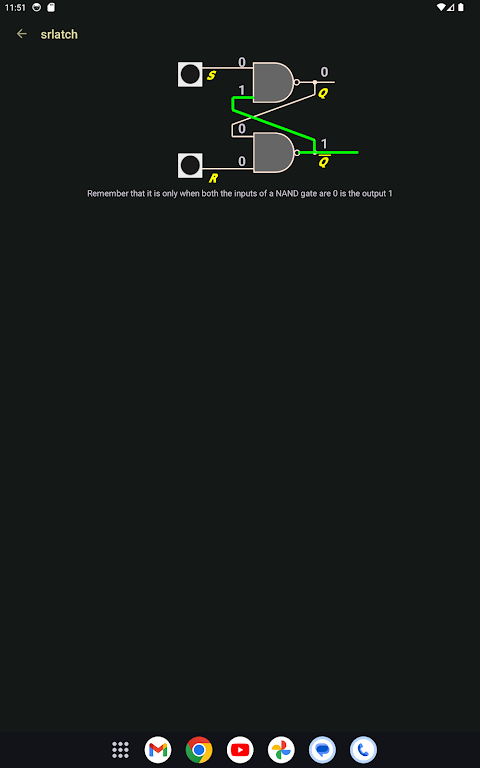
One of the key features of Electronics Toolbox Pro is its component reference guide. This guide provides clear and practical descriptions of popular electronic components. You’ll find detailed information on essential items like the 555 timer and operational amplifier, along with useful explanations of the bipolar junction transistor, MOSFET, and various diodes, including signal diodes, rectifier diodes, and Zener diodes. The guide also covers capacitors and inductors, as well as components like encoders, decoders, multiplexers, demultiplexers, and shift registers. If you’re working with integrated circuits, it even includes details about the ATmega328 and Arduino Uno.
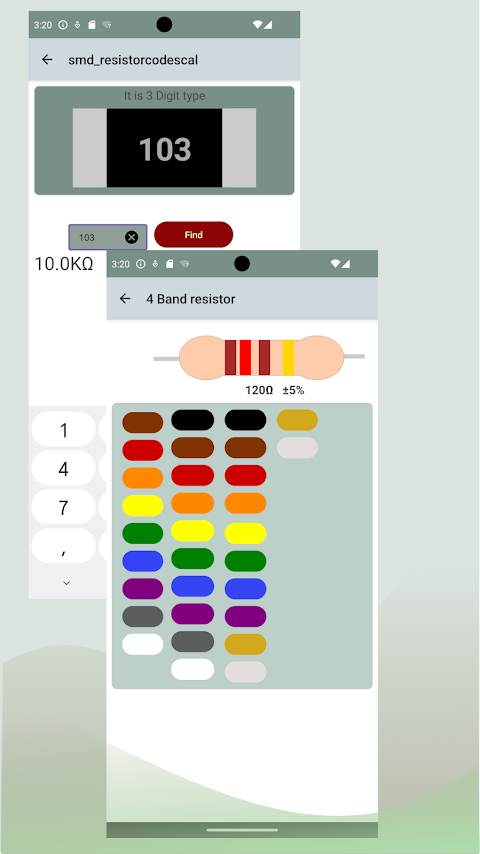
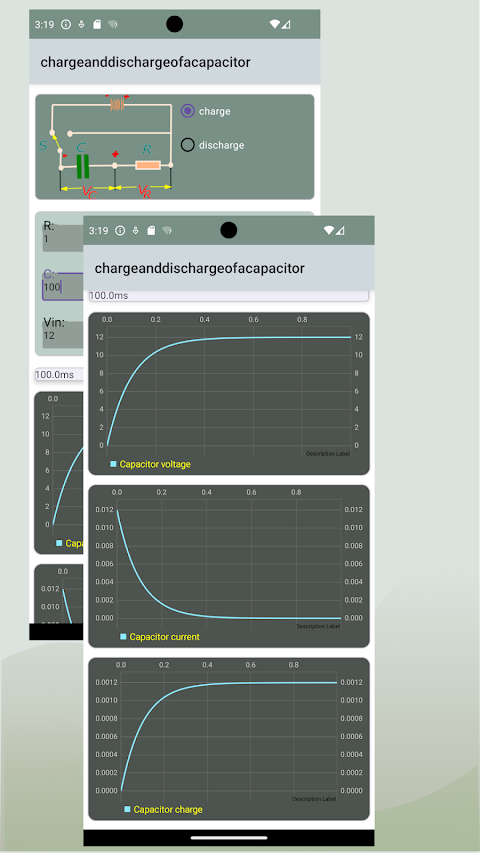
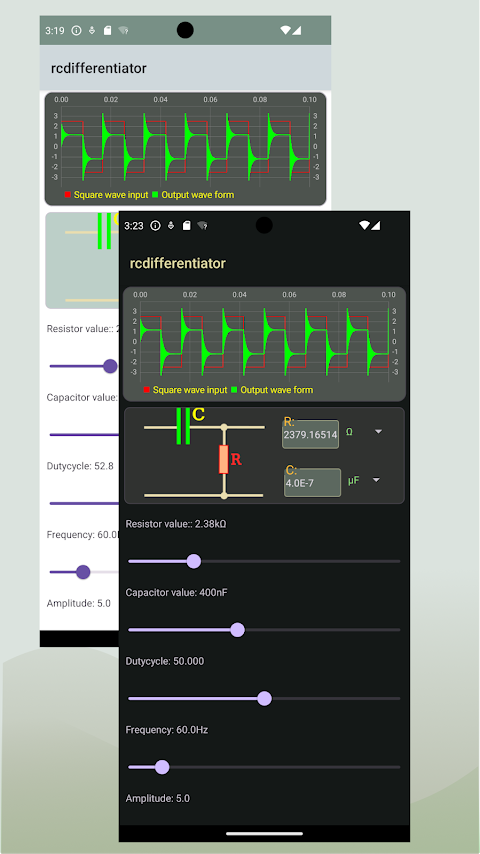
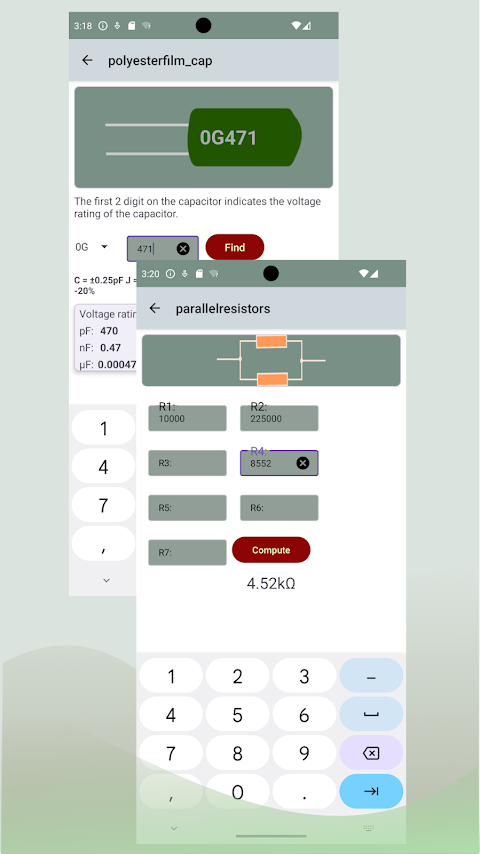
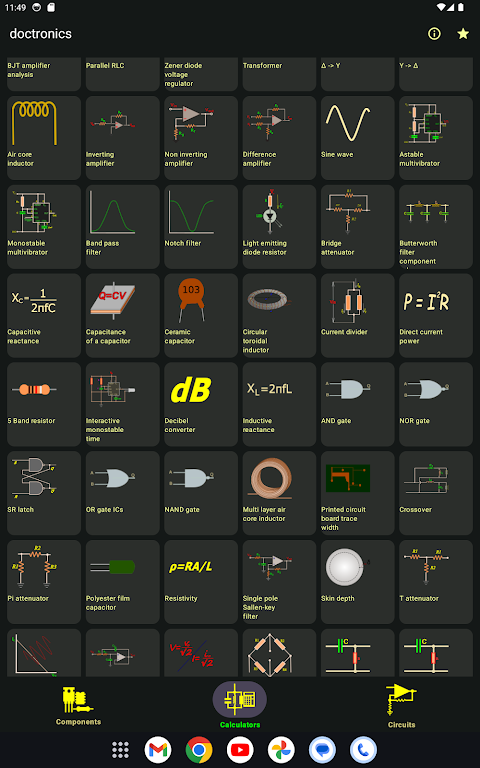
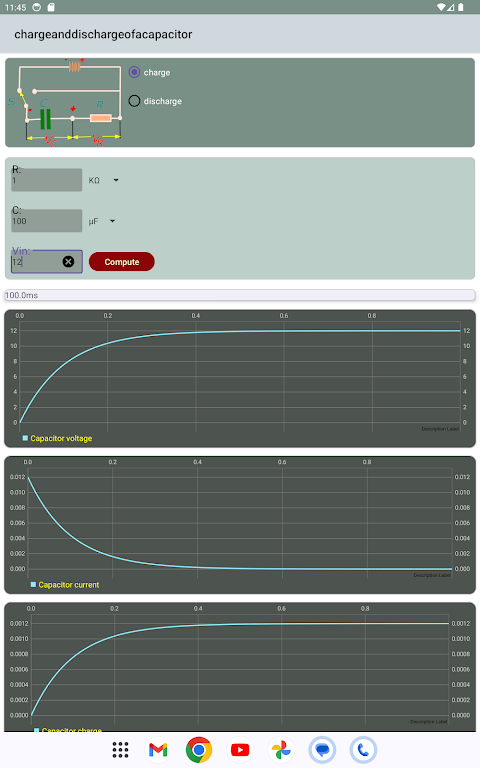
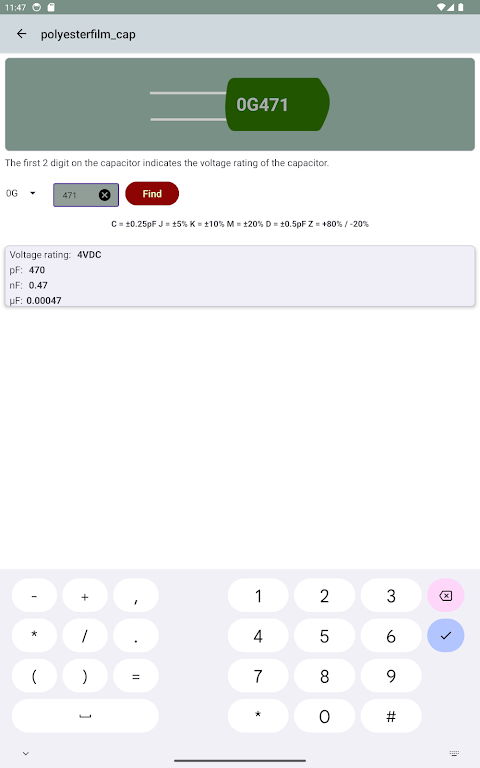
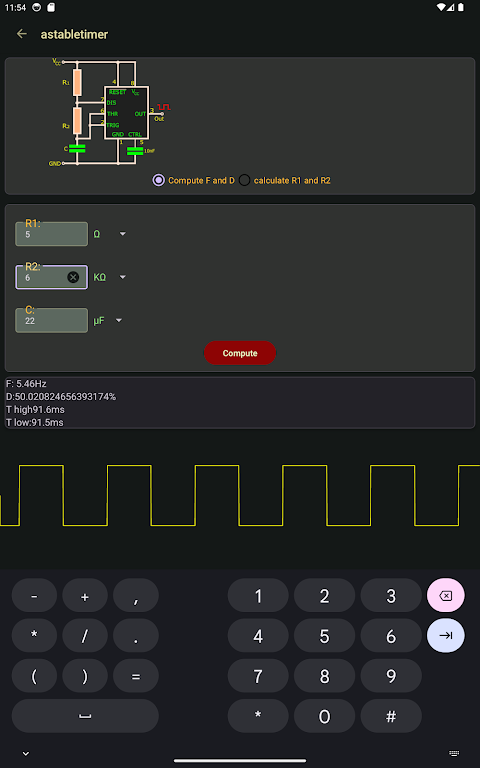
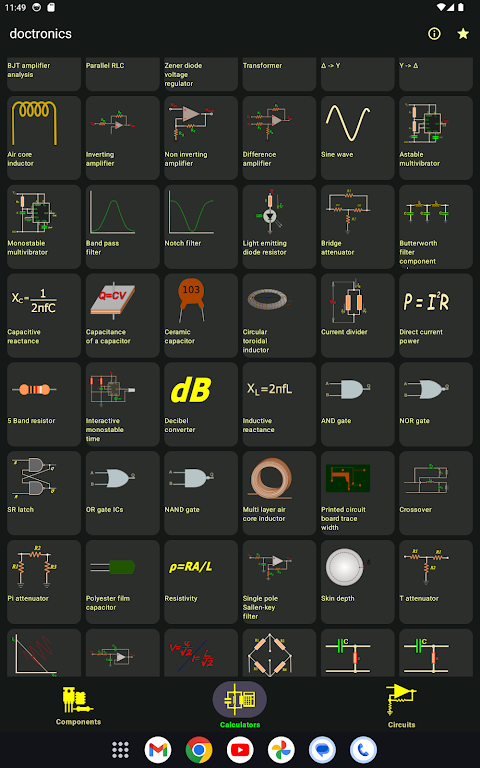
In addition to the component reference guide, Electronics Toolbox Pro features a suite of circuit calculators and design tools. These tools are built to help you solve common electronics calculations quickly and efficiently. You can use the resistor color code tool to decode resistor values, or the SMD code lookup to find surface mount device values. There are calculators for resistors in series and parallel, capacitor charge calculations, and even Ohm’s law calculations.
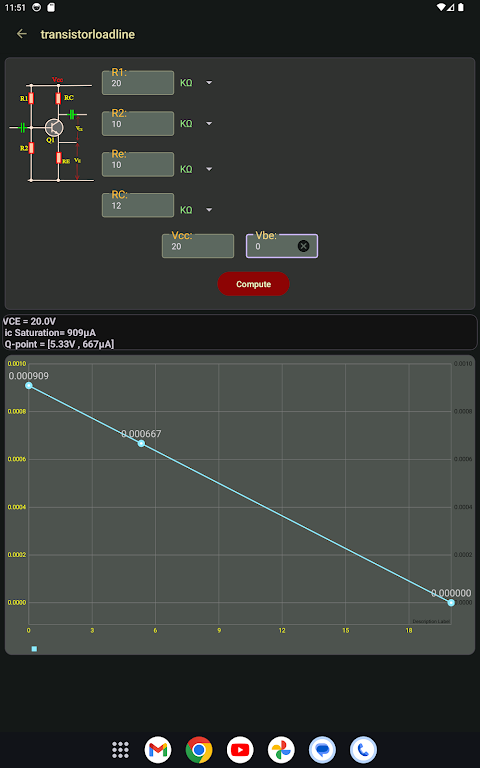
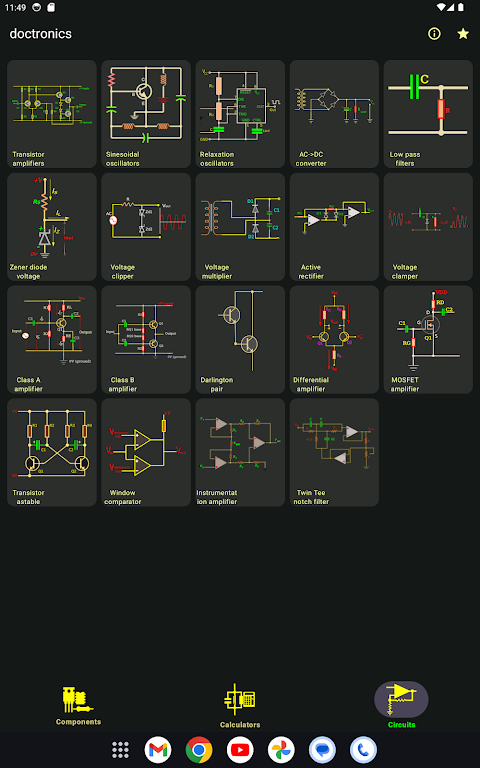
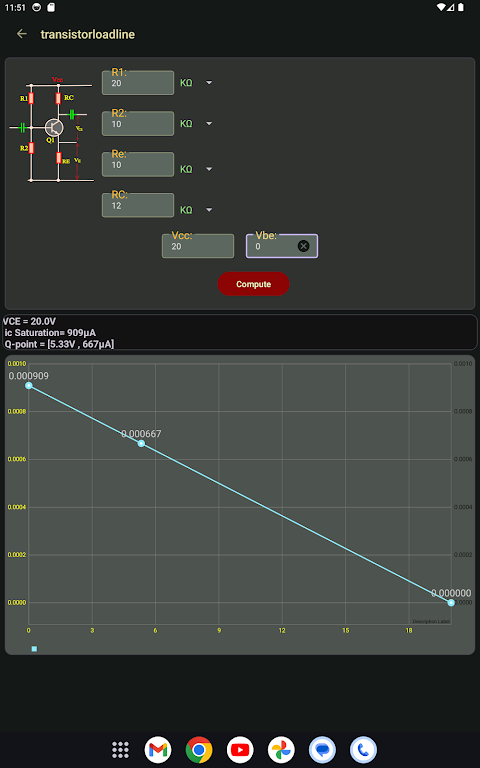
You’ll also find a voltage divider calculator, which is handy for reducing voltage levels in your circuits. For LED projects, the app includes an LED series resistor calculator to help you determine the right resistor values. If you’re working on more complex designs, the app offers a transistor amplifier calculator and options for active filter design, including Butterworth filter design and various filter design options.
The app also provides tools for calculating capacitive and inductive reactance, as well as power and crossover calculations. There’s a PCB trace width calculator to help you design your circuit boards accurately. Fast results for circuit analysis tasks mean you can focus more on your projects instead of getting bogged down with complicated calculations.
Electronics Toolbox Pro has a clean and intuitive interface, making it easy to find quick access tools and documents. Whether you're studying electronics in school, designing circuits for work, or embarking on hobbyist electronics projects, this app is a valuable resource. It puts the reference content and calculators you need right at your fingertips, allowing you to learn faster and tackle challenges with confidence.
In summary, Electronics Toolbox Pro is a comprehensive tool that caters to anyone interested in electronics. With its detailed component reference guide and a range of circuit calculators, it has everything you need to support your learning and project development in the world of electronics.
One of the key features of Electronics Toolbox Pro is its component reference guide. This guide provides clear and practical descriptions of popular electronic components. You’ll find detailed information on essential items like the 555 timer and operational amplifier, along with useful explanations of the bipolar junction transistor, MOSFET, and various diodes, including signal diodes, rectifier diodes, and Zener diodes. The guide also covers capacitors and inductors, as well as components like encoders, decoders, multiplexers, demultiplexers, and shift registers. If you’re working with integrated circuits, it even includes details about the ATmega328 and Arduino Uno.
In addition to the component reference guide, Electronics Toolbox Pro features a suite of circuit calculators and design tools. These tools are built to help you solve common electronics calculations quickly and efficiently. You can use the resistor color code tool to decode resistor values, or the SMD code lookup to find surface mount device values. There are calculators for resistors in series and parallel, capacitor charge calculations, and even Ohm’s law calculations.
You’ll also find a voltage divider calculator, which is handy for reducing voltage levels in your circuits. For LED projects, the app includes an LED series resistor calculator to help you determine the right resistor values. If you’re working on more complex designs, the app offers a transistor amplifier calculator and options for active filter design, including Butterworth filter design and various filter design options.
The app also provides tools for calculating capacitive and inductive reactance, as well as power and crossover calculations. There’s a PCB trace width calculator to help you design your circuit boards accurately. Fast results for circuit analysis tasks mean you can focus more on your projects instead of getting bogged down with complicated calculations.
Electronics Toolbox Pro has a clean and intuitive interface, making it easy to find quick access tools and documents. Whether you're studying electronics in school, designing circuits for work, or embarking on hobbyist electronics projects, this app is a valuable resource. It puts the reference content and calculators you need right at your fingertips, allowing you to learn faster and tackle challenges with confidence.
In summary, Electronics Toolbox Pro is a comprehensive tool that caters to anyone interested in electronics. With its detailed component reference guide and a range of circuit calculators, it has everything you need to support your learning and project development in the world of electronics.

Dictionnaire Le Petit Robert
Diagonal SAS
$49.99
$44.99

Truth Table Builder
Ketan Appa
$1.99
$0.99

Today In History
Downshift LLC
$9.99