
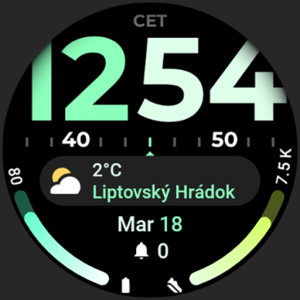
$1.79
$0.49
73% Off
TimeFlow Watch Face
amoledwatchfaces™

About the App
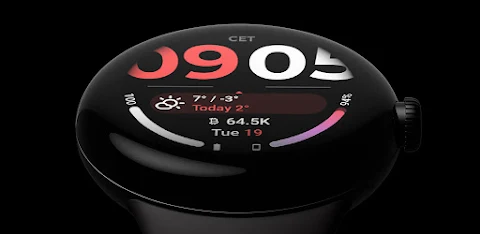
TimeFlow Watch Face is designed exclusively for Wear OS 4+ devices, making it a fantastic choice for users looking for a stylish and functional watch face. Please note that this app is not suitable for rectangular watches, ensuring that it perfectly fits round displays.
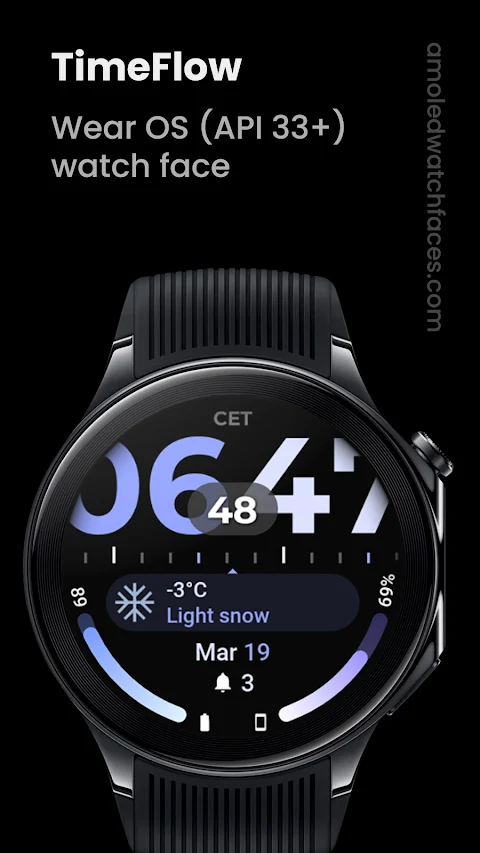
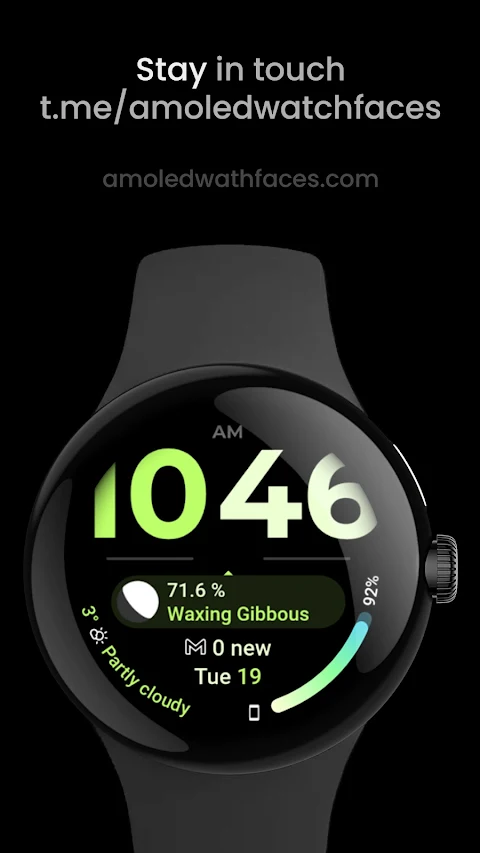
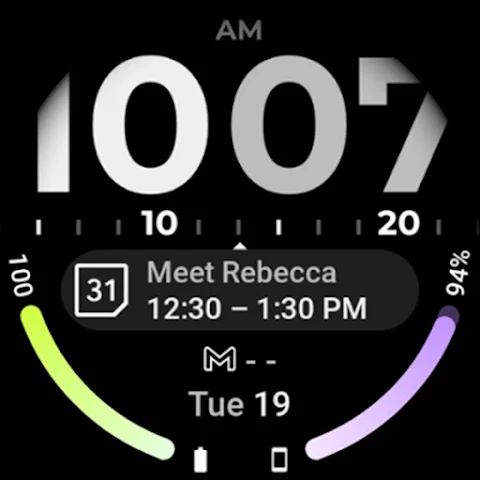
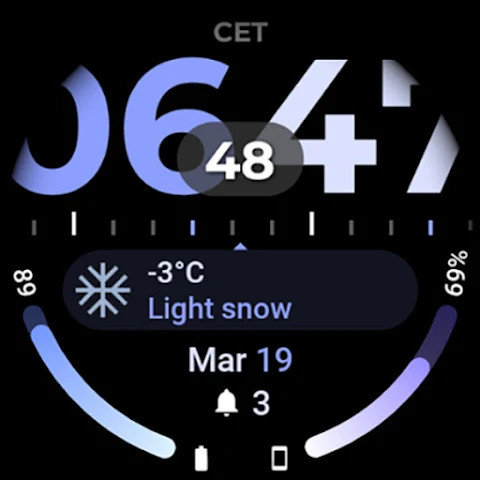
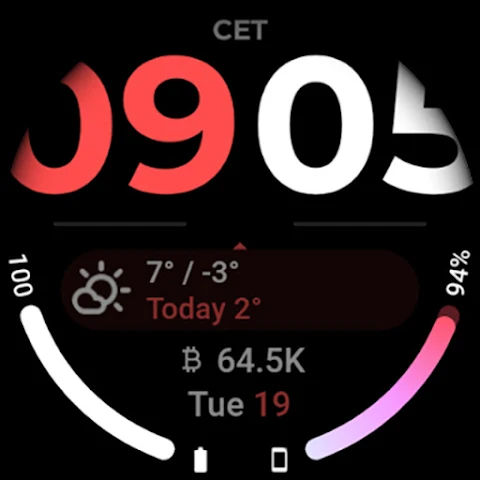
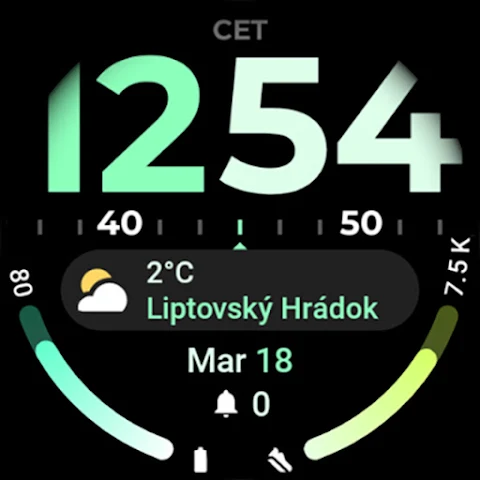
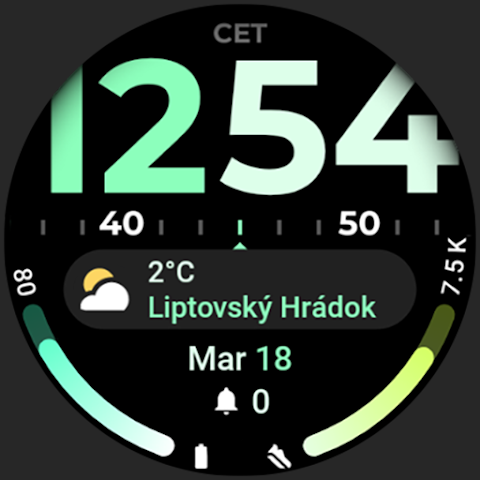
This watch face is powered by the Watch Face Format, which allows you to enjoy a range of features tailored to enhance your experience. One of its standout features is the seconds time-loop indicator, which offers different settings so you can customize your clock. The Digital Clock is large and easy to read, ensuring you can quickly check the time at a glance.
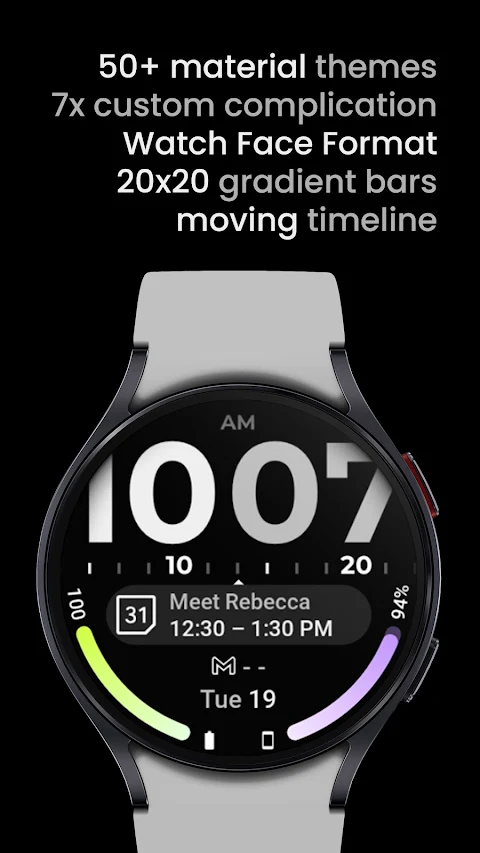
The TimeFlow Watch Face includes two gradient bars complications that support RANGED_VALUE and LONG_TEXT formats. Additionally, there is a center pill complication that displays LONG_TEXT, along with two SHORT_TEXT complications. For added convenience, two hidden custom app shortcuts allow you to access your favorite apps quickly.
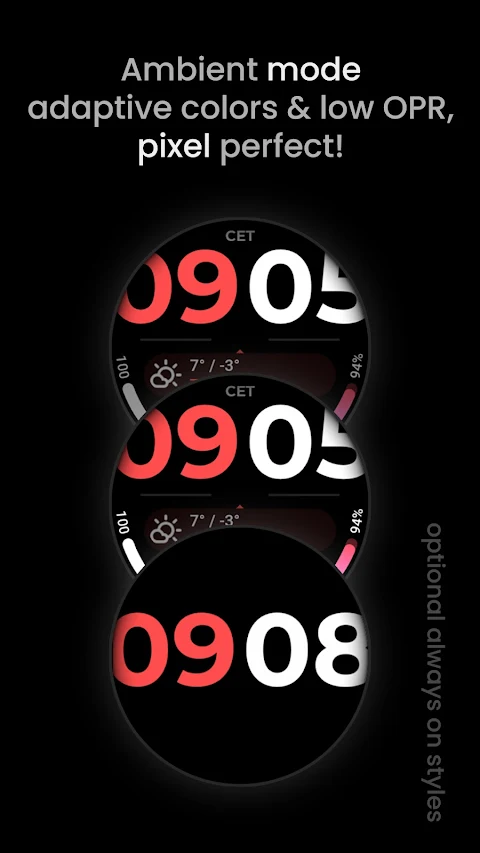
Users will appreciate the CET/AMPM Indicator, which helps track time with clarity. The TimeFlow Watch Face also features burn-in protection to keep your display looking fresh and vibrant. With a unique ambient mode, it adapts colors for low power consumption while displaying a true black background. The high resolution ensures everything looks sharp and clear.
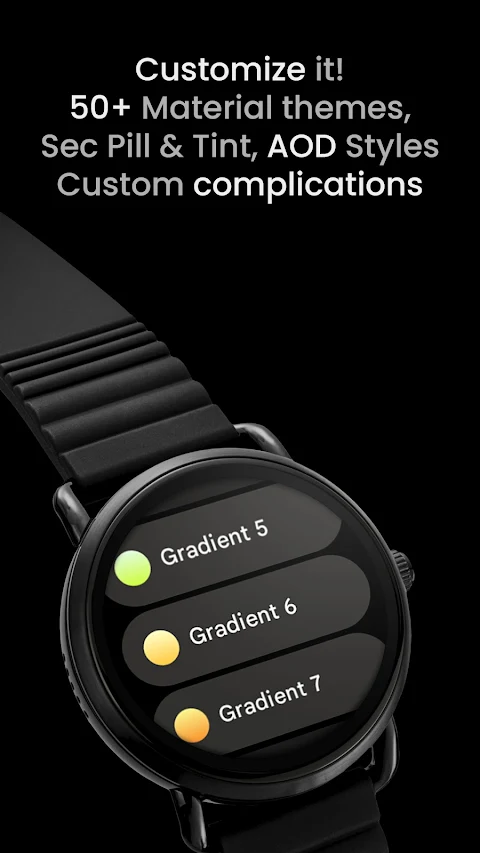
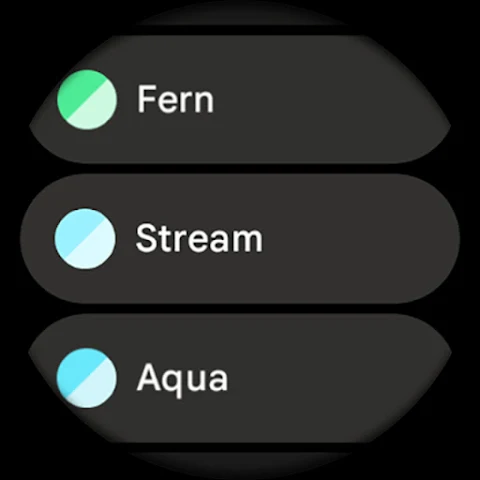
One of the most exciting aspects of TimeFlow is its collection of material color themes. You can make it your own by customizing the progress bar gradient for RANGED_VALUE complications, allowing you to reflect your personal style. A simple tap on the seconds pill lets you quickly set an alarm.
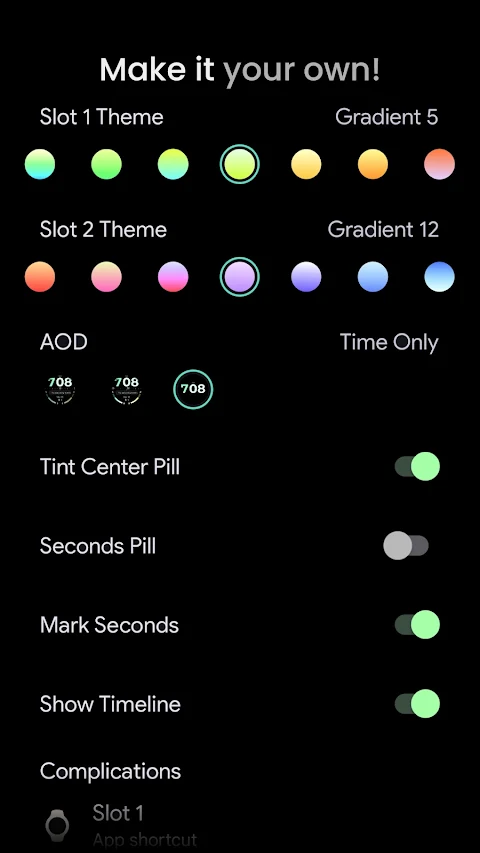
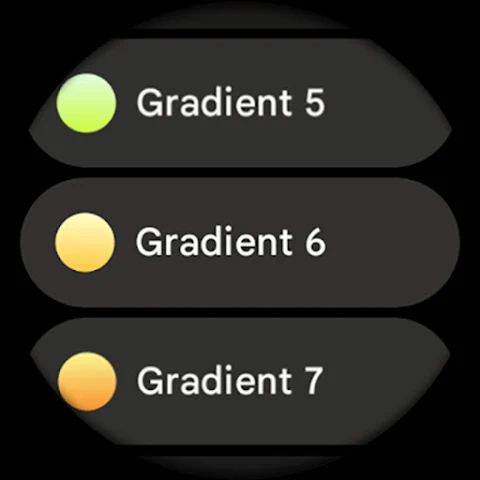
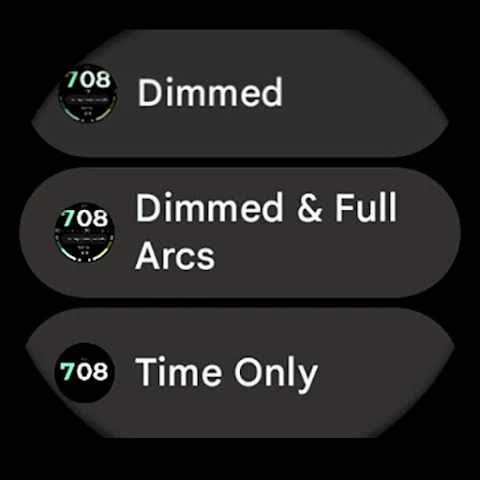
TimeFlow offers a variety of user configurations to adjust your experience further. You can explore different Slot 1 and Slot 2 themes, including 20 gradient bars, white, and tint options which only apply to the progress bars in the main complications. The AOD style allows you to choose from three different styles for when your watch is in always-on display mode.
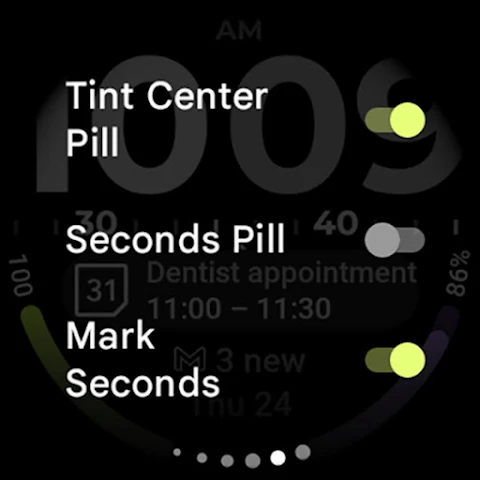
Theme customization is easy with over 50 material themes available. You can also toggle features like the tint center pill, seconds pill, marking for seconds, and showing the timeline. There’s an option for toggling the digital clock background, enhancing personalization. Plus, you can utilize custom complication slots for even more flexibility.
For those needing help, TimeFlow provides a detailed installation and troubleshooting guide available online. If you encounter any issues or need assistance, you can reach out to the support team via email. You can also join our Telegram support group for live support and discussion, connecting with other users.
Finally, don’t forget to subscribe to our newsletter to stay updated on the latest features and offerings. TimeFlow Watch Face is here to provide an enriching and personalized experience for your Wear OS device. Enjoy the convenience and style it brings to your wrist.
This watch face is powered by the Watch Face Format, which allows you to enjoy a range of features tailored to enhance your experience. One of its standout features is the seconds time-loop indicator, which offers different settings so you can customize your clock. The Digital Clock is large and easy to read, ensuring you can quickly check the time at a glance.
The TimeFlow Watch Face includes two gradient bars complications that support RANGED_VALUE and LONG_TEXT formats. Additionally, there is a center pill complication that displays LONG_TEXT, along with two SHORT_TEXT complications. For added convenience, two hidden custom app shortcuts allow you to access your favorite apps quickly.
Users will appreciate the CET/AMPM Indicator, which helps track time with clarity. The TimeFlow Watch Face also features burn-in protection to keep your display looking fresh and vibrant. With a unique ambient mode, it adapts colors for low power consumption while displaying a true black background. The high resolution ensures everything looks sharp and clear.
One of the most exciting aspects of TimeFlow is its collection of material color themes. You can make it your own by customizing the progress bar gradient for RANGED_VALUE complications, allowing you to reflect your personal style. A simple tap on the seconds pill lets you quickly set an alarm.
TimeFlow offers a variety of user configurations to adjust your experience further. You can explore different Slot 1 and Slot 2 themes, including 20 gradient bars, white, and tint options which only apply to the progress bars in the main complications. The AOD style allows you to choose from three different styles for when your watch is in always-on display mode.
Theme customization is easy with over 50 material themes available. You can also toggle features like the tint center pill, seconds pill, marking for seconds, and showing the timeline. There’s an option for toggling the digital clock background, enhancing personalization. Plus, you can utilize custom complication slots for even more flexibility.
For those needing help, TimeFlow provides a detailed installation and troubleshooting guide available online. If you encounter any issues or need assistance, you can reach out to the support team via email. You can also join our Telegram support group for live support and discussion, connecting with other users.
Finally, don’t forget to subscribe to our newsletter to stay updated on the latest features and offerings. TimeFlow Watch Face is here to provide an enriching and personalized experience for your Wear OS device. Enjoy the convenience and style it brings to your wrist.

I Ching
James Godwin
$9.99

Krishnamurti Wisdom Quotes
Giovanni Dienstmann
$1.99
My Own Clock
Alexander Rutkowskij
$1.99