
$1.49
$0.49
67% Off
Control Dash: Watch face
amoledwatchfaces™



About the App
Control Dash: Watch Face is a unique app designed specifically for Wear OS API 28+ devices. Please note that it isn’t suitable for rectangular watches, so make sure your device falls within the compatible range.
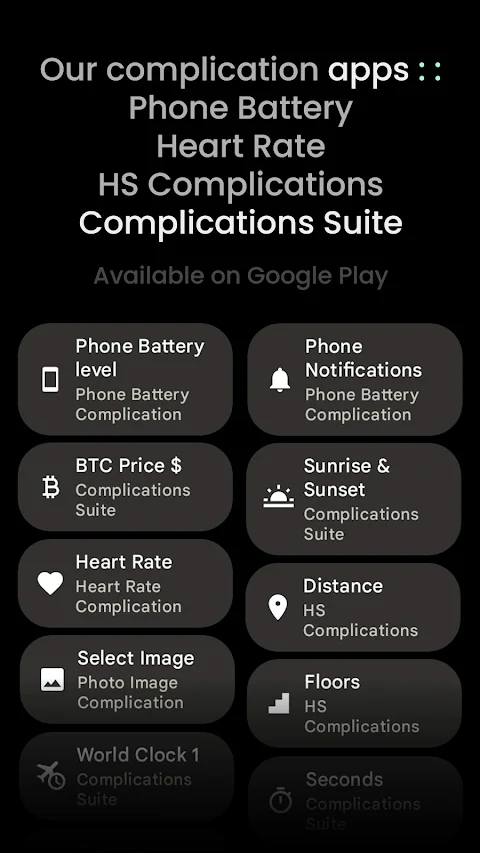
This watch face uses the Watch Face Format, ensuring a smooth and interactive user experience. If you're looking for exciting ways to personalize your watch, you’ll find various custom complication apps to enhance your experience.
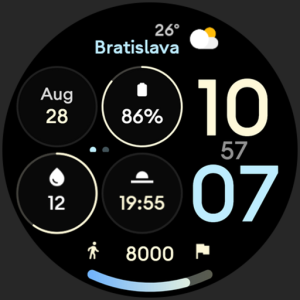
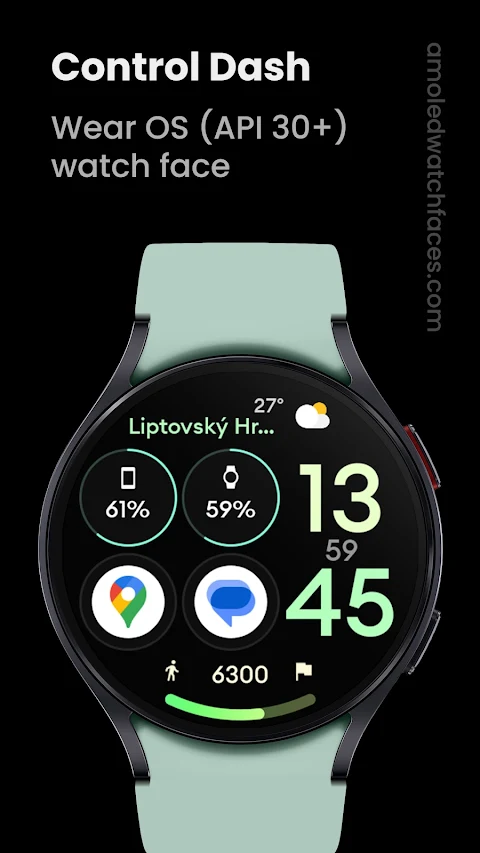
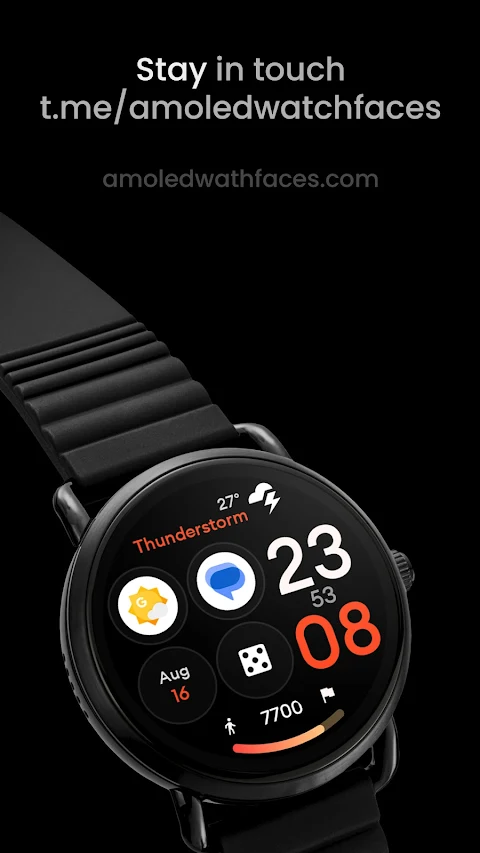
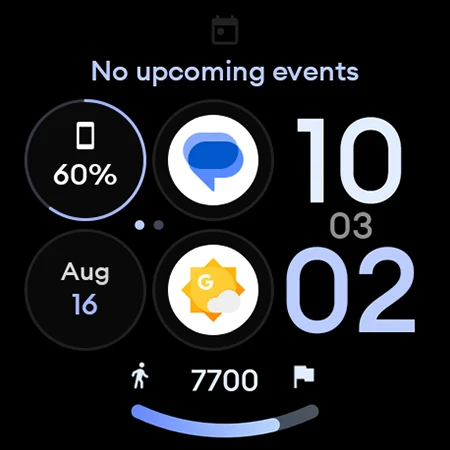
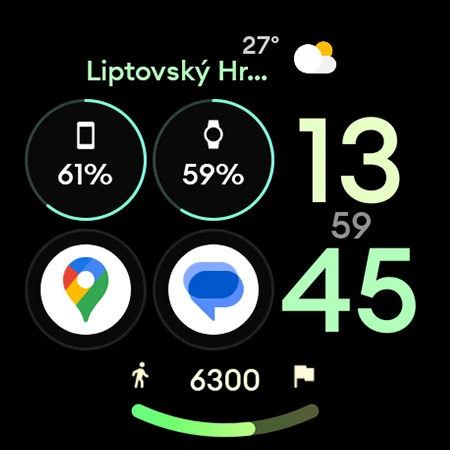
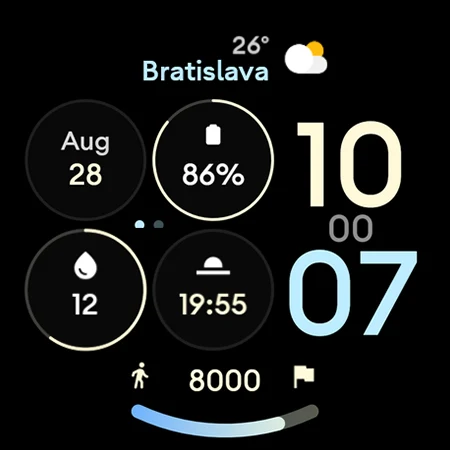
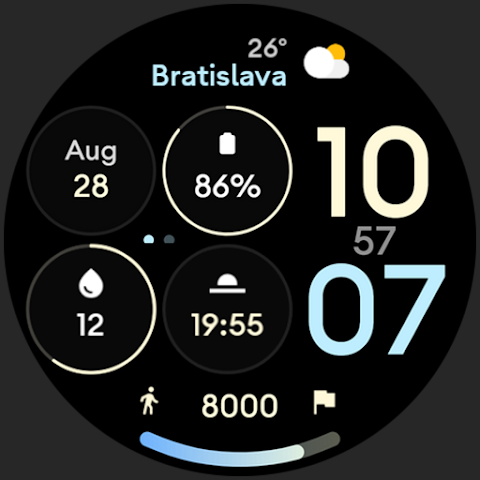
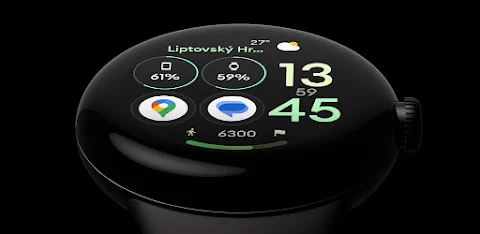
With Control Dash, you’ll enjoy a dashboard-style look that features four main complication slots. It includes a digital seconds indicator along with AMPM indicator dots, giving you quick and easy access to the time. The LONG_TEXT complication can be set up for various uses, like a weather complication or a next event complication, allowing you to stay updated at a glance.
The watch face has a true black background that not only looks great but also contributes to a high resolution. With a steps progress bar, you can easily track your daily activity, making your fitness journey more manageable. This watch face efficiently utilizes WFF (Watch Face Format) and provides Wear OS 4 support, ensuring that you're using the latest features available.
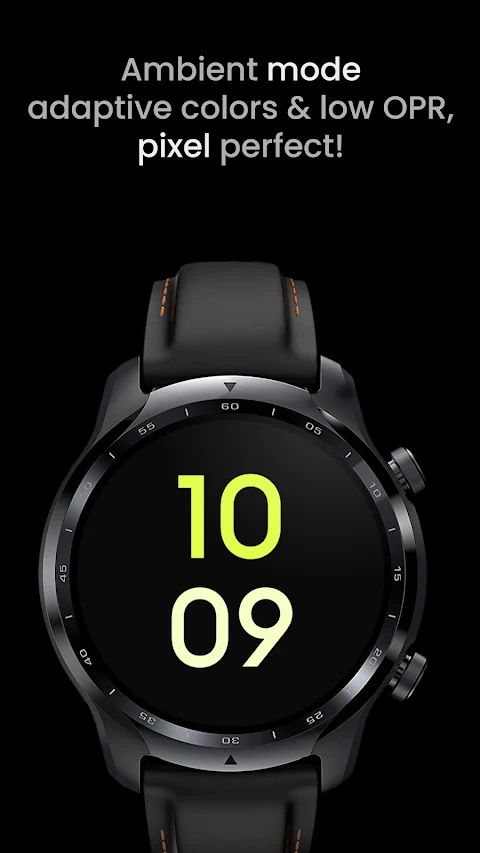
One notable feature is the PNGQuant optimized layers, which make the watch face battery friendly. This means you can enjoy using Control Dash without worrying about quickly draining your battery. There’s also a unique ambient mode that operates with low OPR (Operating Power Requirements) and offers adaptive color layouts. You can choose between two optional layouts to suit your style.
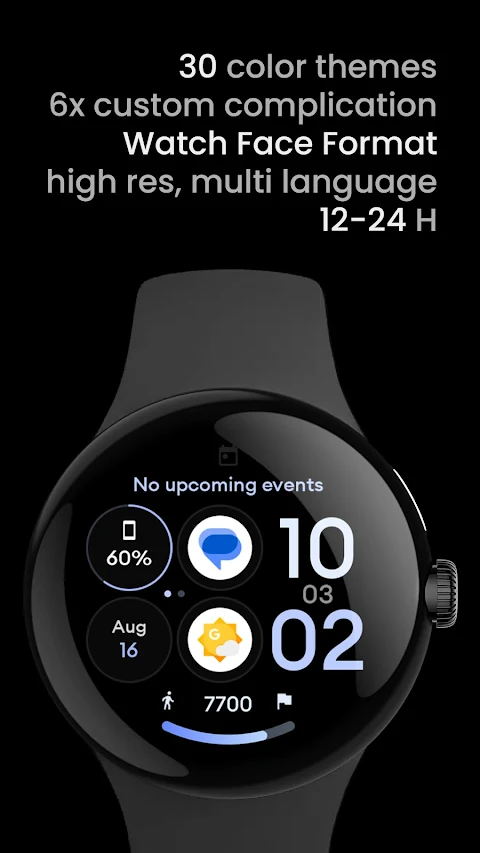
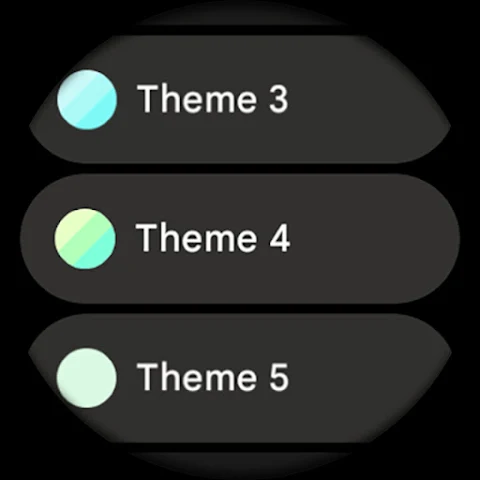
For those who like to customize their experience, Control Dash provides user configurations. You have access to 30 color options to change the look of your watch face. You can also set up your steps bar and choose from 2x AOD (Always On Display) options. Additionally, you can configure up to 6 custom complications, tailoring the watch face to meet your specific needs.
If you need assistance, there is an installation guide and troubleshooting guide available to help you navigate any issues. For direct support, feel free to reach out to the support team via email. You can also join the live support group on Telegram to discuss ideas and solutions with other members of the amoledwatchfaces community.
Don’t miss out on the buy one get one offer available on the website! You can check it out at amoledwatchfaces.com/bogo. And if you want to stay updated with the latest features and offers, consider signing up for the newsletter subscription.
With Control Dash: Watch Face, you will not only enjoy high-quality watch faces but also gain an entirely new way to interact with your Wear OS device.
This watch face uses the Watch Face Format, ensuring a smooth and interactive user experience. If you're looking for exciting ways to personalize your watch, you’ll find various custom complication apps to enhance your experience.
With Control Dash, you’ll enjoy a dashboard-style look that features four main complication slots. It includes a digital seconds indicator along with AMPM indicator dots, giving you quick and easy access to the time. The LONG_TEXT complication can be set up for various uses, like a weather complication or a next event complication, allowing you to stay updated at a glance.
The watch face has a true black background that not only looks great but also contributes to a high resolution. With a steps progress bar, you can easily track your daily activity, making your fitness journey more manageable. This watch face efficiently utilizes WFF (Watch Face Format) and provides Wear OS 4 support, ensuring that you're using the latest features available.
One notable feature is the PNGQuant optimized layers, which make the watch face battery friendly. This means you can enjoy using Control Dash without worrying about quickly draining your battery. There’s also a unique ambient mode that operates with low OPR (Operating Power Requirements) and offers adaptive color layouts. You can choose between two optional layouts to suit your style.
For those who like to customize their experience, Control Dash provides user configurations. You have access to 30 color options to change the look of your watch face. You can also set up your steps bar and choose from 2x AOD (Always On Display) options. Additionally, you can configure up to 6 custom complications, tailoring the watch face to meet your specific needs.
If you need assistance, there is an installation guide and troubleshooting guide available to help you navigate any issues. For direct support, feel free to reach out to the support team via email. You can also join the live support group on Telegram to discuss ideas and solutions with other members of the amoledwatchfaces community.
Don’t miss out on the buy one get one offer available on the website! You can check it out at amoledwatchfaces.com/bogo. And if you want to stay updated with the latest features and offers, consider signing up for the newsletter subscription.
With Control Dash: Watch Face, you will not only enjoy high-quality watch faces but also gain an entirely new way to interact with your Wear OS device.

Memento: Modern Reminders
Mark DiFranco
$5.99
$1.99

Multi Calculator Premium
Premium Quality Apps
$0.49
$0.29
Focus Grove – Pomodoro Timer
Inspector Studios
$9.99