
$2.29
$0.49
79% Off
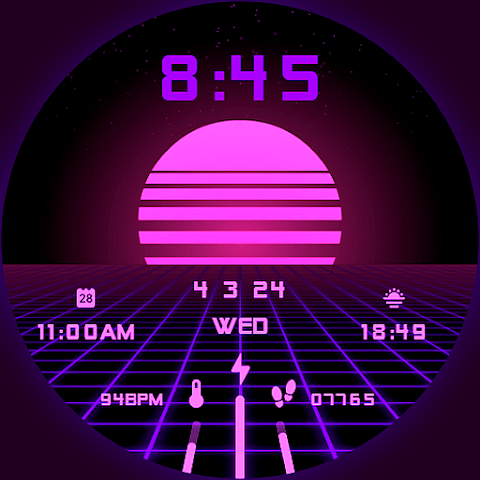
Vaporwave Watch Face
RazorSharp Design Studio







About the App
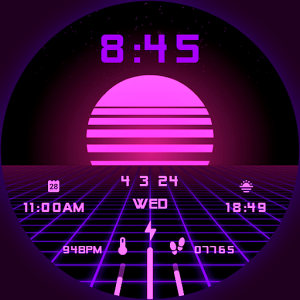
The Vaporwave Watch Face is a stylish and animated retrowave watch face designed for users of smartwatches that run on Wear OS. This means you can enjoy its unique look and features on popular brands like Samsung, Mobvoi Ticwatch, Fossil, Oppo, and the latest Xiaomi devices. Each Vaporwave Watch Face is handcrafted, ensuring that you have a one-of-a-kind experience.
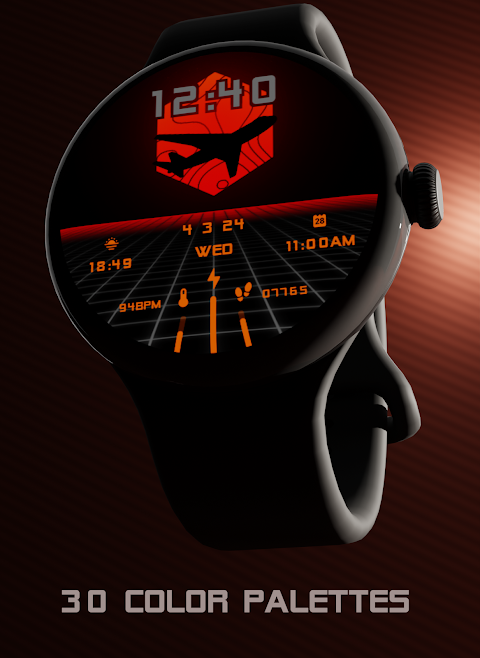
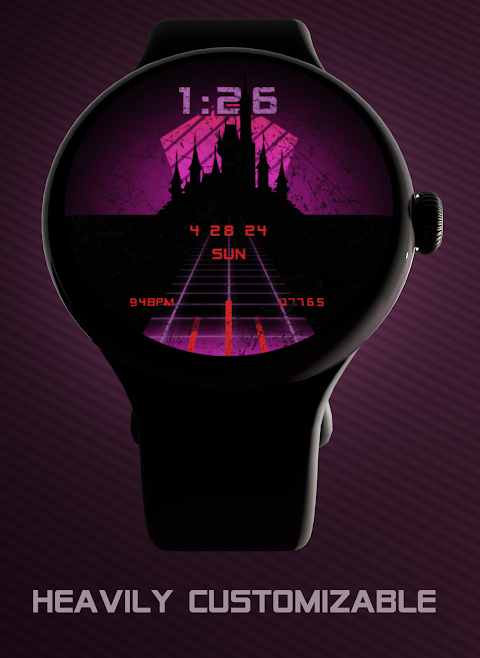
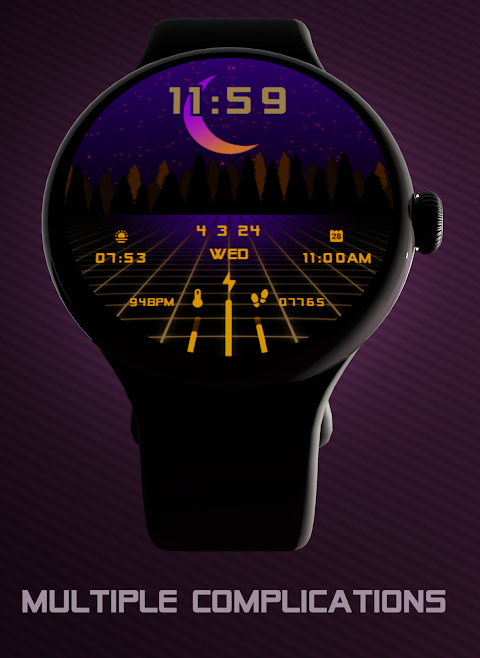
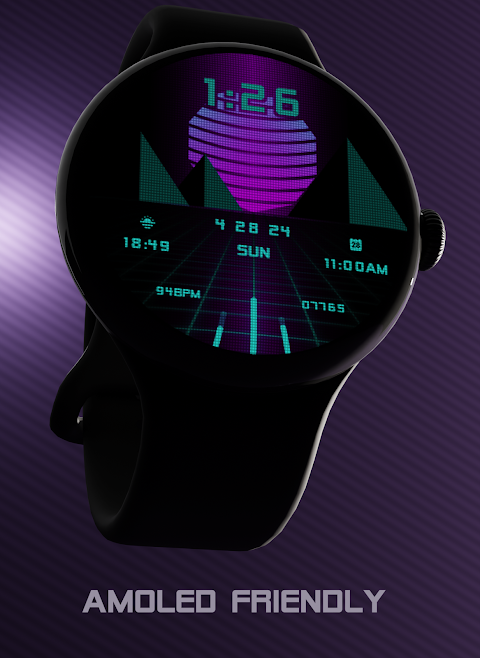
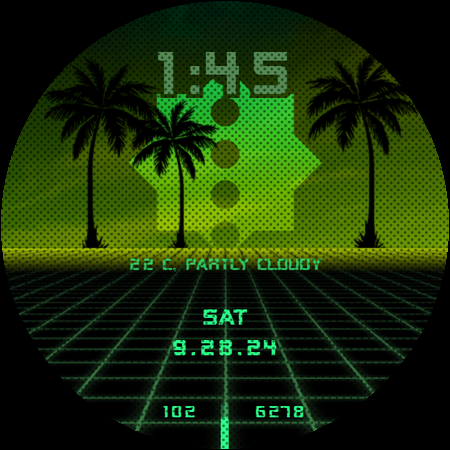
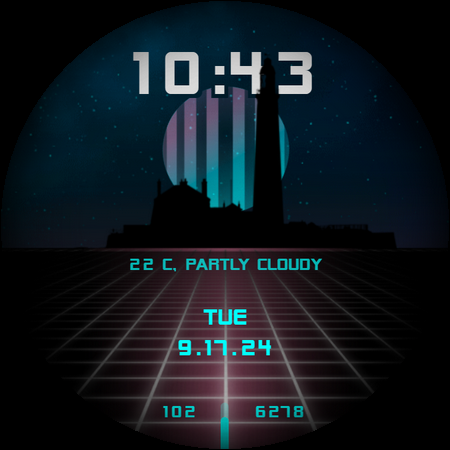
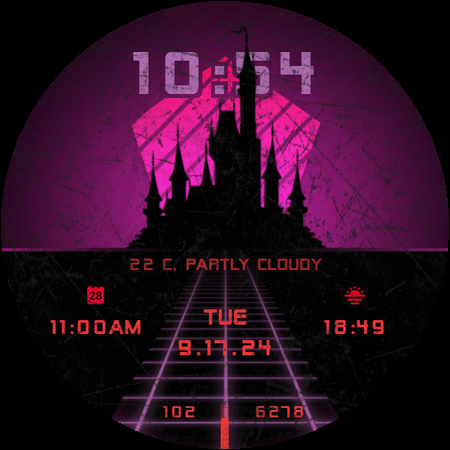
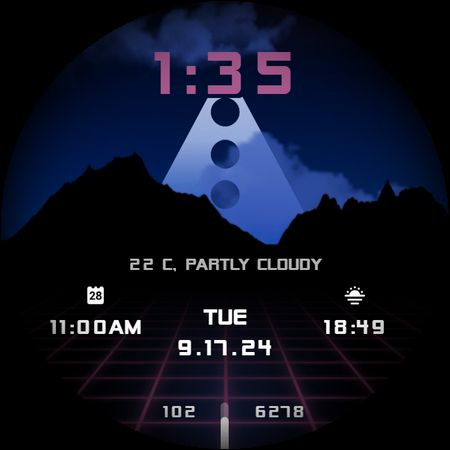
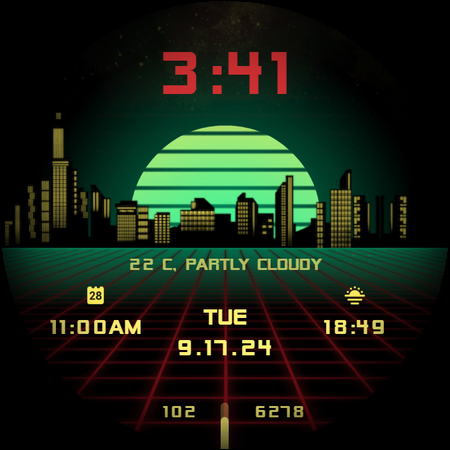
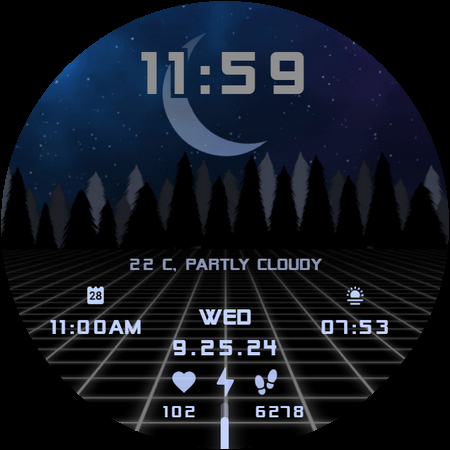
One of the standout elements of this watch face is its impressive number of customization options. With a staggering 420 million customization options, you can truly make it your own. There are also 30 color schemes to choose from, letting you easily match your style. The watch includes an animated glowing grid that adds a vibrant touch to your display. You can also view the weather and temperature directly on your watch, making it very practical.
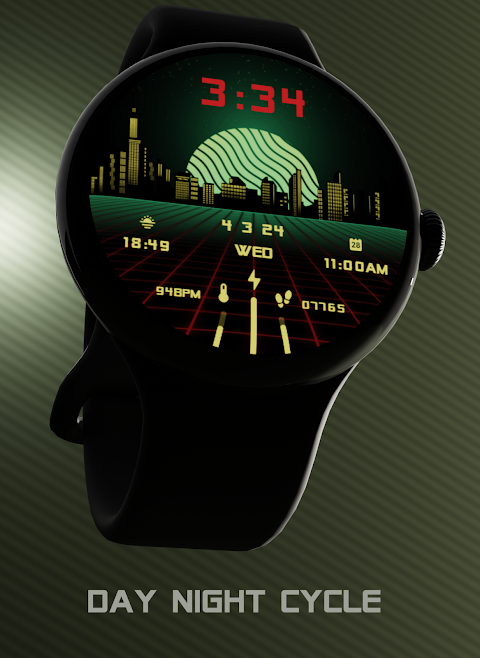
The Vaporwave Watch Face features a real day night cycle, where the moon reflects the actual moon phase. This not only looks great but adds a unique aspect to how you experience time on your smartwatch. It’s also designed to be AMOLED friendly, so it looks great on any screen type. The display includes custom and optimized Always-On Display (AOD) options, ensuring you can glance at it without using much battery.
For functionality, the watch face is packed with features. It reacts to low battery levels and includes customizable complications that allow you to tailor the watch to your needs. You can set it up for both square and round watches, ensuring a fit for your specific device. There's support for a 12/24 hour format and automatic date format.
Installing the Vaporwave Watch Face is a simple process. First, you'll need to download the companion app on your smartphone. After connecting your smartwatch to your phone, you will see an option to view and install the watch face directly on your device. Just follow the straightforward installation procedure for your smartwatch, and you’ll be set up in no time.
If you run into any issues during installation, remember that there might be compatibility issues if you're using an older smartwatch or a non-Wear OS device. Make sure your smartwatch is compatible before installing. If everything is set, but you still face difficulties, you can search for the watch face manually in the Play Store on your watch.
For your convenience, the companion app is easy to uninstall once you've installed the watch face. Should you have any questions or need support, the creator encourages users to reach out via email. Although responses may take some time, especially on weekends, support is available.
The Vaporwave Watch Face not only has ongoing updates and improvements, but it also stands out for its unique design and customization options. While the price may not be at the lowest end, it reflects the effort put into each watch face and includes ongoing support and updates tailored to your needs.
Enjoy the blend of aesthetics and functionality that the Vaporwave Watch Face brings to your smartwatch, ensuring you always have a stylish way to tell time!
One of the standout elements of this watch face is its impressive number of customization options. With a staggering 420 million customization options, you can truly make it your own. There are also 30 color schemes to choose from, letting you easily match your style. The watch includes an animated glowing grid that adds a vibrant touch to your display. You can also view the weather and temperature directly on your watch, making it very practical.
The Vaporwave Watch Face features a real day night cycle, where the moon reflects the actual moon phase. This not only looks great but adds a unique aspect to how you experience time on your smartwatch. It’s also designed to be AMOLED friendly, so it looks great on any screen type. The display includes custom and optimized Always-On Display (AOD) options, ensuring you can glance at it without using much battery.
For functionality, the watch face is packed with features. It reacts to low battery levels and includes customizable complications that allow you to tailor the watch to your needs. You can set it up for both square and round watches, ensuring a fit for your specific device. There's support for a 12/24 hour format and automatic date format.
Installing the Vaporwave Watch Face is a simple process. First, you'll need to download the companion app on your smartphone. After connecting your smartwatch to your phone, you will see an option to view and install the watch face directly on your device. Just follow the straightforward installation procedure for your smartwatch, and you’ll be set up in no time.
If you run into any issues during installation, remember that there might be compatibility issues if you're using an older smartwatch or a non-Wear OS device. Make sure your smartwatch is compatible before installing. If everything is set, but you still face difficulties, you can search for the watch face manually in the Play Store on your watch.
For your convenience, the companion app is easy to uninstall once you've installed the watch face. Should you have any questions or need support, the creator encourages users to reach out via email. Although responses may take some time, especially on weekends, support is available.
The Vaporwave Watch Face not only has ongoing updates and improvements, but it also stands out for its unique design and customization options. While the price may not be at the lowest end, it reflects the effort put into each watch face and includes ongoing support and updates tailored to your needs.
Enjoy the blend of aesthetics and functionality that the Vaporwave Watch Face brings to your smartwatch, ensuring you always have a stylish way to tell time!
Violet – Purple Icon Pack
GomoTheGom
$1.49
$0.29
WAW043 Racer Sport Hybrid Face
WAW Watch Faces
$2.99

iGlass Dark OS 26 Icon Pack
PizzApp Design
$0.99
$0.69