

$3.99
$2.99
25% Off
Wifi Analyzer Pro
Webprovider







About the App
Wifi Analyzer Pro is an essential tool for anyone experiencing slow, unstable, or dropping WiFi signals. Designed to help users pinpoint the issues affecting their connections, this app allows you to conduct thorough WiFi network analysis and resolve problems effectively. With this ad-free version, you can explore every nearby WiFi network, identify the best channel for your router, test both internet and local network speeds, and use various professional network diagnostic tools—making it perfect for setting up a new router, optimizing coverage at home, or troubleshooting issues at work.
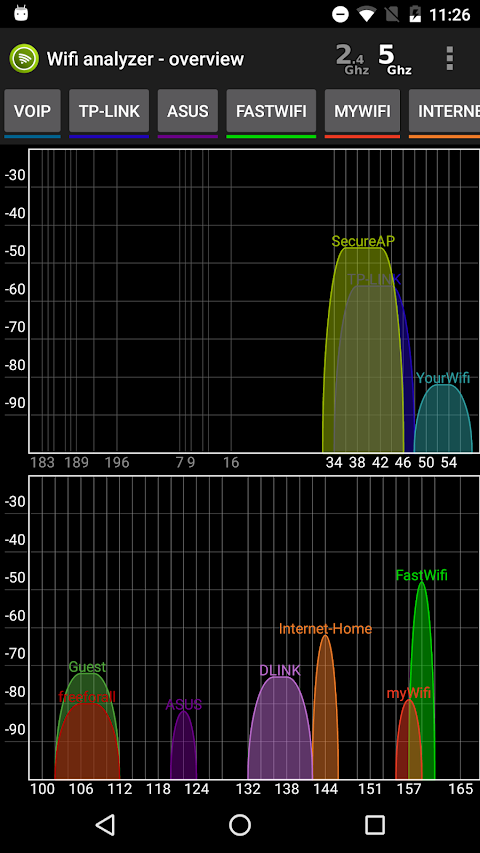
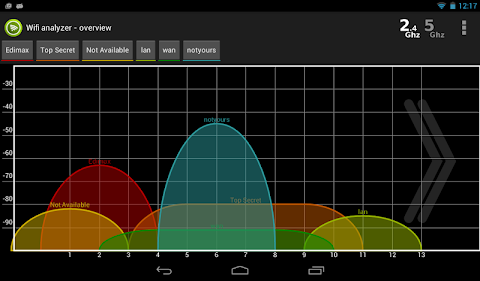
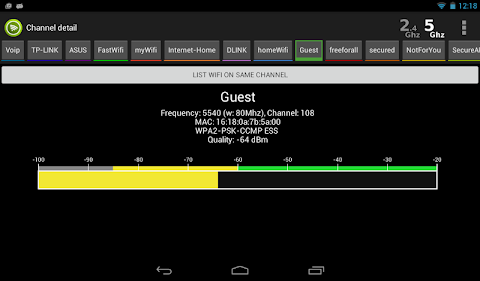
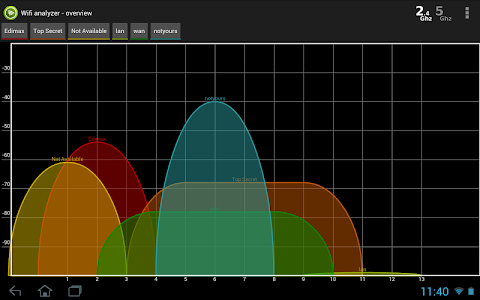
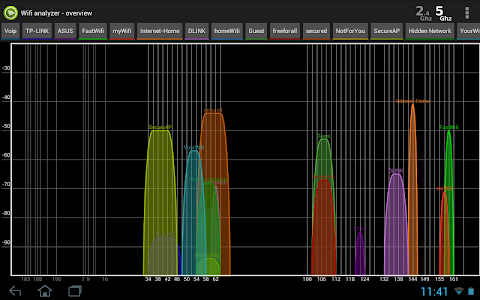
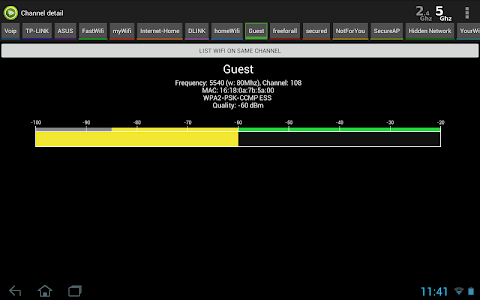
One of the standout features of Wifi Analyzer Pro is its real-time signal graph. This interactive tool displays nearby WiFi networks, allowing you to see signal strength, channel overlap, and interference levels at a glance. You can switch between 2.4 GHz, 5 GHz, and 6 GHz frequency views for more detailed insights. By tapping on any network, you can access full details such as encryption type, channel width, WiFi standard, and even the router manufacturer.
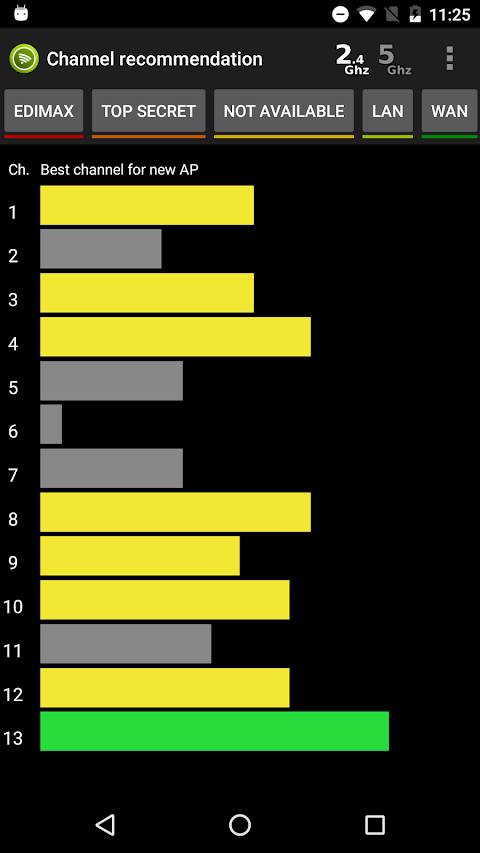
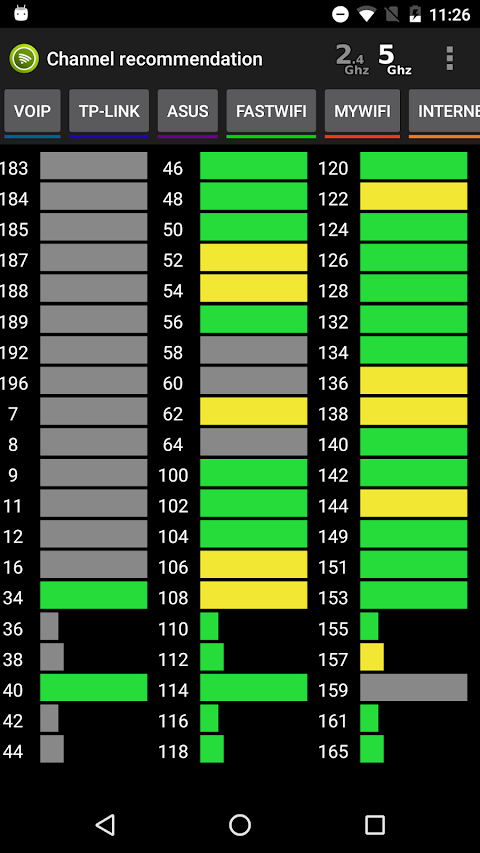
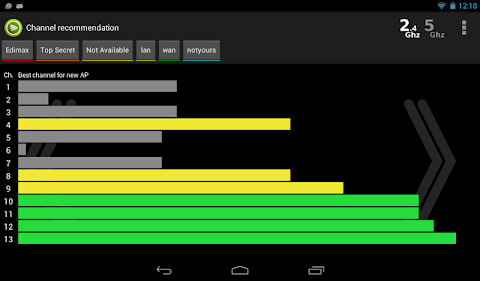
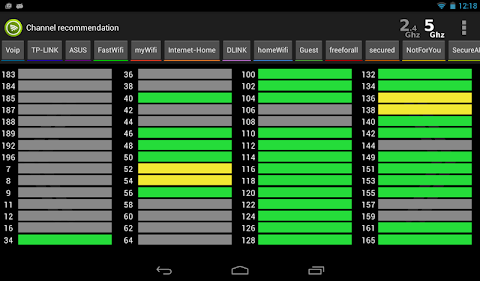
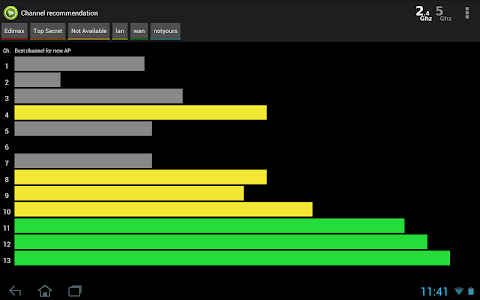
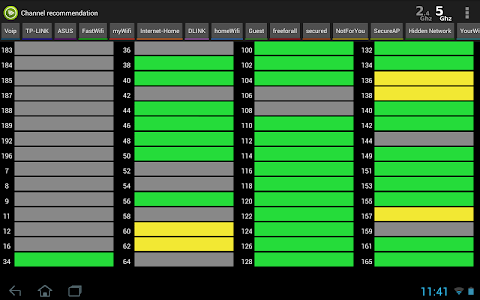
If you're unsure which channel to use for optimal performance, the built-in channel recommendation engine scans all detected networks. It calculates interference scores to guide you to the best channel for both new and existing access points. This feature is invaluable for router optimization, ensuring you get the most out of your WiFi setup.
To measure your internet performance, Wifi Analyzer Pro includes an internet speed test that checks your ping, download speed, and upload speed against servers around the world. The results are displayed in real time for clarity. In addition, you can use the WiFi LAN speed test to measure the actual throughput between your phone and your router over your local network. This is particularly useful for determining if your WiFi link is causing any lag.
Another exciting feature is the WiFi heat map. You can upload your floor plan and move around your space while tapping to measure signal strength. The app builds a color-coded signal map, showing where your WiFi coverage is strong, weak, or nonexistent. This is essential for making informed decisions about router, extender, or access point placement, ultimately helping with network coverage optimization.
Wifi Analyzer Pro comes equipped with eight network diagnostic tools that enhance its functionality. These include ping measurement for analyzing latency and jitter, traceroute path visualization to understand the path data takes to reach its destination, and a port scanning feature to identify open services and potential security issues. The DNS mail security audit and SSL/TLS certificate grading tools help ensure secure connections by checking domain registration and identifying any vulnerabilities.
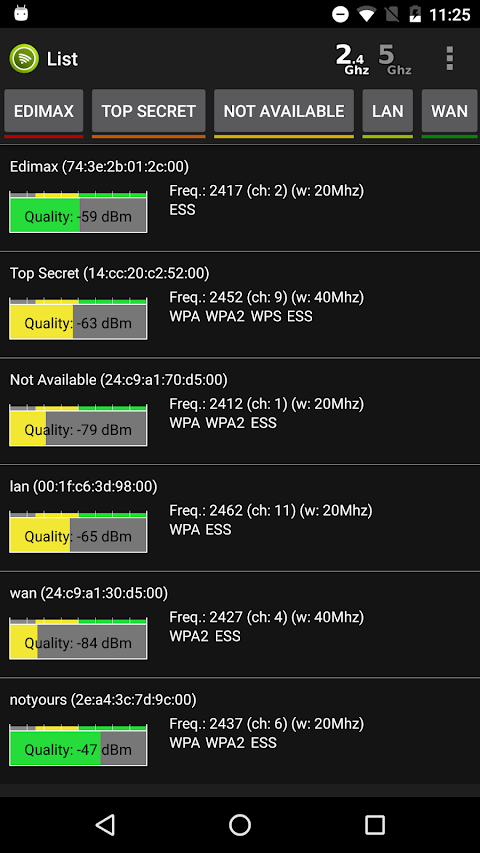
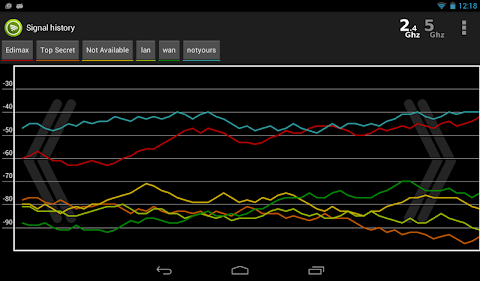
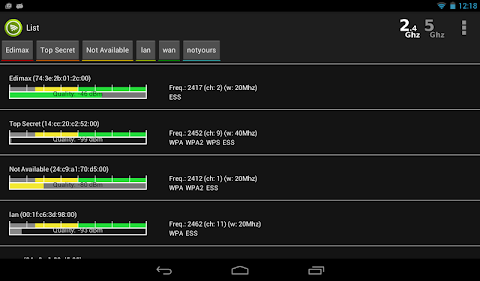
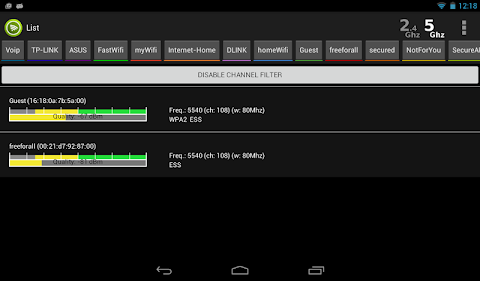
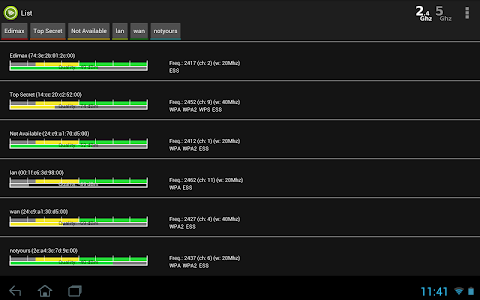
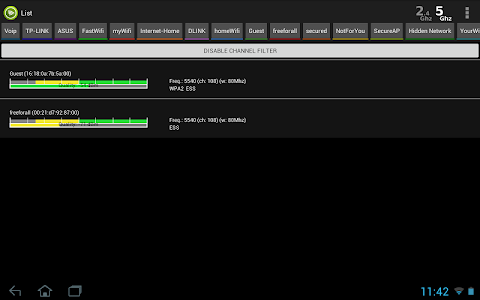
With LAN device discovery, you can easily identify all devices connected to your network, including details like MAC address and vendor information. Signal strength tracking allows you to monitor changes over time, enabling you to find the best placement for your router or workstation. The app also provides a sortable and filterable WiFi list of all detected networks, allowing you to sort by signal quality, name, or interference levels. You can even filter by channel; just tap on a channel in the overview graph to see only the networks on that channel.
For your privacy and peace of mind, Wifi Analyzer Pro requires location permission for WiFi scanning but does not store or transmit your location data.
Overall, Wifi Analyzer Pro combines WiFi analysis, speed testing, and extensive network diagnostics into one comprehensive app. It is designed to assist users at all levels in managing their WiFi connections effectively. Download Wifi Analyzer Pro today and take control of your WiFi experience. With its easy-to-use features, you can ensure your WiFi signal stability and optimize your network coverage, allowing for a smoother and faster internet experience.
One of the standout features of Wifi Analyzer Pro is its real-time signal graph. This interactive tool displays nearby WiFi networks, allowing you to see signal strength, channel overlap, and interference levels at a glance. You can switch between 2.4 GHz, 5 GHz, and 6 GHz frequency views for more detailed insights. By tapping on any network, you can access full details such as encryption type, channel width, WiFi standard, and even the router manufacturer.
If you're unsure which channel to use for optimal performance, the built-in channel recommendation engine scans all detected networks. It calculates interference scores to guide you to the best channel for both new and existing access points. This feature is invaluable for router optimization, ensuring you get the most out of your WiFi setup.
To measure your internet performance, Wifi Analyzer Pro includes an internet speed test that checks your ping, download speed, and upload speed against servers around the world. The results are displayed in real time for clarity. In addition, you can use the WiFi LAN speed test to measure the actual throughput between your phone and your router over your local network. This is particularly useful for determining if your WiFi link is causing any lag.
Another exciting feature is the WiFi heat map. You can upload your floor plan and move around your space while tapping to measure signal strength. The app builds a color-coded signal map, showing where your WiFi coverage is strong, weak, or nonexistent. This is essential for making informed decisions about router, extender, or access point placement, ultimately helping with network coverage optimization.
Wifi Analyzer Pro comes equipped with eight network diagnostic tools that enhance its functionality. These include ping measurement for analyzing latency and jitter, traceroute path visualization to understand the path data takes to reach its destination, and a port scanning feature to identify open services and potential security issues. The DNS mail security audit and SSL/TLS certificate grading tools help ensure secure connections by checking domain registration and identifying any vulnerabilities.
With LAN device discovery, you can easily identify all devices connected to your network, including details like MAC address and vendor information. Signal strength tracking allows you to monitor changes over time, enabling you to find the best placement for your router or workstation. The app also provides a sortable and filterable WiFi list of all detected networks, allowing you to sort by signal quality, name, or interference levels. You can even filter by channel; just tap on a channel in the overview graph to see only the networks on that channel.
For your privacy and peace of mind, Wifi Analyzer Pro requires location permission for WiFi scanning but does not store or transmit your location data.
Overall, Wifi Analyzer Pro combines WiFi analysis, speed testing, and extensive network diagnostics into one comprehensive app. It is designed to assist users at all levels in managing their WiFi connections effectively. Download Wifi Analyzer Pro today and take control of your WiFi experience. With its easy-to-use features, you can ensure your WiFi signal stability and optimize your network coverage, allowing for a smoother and faster internet experience.

Crosshair & Nickname Pro
TOLAN
$0.19
$0.10

Rotation Control
Power Mind Apps
$0.99

FPS Meter Real-time Display
Forge Lynx
$0.49
$0.34