

$0.99
$0.29
71% Off
MangoLine – Orange Icon Pack
Panoto Gomo








About the App
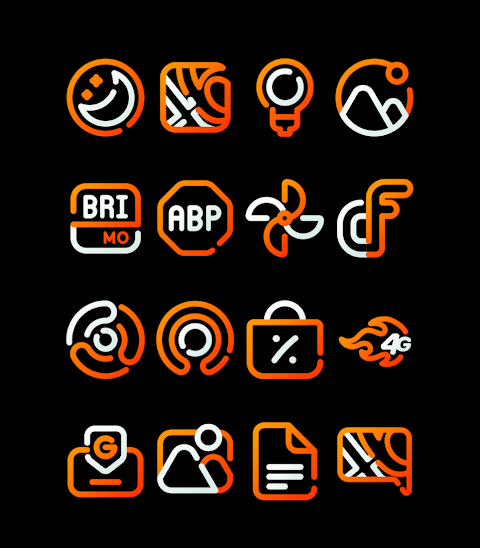
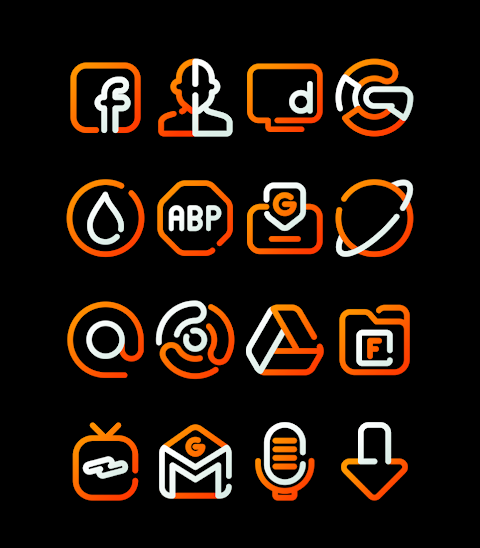
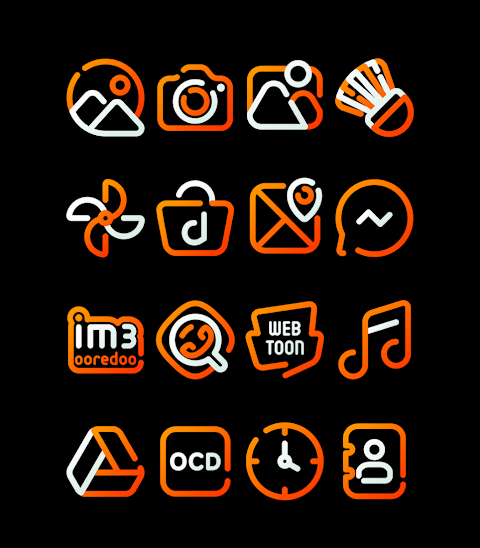
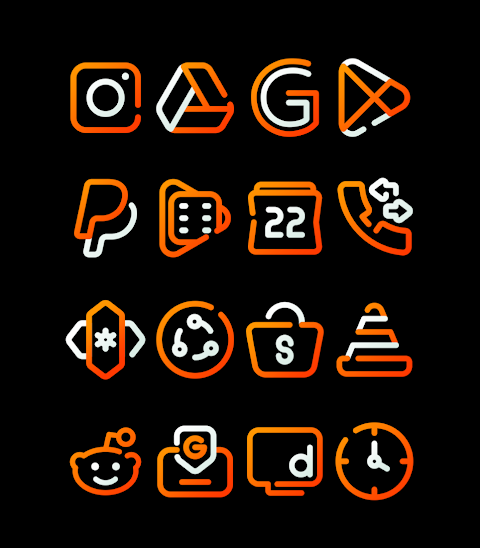
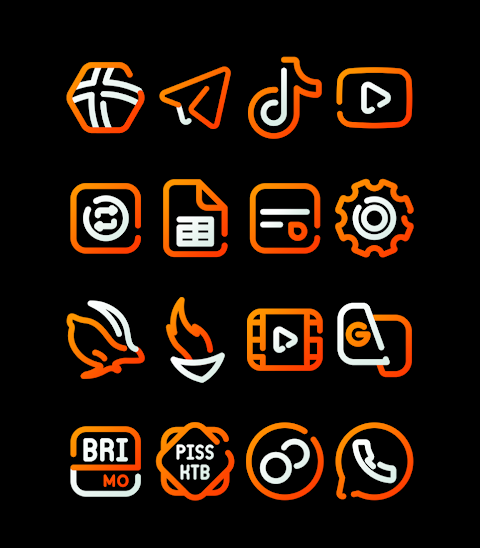
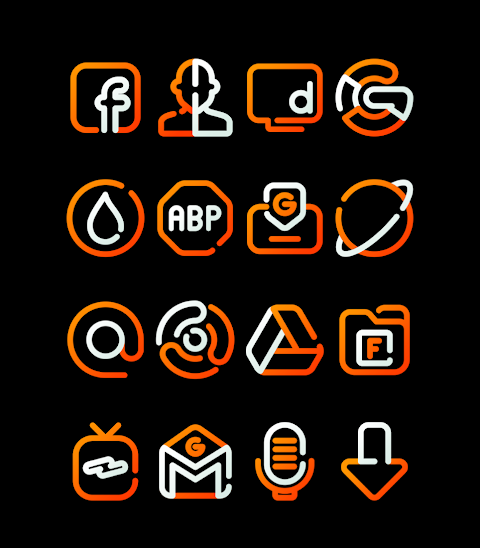
MangoLine is an exciting Orange icon pack designed to give your device a fresh look. With over 3000 icons and counting, this app helps you transform your mobile experience into something unique and visually appealing. Each icon is crafted in HD icon resolution of 256x256px to ensure sharp and clear visuals on your home screen.
MangoLine offers more than just icons. It comes with a collection of stunning wallpapers to enhance your device's aesthetics. If you have a specific icon in mind that isn’t included, the icon request feature allows you to suggest new icons for future updates. This makes customizing your device both fun and personal.
Applying the MangoLine icon pack is simple, and it supports various popular launchers, including Nova Launcher, Evie Launcher, Apex Launcher, ADW Launcher, ABC Launcher, Holo Launcher, Lucid Launcher, M Launcher, Action Launcher, Smart Launcher, Go Launcher, and Zero Launcher. To get started, just follow these easy installation steps.
First, open the MangoLine app. Next, navigate to the "Apply Icon Pack" screen. Here, you will see a list of supported launchers. Select the Nova Launcher, which you have installed on your phone, to apply the icons from this icon pack. The app will automatically change the icons for you.
If your launcher doesn’t appear when applying from the icon pack, you can also try to apply the icons directly from the launcher itself. This versatility ensures that you can customize your device with ease.
For users with Sony Xperia devices, the MangoLine icon pack can still be applied, but requires a slightly different method. You will need to long press on the main screen, open the settings, scroll down to the appearance icon setting, and choose the MangoLine icon pack. Just make sure that you have Sony Xperia Home Launcher version 10.0.A.0.8 or later for it to work.
Besides the ease of application, MangoLine also supports customization options like icon masking to merge seamlessly with your overall mobile design. This aids you in creating a cohesive custom user interface that matches your style. Whether you're into minimalist designs or vibrant themes, this orange icon pack fits perfectly into your Android customization needs.
The app also provides access to more design information through social platforms like Google+, Instagram, and Twitter. This connection helps you stay updated with design trends and get inspiration for your mobile app design.
With MangoLine, you can effortlessly enhance your home screen aesthetics and enjoy a personalized user interface. It's an excellent tool for anyone looking to upgrade their device's look with mobile icon themes that reflect their personality. Enjoy the benefits of a beautifully customized phone with the simple yet powerful tools MangoLine offers.
MangoLine offers more than just icons. It comes with a collection of stunning wallpapers to enhance your device's aesthetics. If you have a specific icon in mind that isn’t included, the icon request feature allows you to suggest new icons for future updates. This makes customizing your device both fun and personal.
Applying the MangoLine icon pack is simple, and it supports various popular launchers, including Nova Launcher, Evie Launcher, Apex Launcher, ADW Launcher, ABC Launcher, Holo Launcher, Lucid Launcher, M Launcher, Action Launcher, Smart Launcher, Go Launcher, and Zero Launcher. To get started, just follow these easy installation steps.
First, open the MangoLine app. Next, navigate to the "Apply Icon Pack" screen. Here, you will see a list of supported launchers. Select the Nova Launcher, which you have installed on your phone, to apply the icons from this icon pack. The app will automatically change the icons for you.
If your launcher doesn’t appear when applying from the icon pack, you can also try to apply the icons directly from the launcher itself. This versatility ensures that you can customize your device with ease.
For users with Sony Xperia devices, the MangoLine icon pack can still be applied, but requires a slightly different method. You will need to long press on the main screen, open the settings, scroll down to the appearance icon setting, and choose the MangoLine icon pack. Just make sure that you have Sony Xperia Home Launcher version 10.0.A.0.8 or later for it to work.
Besides the ease of application, MangoLine also supports customization options like icon masking to merge seamlessly with your overall mobile design. This aids you in creating a cohesive custom user interface that matches your style. Whether you're into minimalist designs or vibrant themes, this orange icon pack fits perfectly into your Android customization needs.
The app also provides access to more design information through social platforms like Google+, Instagram, and Twitter. This connection helps you stay updated with design trends and get inspiration for your mobile app design.
With MangoLine, you can effortlessly enhance your home screen aesthetics and enjoy a personalized user interface. It's an excellent tool for anyone looking to upgrade their device's look with mobile icon themes that reflect their personality. Enjoy the benefits of a beautifully customized phone with the simple yet powerful tools MangoLine offers.

WFP 348 FLIP Watch Face
WFProduction by Alexandr Kovalev
$2.49
$1.25

Ergon – Icon Pack
PhunktasticDesigns
$1.49
$1.04

Retromatic Icon Pack
NodeShaper
$0.99
$0.49