
$0.55
$0.41
25% Off
PDF editor & PDF converter pro
PDF Converter & PDF Editor Pro

About the App
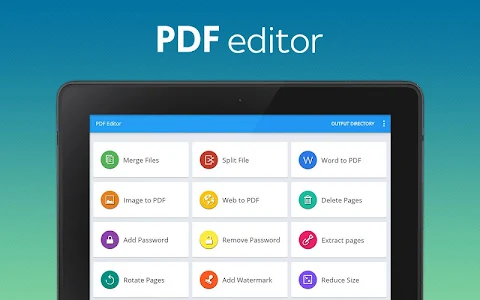
Experience the power of PDF Converter & PDF Editor, a comprehensive document tool designed to enhance your productivity. This user-friendly app allows you to unlock a range of features that make working with PDFs easy and efficient.
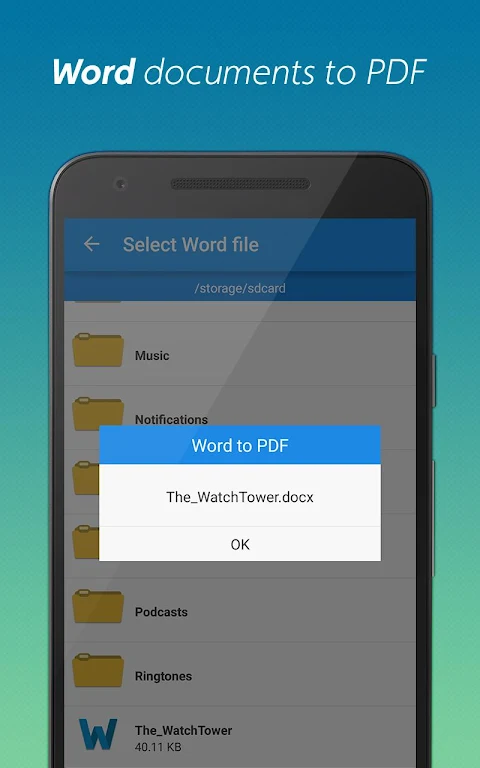
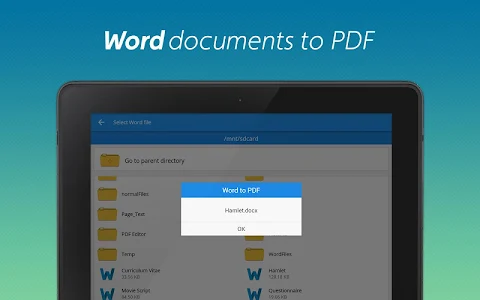
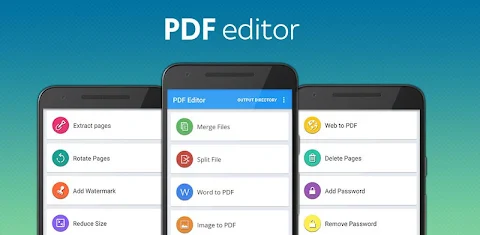
One of the standout abilities of the PDF Converter is its seamless Word to PDF conversion. With just a simple tap, you can transform DOC files into PDF documents anywhere you are. This feature is incredibly handy for anyone who needs to work on their documents on the go.
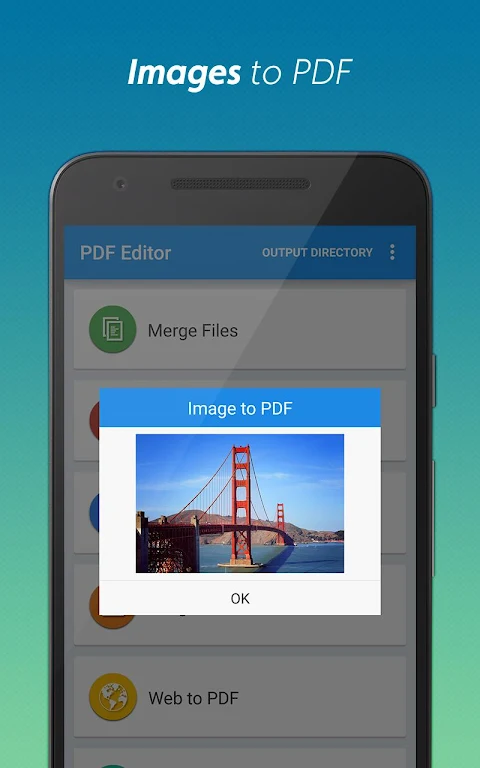
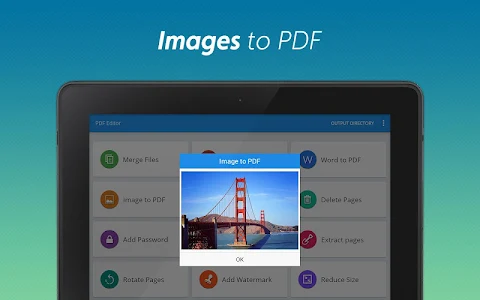
If you have images, the PDF Editor also excels at image to PDF conversion. You can quickly turn JPGs into PDFs by selecting multiple images from your gallery. This functionality means you can easily keep your pictures organized in PDF format.
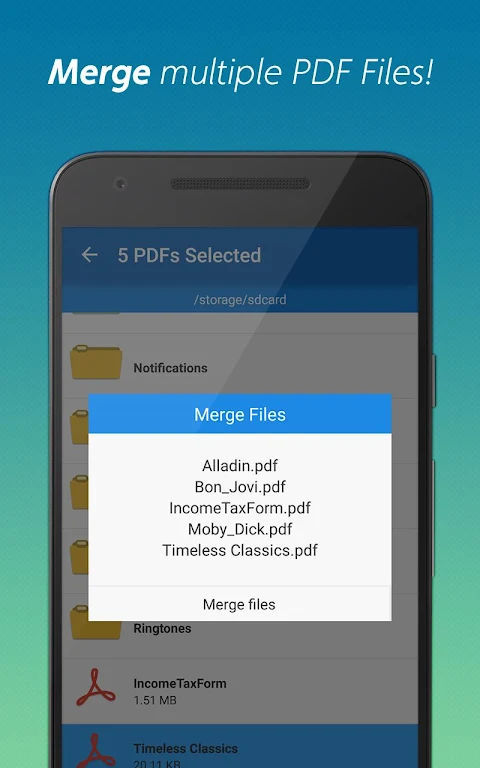
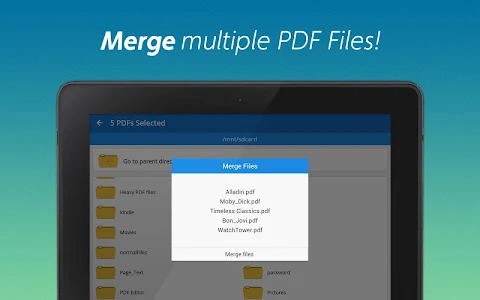
When it comes to managing your documents, the app makes PDF merging simple. You can combine multiple PDFs into one organized file, making it easier to handle your documents without hassle. This feature is especially useful for users who deal with lots of paperwork.
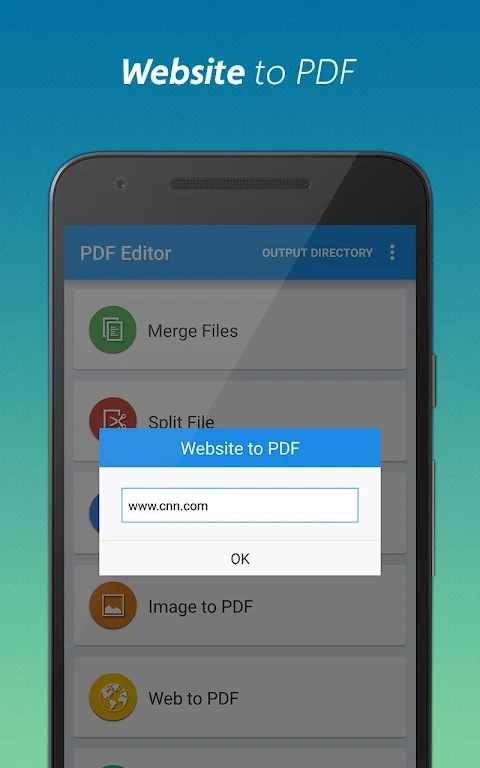
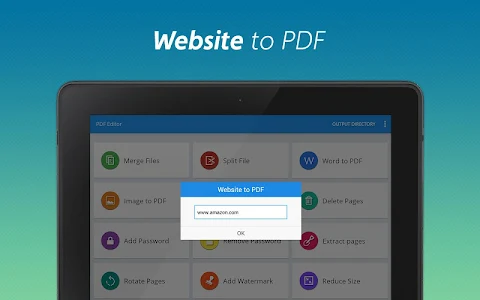
For those who want to save content from the web, the Website to PDF conversion feature lets you save webpages as PDFs for offline reading. You can archive articles and reports effortlessly, ensuring you have quick access to information anytime you need it.
If your files are too large, the document splitting capability can help. You can break down big PDFs into smaller, manageable parts, allowing you to customize your PDF content according to what you need.
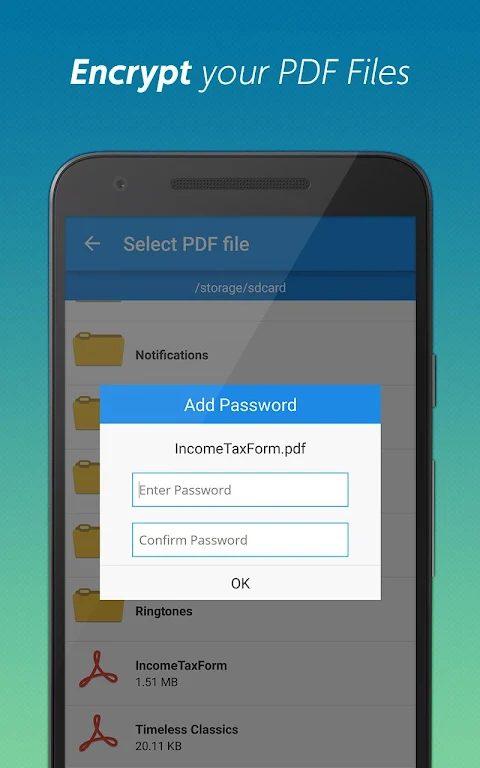
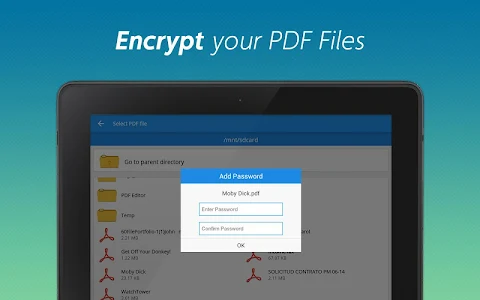
Security is also a priority with the PDF Editor. You can add password protection to your files, enhancing document security. If you find that you often need to remove PDF password protection, the app makes this easy too, so you don’t have to worry about repetitive entries for frequently accessed files.
Streamlining your PDFs is a breeze. The page deletion feature allows you to remove unnecessary pages, keeping your documents clutter-free and easy to navigate. Additionally, if you need to isolate specific information, you can use the option for extracting PDF pages. This allows you to tailor your content to your exact requirements.
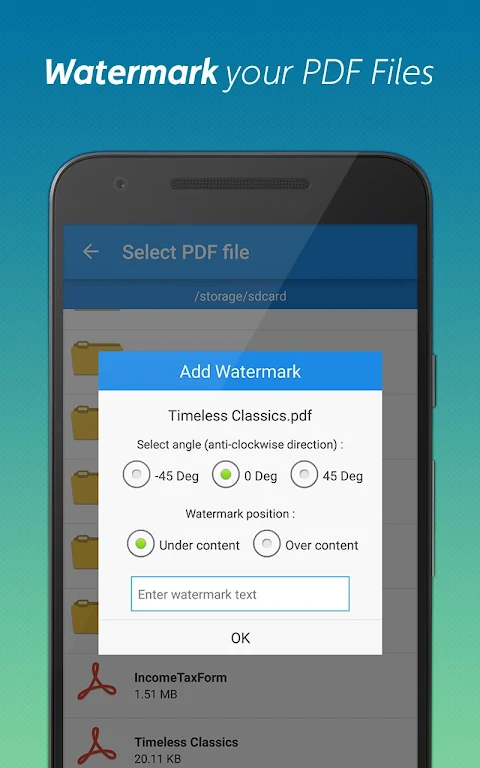
Personalization is another fun aspect of the PDF Editor. You can add a watermark to your files, making your documents stand out and uniquely yours. If you need to adjust the orientation of your PDFs, you can rotate PDF pages effortlessly to enhance readability and presentation.
Sharing files is made easier with PDF compression. The app helps you optimize your PDFs, reducing file size without compromising quality. This feature is perfect for users who frequently send documents via email or share them online.
Download the PDF Converter & PDF Editor today for a seamless PDF experience. Whether you are converting, editing, or managing your PDFs, this feature-packed tool is designed to meet all your needs while boosting your productivity with PDFs. Enjoy the convenience of a user-friendly PDF editor that helps you work smarter, not harder.
One of the standout abilities of the PDF Converter is its seamless Word to PDF conversion. With just a simple tap, you can transform DOC files into PDF documents anywhere you are. This feature is incredibly handy for anyone who needs to work on their documents on the go.
If you have images, the PDF Editor also excels at image to PDF conversion. You can quickly turn JPGs into PDFs by selecting multiple images from your gallery. This functionality means you can easily keep your pictures organized in PDF format.
When it comes to managing your documents, the app makes PDF merging simple. You can combine multiple PDFs into one organized file, making it easier to handle your documents without hassle. This feature is especially useful for users who deal with lots of paperwork.
For those who want to save content from the web, the Website to PDF conversion feature lets you save webpages as PDFs for offline reading. You can archive articles and reports effortlessly, ensuring you have quick access to information anytime you need it.
If your files are too large, the document splitting capability can help. You can break down big PDFs into smaller, manageable parts, allowing you to customize your PDF content according to what you need.
Security is also a priority with the PDF Editor. You can add password protection to your files, enhancing document security. If you find that you often need to remove PDF password protection, the app makes this easy too, so you don’t have to worry about repetitive entries for frequently accessed files.
Streamlining your PDFs is a breeze. The page deletion feature allows you to remove unnecessary pages, keeping your documents clutter-free and easy to navigate. Additionally, if you need to isolate specific information, you can use the option for extracting PDF pages. This allows you to tailor your content to your exact requirements.
Personalization is another fun aspect of the PDF Editor. You can add a watermark to your files, making your documents stand out and uniquely yours. If you need to adjust the orientation of your PDFs, you can rotate PDF pages effortlessly to enhance readability and presentation.
Sharing files is made easier with PDF compression. The app helps you optimize your PDFs, reducing file size without compromising quality. This feature is perfect for users who frequently send documents via email or share them online.
Download the PDF Converter & PDF Editor today for a seamless PDF experience. Whether you are converting, editing, or managing your PDFs, this feature-packed tool is designed to meet all your needs while boosting your productivity with PDFs. Enjoy the convenience of a user-friendly PDF editor that helps you work smarter, not harder.
Net Blocker Pro
The Simple Apps
$74.99
$37.50

Smart auto clicker(assistent)
LEO (SOFT..DEV..)
$2.09
$1.67

Magnifier Glass – Zoom Camera
Apps360 Team
$0.99