

$1.49
FREE
100% Off
Star – Yellow Icon Pack
GomoTheGom







About the App
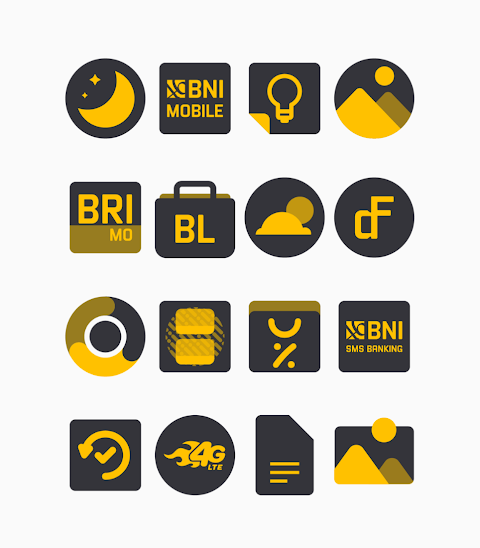
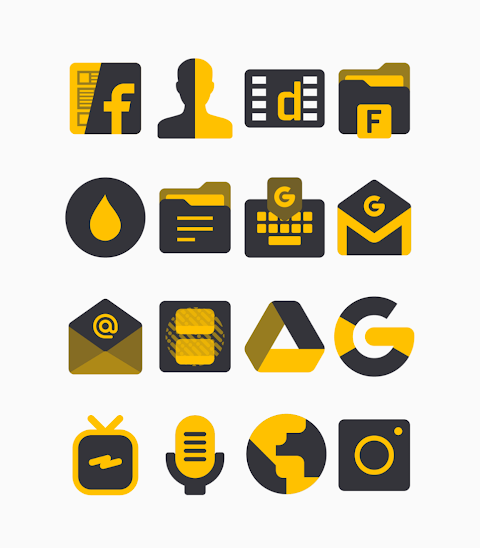
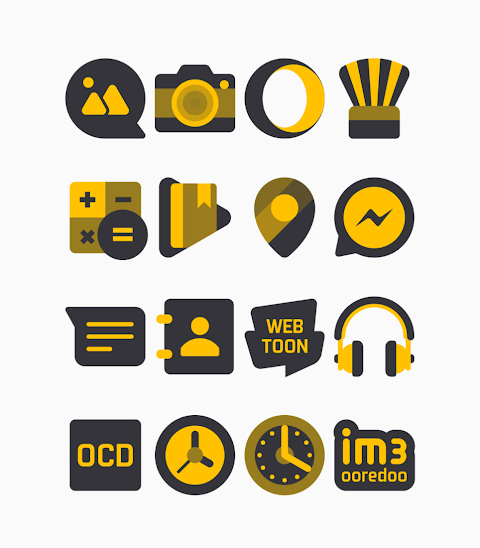
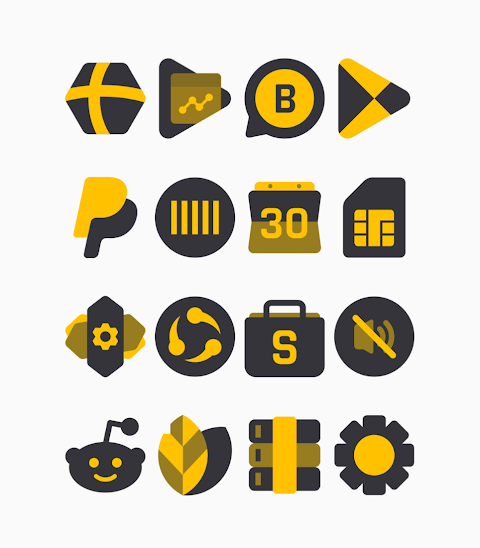
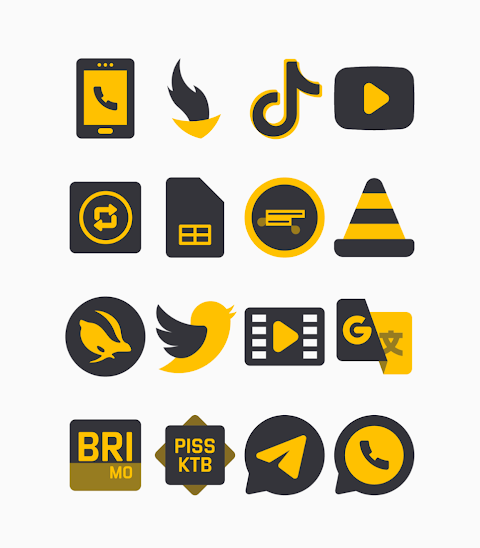
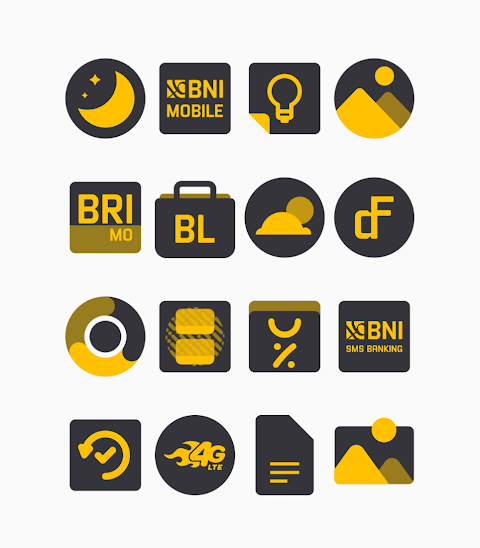
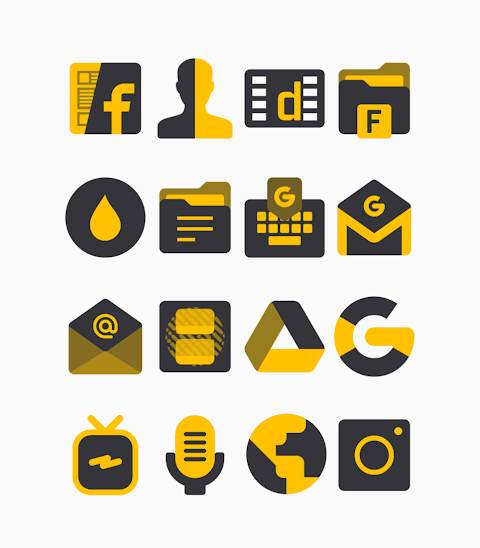
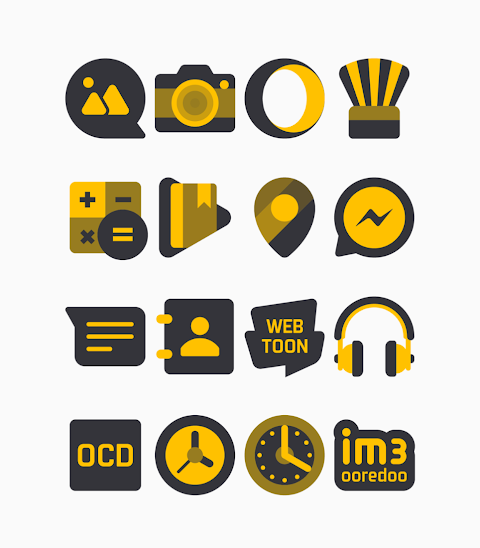
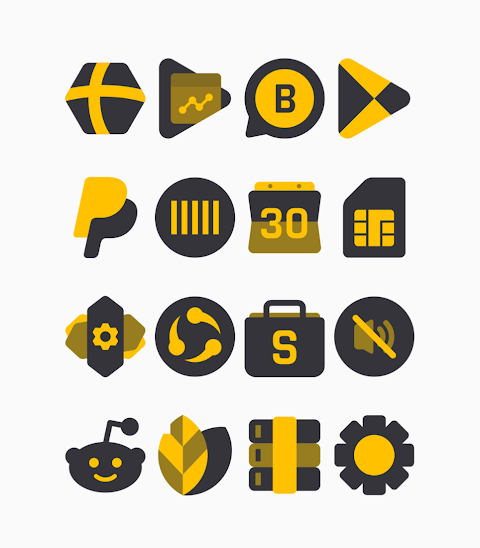
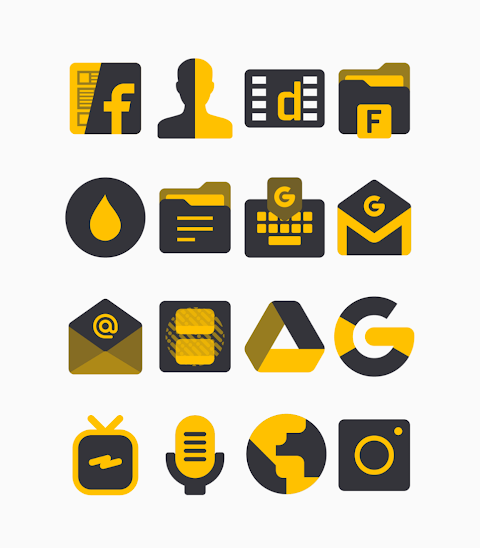
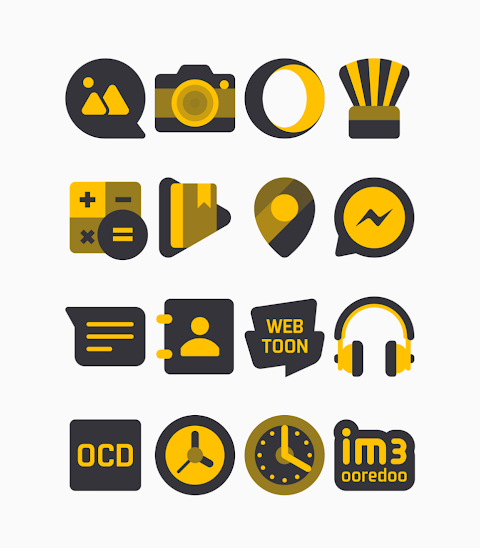
Star - Yellow Icon Pack is a unique collection of shapeless icons featuring bright yellow and bold black colors. With over 3000 icons and counting, it offers a customizable experience for anyone looking to refresh their device's look. The pack also includes alternate icons, giving you even more options to suit your style.
Each icon in the Star Yellow Icon Pack has an HD icon resolution of 256x256px, ensuring that they look clean and crisp on your screen. Whether you’re a fan of vibrant designs or just want to give your phone a new look, these black color icons will surely impress.
Using the Star Yellow Icon Pack is straightforward, especially if you have a popular launcher like Nova Launcher or Evie Launcher installed. To apply the icons, follow these simple steps:
1. Open the Star Yellow Icon Pack app on your device.
2. Navigate to the “Apply Icon Pack” screen within the app.
3. You will see a list of supported launchers, such as Nova Launcher and Evie Launcher. Select the one you have on your phone.
4. The app will automatically apply the icons from the Star Yellow Icon Pack for your chosen launcher.
If your launcher doesn't appear in the list while trying to apply the icons, you can try applying them directly from the launcher settings instead.
For users of the Sony Xperia Home Launcher, you can also apply the Star Yellow Icon Pack, but it requires a few additional steps:
1. Long press on your main screen.
2. Open the settings.
3. Scroll down to the appearance icon settings.
4. Choose the Star Yellow Icon Pack.
5. You’re all set! Your Sony Xperia will now display the icons.
It's important to note that this icon pack only supports Sony Xperia Home Launcher version 10.0.A.0.8 or higher.
In addition to Nova Launcher and Evie Launcher, the Star Yellow Icon Pack is compatible with several other launchers. You’ll find support for Apex Launcher, ADW Launcher, ABC Launcher, Next Launcher, Holo Launcher, Lucid Launcher, M Launcher, Action Launcher, Aviate Launcher, Smart Launcher, and Go Launcher, although Go Launcher does not support icon masking. Zero Launcher is another option, but it also lacks icon masking support.
Another useful feature included with the Star Yellow Icon Pack is the icon request option. If you’re looking for a specific icon, you can submit a request through the app, enhancing your customization experience.
For those wanting more design information, you can find us on social media platforms like Google+, Instagram, and Twitter. We've also extended special thanks to Dani Mahardika for the Candybar Dashboard, which helps make this experience smoother.
In conclusion, the Star Yellow Icon Pack is a fantastic solution for anyone wanting to personalize their device with stylish yellow and black icons. With options to apply the pack easily across various launchers, you can enjoy a unique look that reflects your personality and preferences.
Each icon in the Star Yellow Icon Pack has an HD icon resolution of 256x256px, ensuring that they look clean and crisp on your screen. Whether you’re a fan of vibrant designs or just want to give your phone a new look, these black color icons will surely impress.
Using the Star Yellow Icon Pack is straightforward, especially if you have a popular launcher like Nova Launcher or Evie Launcher installed. To apply the icons, follow these simple steps:
1. Open the Star Yellow Icon Pack app on your device.
2. Navigate to the “Apply Icon Pack” screen within the app.
3. You will see a list of supported launchers, such as Nova Launcher and Evie Launcher. Select the one you have on your phone.
4. The app will automatically apply the icons from the Star Yellow Icon Pack for your chosen launcher.
If your launcher doesn't appear in the list while trying to apply the icons, you can try applying them directly from the launcher settings instead.
For users of the Sony Xperia Home Launcher, you can also apply the Star Yellow Icon Pack, but it requires a few additional steps:
1. Long press on your main screen.
2. Open the settings.
3. Scroll down to the appearance icon settings.
4. Choose the Star Yellow Icon Pack.
5. You’re all set! Your Sony Xperia will now display the icons.
It's important to note that this icon pack only supports Sony Xperia Home Launcher version 10.0.A.0.8 or higher.
In addition to Nova Launcher and Evie Launcher, the Star Yellow Icon Pack is compatible with several other launchers. You’ll find support for Apex Launcher, ADW Launcher, ABC Launcher, Next Launcher, Holo Launcher, Lucid Launcher, M Launcher, Action Launcher, Aviate Launcher, Smart Launcher, and Go Launcher, although Go Launcher does not support icon masking. Zero Launcher is another option, but it also lacks icon masking support.
Another useful feature included with the Star Yellow Icon Pack is the icon request option. If you’re looking for a specific icon, you can submit a request through the app, enhancing your customization experience.
For those wanting more design information, you can find us on social media platforms like Google+, Instagram, and Twitter. We've also extended special thanks to Dani Mahardika for the Candybar Dashboard, which helps make this experience smoother.
In conclusion, the Star Yellow Icon Pack is a fantastic solution for anyone wanting to personalize their device with stylish yellow and black icons. With options to apply the pack easily across various launchers, you can enjoy a unique look that reflects your personality and preferences.

Ballozi ASPHALTON 2 Hybrid
BALLOZI Watch Faces
$1.59
$0.32

Material You Style Watch Face
Gadget Liv
$1.49
$0.75

DM183 Flip Bridge Digital
Dominus Mathias | Watch Faces
$2.49