
$1.49
$0.49
67% Off
Rigoletto – Squircle Icon Pack
GomoTheGom

About the App
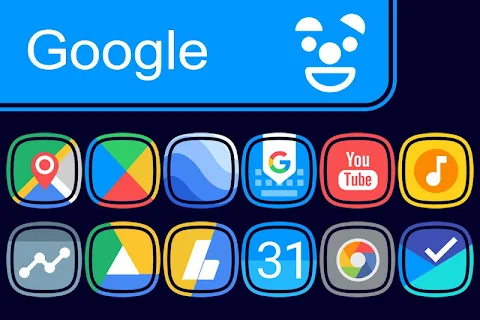
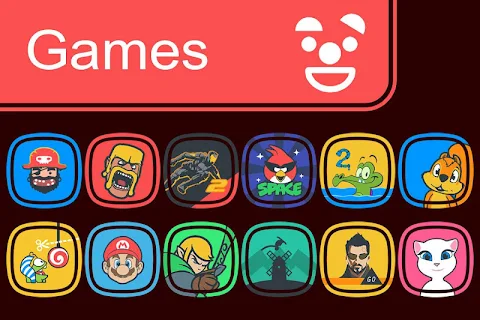
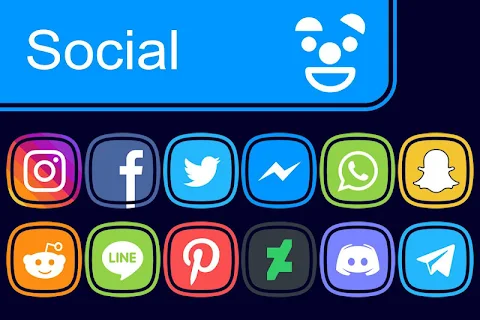
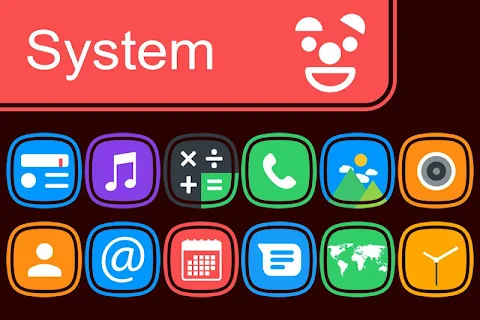
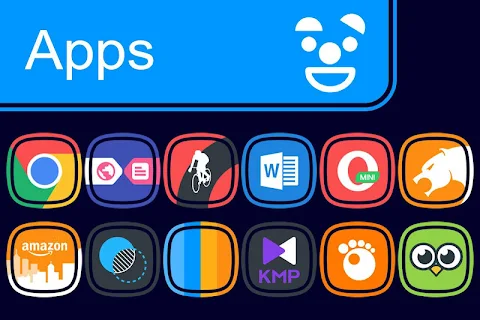
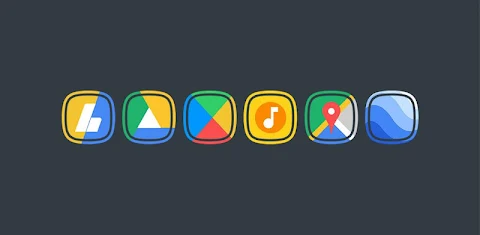
Rigoletto is a unique squircle icon pack that features a modern touch with flat colors and a stylish ring design. This app is perfect for anyone looking to customize their device’s appearance. With Rigoletto, you can transform the look of your smartphone or tablet easily.
To get started with the Rigoletto squircle ring icon pack, follow these simple icon application steps. First, open the Rigoletto app on your device. Next, navigate to the Apply Icon Pack screen. Here, you will find a list of popular launchers that are compatible with this icon pack, such as Nova Launcher and Evie Launcher. If you have Nova Launcher installed on your phone, simply select it, and the app will automatically apply the icons from the Rigoletto squircle pack.
If you do not see your launcher listed while applying from the Rigoletto app, don't worry. You can also try applying it directly through your launcher settings.
For users of Sony Xperia Home Launcher, the Rigoletto squircle ring icon pack can still be applied with some additional steps. Long press on your main screen, open the settings, and scroll down to find the appearance icon setting. From there, select the Rigoletto squircle ring icon pack, and you are all set. Please note that this icon pack is compatible only with Sony Xperia Home Launcher version 10.0.A.0.8 or later.
Rigoletto offers extensive launcher compatibility. It supports many popular launchers, including Apex Launcher, ADW Launcher, ABC Launcher, Solo Launcher, Next Launcher, Holo Launcher, Lucid Launcher, M Launcher, N Launcher, Arrow Launcher, Action Launcher, Aviate Launcher, KK Launcher, Nine Launcher, Blur Launcher, Trebuchet Launcher, Unicon Launcher, Smart Launcher, Go Launcher, and Zero Launcher. However, please remember that Go Launcher and Zero Launcher do not support icon masking.
With Rigoletto, you will have access to over 5000 icons and counting, making it an excellent choice for customizing your device. Additionally, the app offers HD wallpapers and alternate icons, giving you plenty of options to personalize your experience. You can also make use of the icon back feature to ensure your unthemed icons are visually appealing.
The icons come in a high-definition resolution of 192x192px, ensuring that they look sharp and vibrant on your screen. If you have specific icons you want to see in Rigoletto, you can use the icon request feature to suggest them.
Please note, you may need to use a 3rd party launcher to apply the Rigoletto icon pack effectively. If your default launcher does not support the icon pack, consider using apps like Awesome Icons or Unicon to change your icons without needing to switch to a 3rd party launcher.
For more design information and updates, you can follow Rigoletto on social media platforms like Google+, Instagram, and Twitter. Special thanks to Dani Mahardika for the Candybar Dashboard, which helps power this amazing icon pack. Enjoy customizing your device with Rigoletto and make it truly yours!
To get started with the Rigoletto squircle ring icon pack, follow these simple icon application steps. First, open the Rigoletto app on your device. Next, navigate to the Apply Icon Pack screen. Here, you will find a list of popular launchers that are compatible with this icon pack, such as Nova Launcher and Evie Launcher. If you have Nova Launcher installed on your phone, simply select it, and the app will automatically apply the icons from the Rigoletto squircle pack.
If you do not see your launcher listed while applying from the Rigoletto app, don't worry. You can also try applying it directly through your launcher settings.
For users of Sony Xperia Home Launcher, the Rigoletto squircle ring icon pack can still be applied with some additional steps. Long press on your main screen, open the settings, and scroll down to find the appearance icon setting. From there, select the Rigoletto squircle ring icon pack, and you are all set. Please note that this icon pack is compatible only with Sony Xperia Home Launcher version 10.0.A.0.8 or later.
Rigoletto offers extensive launcher compatibility. It supports many popular launchers, including Apex Launcher, ADW Launcher, ABC Launcher, Solo Launcher, Next Launcher, Holo Launcher, Lucid Launcher, M Launcher, N Launcher, Arrow Launcher, Action Launcher, Aviate Launcher, KK Launcher, Nine Launcher, Blur Launcher, Trebuchet Launcher, Unicon Launcher, Smart Launcher, Go Launcher, and Zero Launcher. However, please remember that Go Launcher and Zero Launcher do not support icon masking.
With Rigoletto, you will have access to over 5000 icons and counting, making it an excellent choice for customizing your device. Additionally, the app offers HD wallpapers and alternate icons, giving you plenty of options to personalize your experience. You can also make use of the icon back feature to ensure your unthemed icons are visually appealing.
The icons come in a high-definition resolution of 192x192px, ensuring that they look sharp and vibrant on your screen. If you have specific icons you want to see in Rigoletto, you can use the icon request feature to suggest them.
Please note, you may need to use a 3rd party launcher to apply the Rigoletto icon pack effectively. If your default launcher does not support the icon pack, consider using apps like Awesome Icons or Unicon to change your icons without needing to switch to a 3rd party launcher.
For more design information and updates, you can follow Rigoletto on social media platforms like Google+, Instagram, and Twitter. Special thanks to Dani Mahardika for the Candybar Dashboard, which helps power this amazing icon pack. Enjoy customizing your device with Rigoletto and make it truly yours!
RetrOxigen – Icon Pack
Cris87
$1.89
$0.39
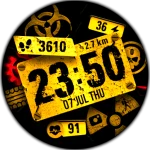
WIN Nuclear BP Mod
WinWatchfaces
$0.99
$0.64
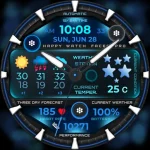
h1403 Information King Space
Happy Watch Faces
$4.49