
$1.99
$0.60
70% Off
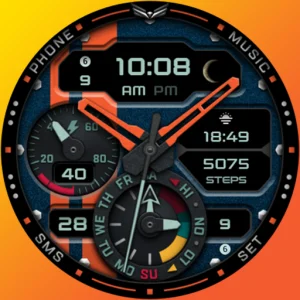
Ballozi VERO 2 Hybrid Analog
BALLOZI Watch Faces



About the App
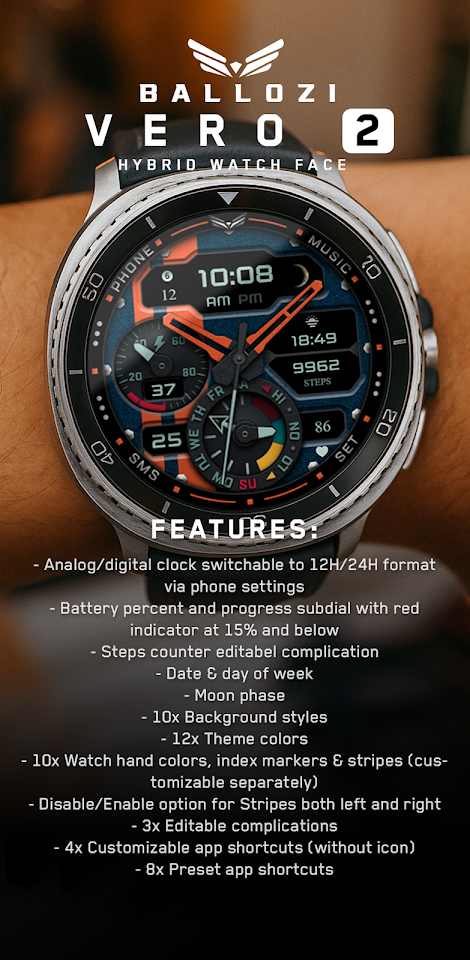
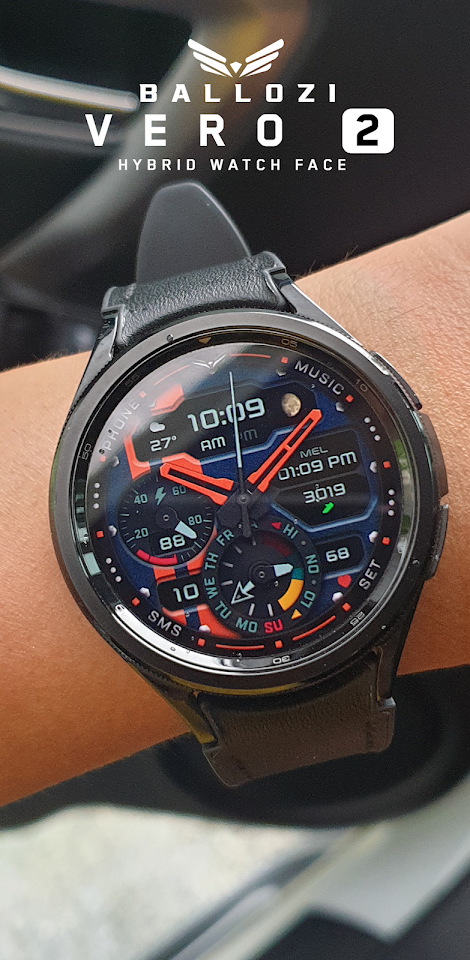
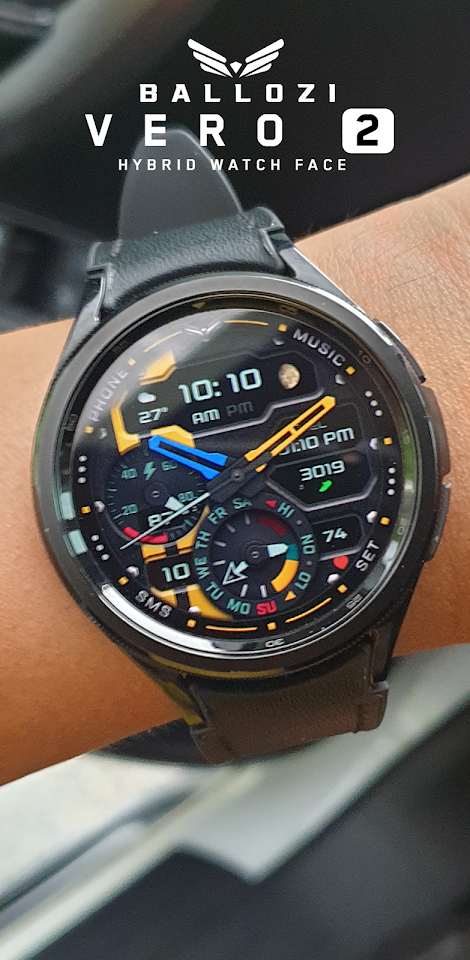
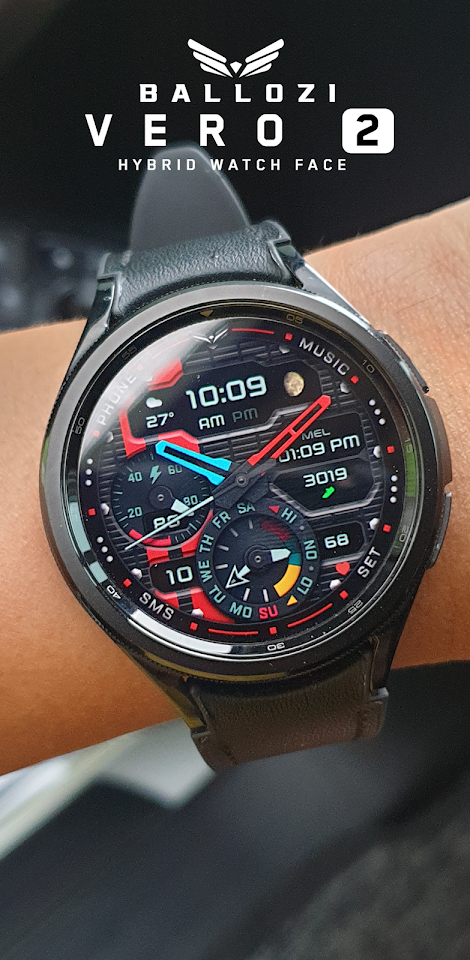
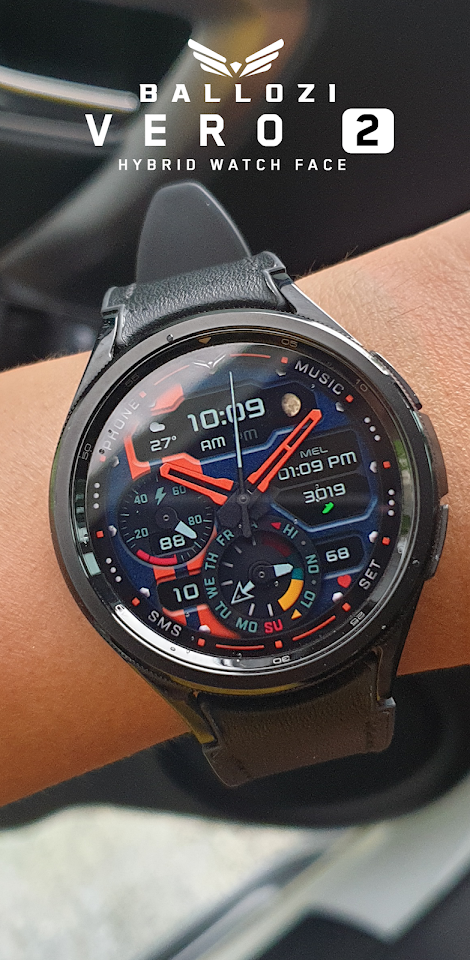
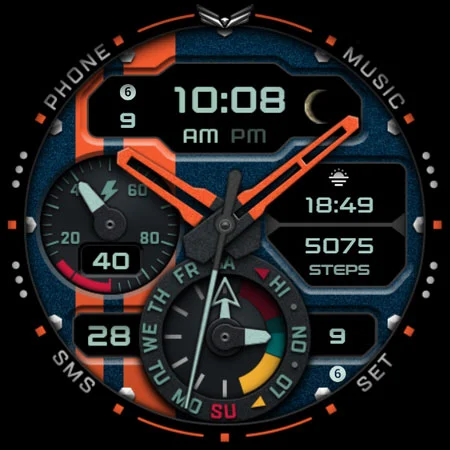
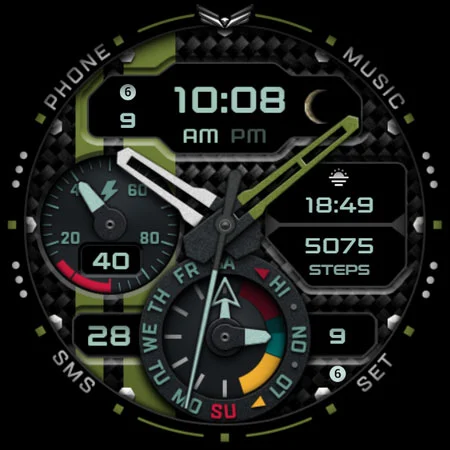
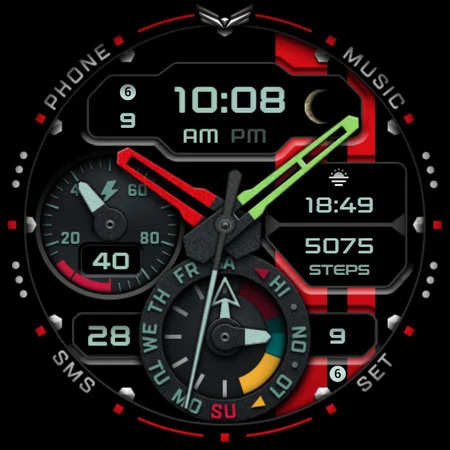
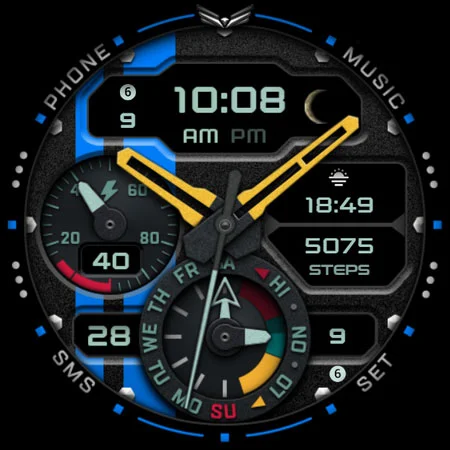
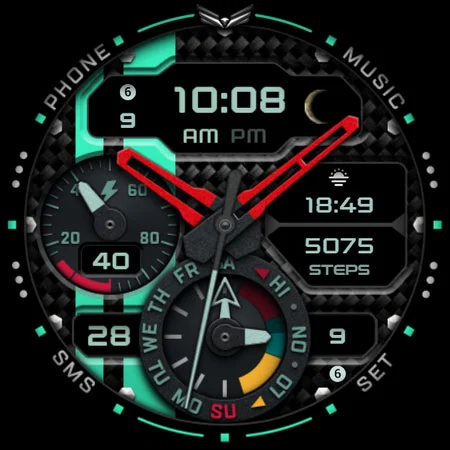
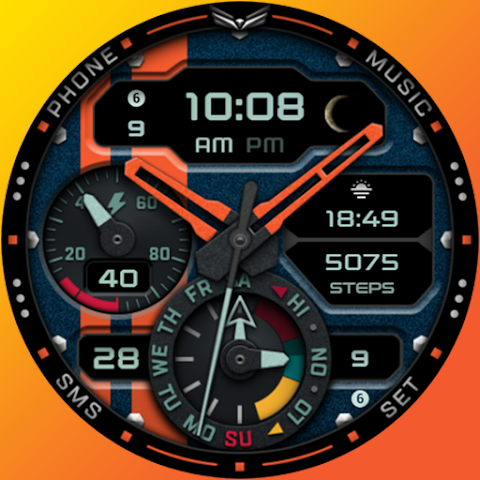
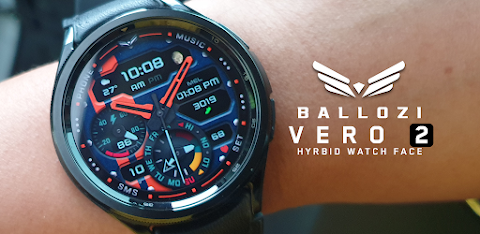
Ballozi VERO 2 is a modern and informative hybrid watch face designed for Wear OS. It combines both an analog and digital clock display, allowing you to switch easily between the two. You can also choose between 12H and 24H formats based on your preferences.
Installing Ballozi VERO 2 is quite straightforward. First, make sure your watch stays connected to your phone. To install the watch face, download it on your phone. After the installation, check your watch face list by pressing and holding the display. Swipe to the end and click on “Add watch face.” You will find Ballozi VERO 2 there and can activate it right away.
If you have a Samsung watch, you can find the watch face in the Galaxy Wearable app. Just go to Watch faces and select Downloaded to apply it to your connected watch. For other smartwatch brands using Wear OS, check the app that came with your smartwatch for the newly installed watch face in the gallery.
This watch face is compatible with smartwatches running Wear OS 5.0 or higher (API level 34+). So, please make sure your device meets these requirements.
Ballozi VERO 2 comes packed with useful features. It has a battery percentage subdial that shows your battery level, with a warning indicator when it goes below 15%. You can also track your daily steps with an editable complication. Other useful information displayed includes the date and the day of the week. There’s even a moon phase indicator for those interested in lunar cycles.
To make it even more personal, the watch face offers multiligauge support. You can choose from ten different background styles and twelve theme colors to match your style. Additionally, you can customize the watch hand colors, index markers, and stripes. You can separately enable or disable the stripes on both the left and right sides of the watch face.
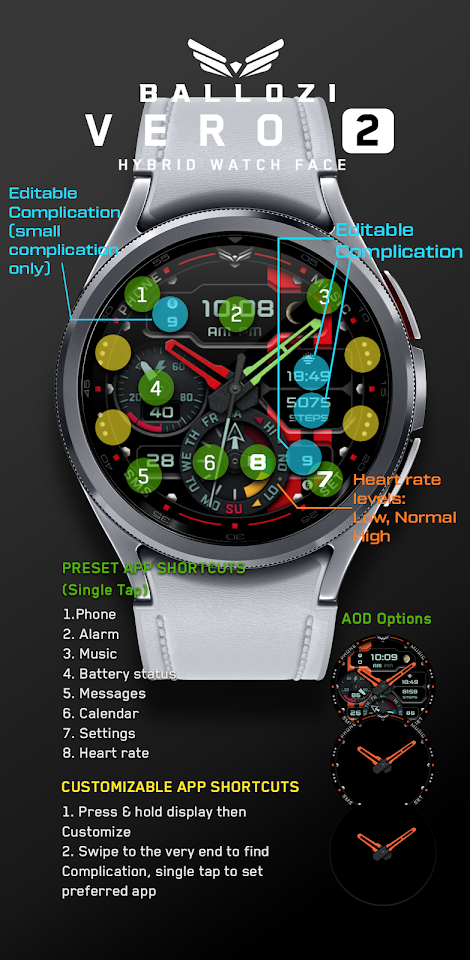
Ballozi VERO 2 also provides options for three editable complications. You can set up four customizable app shortcuts without icons, and you’ll find eight preset app shortcuts already available. Some of the shortcuts include the phone, alarm, music, battery status, messages, calendar, and settings. Also, the Always On Display options are handy for checking the time without having to wake your watch.
To customize your Ballozi VERO 2 watch face, press and hold the display and then tap on “Customize.” You can swipe left and right to pick what aspects you want to personalize. After choosing, swipe up and down to see your available options, then hit “OK” to save your changes.
For anyone needing help or support, you can reach out via email at balloziwatchface@gmail.com. Additionally, you can stay updated with Ballozi's latest news and updates by following their social media pages on Facebook, Instagram, YouTube, and Pinterest.
Whether you’re looking for style, function, or both, Ballozi VERO 2 is a customizable watch face perfect for enhancing your Wear OS experience.
Installing Ballozi VERO 2 is quite straightforward. First, make sure your watch stays connected to your phone. To install the watch face, download it on your phone. After the installation, check your watch face list by pressing and holding the display. Swipe to the end and click on “Add watch face.” You will find Ballozi VERO 2 there and can activate it right away.
If you have a Samsung watch, you can find the watch face in the Galaxy Wearable app. Just go to Watch faces and select Downloaded to apply it to your connected watch. For other smartwatch brands using Wear OS, check the app that came with your smartwatch for the newly installed watch face in the gallery.
This watch face is compatible with smartwatches running Wear OS 5.0 or higher (API level 34+). So, please make sure your device meets these requirements.
Ballozi VERO 2 comes packed with useful features. It has a battery percentage subdial that shows your battery level, with a warning indicator when it goes below 15%. You can also track your daily steps with an editable complication. Other useful information displayed includes the date and the day of the week. There’s even a moon phase indicator for those interested in lunar cycles.
To make it even more personal, the watch face offers multiligauge support. You can choose from ten different background styles and twelve theme colors to match your style. Additionally, you can customize the watch hand colors, index markers, and stripes. You can separately enable or disable the stripes on both the left and right sides of the watch face.
Ballozi VERO 2 also provides options for three editable complications. You can set up four customizable app shortcuts without icons, and you’ll find eight preset app shortcuts already available. Some of the shortcuts include the phone, alarm, music, battery status, messages, calendar, and settings. Also, the Always On Display options are handy for checking the time without having to wake your watch.
To customize your Ballozi VERO 2 watch face, press and hold the display and then tap on “Customize.” You can swipe left and right to pick what aspects you want to personalize. After choosing, swipe up and down to see your available options, then hit “OK” to save your changes.
For anyone needing help or support, you can reach out via email at balloziwatchface@gmail.com. Additionally, you can stay updated with Ballozi's latest news and updates by following their social media pages on Facebook, Instagram, YouTube, and Pinterest.
Whether you’re looking for style, function, or both, Ballozi VERO 2 is a customizable watch face perfect for enhancing your Wear OS experience.

MINIMAA: Minimalist Launcher
Pickerry Apps
$0.99
$0.86
Nixie Fenix 8 Digital Wear OS
Modern & Minimalist Digital Designs
$1.99
DADAM60: Minimal Watch Face
DADAM Watch Faces
$1.49
$0.75