
$1.99
$0.99
50% Off
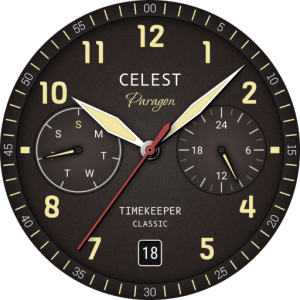
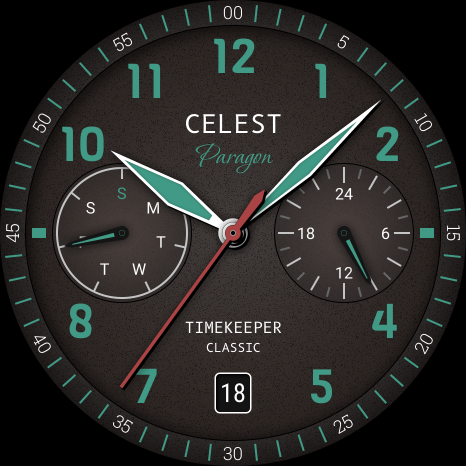
CELEST1740 Analog Watch
CELEST Watches

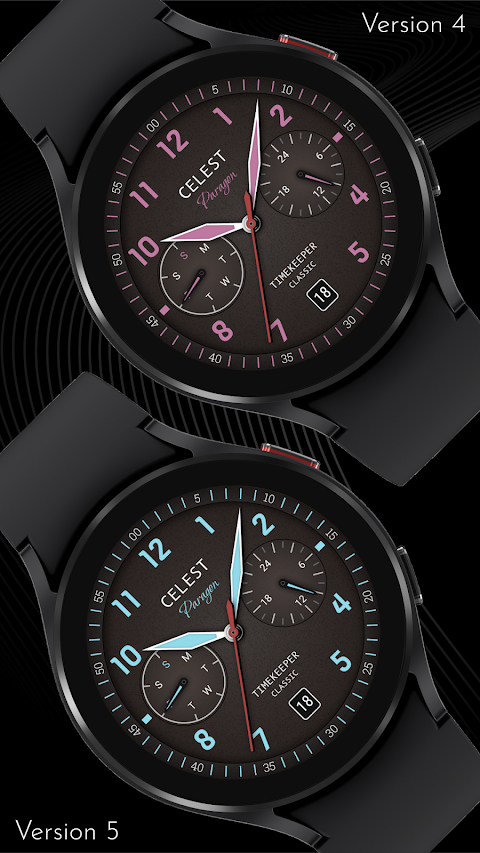
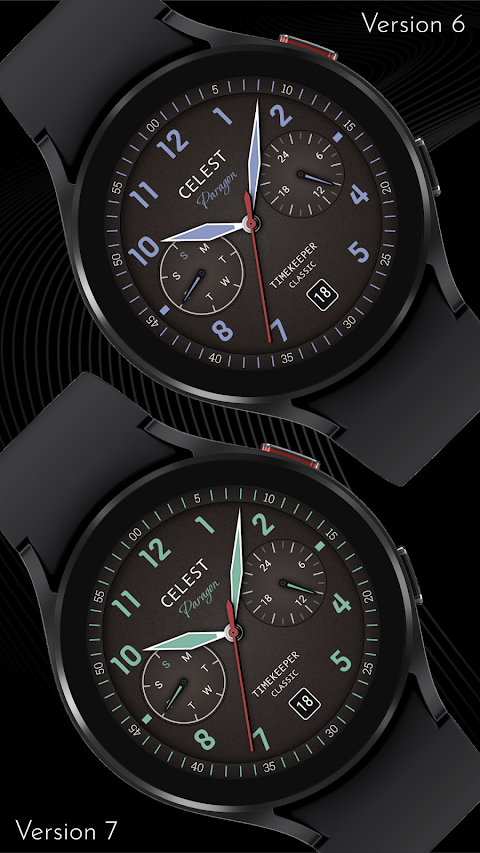
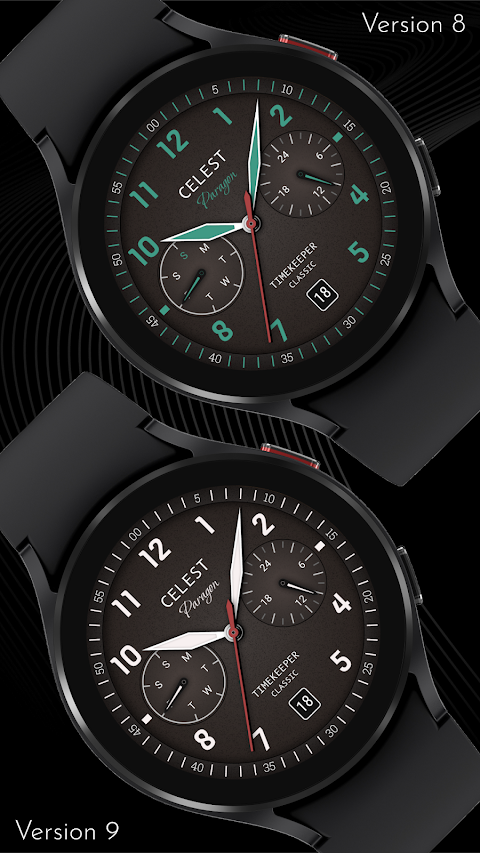
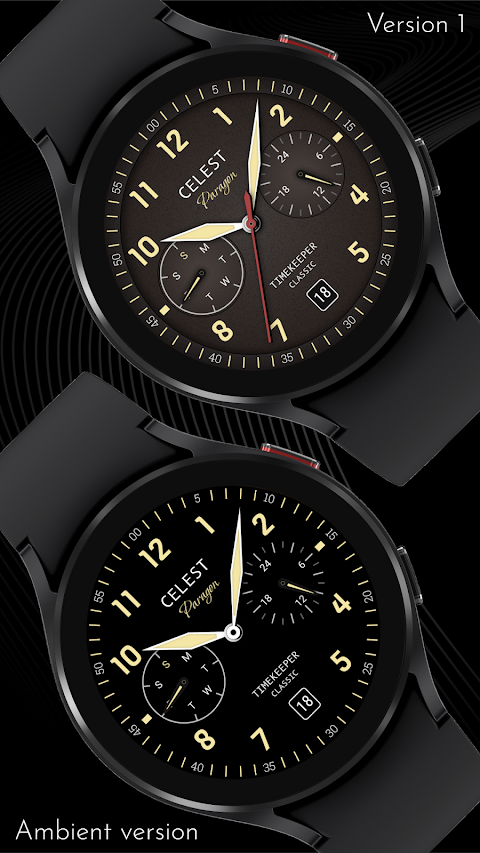
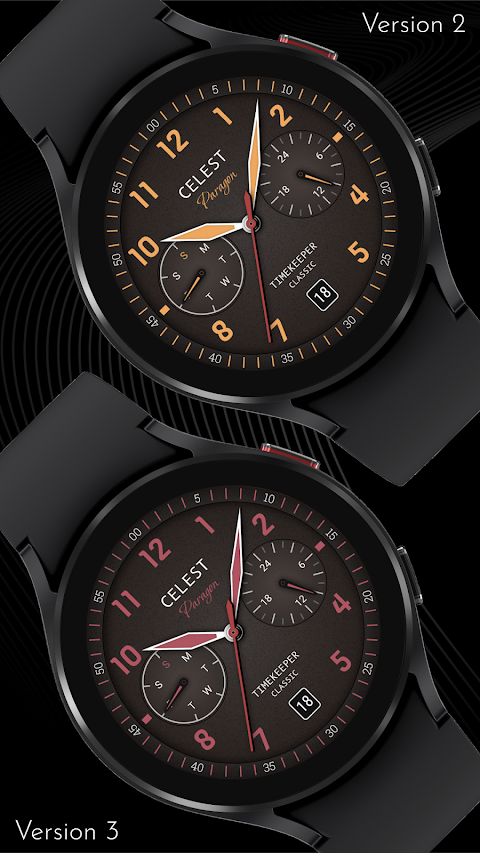
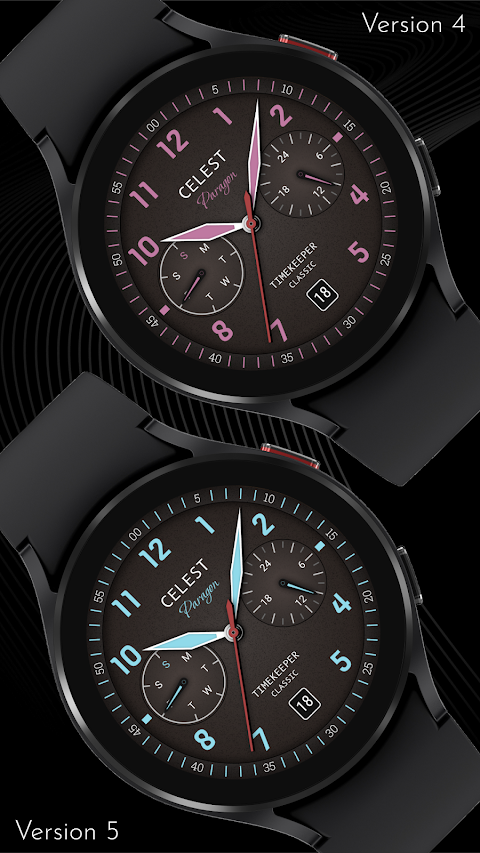
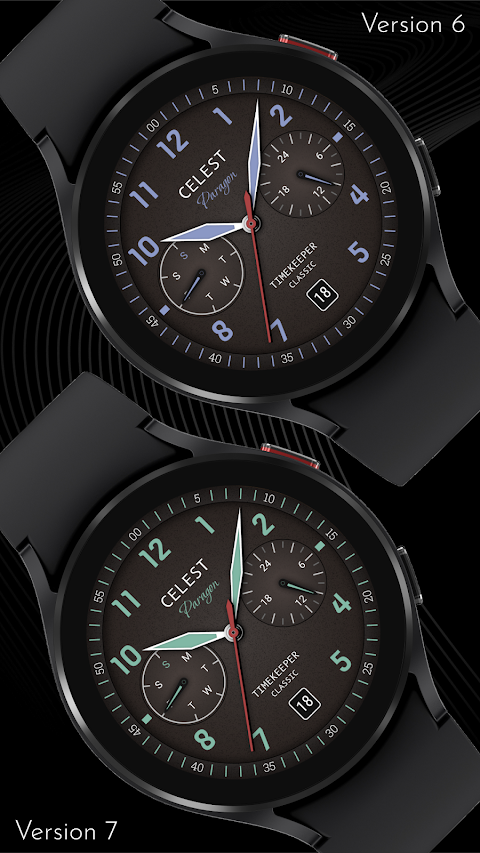
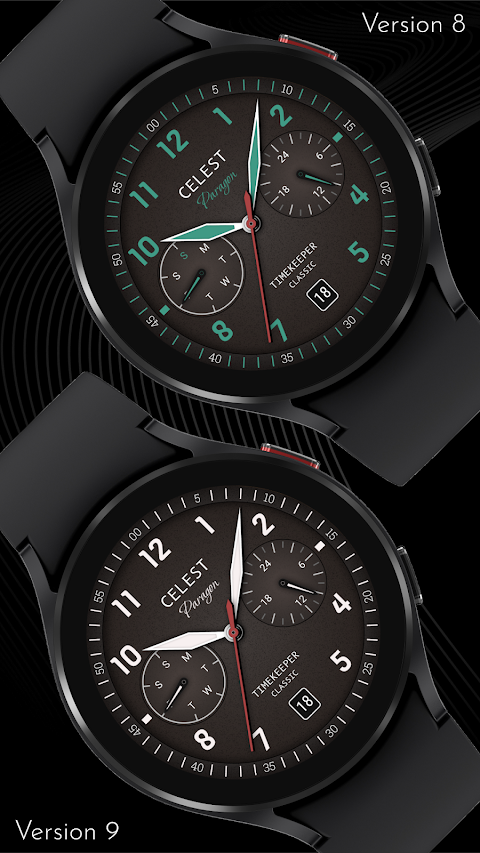
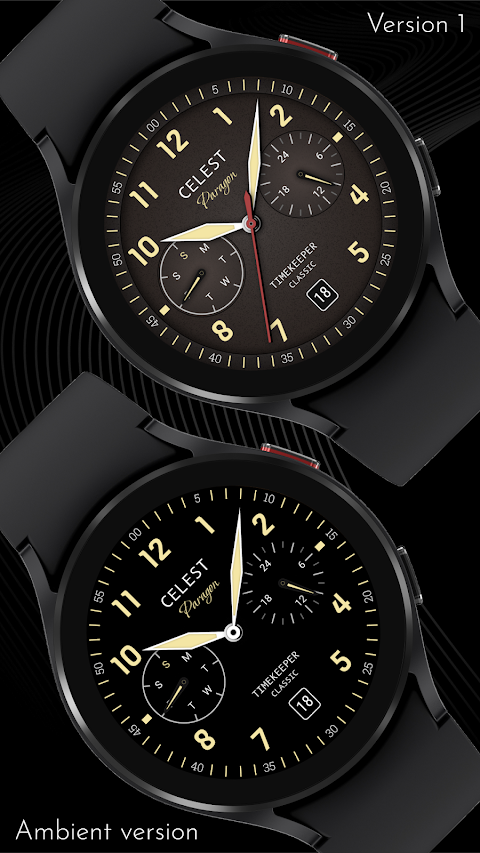
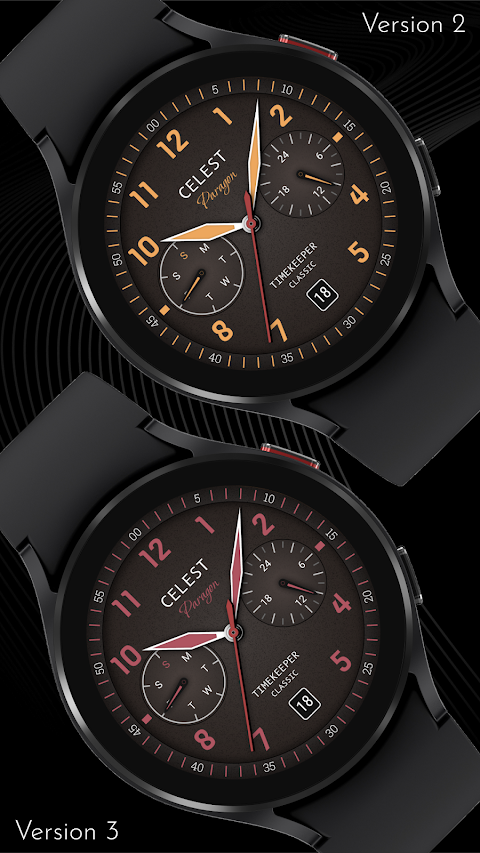
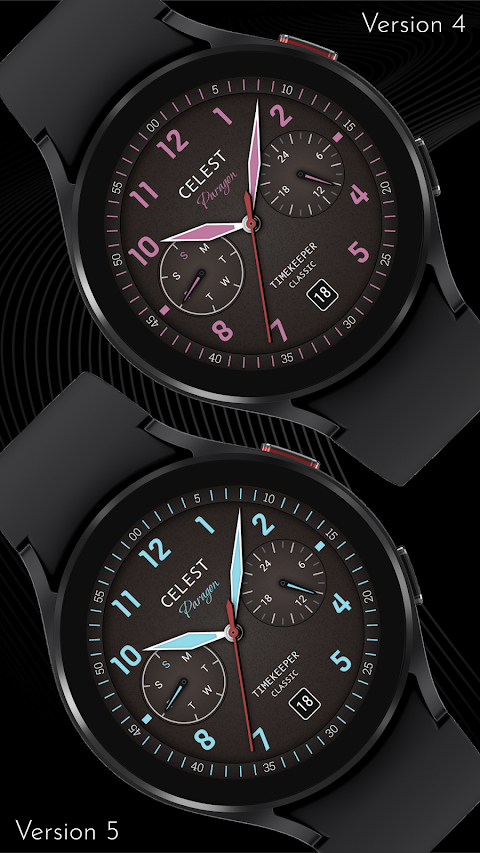
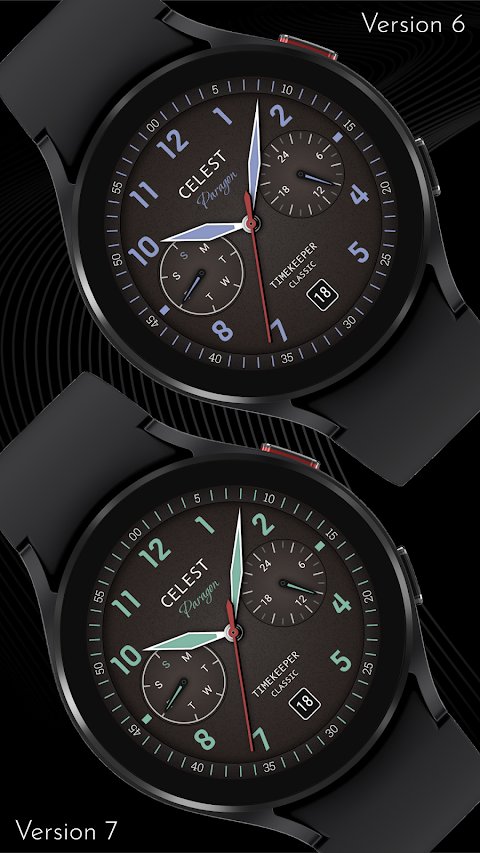
About the App
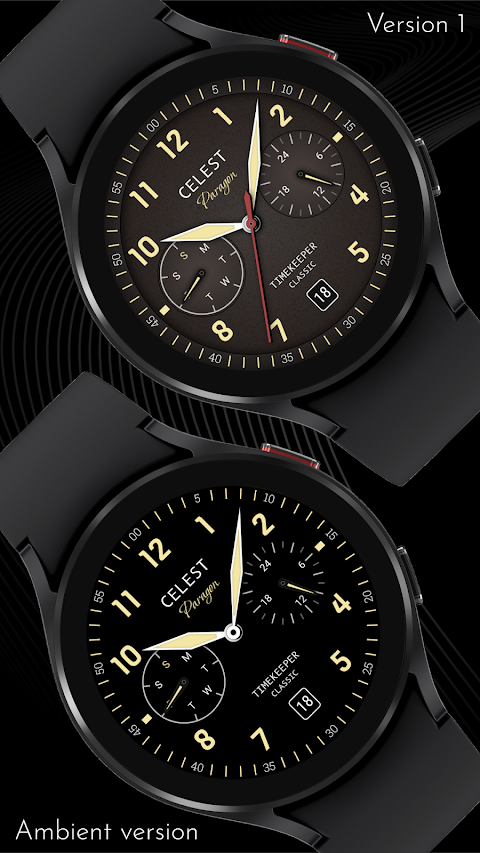
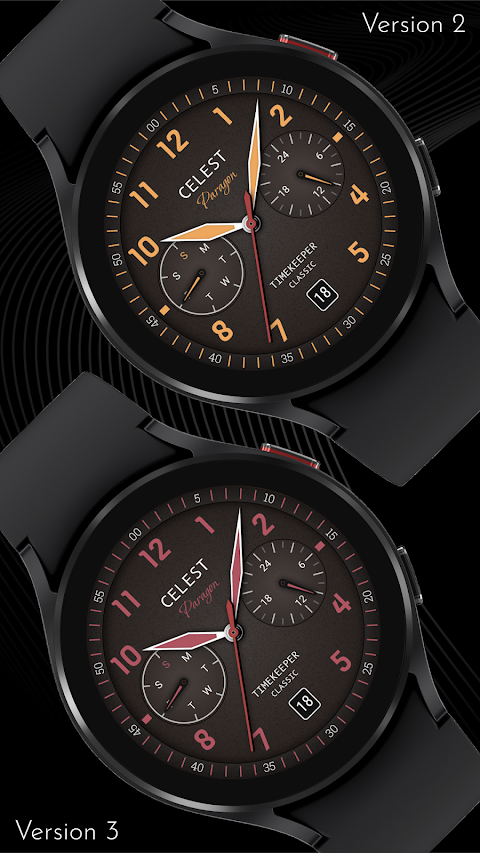
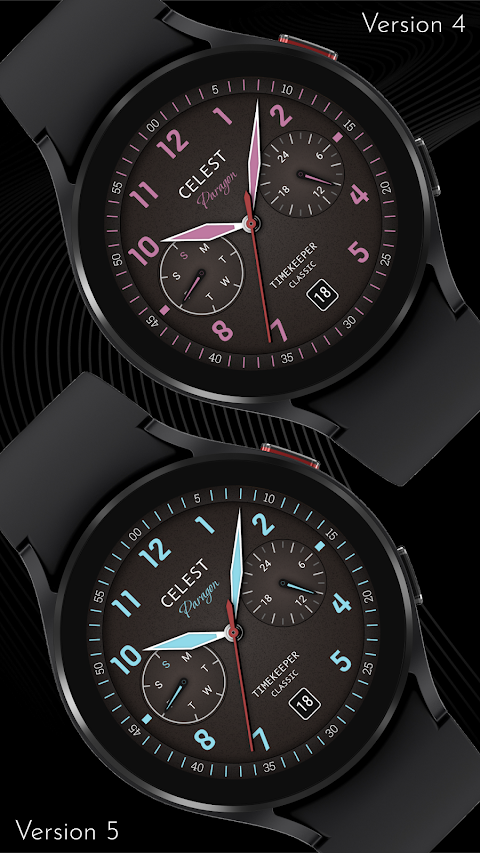
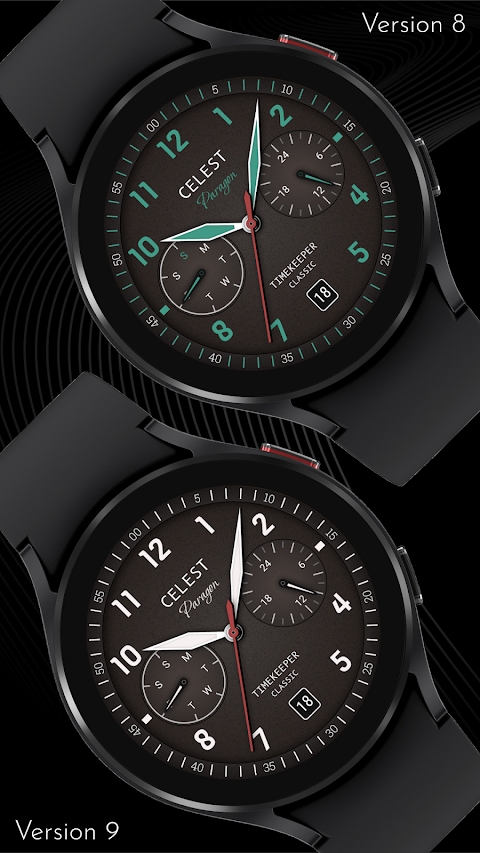
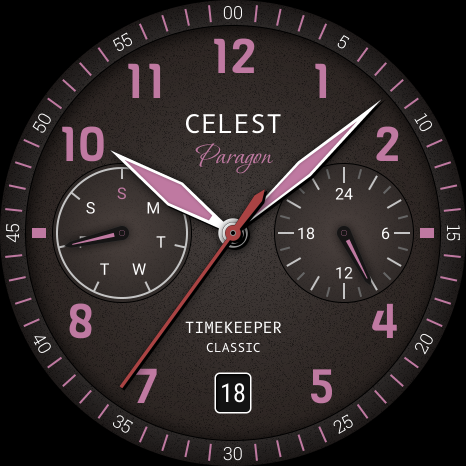
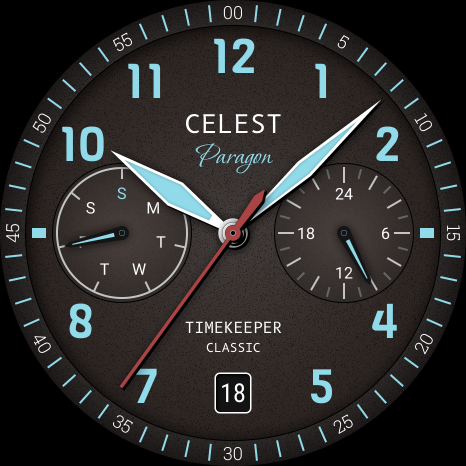
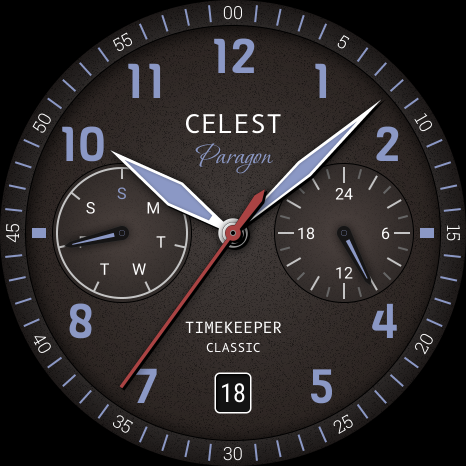
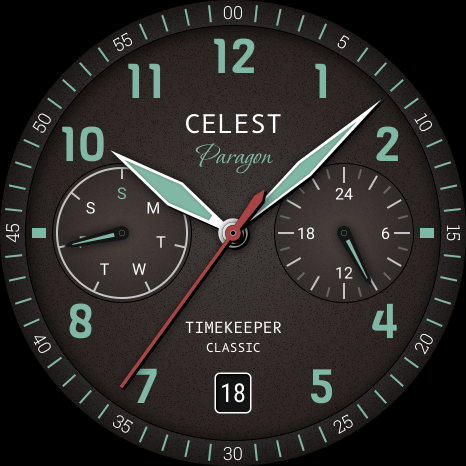
With the CELEST1740 Analog Watch face, you can showcase your unique style and taste. This app allows you to explore different analog watch faces that enhance the look of your smartwatch. Whether you want something classic or trendy, CELEST Watches offers a variety of options.
To get started, you will need to install the watch face through the Google Play Store. Sometimes, users encounter issues during watch face installation. If you've managed to install the watch face on your phone but not on your Samsung watch, don't worry. The developer has provided a companion app specifically designed to improve visibility on the Play Store.
If you see a triangular symbol next to the Install button in the Play Store app, this means there's a selection dropdown menu available. By clicking on this symbol, you can pick your watch as the target for installation. This simple step helps ensure that the watch face syncs perfectly.
If you are still having trouble, you can also open the Play Store in a web browser on your laptop, Mac, or PC. This option lets you make a visual selection of the device for installation, making it easier to find the right one.
For Samsung users, if the watch face still doesn’t appear on your watch after trying the above steps, you can use the Galaxy Wearable app. Open the app and go to the Downloaded section, where you should find the watch face ready for installation. A quick click will get it set up on your device.
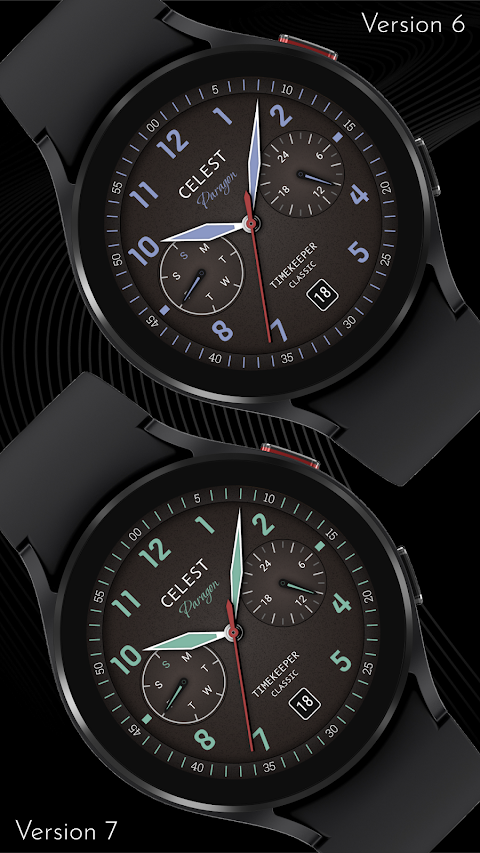
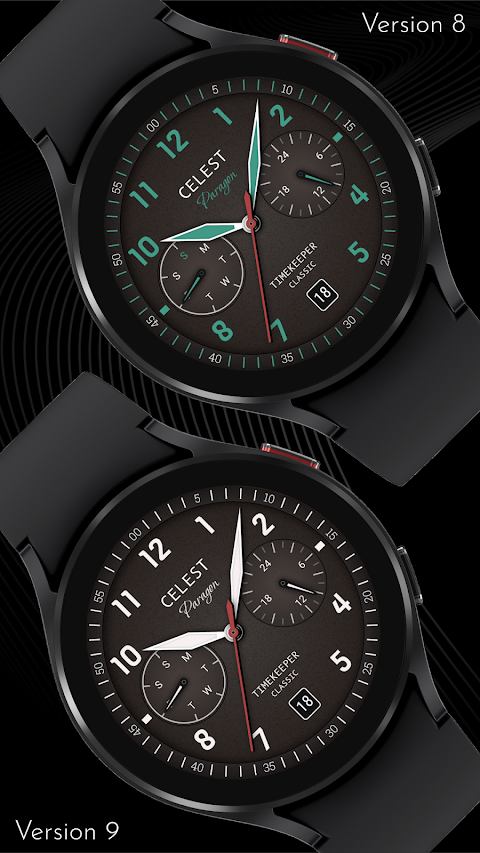
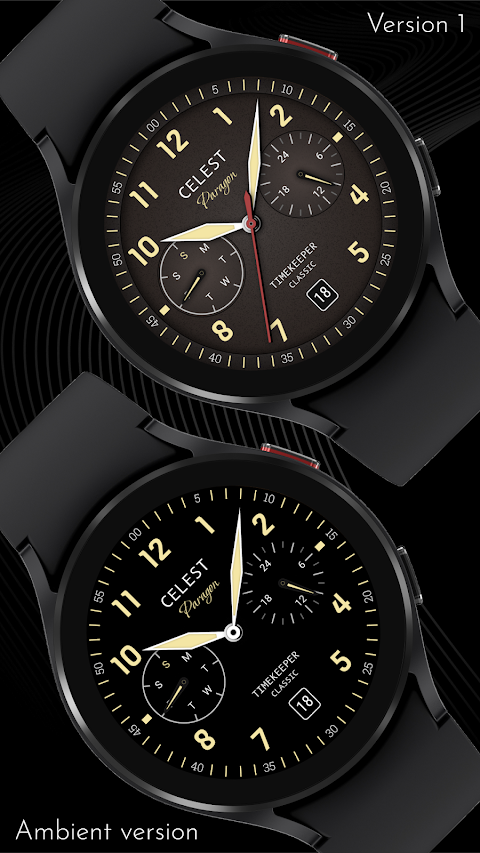
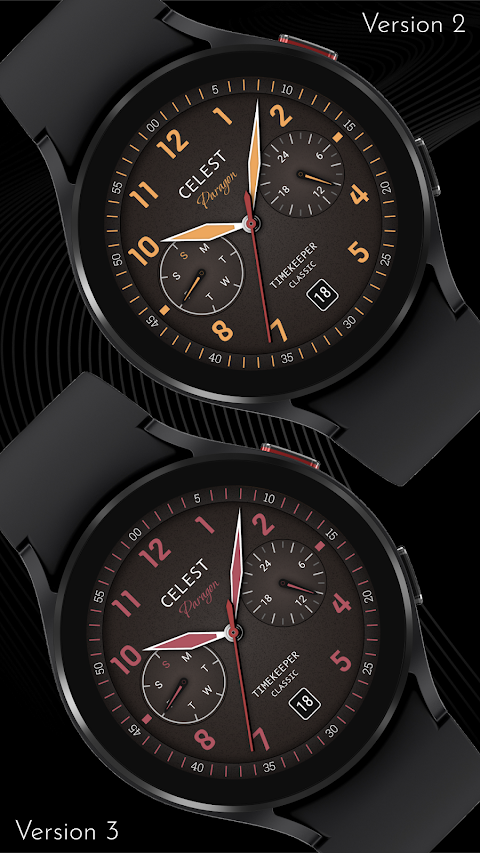
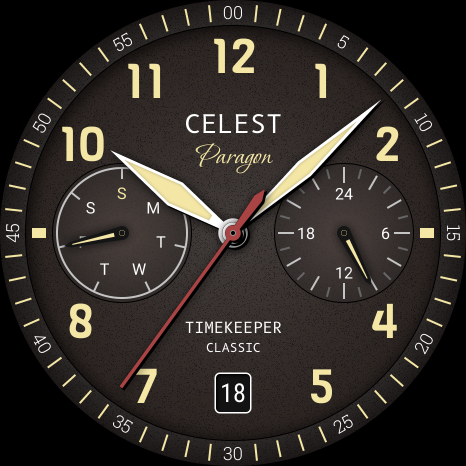
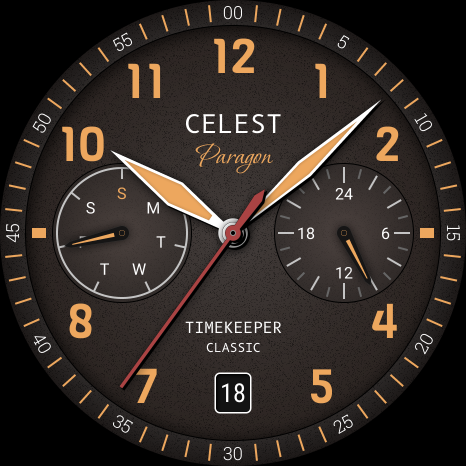
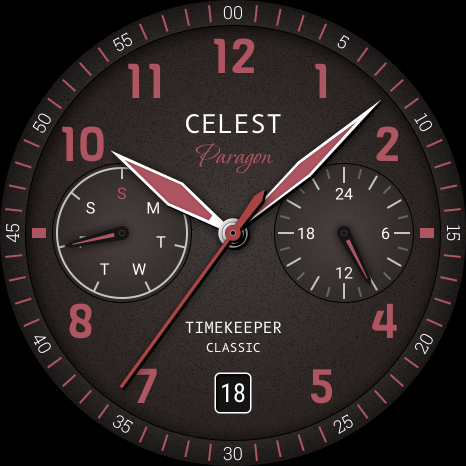
The CELEST1740 Analog Watch offers customization options that include 9 color variations. This means you can personalize your watch face to match your outfit or mood. Such watch customization features allow you to create a look that is truly your own.
For those interested in exploring more, our online catalog provides further details on what’s available. You can also find Wear OS discounts on selected items, which makes it easier to upgrade your smartwatch without breaking the bank.
Stay connected with CELEST Watches on our social media platforms. Follow us on Instagram, Facebook, Twitter, and Telegram to keep up with the latest trends in watch styles and fashion watch faces.
CELEST1740 Analog Watch not only emphasizes a unique style display but also integrates smoothly with your smartwatch. This enhances the overall experience with mobile to watch sync capabilities, ensuring your watch face updates effortlessly.
Enjoy the benefits of having a tailored watch face that reflects your personality while staying up-to-date with current watch style trends. The installation guide provided here will help you navigate any issues, ensuring your custom watch experience is enjoyable.
Explore our offerings, and let the CELEST1740 Analog Watch help you express your individuality every day. With its premium watch designs and comprehensive support, you’re never alone on your journey to crafting the perfect look for your smartwatch.
To get started, you will need to install the watch face through the Google Play Store. Sometimes, users encounter issues during watch face installation. If you've managed to install the watch face on your phone but not on your Samsung watch, don't worry. The developer has provided a companion app specifically designed to improve visibility on the Play Store.
If you see a triangular symbol next to the Install button in the Play Store app, this means there's a selection dropdown menu available. By clicking on this symbol, you can pick your watch as the target for installation. This simple step helps ensure that the watch face syncs perfectly.
If you are still having trouble, you can also open the Play Store in a web browser on your laptop, Mac, or PC. This option lets you make a visual selection of the device for installation, making it easier to find the right one.
For Samsung users, if the watch face still doesn’t appear on your watch after trying the above steps, you can use the Galaxy Wearable app. Open the app and go to the Downloaded section, where you should find the watch face ready for installation. A quick click will get it set up on your device.
The CELEST1740 Analog Watch offers customization options that include 9 color variations. This means you can personalize your watch face to match your outfit or mood. Such watch customization features allow you to create a look that is truly your own.
For those interested in exploring more, our online catalog provides further details on what’s available. You can also find Wear OS discounts on selected items, which makes it easier to upgrade your smartwatch without breaking the bank.
Stay connected with CELEST Watches on our social media platforms. Follow us on Instagram, Facebook, Twitter, and Telegram to keep up with the latest trends in watch styles and fashion watch faces.
CELEST1740 Analog Watch not only emphasizes a unique style display but also integrates smoothly with your smartwatch. This enhances the overall experience with mobile to watch sync capabilities, ensuring your watch face updates effortlessly.
Enjoy the benefits of having a tailored watch face that reflects your personality while staying up-to-date with current watch style trends. The installation guide provided here will help you navigate any issues, ensuring your custom watch experience is enjoyable.
Explore our offerings, and let the CELEST1740 Analog Watch help you express your individuality every day. With its premium watch designs and comprehensive support, you’re never alone on your journey to crafting the perfect look for your smartwatch.
ML2U 266 Watch Face
ML2U
$1.49
$0.25
Ballozi STEALTH MARINE 3
BALLOZI Watch Faces
$0.99
$0.20

ML2U 215 Watch Face
ML2U
$1.64
$0.25