
$1.49
$0.89
40% Off
InfoGraph Watch Face
amoledwatchfaces™





About the App
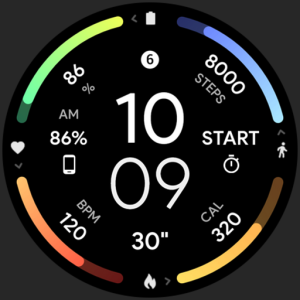
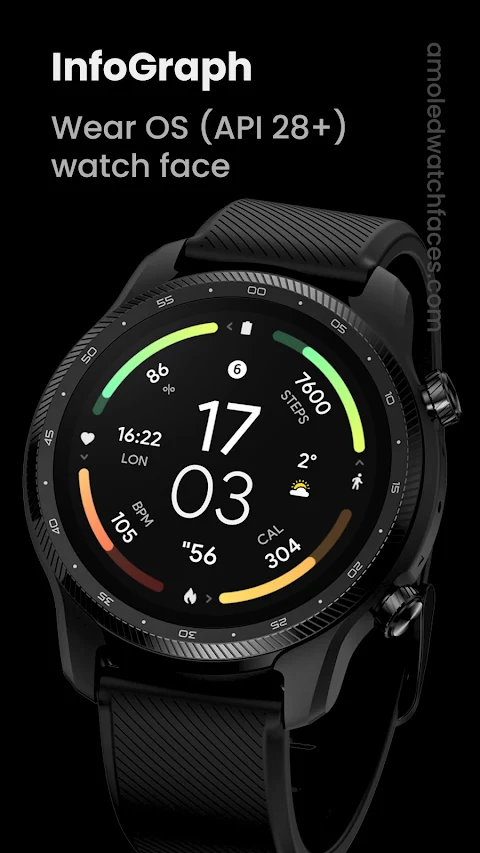
The InfoGraph Watch Face is designed specifically for Wear OS devices running API 28 and above. Please note that it is not suitable for rectangular watches. With a unique Watch Face Format, this app offers a visually appealing and functional experience.
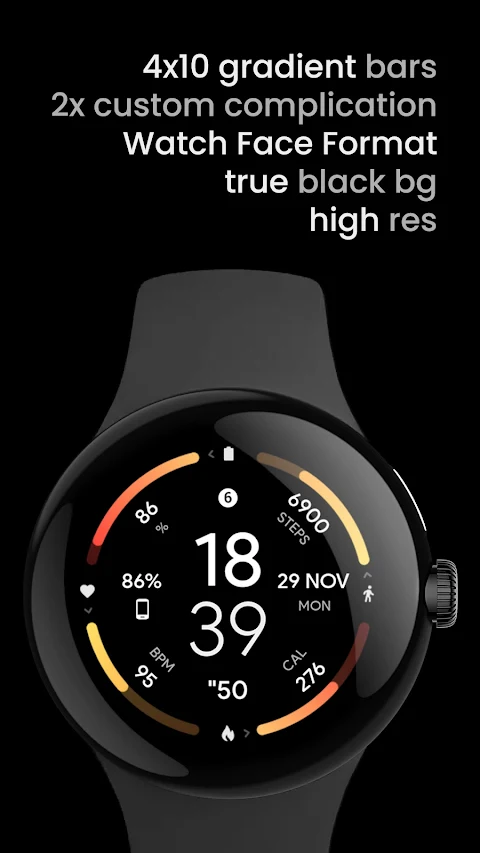
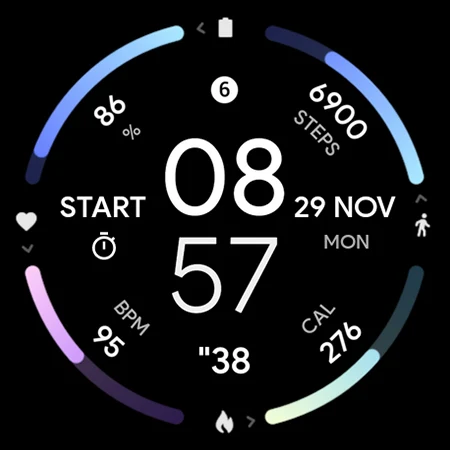
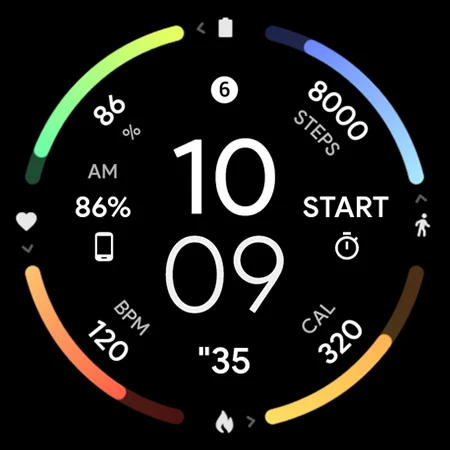
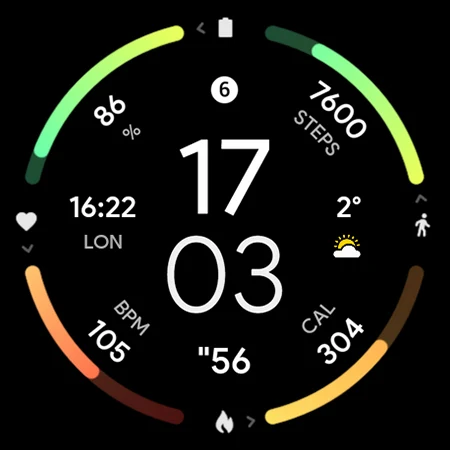
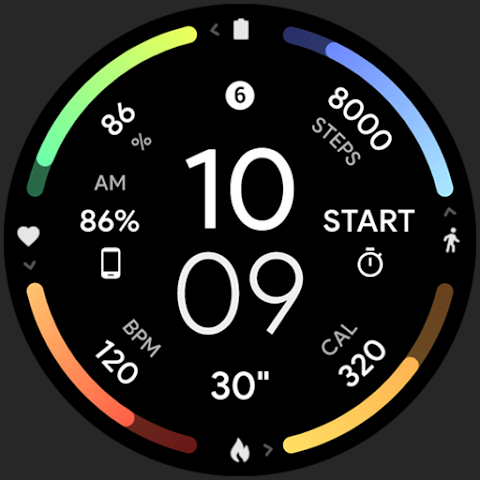
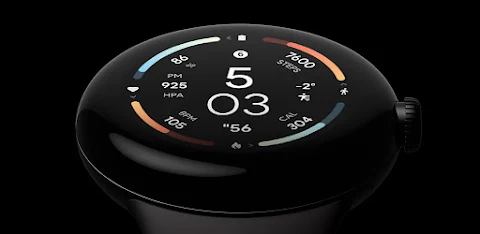
One of the standout features of the InfoGraph Watch Face is its true black background. This not only enhances the overall look but also helps save battery life thanks to the AMOLED watch faces it supports. Users can enjoy a high-resolution display that showcases a crisp and clear interface. The InfoGraph look provides an organized view, making it easy for users to check essential information at a glance.
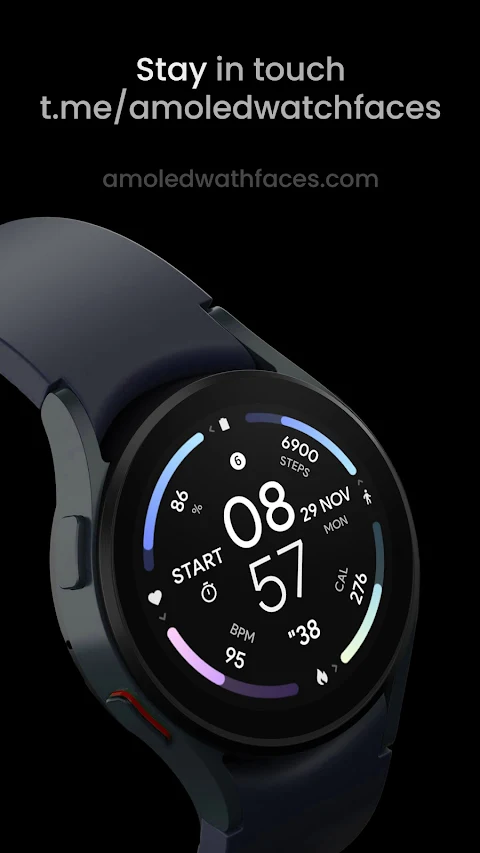
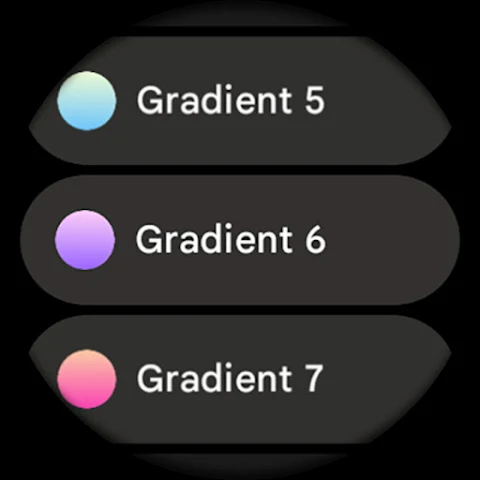
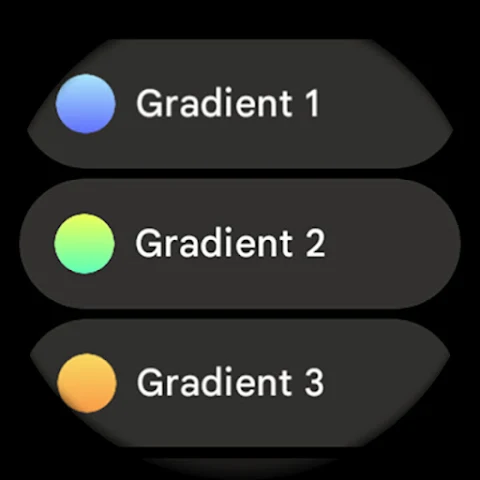
Customization is key with the InfoGraph Watch Face. Users can choose from many color combinations to suit their personal style. The app also includes gradient bar indicators that come in ten vibrant colors. These fit bars give a sophisticated touch while providing important information like your walking calories burned tracking. This feature is experimental but adds an extra layer of motivation for users looking to stay active.
For those who prefer a less dynamic display, the ambient mode offers low operating power and adaptive colors. This means your watch can transition to a power-saving mode while still looking great. Users can also take advantage of custom complications, with seven slots available for Wear OS 4 and above, allowing for specific data to be displayed right on the watch face.
Time settings can be easily configured with options for a 12 or 24 hour format based on your phone’s time setting. An AM/PM indicator helps provide clarity so you know exactly what time it is without confusion. You can tap the digital hours to quickly open the alarm, or tap the digital minutes to access settings with ease.
The InfoGraph Watch Face also has multiple slot bar configurations. This allows users to set up their watch face to fit their specific needs, with custom bars that can be adjusted according to preference. It offers AOD style options as well, ensuring that your watch looks good even when it's in always-on display mode.
For users needing assistance, there’s an installation guide available on the website. If you encounter any problems, troubleshooting support is just an email away. You can send any help requests or reports to the support address provided.
Additionally, the InfoGraph Watch Face has a live support channel and encourages users to join the Telegram group for real-time discussions and support. This community involvement allows for a better user experience as people can share tips and solve issues together.
For those who want to stay updated or receive special offers, subscribing to the newsletter is a great option. You'll be the first to know about new features and updates, as well as exclusive promotions.
Overall, the InfoGraph Watch Face combines a user-friendly interface with a range of customization options, making it a great choice for anyone looking to enhance their smartwatch experience. Whether you're tracking your activity or just want a stylish watch face, the InfoGraph Watch Face has something to offer.
One of the standout features of the InfoGraph Watch Face is its true black background. This not only enhances the overall look but also helps save battery life thanks to the AMOLED watch faces it supports. Users can enjoy a high-resolution display that showcases a crisp and clear interface. The InfoGraph look provides an organized view, making it easy for users to check essential information at a glance.
Customization is key with the InfoGraph Watch Face. Users can choose from many color combinations to suit their personal style. The app also includes gradient bar indicators that come in ten vibrant colors. These fit bars give a sophisticated touch while providing important information like your walking calories burned tracking. This feature is experimental but adds an extra layer of motivation for users looking to stay active.
For those who prefer a less dynamic display, the ambient mode offers low operating power and adaptive colors. This means your watch can transition to a power-saving mode while still looking great. Users can also take advantage of custom complications, with seven slots available for Wear OS 4 and above, allowing for specific data to be displayed right on the watch face.
Time settings can be easily configured with options for a 12 or 24 hour format based on your phone’s time setting. An AM/PM indicator helps provide clarity so you know exactly what time it is without confusion. You can tap the digital hours to quickly open the alarm, or tap the digital minutes to access settings with ease.
The InfoGraph Watch Face also has multiple slot bar configurations. This allows users to set up their watch face to fit their specific needs, with custom bars that can be adjusted according to preference. It offers AOD style options as well, ensuring that your watch looks good even when it's in always-on display mode.
For users needing assistance, there’s an installation guide available on the website. If you encounter any problems, troubleshooting support is just an email away. You can send any help requests or reports to the support address provided.
Additionally, the InfoGraph Watch Face has a live support channel and encourages users to join the Telegram group for real-time discussions and support. This community involvement allows for a better user experience as people can share tips and solve issues together.
For those who want to stay updated or receive special offers, subscribing to the newsletter is a great option. You'll be the first to know about new features and updates, as well as exclusive promotions.
Overall, the InfoGraph Watch Face combines a user-friendly interface with a range of customization options, making it a great choice for anyone looking to enhance their smartwatch experience. Whether you're tracking your activity or just want a stylish watch face, the InfoGraph Watch Face has something to offer.
Strip Launcher Pro – AppLock
lwsoftipl Apps
$2.49
$0.99

Weather Digital Watch Face A8
Inspire Watch
$1.99
CELEST5415 Retro Digital Watch
CELEST Watches
$1.99
$1.00