

$0.99
FREE
100% Off
ToscaLine – Turqoise Icon Pack
Panoto Gomo

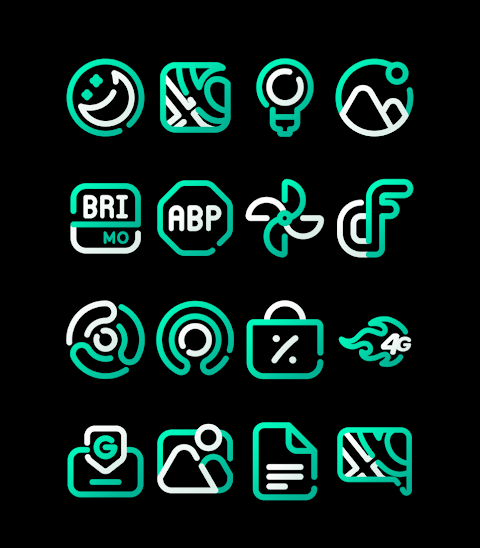
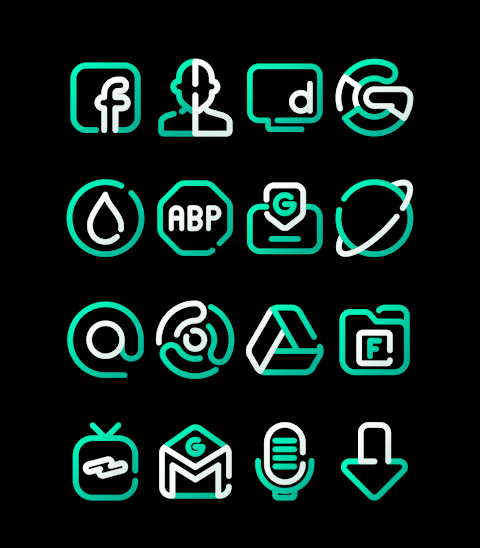
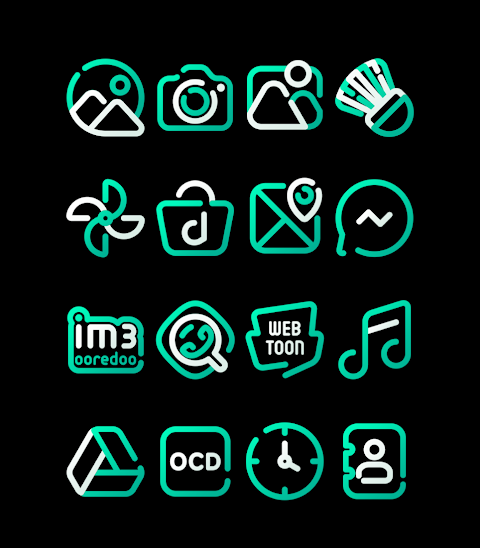
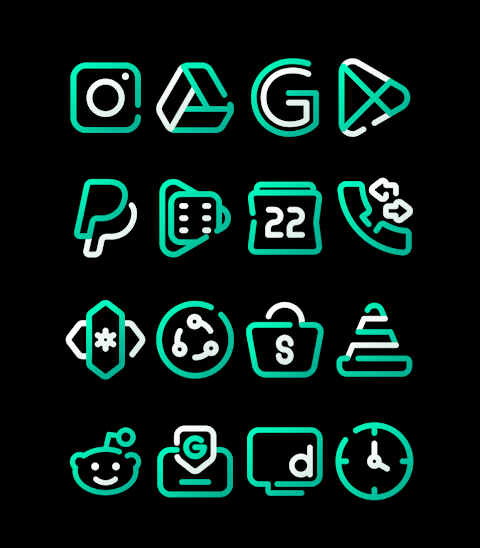
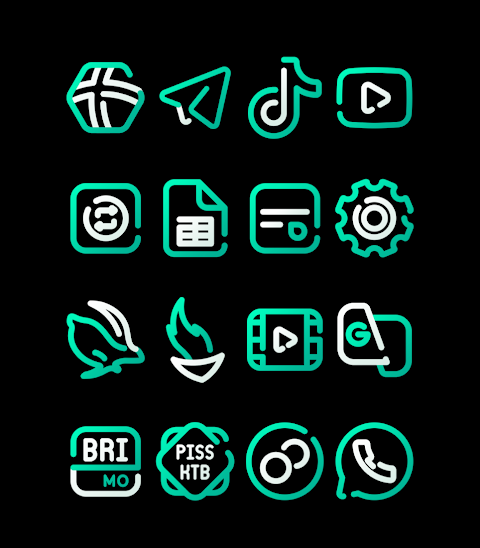
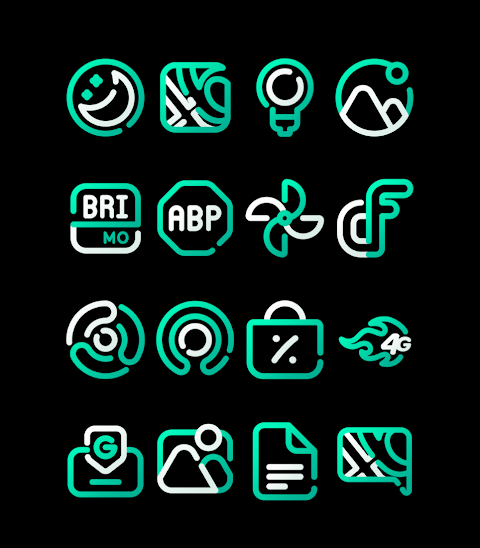
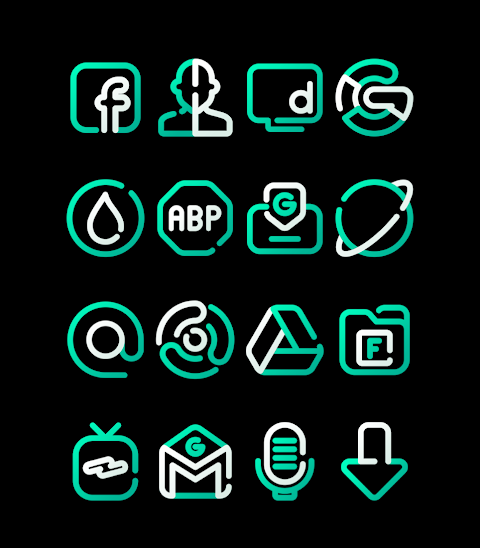
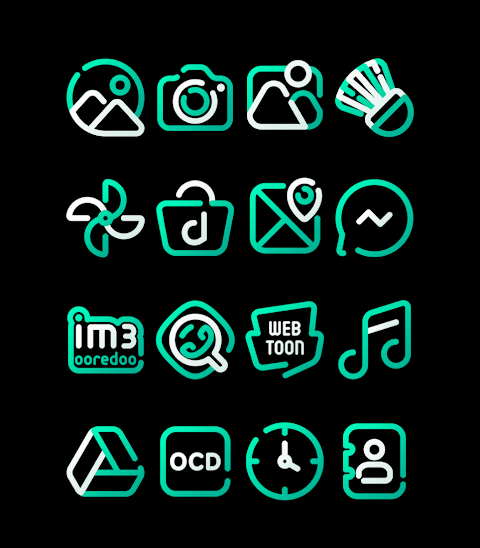


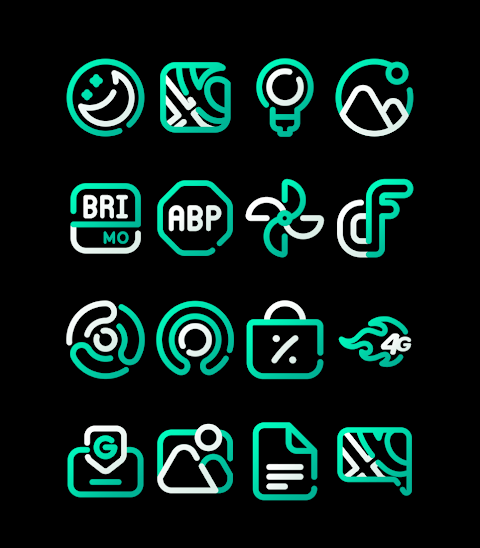
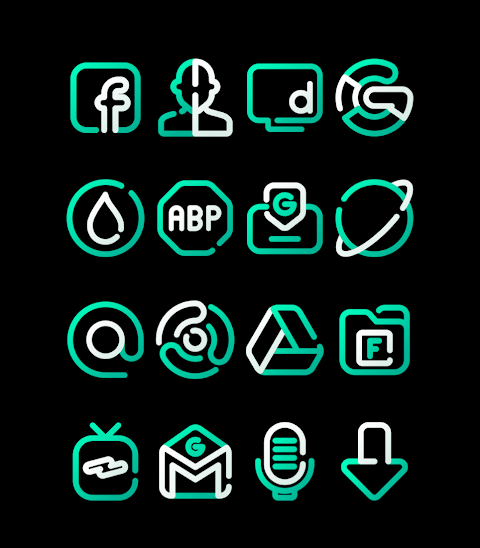
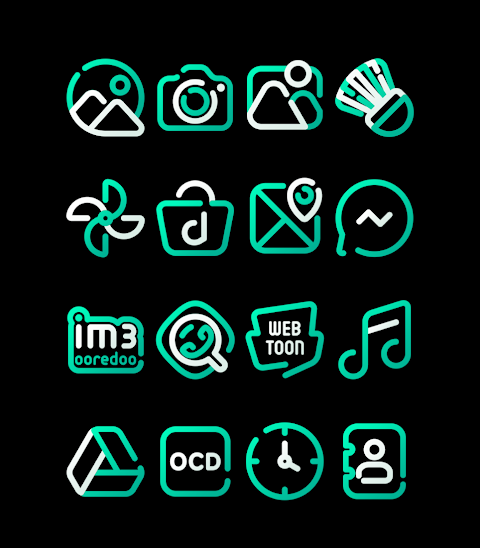

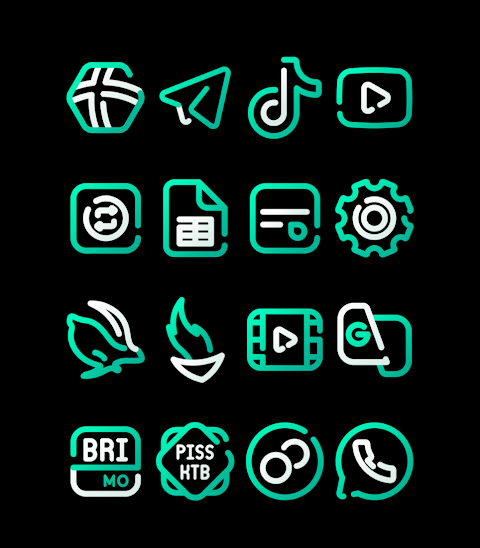


About the App
ToscaLine is a unique icon pack featuring beautiful turquoise icons. With over 3,000 icons and growing, this pack is perfect for anyone looking to enhance their device’s look. Each icon in the pack is designed with HD icon resolution of 256x256 pixels, ensuring clarity and vibrancy.
In addition to icons, ToscaLine offers a selection of wallpapers to further personalize your device. If you have a particular icon in mind that you don’t see, the icon request feature allows you to suggest new designs.
Applying the ToscaLine icon pack is simple. This icon pack supports many popular Android launchers, including Nova Launcher, Evie Launcher, and Apex Launcher. To use the icons, just open the ToscaLine app and follow these steps:
1. Open the ToscaLine app on your device.
2. Navigate to the “Apply Icon Pack” screen.
3. You’ll see a list of supported launchers. Select Nova Launcher or any other launcher installed on your phone.
4. The icons will automatically apply from the ToscaLine icon pack to your chosen launcher.
If you can’t find your launcher in the app, you can apply the icons directly from the launcher settings instead.
If you’re using the Sony Xperia Home Launcher, you can still enjoy the ToscaLine pack with a few different steps:
1. Long press on your home screen.
2. Open the settings menu.
3. Scroll down to the appearance icon settings.
4. Choose the ToscaLine icon pack.
5. That’s it! Your Sony Xperia will now display the ToscaLine icons.
Please note that the ToscaLine icon pack is compatible with Sony Xperia Home Launcher version 10.0.A.0.8 or later.
ToscaLine also supports many other launchers, including ADW Launcher, Action Launcher, Lucid Launcher, Next Launcher, Holo Launcher, Smart Launcher, M Launcher, Go Launcher (with no icon masking), and Zero Launcher (also without icon masking). This wide range of launcher support ensures that you can customize your device easily.
For those interested in UI design and mobile personalization, ToscaLine provides a delightful way to change up the look of your phone. With extensive options for icon theme customization, you can create a unique style that reflects your personal taste.
To learn more about ToscaLine, you can visit our social media for design inspiration and updates on new features. Follow us on Google+, Instagram, and Twitter for the latest news, and special thanks to Dani Mahardika for the Candybar Dashboard, which made this icon pack possible.
With ToscaLine, the possibilities for customizing your Android device are endless. Enjoy a fresh new look with vibrant turquoise icons, and take advantage of the icon request feature to expand your collection even further. Transform your home screen today!
In addition to icons, ToscaLine offers a selection of wallpapers to further personalize your device. If you have a particular icon in mind that you don’t see, the icon request feature allows you to suggest new designs.
Applying the ToscaLine icon pack is simple. This icon pack supports many popular Android launchers, including Nova Launcher, Evie Launcher, and Apex Launcher. To use the icons, just open the ToscaLine app and follow these steps:
1. Open the ToscaLine app on your device.
2. Navigate to the “Apply Icon Pack” screen.
3. You’ll see a list of supported launchers. Select Nova Launcher or any other launcher installed on your phone.
4. The icons will automatically apply from the ToscaLine icon pack to your chosen launcher.
If you can’t find your launcher in the app, you can apply the icons directly from the launcher settings instead.
If you’re using the Sony Xperia Home Launcher, you can still enjoy the ToscaLine pack with a few different steps:
1. Long press on your home screen.
2. Open the settings menu.
3. Scroll down to the appearance icon settings.
4. Choose the ToscaLine icon pack.
5. That’s it! Your Sony Xperia will now display the ToscaLine icons.
Please note that the ToscaLine icon pack is compatible with Sony Xperia Home Launcher version 10.0.A.0.8 or later.
ToscaLine also supports many other launchers, including ADW Launcher, Action Launcher, Lucid Launcher, Next Launcher, Holo Launcher, Smart Launcher, M Launcher, Go Launcher (with no icon masking), and Zero Launcher (also without icon masking). This wide range of launcher support ensures that you can customize your device easily.
For those interested in UI design and mobile personalization, ToscaLine provides a delightful way to change up the look of your phone. With extensive options for icon theme customization, you can create a unique style that reflects your personal taste.
To learn more about ToscaLine, you can visit our social media for design inspiration and updates on new features. Follow us on Google+, Instagram, and Twitter for the latest news, and special thanks to Dani Mahardika for the Candybar Dashboard, which made this icon pack possible.
With ToscaLine, the possibilities for customizing your Android device are endless. Enjoy a fresh new look with vibrant turquoise icons, and take advantage of the icon request feature to expand your collection even further. Transform your home screen today!

DADAM84: Hybrid Watch Face
DADAM Watch Faces
$1.89
$0.49
Toska – Turqoise icon pack
Panoto Gomo
$0.99
$0.29
Old Style Watch Face
RADEFFFACTORY
$1.49
$0.75