

$0.99
$0.29
71% Off
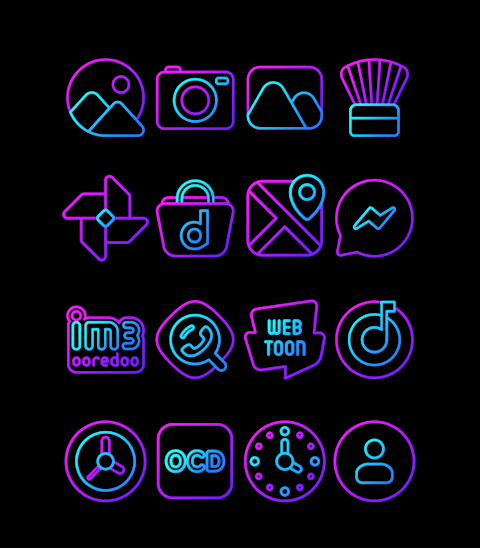
Space – Icon Pack
Panoto Gomo


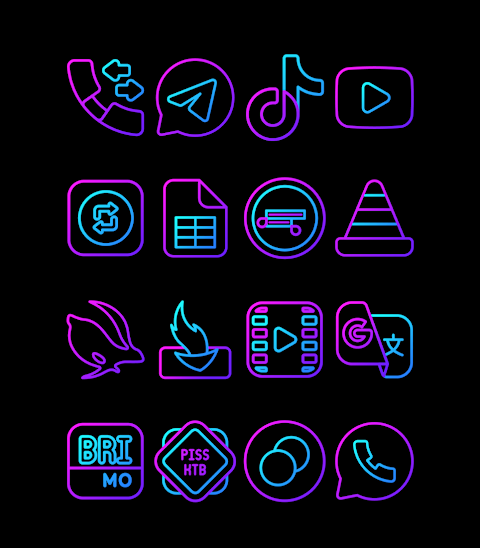


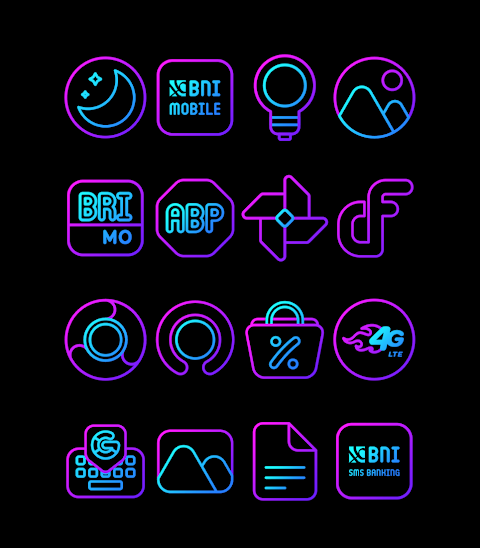
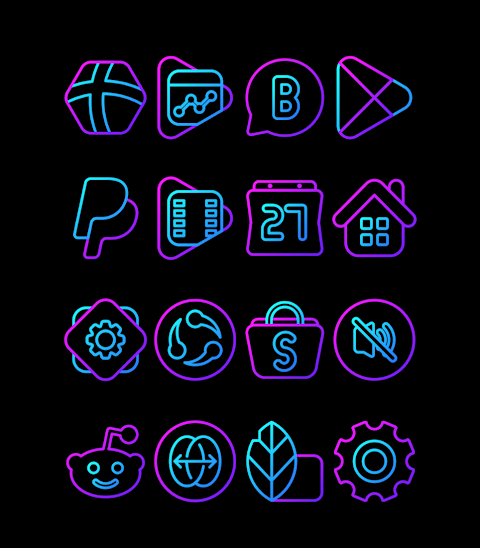




About the App
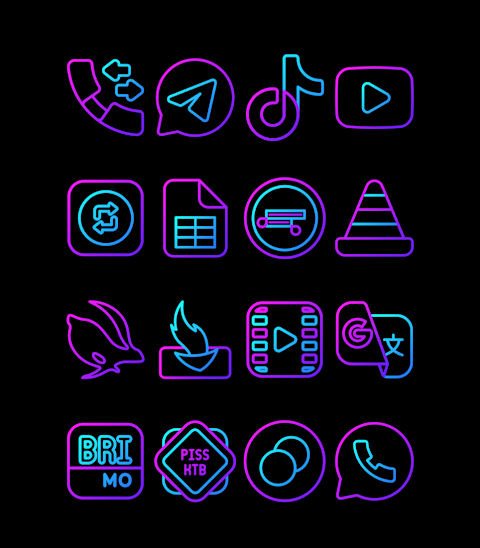
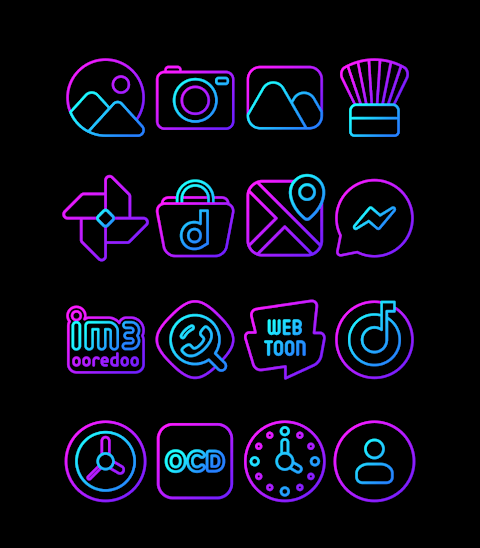
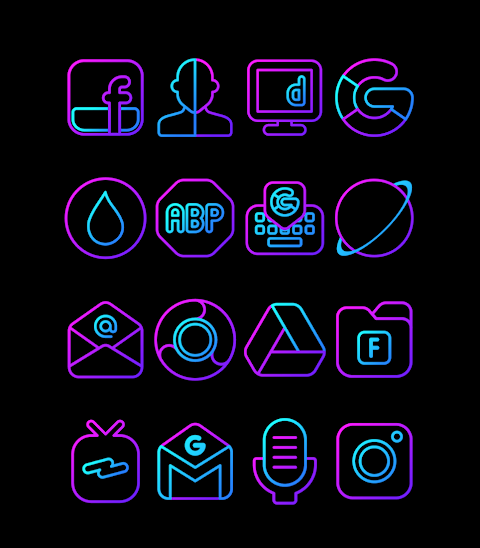
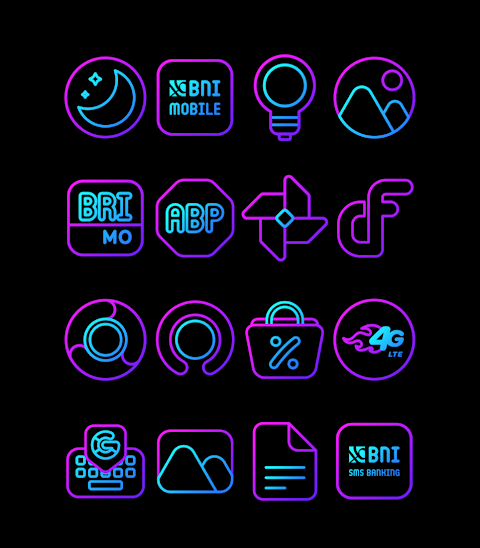
Space - Icon Pack is a vibrant outline icon pack that features beautiful purple and blue colors. It offers an extensive collection with over 3000 icons and counting, allowing you to customize your home screen easily. Each icon comes in HD icon resolution of 256x256 pixels, ensuring that your app icons look sharp and clear.
One of the great features of the Space icon pack is the icon request feature. If you don’t find the icon you need, you can request it, and the developers will consider adding it in future updates. In addition to icons, this pack also includes wallpapers to further enhance your phone’s appearance.
Applying the Space icon pack is straightforward. It works seamlessly with popular launchers such as Nova Launcher and Evie Launcher. Here’s how to apply it:
1. Open the Space icon pack app on your device.
2. Go to the "Apply Icon Pack" screen.
3. You’ll see a list of supported launchers, including Nova Launcher and Evie Launcher. Select Nova Launcher if you have it installed.
4. The app will automatically apply the icons from the Space icon pack to your Nova Launcher.
If you do not see your launcher listed, you can also apply the icon pack directly from your launcher settings. While Sony Xperia Home Launcher may not appear in the application, it still supports the Space icon pack with a few additional steps. Here’s how to set it up:
1. Long press on your main screen.
2. Open the settings menu.
3. Scroll down and select the appearance icon settings.
4. Choose the Space icon pack.
5. Your Sony Xperia device will now display the new icon pack.
Please make sure you have Sony Xperia Home Launcher version 10.0.A.0.8 or higher for compatibility.
The Space icon pack is designed to integrate with a variety of launchers. Supported launchers include Apex Launcher, ADW Launcher, ABC Launcher, Next Launcher, Holo Launcher, Lucid Launcher, M Launcher, Action Launcher, Aviate Launcher, Smart Launcher, Go Launcher (note that it does not support icon masking), and Zero Launcher (which also lacks icon masking support).
With the Space icon pack, you can easily customize your home screen, bringing a unique touch to your Android device. It serves as an excellent tool for anyone looking to enhance their app experience through effective home screen customization.
For more design updates and information, you can find us on social media platforms like Google+, Instagram, and Twitter. We keep our users informed with the latest icon designs and features, ensuring you stay connected to the Space icon pack community.
In summary, the Space icon pack is a user-friendly tool for Android customization, offering a wide selection of high-definition icons. Whether you want to add a pop of color to your apps or make your device stand out, this icon pack has something for everyone. Enjoy exploring the vibrant world of icons with Space!
One of the great features of the Space icon pack is the icon request feature. If you don’t find the icon you need, you can request it, and the developers will consider adding it in future updates. In addition to icons, this pack also includes wallpapers to further enhance your phone’s appearance.
Applying the Space icon pack is straightforward. It works seamlessly with popular launchers such as Nova Launcher and Evie Launcher. Here’s how to apply it:
1. Open the Space icon pack app on your device.
2. Go to the "Apply Icon Pack" screen.
3. You’ll see a list of supported launchers, including Nova Launcher and Evie Launcher. Select Nova Launcher if you have it installed.
4. The app will automatically apply the icons from the Space icon pack to your Nova Launcher.
If you do not see your launcher listed, you can also apply the icon pack directly from your launcher settings. While Sony Xperia Home Launcher may not appear in the application, it still supports the Space icon pack with a few additional steps. Here’s how to set it up:
1. Long press on your main screen.
2. Open the settings menu.
3. Scroll down and select the appearance icon settings.
4. Choose the Space icon pack.
5. Your Sony Xperia device will now display the new icon pack.
Please make sure you have Sony Xperia Home Launcher version 10.0.A.0.8 or higher for compatibility.
The Space icon pack is designed to integrate with a variety of launchers. Supported launchers include Apex Launcher, ADW Launcher, ABC Launcher, Next Launcher, Holo Launcher, Lucid Launcher, M Launcher, Action Launcher, Aviate Launcher, Smart Launcher, Go Launcher (note that it does not support icon masking), and Zero Launcher (which also lacks icon masking support).
With the Space icon pack, you can easily customize your home screen, bringing a unique touch to your Android device. It serves as an excellent tool for anyone looking to enhance their app experience through effective home screen customization.
For more design updates and information, you can find us on social media platforms like Google+, Instagram, and Twitter. We keep our users informed with the latest icon designs and features, ensuring you stay connected to the Space icon pack community.
In summary, the Space icon pack is a user-friendly tool for Android customization, offering a wide selection of high-definition icons. Whether you want to add a pop of color to your apps or make your device stand out, this icon pack has something for everyone. Enjoy exploring the vibrant world of icons with Space!
DADAM39: Modern Dark Dial
DADAM Watch Faces
$0.99
$0.10
Perpetual Watch Face
amoledwatchfaces™
$1.49
ZKin Watch Face Colorful Halo
ZKin
$2.99
$0.99