

$1.49
$0.29
81% Off
Pumpkin – Orange Icon Pack
GomoTheGom

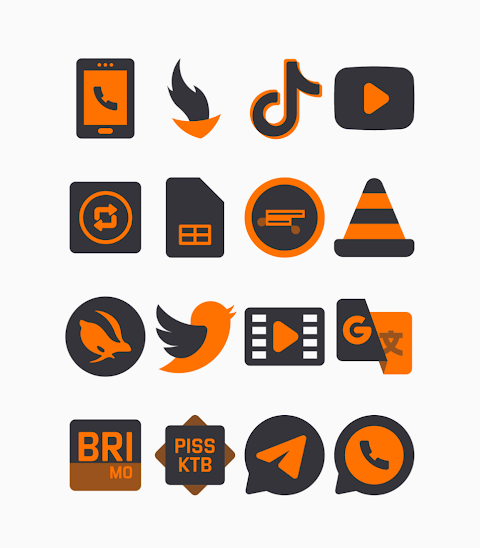
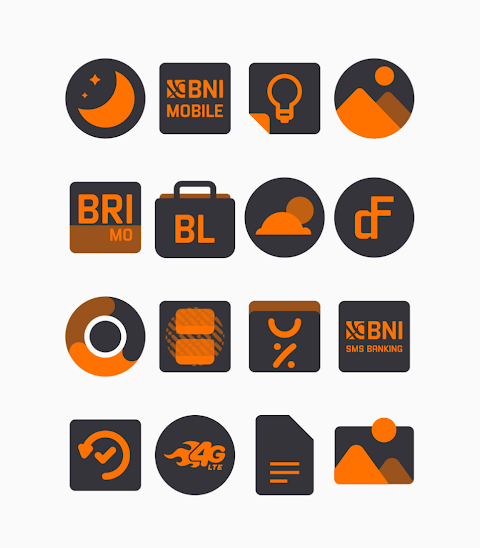
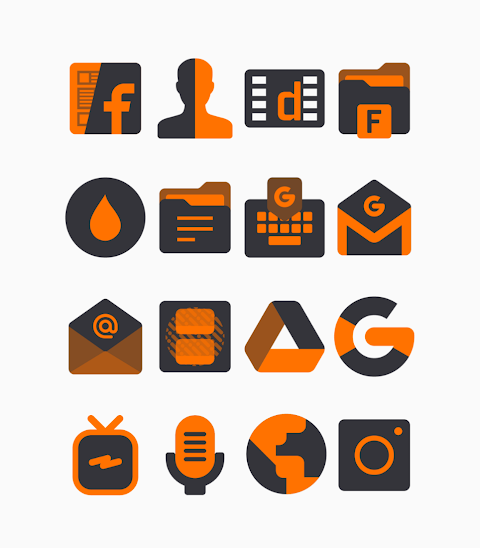
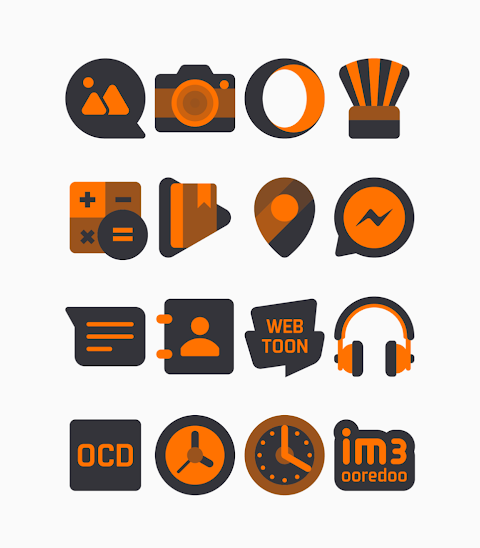


About the App
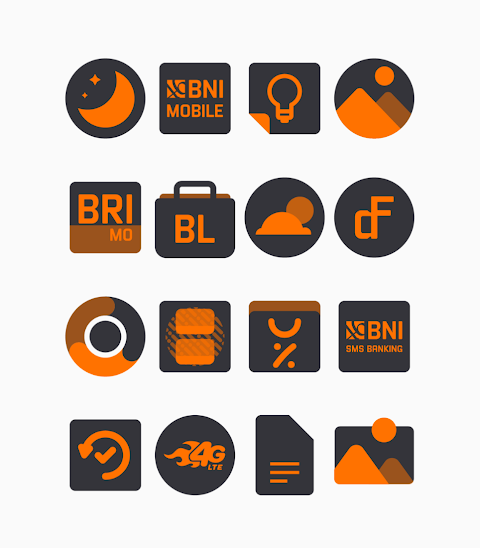
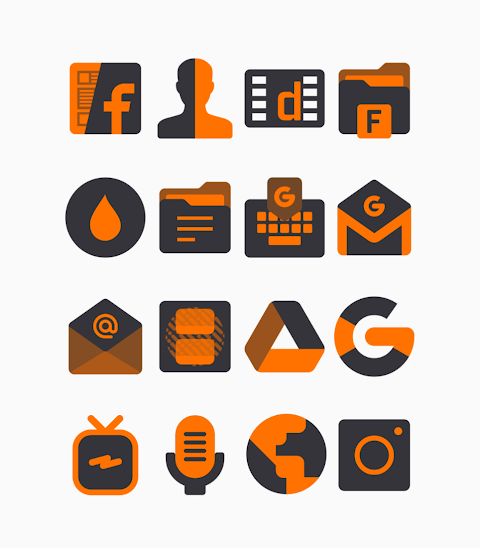
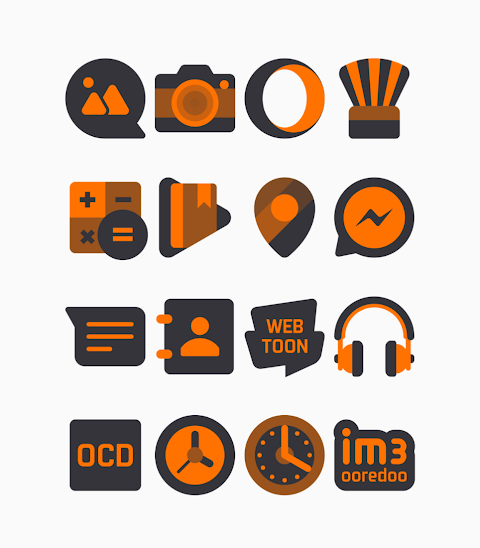
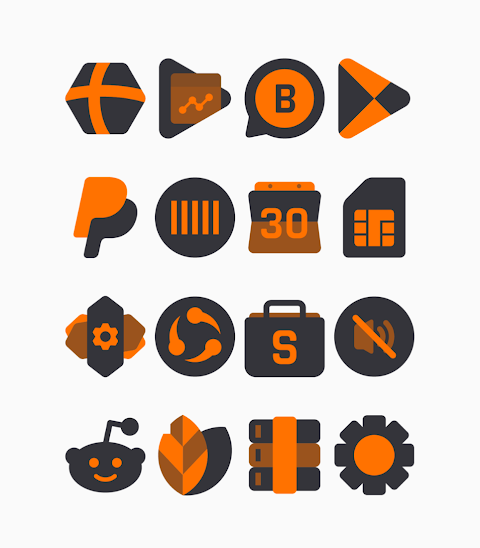
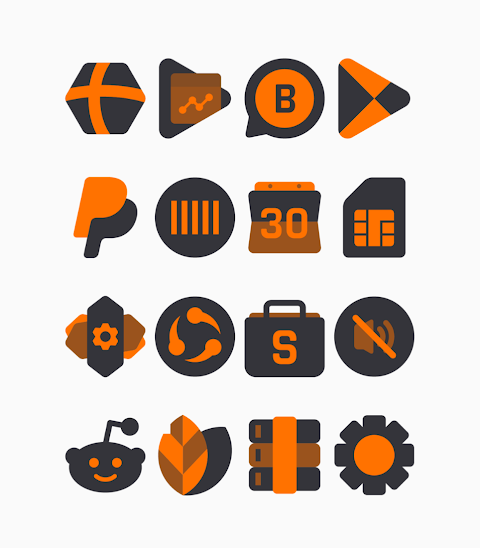
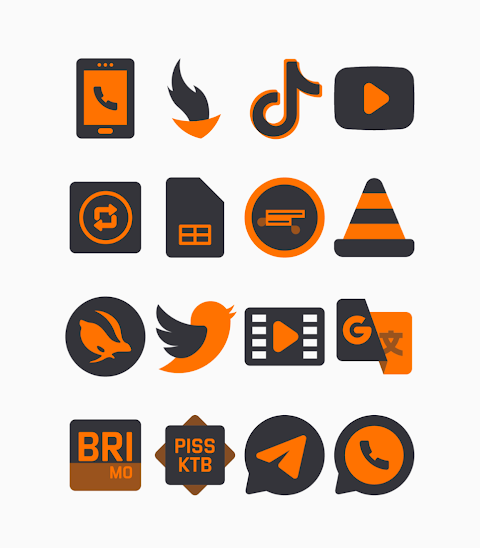
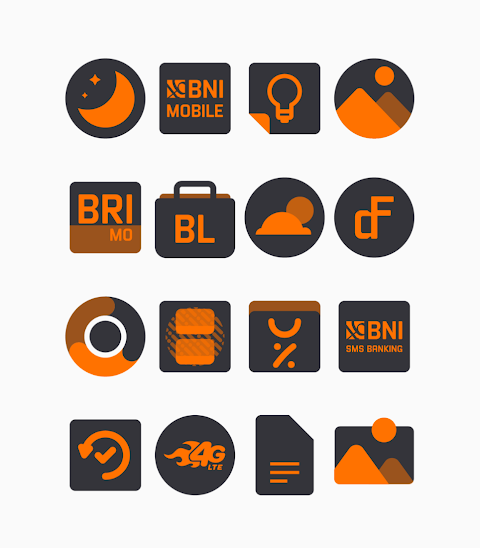
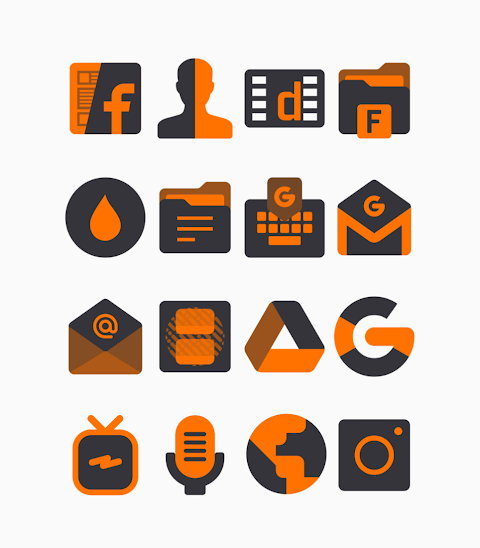
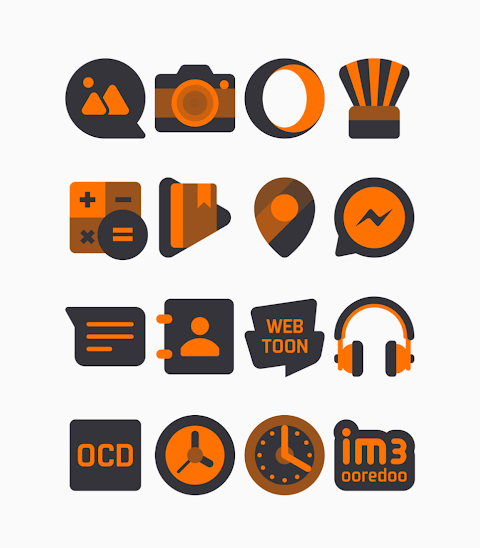
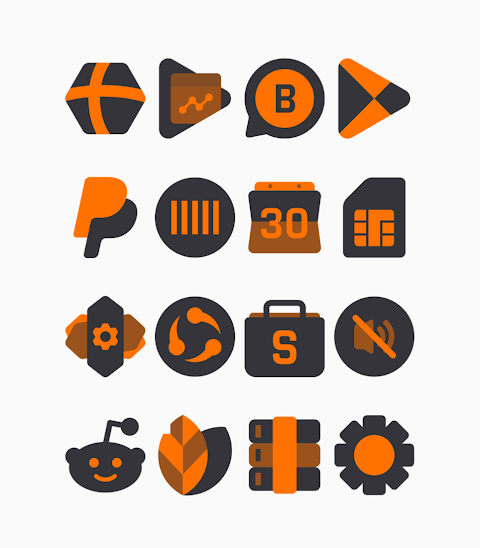
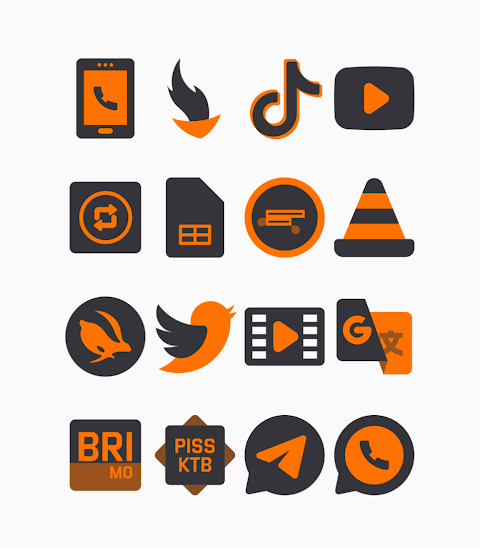
Pumpkin - Orange Icon Pack offers a wide range of shapeless themed icons designed with a striking black and orange color scheme. With more than 3000 icons available and counting, this icon pack is perfect for anyone looking to refresh their device’s look. Each icon boasts an HD icon resolution of 256x256px, ensuring that your home screen remains crisp and clear.
This icon pack comes with alternate icons and includes an icon request feature, making it easy for users to tailor their experience. Applying the Pumpkin - Orange Dark Icon Pack is simple and supports numerous popular launchers. Notably, it works well with Nova Launcher, Evie Launcher, and many others.
To apply the icon pack, just follow these easy steps:
1. Open the Pumpkin - Orange Dark Icon Pack app.
2. Navigate to the Apply Icon Pack screen.
3. The app will display a list of supported launchers like Nova Launcher and Evie Launcher. Choose the launcher you have installed on your device.
4. The app will automatically apply the icons from the Pumpkin - Orange Dark icon pack for the selected launcher.
If you don’t see your launcher in the list, you can also try applying it directly from the launcher settings.
For users of the Sony Xperia Home Launcher, you can still use the Pumpkin - Orange Dark icon pack, though it requires a few extra steps. Here’s how to set it up on your device:
1. Long press on the main screen.
2. Open the settings menu.
3. Scroll down to find the appearance settings for icons.
4. Select the Pumpkin - Orange Dark icon pack.
5. Finish, and your Sony Xperia will now display the new icons.
Keep in mind that the icon pack only supports Sony Xperia Home Launcher version 10.0.A.0.8 or higher.
Some of the supported launchers include:
- Icon Pack for Nova Launcher
- Icon Pack for Apex Launcher
- Icon Pack for ADW Launcher
- Icon Pack for ABC Launcher
- Icon Pack for Evie Launcher
- Icon Pack for Next Launcher
- Icon Pack for Holo Launcher
- Icon Pack for Lucid Launcher
- Icon Pack for M Launcher
- Icon Pack for Action Launcher
- Icon Pack for Smart Launcher
- Icon Pack for Aviate Launcher
- Icon Pack for Go Launcher (note: does not support icon masking)
- Icon Pack for Zero Launcher (note: does not support icon masking)
With the Pumpkin - Orange Icon Pack, you can easily customize app icons to fit your personal style. For more design information, you can find updates on social media platforms like Google+, Instagram, and Twitter.
Special thanks to Dani Mahardika for the Candybar Dashboard, which contributed to the design of this icon pack. Whether you are a fan of unique shapes or simply enjoy bold colors, Pumpkin - Orange Icon Pack brings a fresh look to your device.
This icon pack comes with alternate icons and includes an icon request feature, making it easy for users to tailor their experience. Applying the Pumpkin - Orange Dark Icon Pack is simple and supports numerous popular launchers. Notably, it works well with Nova Launcher, Evie Launcher, and many others.
To apply the icon pack, just follow these easy steps:
1. Open the Pumpkin - Orange Dark Icon Pack app.
2. Navigate to the Apply Icon Pack screen.
3. The app will display a list of supported launchers like Nova Launcher and Evie Launcher. Choose the launcher you have installed on your device.
4. The app will automatically apply the icons from the Pumpkin - Orange Dark icon pack for the selected launcher.
If you don’t see your launcher in the list, you can also try applying it directly from the launcher settings.
For users of the Sony Xperia Home Launcher, you can still use the Pumpkin - Orange Dark icon pack, though it requires a few extra steps. Here’s how to set it up on your device:
1. Long press on the main screen.
2. Open the settings menu.
3. Scroll down to find the appearance settings for icons.
4. Select the Pumpkin - Orange Dark icon pack.
5. Finish, and your Sony Xperia will now display the new icons.
Keep in mind that the icon pack only supports Sony Xperia Home Launcher version 10.0.A.0.8 or higher.
Some of the supported launchers include:
- Icon Pack for Nova Launcher
- Icon Pack for Apex Launcher
- Icon Pack for ADW Launcher
- Icon Pack for ABC Launcher
- Icon Pack for Evie Launcher
- Icon Pack for Next Launcher
- Icon Pack for Holo Launcher
- Icon Pack for Lucid Launcher
- Icon Pack for M Launcher
- Icon Pack for Action Launcher
- Icon Pack for Smart Launcher
- Icon Pack for Aviate Launcher
- Icon Pack for Go Launcher (note: does not support icon masking)
- Icon Pack for Zero Launcher (note: does not support icon masking)
With the Pumpkin - Orange Icon Pack, you can easily customize app icons to fit your personal style. For more design information, you can find updates on social media platforms like Google+, Instagram, and Twitter.
Special thanks to Dani Mahardika for the Candybar Dashboard, which contributed to the design of this icon pack. Whether you are a fan of unique shapes or simply enjoy bold colors, Pumpkin - Orange Icon Pack brings a fresh look to your device.

Pinkdiant – Icon Pack
GomoTheGom
$1.49
FREE
Digital Mingo Watch face
CERBER WATCH FACE
$0.99

Night Core 04 Modern Face
Nighty Watch Faces
$2.49
$1.00