

$1.49
$0.59
60% Off
Splatter – Icon Pack
GomoTheGom








About the App
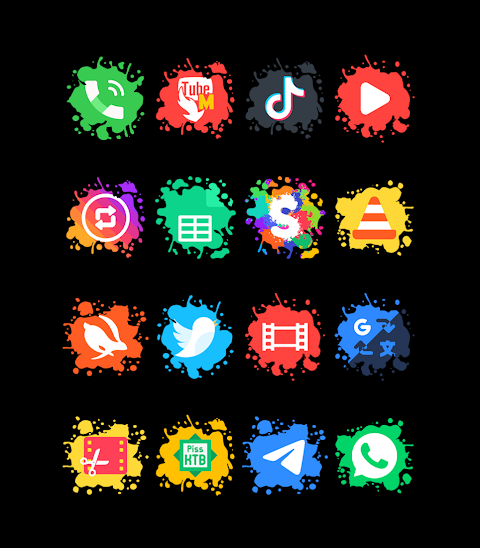
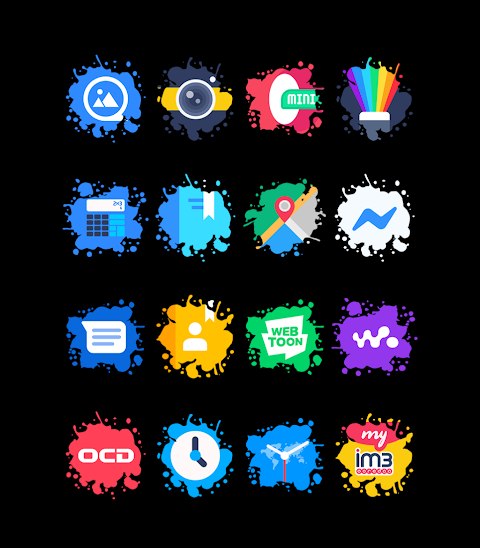
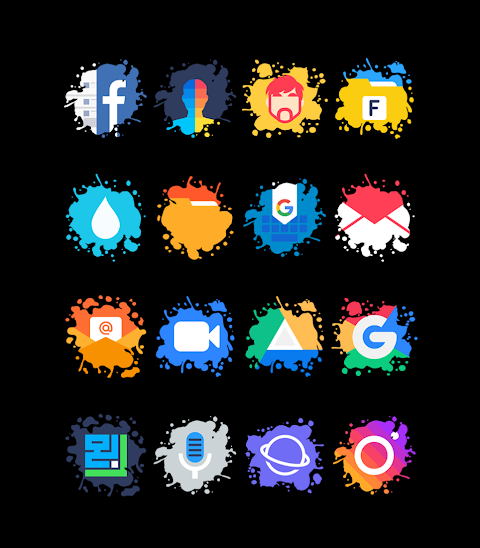
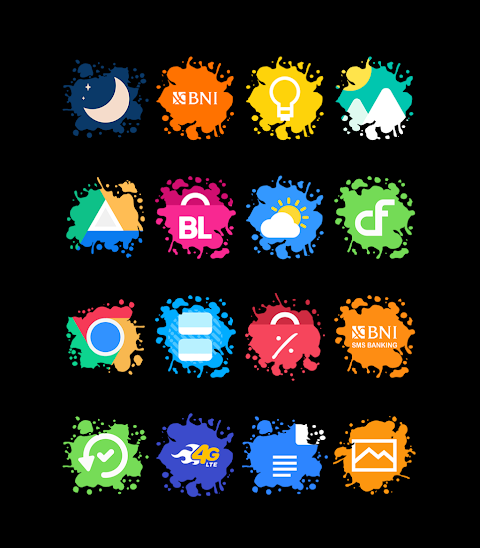
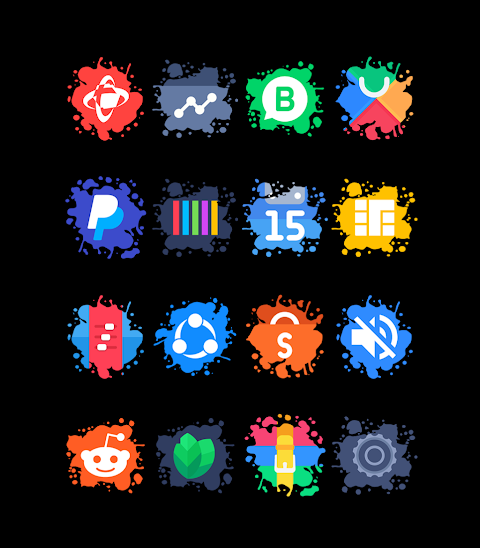
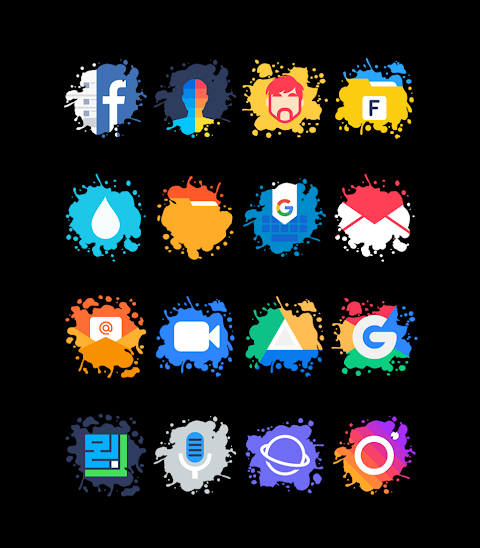
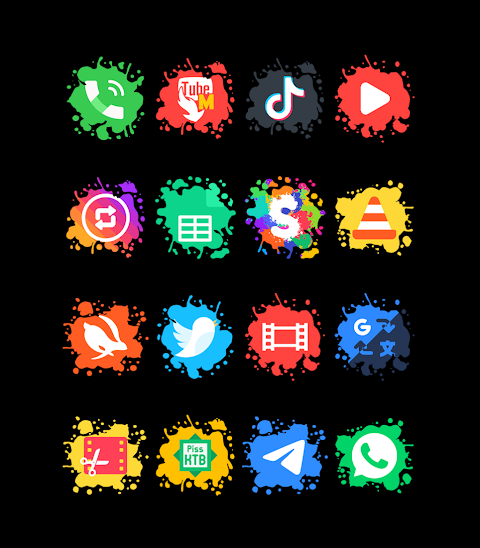
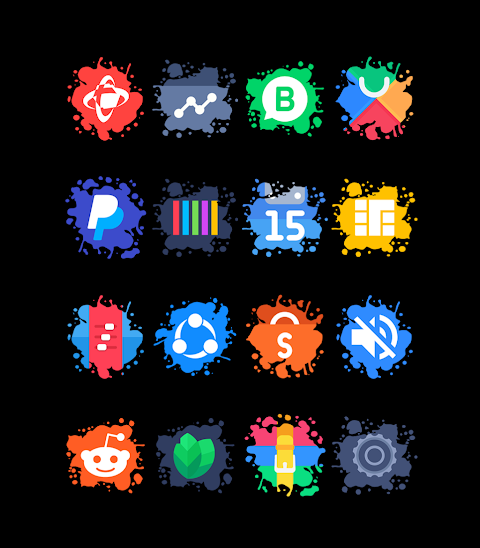
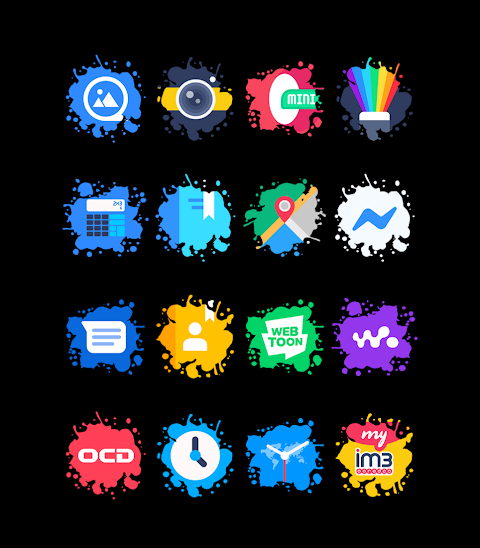
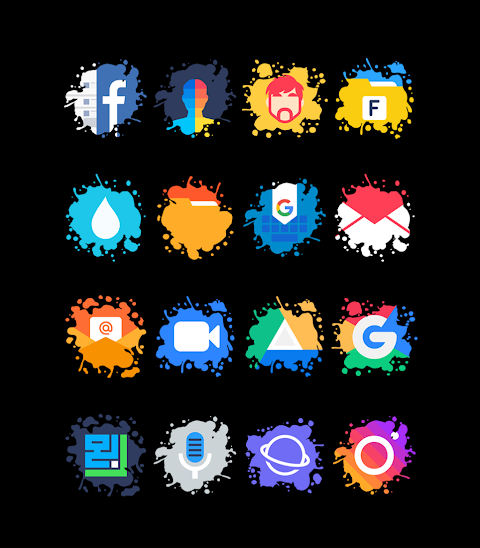
Splatter - Icon Pack is a unique way to customize your device with various splat shape icons. With over 6000 icons and counting, this icon pack offers a wide variety of designs that can make your screen look fresh and vibrant. You also get 40 HD wallpapers to enhance your home screen further. Whether you are looking for alternate icons or want to make an icon request, Splatter has you covered.
The icons are in a 192x192px resolution, ensuring that they look sharp on any screen. Applying the Splatter Icon Pack is easy and supports numerous popular launchers. You can use Splatter with Nova Launcher, Evie Launcher, Apex Launcher, ADW Launcher, ABC Launcher, and many more.
To apply the Splatter Icon Pack, follow these simple steps:
1. Open the Splatter Icon Pack app.
2. Go to the "Apply Icon Pack" screen.
3. You will then see a list of supported launchers. Choose the Nova Launcher or any other launcher you have installed on your phone.
4. The app will automatically apply the icons from the Splatter Icon Pack for the selected launcher.
If your launcher isn't showing up while trying to apply the icons, you might need to apply them directly from your launcher settings.
For users of the Sony Xperia Home Launcher, you can still enjoy the Splatter Icon Pack with a different approach. Here’s how to do it:
1. Long press on the main screen.
2. Open the settings.
3. Scroll down to find the appearance icon setting.
4. Choose the Splatter Icon Pack.
5. Done! Your Sony Xperia device will now show the Splatter icons.
Keep in mind that this icon pack only supports Sony Xperia Home Launcher versions 10.0.A.0.8 or higher.
Splatter - Icon Pack works with many launchers, including Smart Launcher and Go Launcher, although Go Launcher does not support icon masking. You can also use it with Zero Launcher, which similarly has limitations regarding icon masking.
Stay updated on new designs and features by following us on social media! You can find more information on our design updates on Instagram and Twitter.
With Splatter - Icon Pack, you get a fantastic way to personalize your device, giving you options for custom icon applications, interface customization, and overall mobile personalization. Explore the icon customization options and discover how this icon pack can breathe new life into your device. Enjoy the different features Splatter offers, and make your home screen uniquely yours!
The icons are in a 192x192px resolution, ensuring that they look sharp on any screen. Applying the Splatter Icon Pack is easy and supports numerous popular launchers. You can use Splatter with Nova Launcher, Evie Launcher, Apex Launcher, ADW Launcher, ABC Launcher, and many more.
To apply the Splatter Icon Pack, follow these simple steps:
1. Open the Splatter Icon Pack app.
2. Go to the "Apply Icon Pack" screen.
3. You will then see a list of supported launchers. Choose the Nova Launcher or any other launcher you have installed on your phone.
4. The app will automatically apply the icons from the Splatter Icon Pack for the selected launcher.
If your launcher isn't showing up while trying to apply the icons, you might need to apply them directly from your launcher settings.
For users of the Sony Xperia Home Launcher, you can still enjoy the Splatter Icon Pack with a different approach. Here’s how to do it:
1. Long press on the main screen.
2. Open the settings.
3. Scroll down to find the appearance icon setting.
4. Choose the Splatter Icon Pack.
5. Done! Your Sony Xperia device will now show the Splatter icons.
Keep in mind that this icon pack only supports Sony Xperia Home Launcher versions 10.0.A.0.8 or higher.
Splatter - Icon Pack works with many launchers, including Smart Launcher and Go Launcher, although Go Launcher does not support icon masking. You can also use it with Zero Launcher, which similarly has limitations regarding icon masking.
Stay updated on new designs and features by following us on social media! You can find more information on our design updates on Instagram and Twitter.
With Splatter - Icon Pack, you get a fantastic way to personalize your device, giving you options for custom icon applications, interface customization, and overall mobile personalization. Explore the icon customization options and discover how this icon pack can breathe new life into your device. Enjoy the different features Splatter offers, and make your home screen uniquely yours!

Square KWGT
Raj Arya Designs
$1.49
$0.89

Ballozi VERO 2 Hybrid Analog
BALLOZI Watch Faces
$1.99
$0.60

A108 KHIM Watch Face
SageHuz
$1.99
$0.10