

$1.49
FREE
100% Off
Pinkdiant – Icon Pack
GomoTheGom

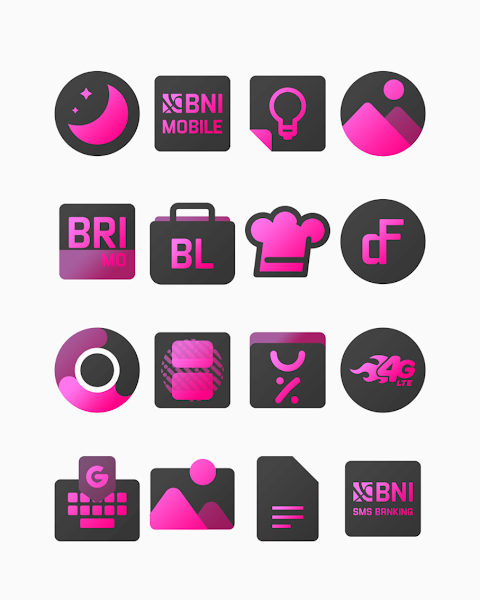
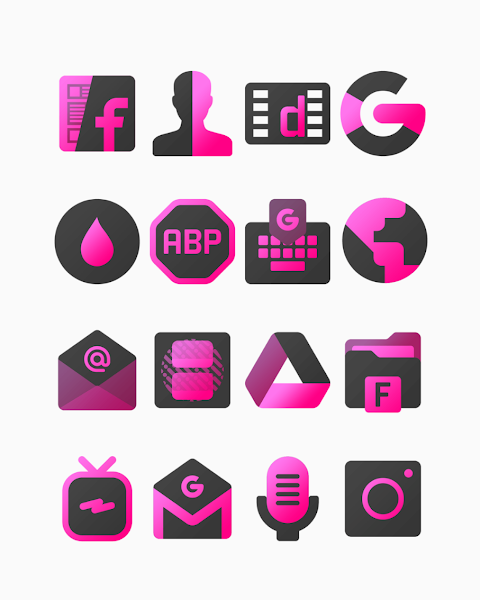
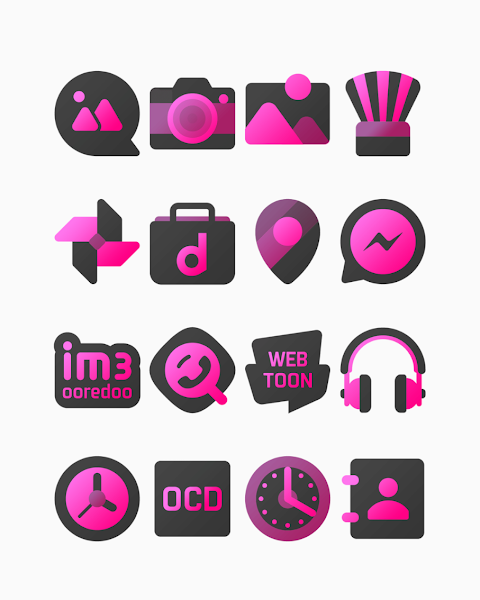
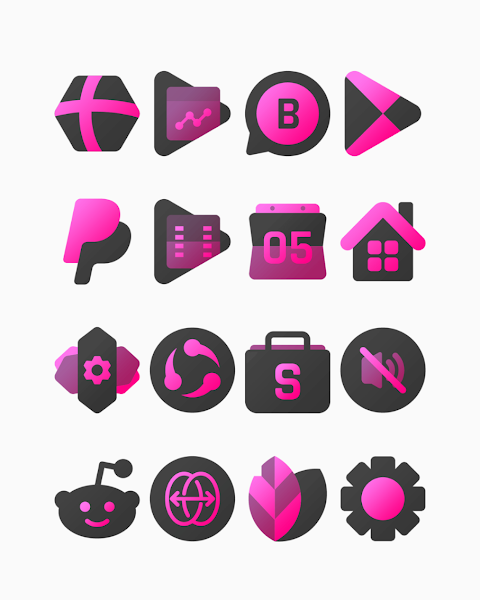
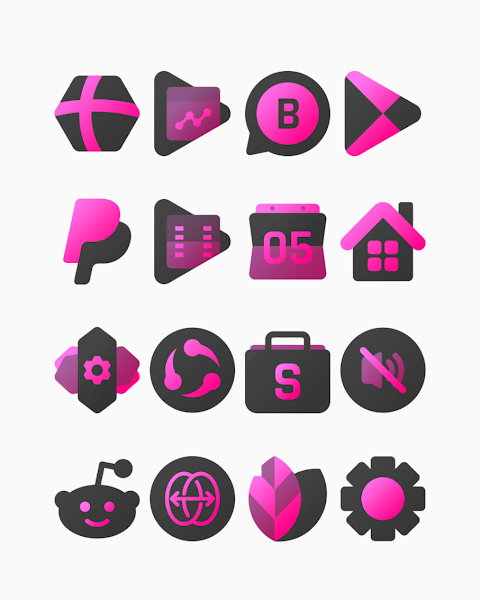
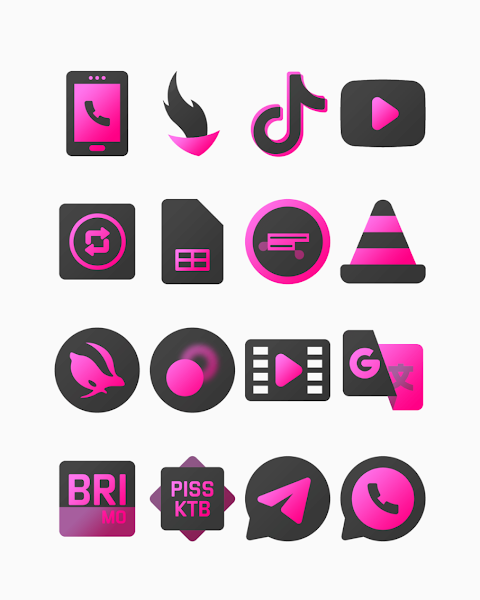
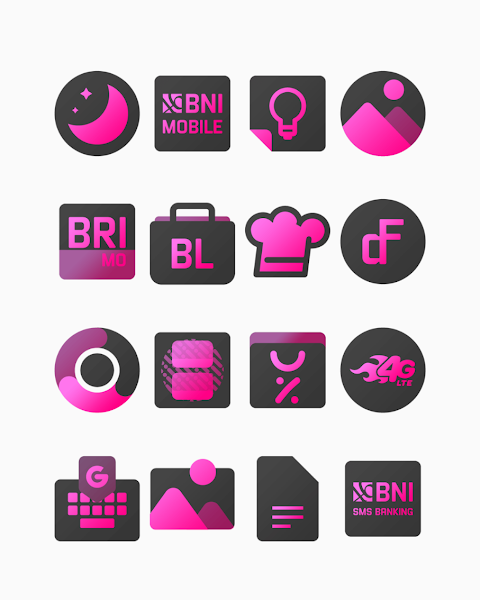
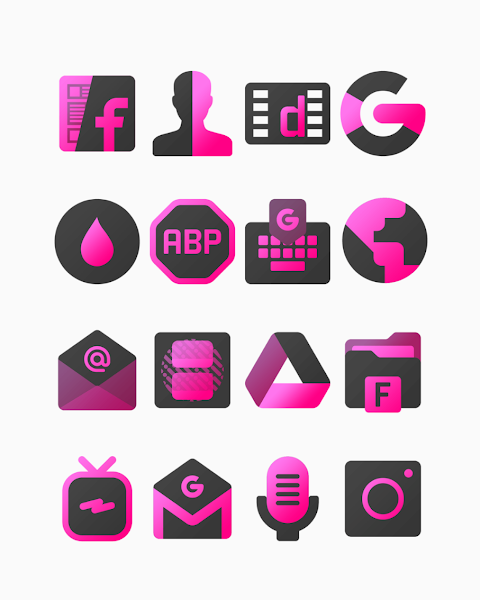



About the App
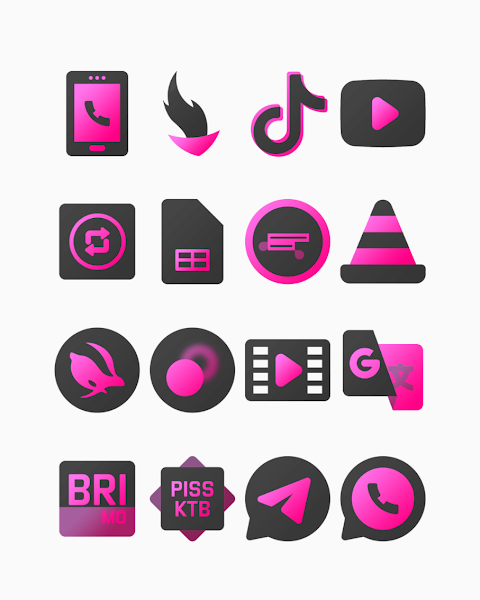
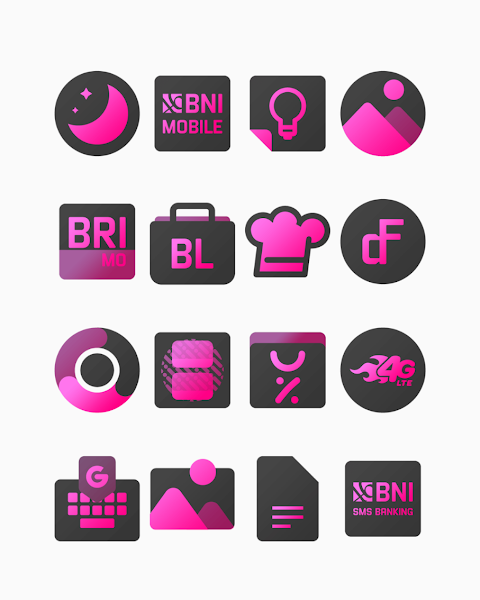
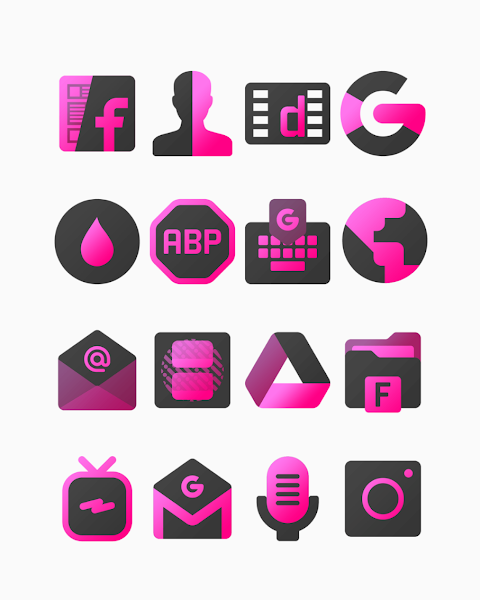
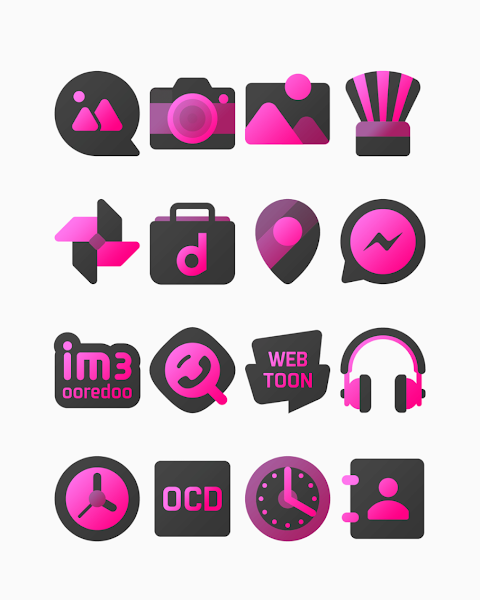
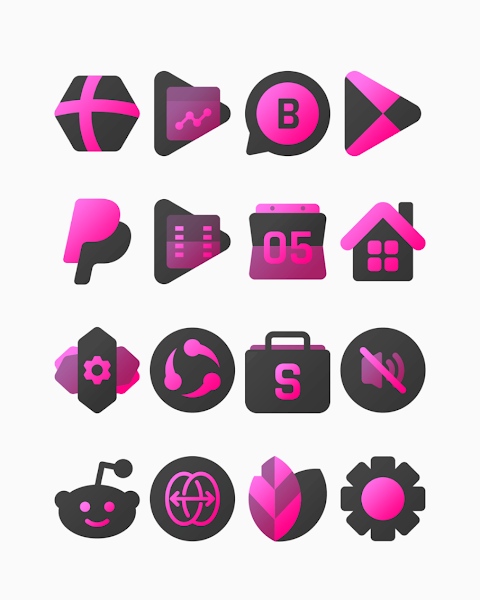
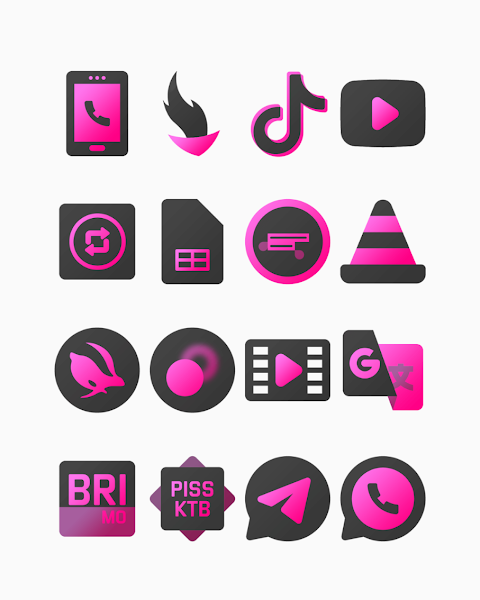
Pinkdiant is a stylish pink icon pack designed to brighten your device with glam dark gradient colors. This collection features over 3000 icons, making it easy to give your home screen a fresh and vibrant look. Each icon is crafted with HD icon resolution, ensuring that they look great on any screen. Plus, there's an icon request feature, so you can ask for new icons if there’s something specific you want.
Using the Pinkdiant icon pack is straightforward, thanks to its user-friendly interface. It supports many popular launchers, including Nova Launcher, Evie Launcher, Apex Launcher, ADW Launcher, ABC Launcher, Next Launcher, Holo Launcher, Lucid Launcher, M Launcher, Action Launcher, Aviate Launcher, Smart Launcher, Go Launcher, and Zero Launcher. This wide range of supported launchers means you can easily customize your device to suit your style.
To apply the Pinkdiant icon pack, simply follow these steps. First, open the Pinkdiant icon pack app. Then, navigate to the "Apply Icon Pack" screen. The app will display a list of supported launchers. If you have Nova Launcher installed, just select it, and the app will automatically apply the icons from the Pinkdiant icon pack.
If your launcher doesn't appear when trying to apply from the icon pack, don’t worry. You can also apply the icons directly from your launcher settings. For users with Sony Xperia Home Launcher, follow these special steps: Long press on the main screen, open the settings, scroll down to the appearance icon settings, choose the Pinkdiant icon pack, and you're done!
Please note that the Pinkdiant icon pack is only compatible with Sony Xperia Home Launcher version 10.0.A.0.8 or higher.
This icon pack offers a great way for anyone looking to enhance their mobile device personalization. With its creative icon designs and the flexibility of home screen customization, Pinkdiant helps improve the visual appeal of your phone. The icon pack installation process is easy, allowing you to quickly change the look of your device to match your style.
You can also follow Pinkdiant on social media for more design inspiration. Check out their pages on Google+, Instagram, and Twitter to see how others are using this icon pack and for a chance to discover new themes and ideas.
Overall, Pinkdiant not only beautifies your screen but also adds a personal touch to your mobile experience, making it an excellent choice for anyone who loves to customize their devices.
Using the Pinkdiant icon pack is straightforward, thanks to its user-friendly interface. It supports many popular launchers, including Nova Launcher, Evie Launcher, Apex Launcher, ADW Launcher, ABC Launcher, Next Launcher, Holo Launcher, Lucid Launcher, M Launcher, Action Launcher, Aviate Launcher, Smart Launcher, Go Launcher, and Zero Launcher. This wide range of supported launchers means you can easily customize your device to suit your style.
To apply the Pinkdiant icon pack, simply follow these steps. First, open the Pinkdiant icon pack app. Then, navigate to the "Apply Icon Pack" screen. The app will display a list of supported launchers. If you have Nova Launcher installed, just select it, and the app will automatically apply the icons from the Pinkdiant icon pack.
If your launcher doesn't appear when trying to apply from the icon pack, don’t worry. You can also apply the icons directly from your launcher settings. For users with Sony Xperia Home Launcher, follow these special steps: Long press on the main screen, open the settings, scroll down to the appearance icon settings, choose the Pinkdiant icon pack, and you're done!
Please note that the Pinkdiant icon pack is only compatible with Sony Xperia Home Launcher version 10.0.A.0.8 or higher.
This icon pack offers a great way for anyone looking to enhance their mobile device personalization. With its creative icon designs and the flexibility of home screen customization, Pinkdiant helps improve the visual appeal of your phone. The icon pack installation process is easy, allowing you to quickly change the look of your device to match your style.
You can also follow Pinkdiant on social media for more design inspiration. Check out their pages on Google+, Instagram, and Twitter to see how others are using this icon pack and for a chance to discover new themes and ideas.
Overall, Pinkdiant not only beautifies your screen but also adds a personal touch to your mobile experience, making it an excellent choice for anyone who loves to customize their devices.
Rally : Racing Watch Face
Time Canvas
$1.69
$0.34
TAG Heuer Carrera Chronograph
Prime Legacy Watch Faces Studio
$1.99
$0.29
【Customize】Year Of The Horse
ZKin
$2.99
$0.99