

$1.49
FREE
100% Off
Strawberry – Pink Icon Pack
GomoTheGom







About the App
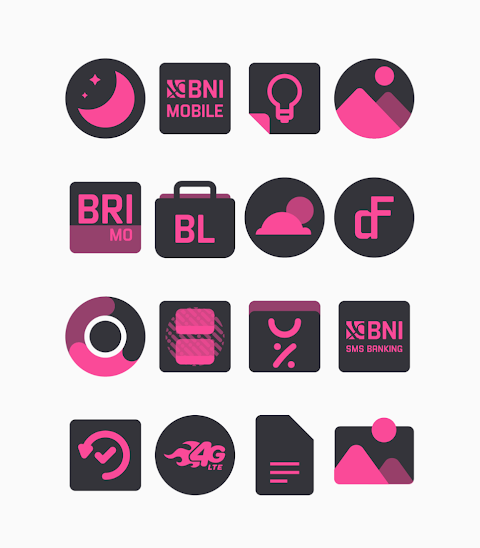
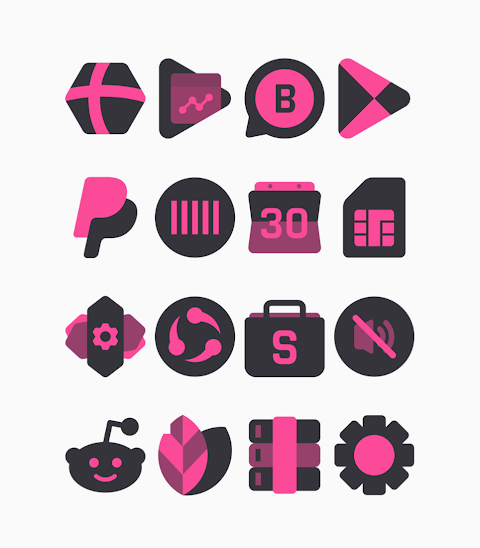
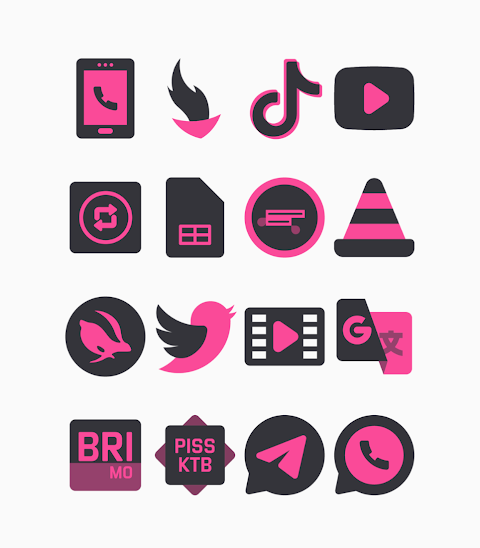
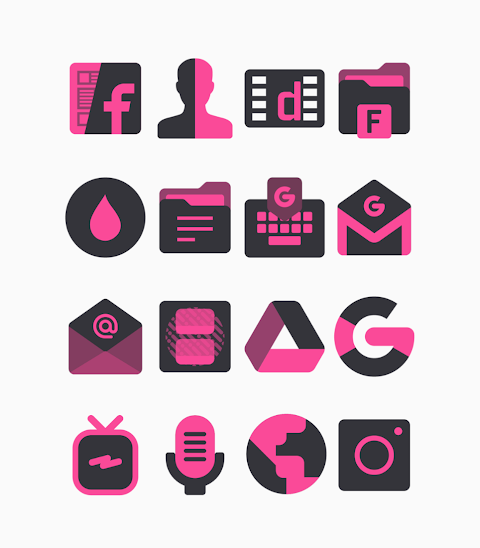
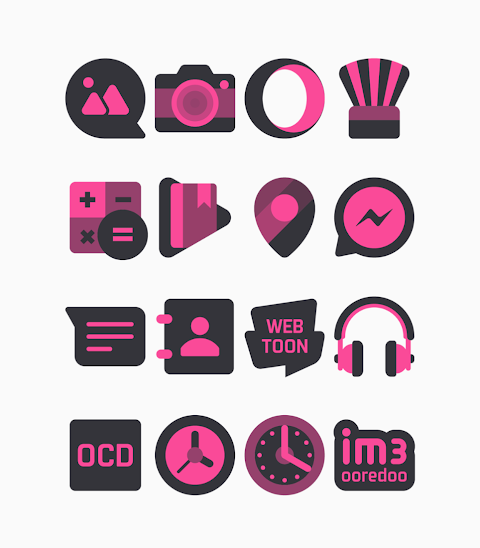
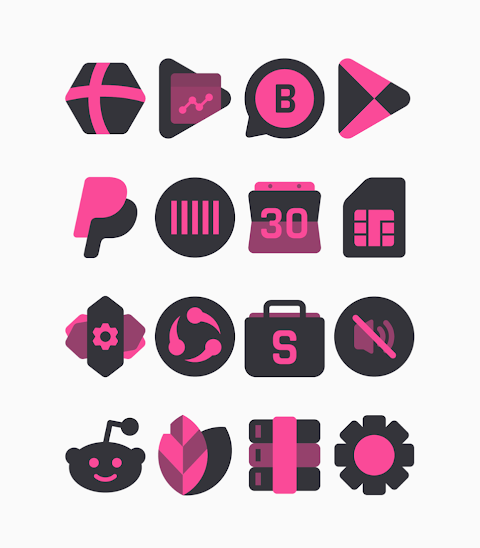
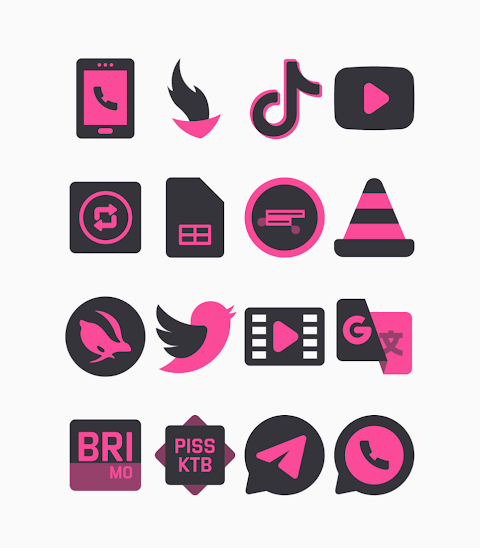
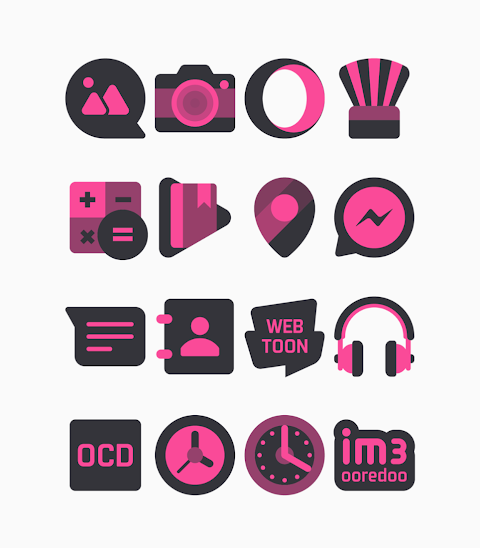
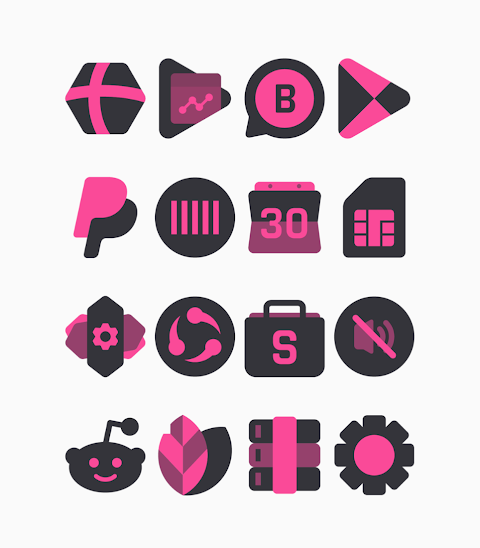
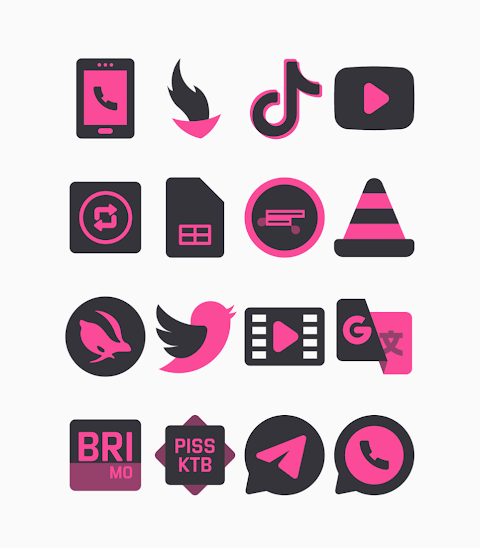
Strawberry is a unique icon pack featuring a pink and black color scheme. With over 3000 icons and more being added regularly, Strawberry offers a fresh look for your device. The icons come in a high-definition resolution of 256x256 pixels, ensuring they look clear and sharp on your screen. One of the standout features of Strawberry is its alternate icons, allowing you to customize the look even further. There's also an icon request feature, so you can suggest new icons you would like to see in the pack.
To use the Strawberry Pink Icon Pack, it's easy to apply it to your favorite launcher. Strawberry supports various popular launchers, including Nova Launcher and Evie Launcher, among many others. Here’s how you can apply the Strawberry Pink Icon Pack:
First, open the Strawberry Pink Icon Pack app. After that, navigate to the "Apply Icon Pack" screen. You will see a list of supported launchers such as Nova Launcher and Evie Launcher. Choose the Nova Launcher that you have installed on your phone, and the app will automatically apply the icons from the Strawberry Pink Icon Pack.
If your chosen launcher doesn’t appear when you try to apply the icons, you can also apply them directly from the launcher settings itself. For those using the Sony Xperia Home Launcher, you can still use Strawberry. However, you will need to follow slightly different steps. Simply long-press on your main screen, open the settings, scroll down to the appearance icon setting, and choose the Strawberry Pink Icon Pack. Remember, this icon pack only supports Sony Xperia Home Launcher version 10.0.A.0.8 or higher.
Strawberry supports a variety of launchers, which include:
- Apex Launcher
- ADW Launcher
- ABC Launcher
- Next Launcher
- Holo Launcher
- Lucid Launcher
- M Launcher
- Action Launcher
- Sony Xperia Home Launcher
- Aviate Launcher
- Smart Launcher
- Go Launcher (note that icon masking is not supported)
- Zero Launcher (icon masking is also not supported)
This means you have many options for customizing your home screen icons. The process to apply the icon pack is simple and allows for a personal touch to the appearance of your device. You get icon changing tools at your fingertips, enabling home screen customization that reflects your style.
If you want more design information or updates regarding the Strawberry Pink Icon Pack, you can follow the creators on their platforms like Google+, Instagram, and Twitter. Special thanks goes to Dani Mahardika for the Candybar Dashboard, which aids in the creation of this icon collection app. Enjoy the vibrant and stylish look that Strawberry brings to your device!
To use the Strawberry Pink Icon Pack, it's easy to apply it to your favorite launcher. Strawberry supports various popular launchers, including Nova Launcher and Evie Launcher, among many others. Here’s how you can apply the Strawberry Pink Icon Pack:
First, open the Strawberry Pink Icon Pack app. After that, navigate to the "Apply Icon Pack" screen. You will see a list of supported launchers such as Nova Launcher and Evie Launcher. Choose the Nova Launcher that you have installed on your phone, and the app will automatically apply the icons from the Strawberry Pink Icon Pack.
If your chosen launcher doesn’t appear when you try to apply the icons, you can also apply them directly from the launcher settings itself. For those using the Sony Xperia Home Launcher, you can still use Strawberry. However, you will need to follow slightly different steps. Simply long-press on your main screen, open the settings, scroll down to the appearance icon setting, and choose the Strawberry Pink Icon Pack. Remember, this icon pack only supports Sony Xperia Home Launcher version 10.0.A.0.8 or higher.
Strawberry supports a variety of launchers, which include:
- Apex Launcher
- ADW Launcher
- ABC Launcher
- Next Launcher
- Holo Launcher
- Lucid Launcher
- M Launcher
- Action Launcher
- Sony Xperia Home Launcher
- Aviate Launcher
- Smart Launcher
- Go Launcher (note that icon masking is not supported)
- Zero Launcher (icon masking is also not supported)
This means you have many options for customizing your home screen icons. The process to apply the icon pack is simple and allows for a personal touch to the appearance of your device. You get icon changing tools at your fingertips, enabling home screen customization that reflects your style.
If you want more design information or updates regarding the Strawberry Pink Icon Pack, you can follow the creators on their platforms like Google+, Instagram, and Twitter. Special thanks goes to Dani Mahardika for the Candybar Dashboard, which aids in the creation of this icon collection app. Enjoy the vibrant and stylish look that Strawberry brings to your device!

Weather Yin Yang Digital AE05
Modern & Minimalist Digital Designs
$1.99
Free
Lena Black – Glyph Icon Pack
One4Studio
$3.49
$1.75

Angular Watch Face
amoledwatchfaces™
$1.49
$0.75