
$1.59
$0.49
69% Off
Iris Dark – 3D App Icons
Creativepixels


About the App
Welcome to Iris Dark Icon Pack.
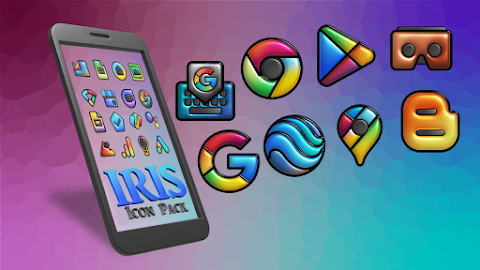
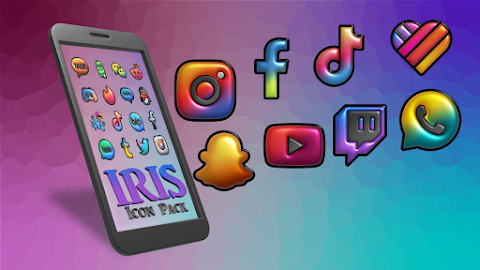
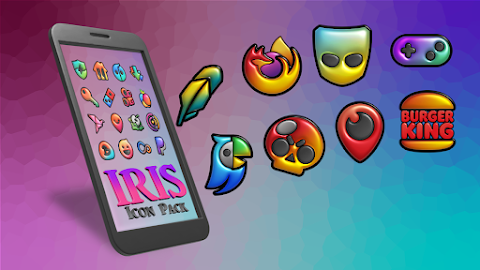
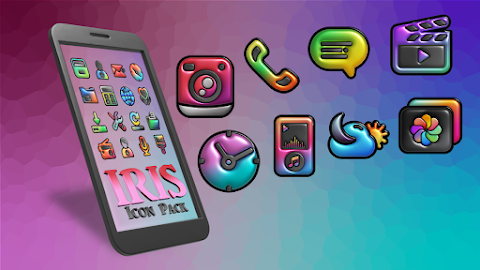
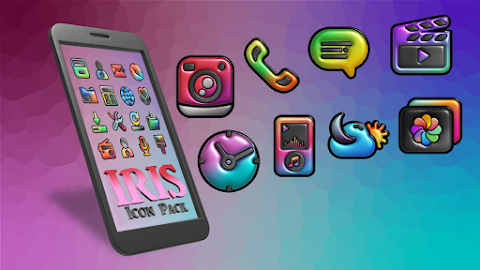
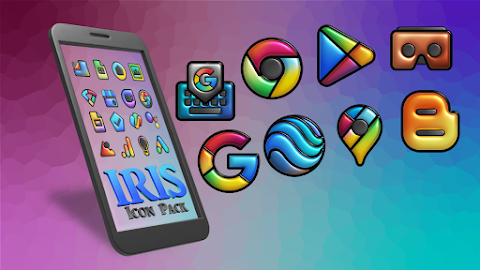
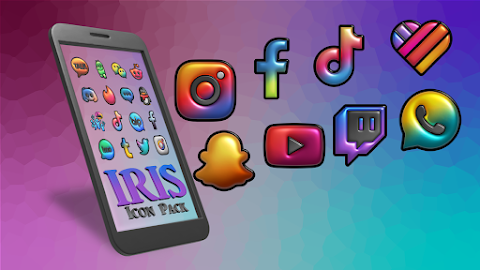
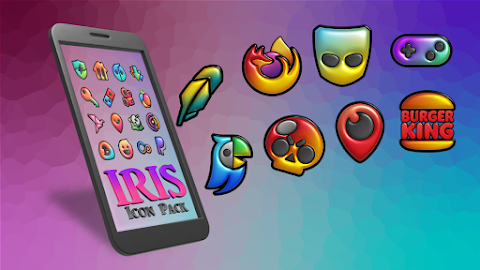
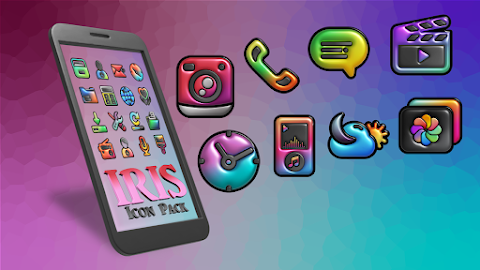
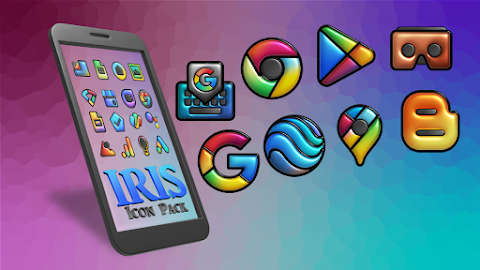
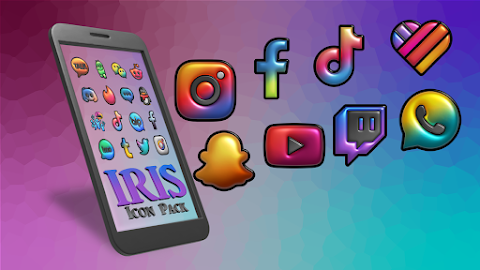
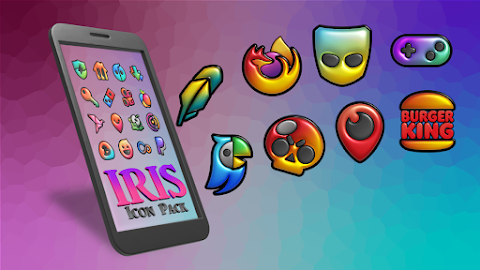
Iris Dark is here to transform your Android home screen into a stylish and modern setup. This icon pack features a unique flat 3D design that rests on deep, dark backgrounds, bringing life with vibrant color accents. The overall result is a sleek and highly legible collection of custom app icons that look fantastic on AMOLED displays and in dark mode environments.
If you want an Android setup that blends professional dark themes with lively colors, Iris Dark is the perfect choice. You will find that this pack includes thousands of custom app icons, ensuring you have plenty of options to match your style.
With Iris Dark, you can enjoy a premium flat 3D design, which features a unique 3D layering effect on deep black bases. These designs harmonize beautifully with your core phone functions through custom themed icons, making your device feel personalized. The pack also includes an icon masking feature, ensuring that any untamed apps blend seamlessly with your dark aesthetic icons.
One of the standout features is the dynamic calendar support. Your calendar icon will update automatically each day, helping you keep track of your schedule easily. Plus, you can enhance your home screen with exclusive dark mode wallpapers that are designed to complement the look of your icons perfectly.
Applying these icons is easy, thanks to the built-in Theme Park customization app. If you're a Samsung user, you will be glad to know that you can use these icons on your stock Samsung One UI launcher. Simply download the Theme Park app for free from the Galaxy Store, open it, tap on "Icon," and choose Iris Dark from the list. After naming your theme, a quick tap on "Apply" will set everything in place.
Iris Dark supports a wide range of launchers. You can enjoy Nova Launcher support, Action Launcher compatibility, ADW launcher icons, Apex Launcher integration, and themes for Go Launcher. You won’t run out of options, as Iris Dark also works with Lawnchair launcher support, Niagara launcher compatibility, Smart launcher icons, Solo launcher themes, and CM Theme Support.
If you ever need assistance or notice that a specific app icon is missing, simply use the premium icon request tool within the app. The developer commits to updating the collection regularly, ensuring you get visual consistency and unmatched customization options for your Android setup.
Explore the growing collection of icons with Iris Dark and elevate your home screen experience today!
Iris Dark is here to transform your Android home screen into a stylish and modern setup. This icon pack features a unique flat 3D design that rests on deep, dark backgrounds, bringing life with vibrant color accents. The overall result is a sleek and highly legible collection of custom app icons that look fantastic on AMOLED displays and in dark mode environments.
If you want an Android setup that blends professional dark themes with lively colors, Iris Dark is the perfect choice. You will find that this pack includes thousands of custom app icons, ensuring you have plenty of options to match your style.
With Iris Dark, you can enjoy a premium flat 3D design, which features a unique 3D layering effect on deep black bases. These designs harmonize beautifully with your core phone functions through custom themed icons, making your device feel personalized. The pack also includes an icon masking feature, ensuring that any untamed apps blend seamlessly with your dark aesthetic icons.
One of the standout features is the dynamic calendar support. Your calendar icon will update automatically each day, helping you keep track of your schedule easily. Plus, you can enhance your home screen with exclusive dark mode wallpapers that are designed to complement the look of your icons perfectly.
Applying these icons is easy, thanks to the built-in Theme Park customization app. If you're a Samsung user, you will be glad to know that you can use these icons on your stock Samsung One UI launcher. Simply download the Theme Park app for free from the Galaxy Store, open it, tap on "Icon," and choose Iris Dark from the list. After naming your theme, a quick tap on "Apply" will set everything in place.
Iris Dark supports a wide range of launchers. You can enjoy Nova Launcher support, Action Launcher compatibility, ADW launcher icons, Apex Launcher integration, and themes for Go Launcher. You won’t run out of options, as Iris Dark also works with Lawnchair launcher support, Niagara launcher compatibility, Smart launcher icons, Solo launcher themes, and CM Theme Support.
If you ever need assistance or notice that a specific app icon is missing, simply use the premium icon request tool within the app. The developer commits to updating the collection regularly, ensuring you get visual consistency and unmatched customization options for your Android setup.
Explore the growing collection of icons with Iris Dark and elevate your home screen experience today!

Green – Icon Pack
Panoto Gomo
$0.99

Orbit Launcher: AI & 3D SciFi
App Mania Software Development
$6.99
$2.99
Dual Turntable ZKin Watch
ZKin
$2.99
$1.49