

$0.99
FREE
100% Off
Photos Charging Slideshow
Yogesh Dama














About the App
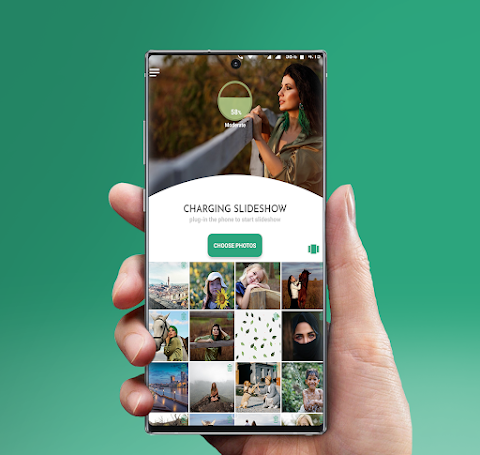
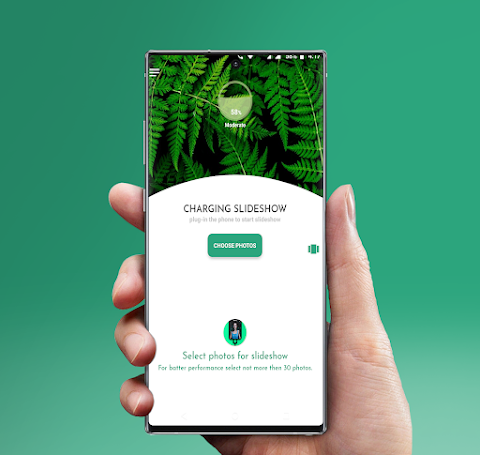
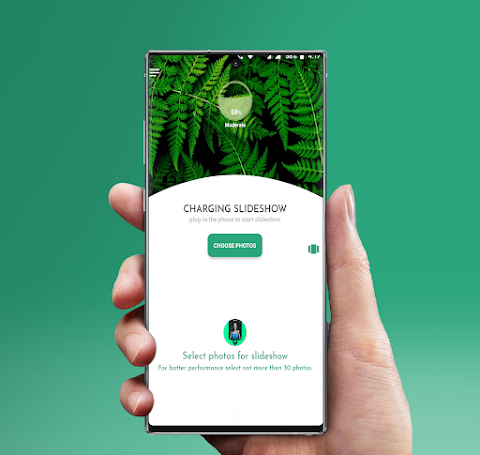
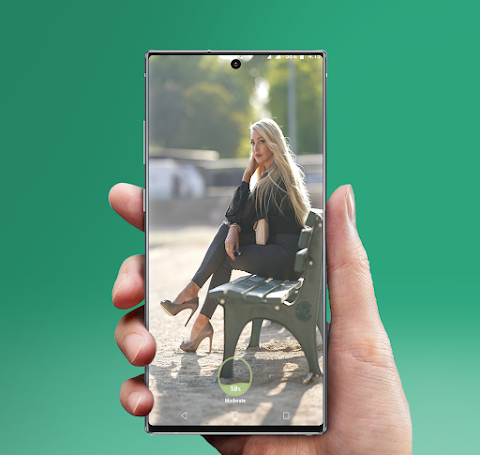
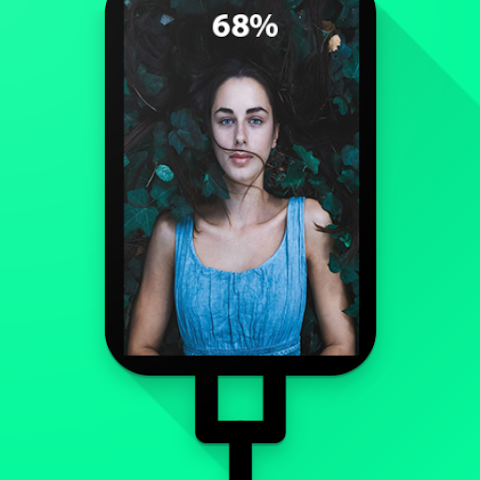
The Photos Charging Slideshow app makes your battery charging experience more enjoyable by automatically starting a beautiful photo slideshow as soon as you plug in your phone. You can also begin the slideshow anytime with a simple manual slideshow start from the photo slideshow notification.
This app is designed to showcase your personal photos from your gallery, turning the charging time into a fun and visual experience. The slideshow comes packed with many cool transition effects, allowing you to customize how your photos are displayed.
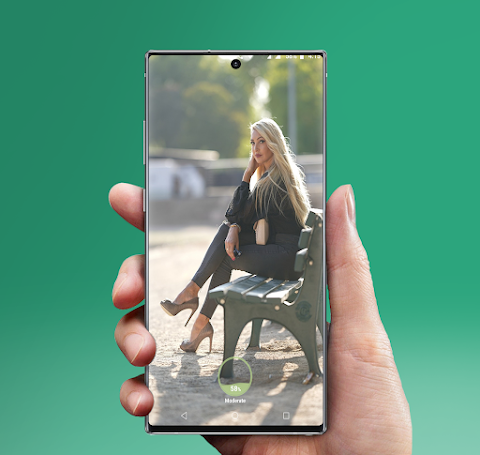
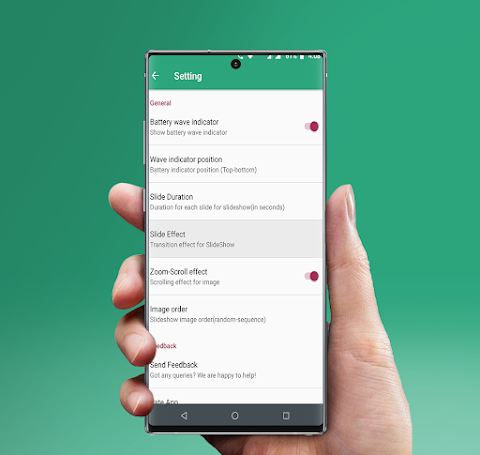
While the slideshow runs, you can keep an eye on the wave battery indicator. This feature lets you check the battery level and status while your device is charging. The app offers a fullscreen photo slideshow, providing an amazing view of your pictures with a scrolling photos effect.
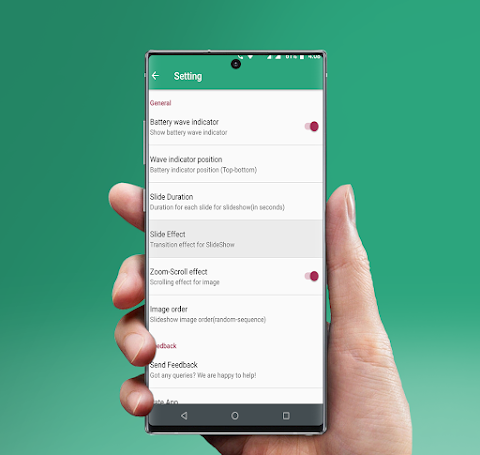
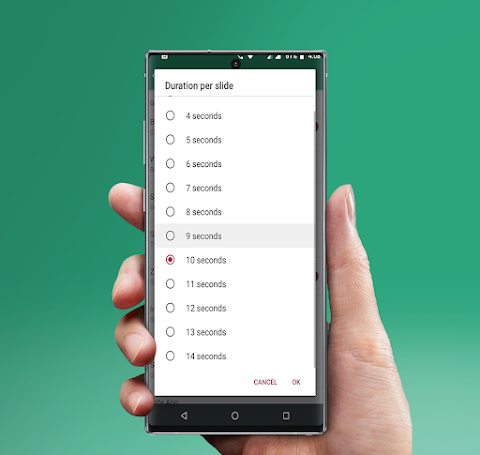
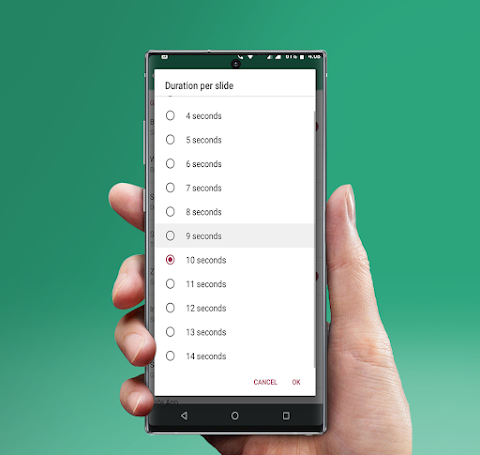
The Photos Charging Slideshow is an offline slideshow app, which means it doesn't require internet access to function. You can enjoy your photos without any interruptions. You can adjust customizable slideshow settings to fit your style. For example, you can decide on the slideshow duration setting to determine how long each photo appears on screen.
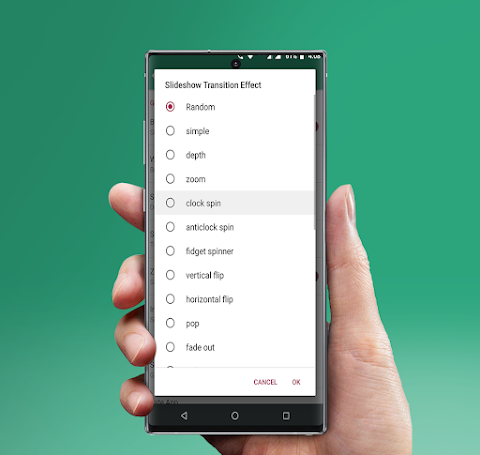
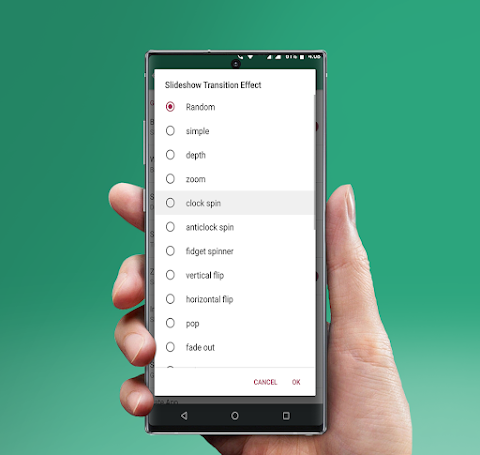
If you want to mix things up, you can use the photo order setting to display images in a random way or in a specific sequence. There are also transition effect options so you can choose how your photos flow from one to another. If you prefer a different style, you have the option to disable the zooming effects, ensuring a straightforward view of your images.
The user-friendly interface makes it easy to navigate through the app. Whether you want to adjust the transition timing or start the slideshow automatically when your phone restarts, everything is designed for a seamless experience.
For this app to work well, it requires some permissions. First, it needs storage access to find and display your gallery photos. Additionally, the boot complete permission allows the app to start automatically whenever your phone is restarted.
Remember to keep the slides’ duration at a minimum of 10 seconds (the default is set to 10 seconds) to enjoy beautiful transitions between photos. The scrolling effect helps to fully display landscape photos, making sure every part of your image is seen.
If you prefer randomness, you can choose the random slide effect to switch up the transitions every time. The Photos Charging Slideshow brings convenience and creativity to your charging routine.
We encourage you to try the app and share your feedback. Your suggestions can help us improve and make the app even more useful for everyone. If you enjoy using it, please consider leaving a review and rating on the Play Store.
Thank you for exploring the Photos Charging Slideshow app!
This app is designed to showcase your personal photos from your gallery, turning the charging time into a fun and visual experience. The slideshow comes packed with many cool transition effects, allowing you to customize how your photos are displayed.
While the slideshow runs, you can keep an eye on the wave battery indicator. This feature lets you check the battery level and status while your device is charging. The app offers a fullscreen photo slideshow, providing an amazing view of your pictures with a scrolling photos effect.
The Photos Charging Slideshow is an offline slideshow app, which means it doesn't require internet access to function. You can enjoy your photos without any interruptions. You can adjust customizable slideshow settings to fit your style. For example, you can decide on the slideshow duration setting to determine how long each photo appears on screen.
If you want to mix things up, you can use the photo order setting to display images in a random way or in a specific sequence. There are also transition effect options so you can choose how your photos flow from one to another. If you prefer a different style, you have the option to disable the zooming effects, ensuring a straightforward view of your images.
The user-friendly interface makes it easy to navigate through the app. Whether you want to adjust the transition timing or start the slideshow automatically when your phone restarts, everything is designed for a seamless experience.
For this app to work well, it requires some permissions. First, it needs storage access to find and display your gallery photos. Additionally, the boot complete permission allows the app to start automatically whenever your phone is restarted.
Remember to keep the slides’ duration at a minimum of 10 seconds (the default is set to 10 seconds) to enjoy beautiful transitions between photos. The scrolling effect helps to fully display landscape photos, making sure every part of your image is seen.
If you prefer randomness, you can choose the random slide effect to switch up the transitions every time. The Photos Charging Slideshow brings convenience and creativity to your charging routine.
We encourage you to try the app and share your feedback. Your suggestions can help us improve and make the app even more useful for everyone. If you enjoy using it, please consider leaving a review and rating on the Play Store.
Thank you for exploring the Photos Charging Slideshow app!

Who Uses My WiFi Pro
Phuongpn
$0.49
FREE

Bright LED Flashlight Pro
Tools Dev
$2.99
FREE

Rotation Control
Power Mind Apps
$0.99