
$0.99
FREE
100% Off
Dark screen filter
Yogesh Dama









About the App
The Dark Screen Filter is designed to protect your eyes and help you sleep better. This app automatically activates night mode on your phone, allowing you to read books or use your phone for long periods without experiencing eye strain. By reducing blue light, the Dark Screen Filter helps improve your sleep quality.
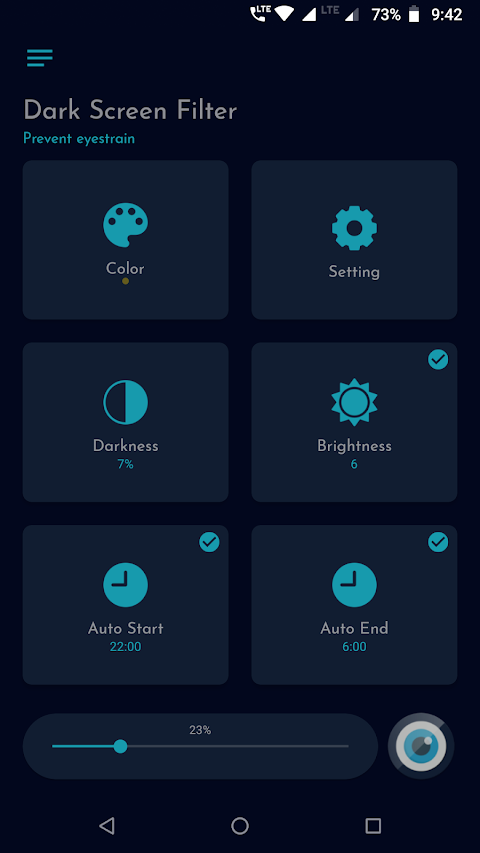
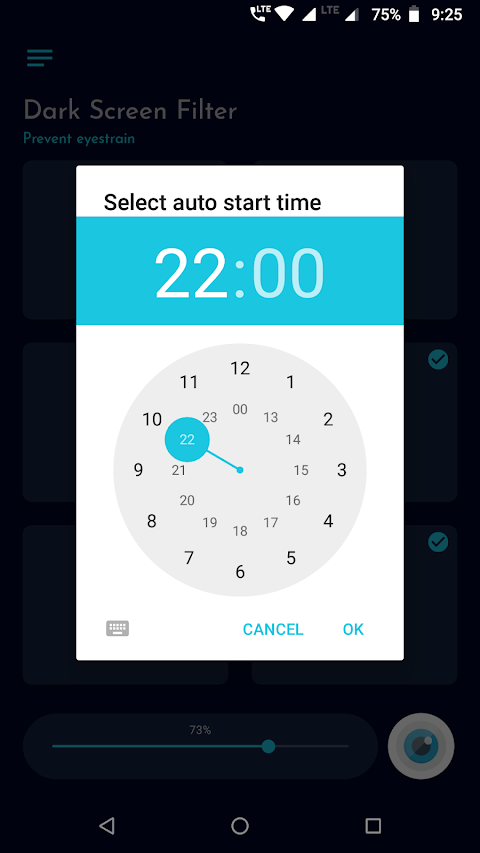
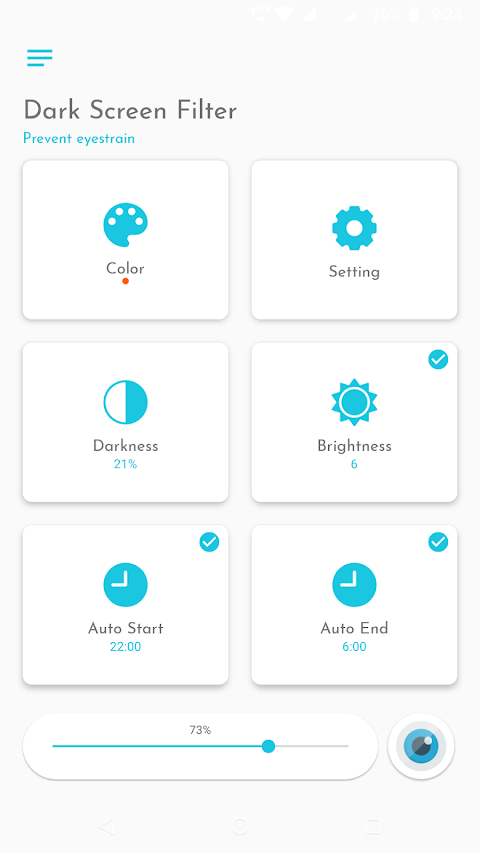
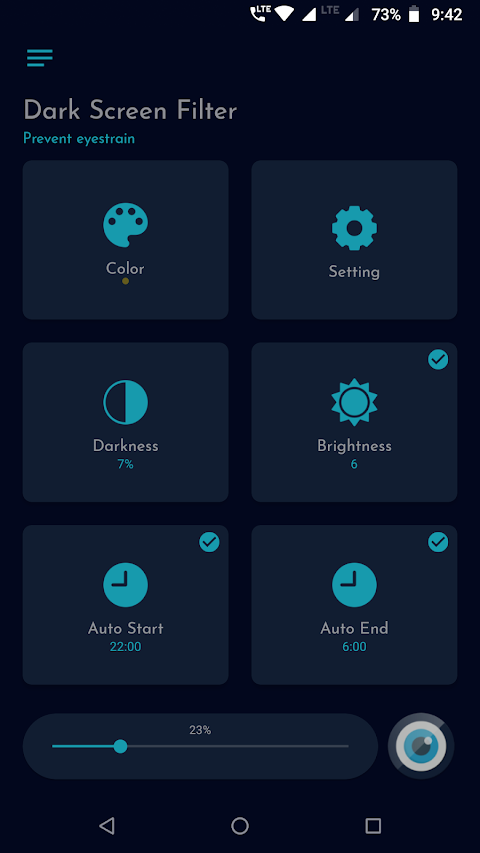
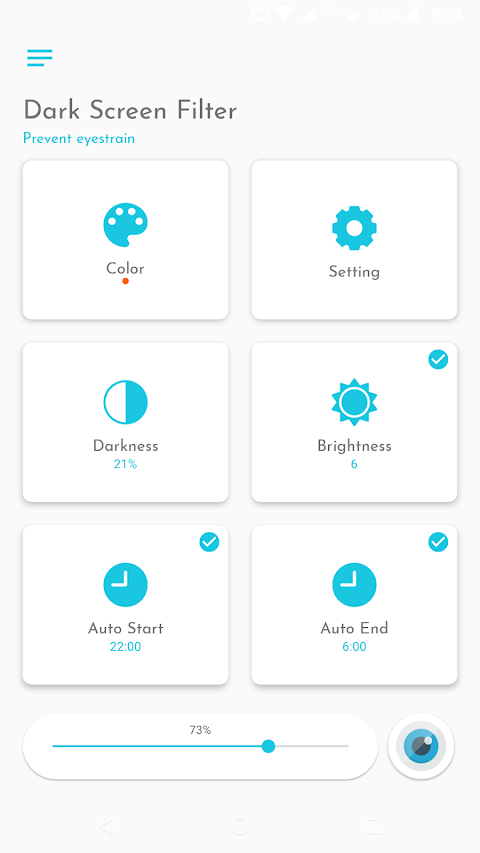
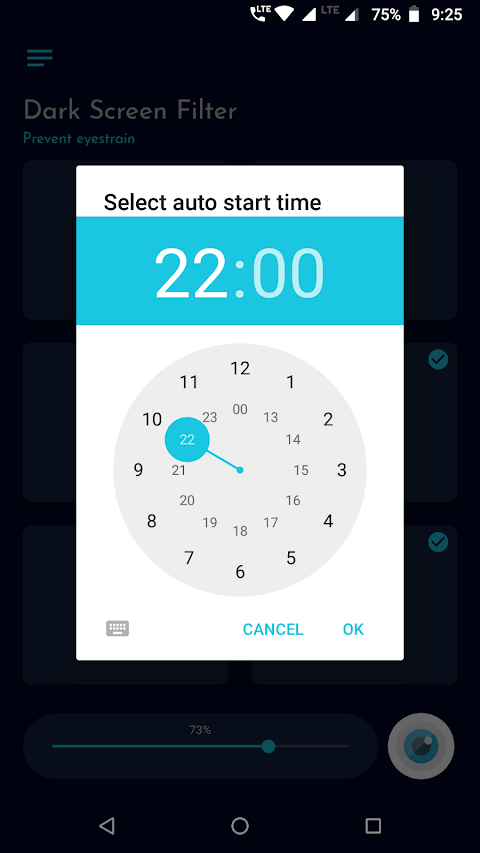
When you use your phone at night, exposure to blue light can negatively affect both your eyes and your sleep. The Dark Screen Filter combats this by applying color screen filters to reduce blue light exposure. It includes handy features such as auto start options and auto end options, letting you configure the app to activate the screen filter automatically at night.
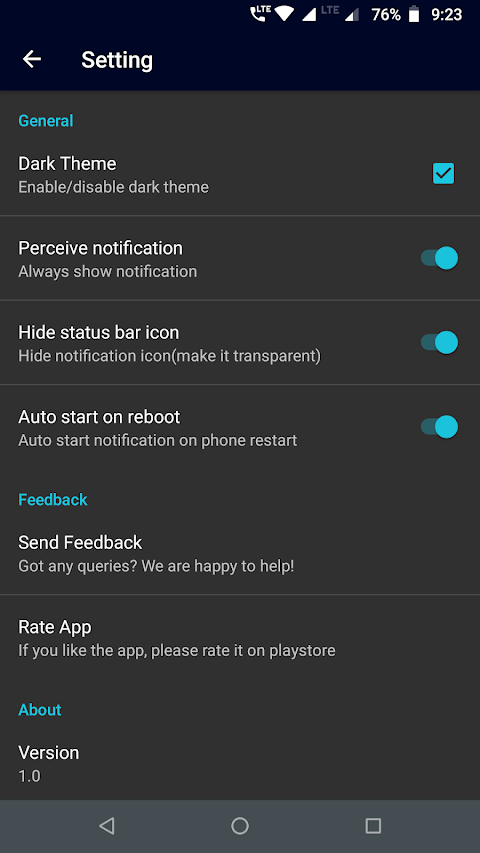
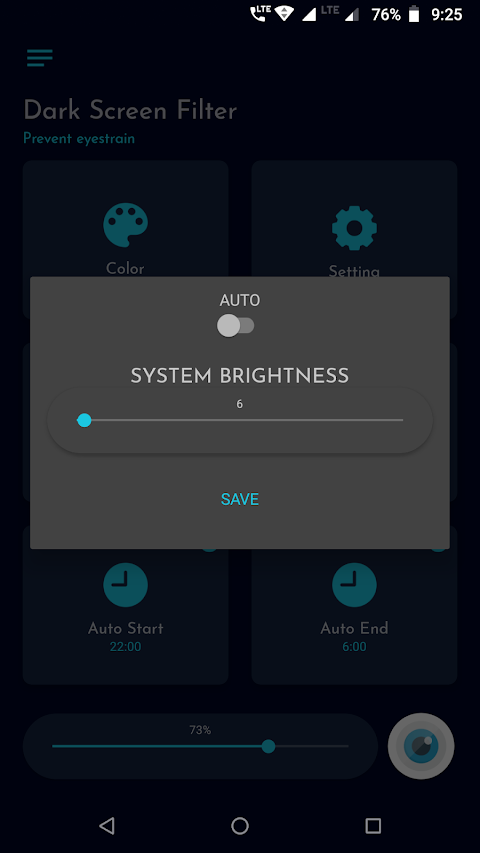
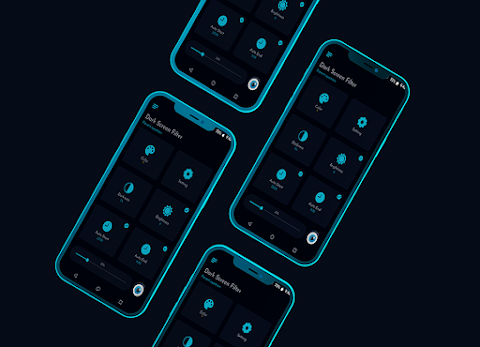
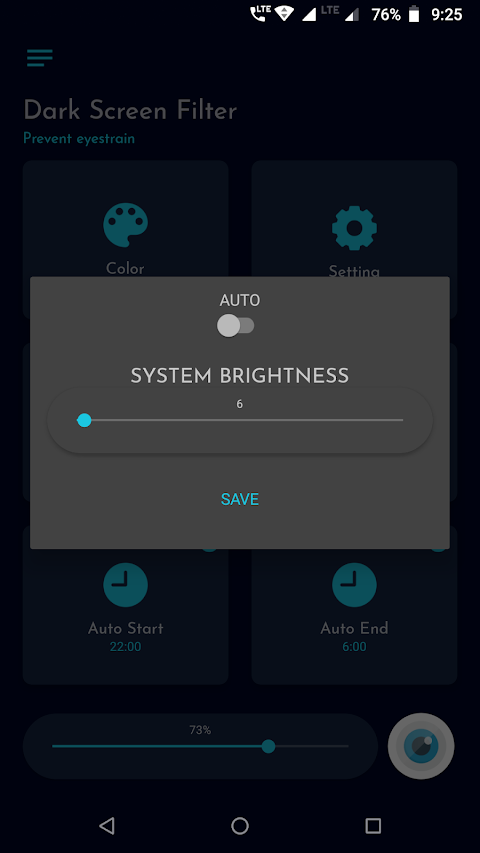
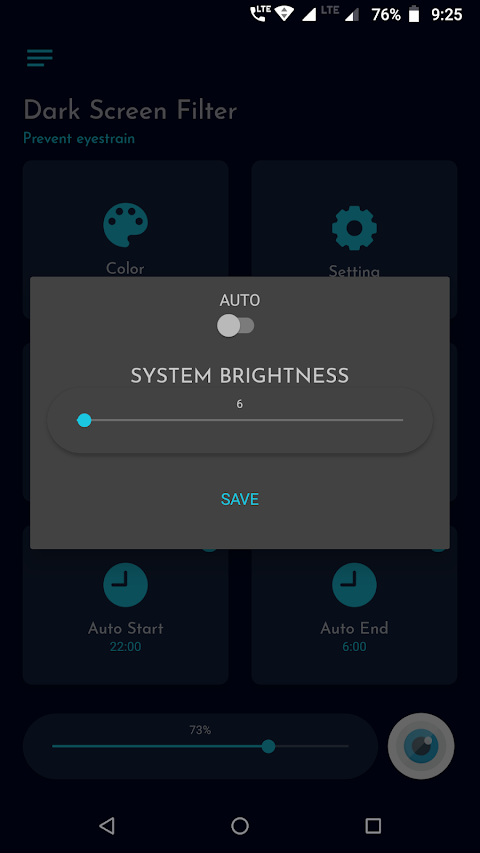
This app gives you full control over brightness with the ability to adjust screen filter intensity. You can also soften the screen light according to your preference. The user interface design is simple and easy to navigate, making it accessible for everyone. You can choose between dark themes and light themes to fit your style.
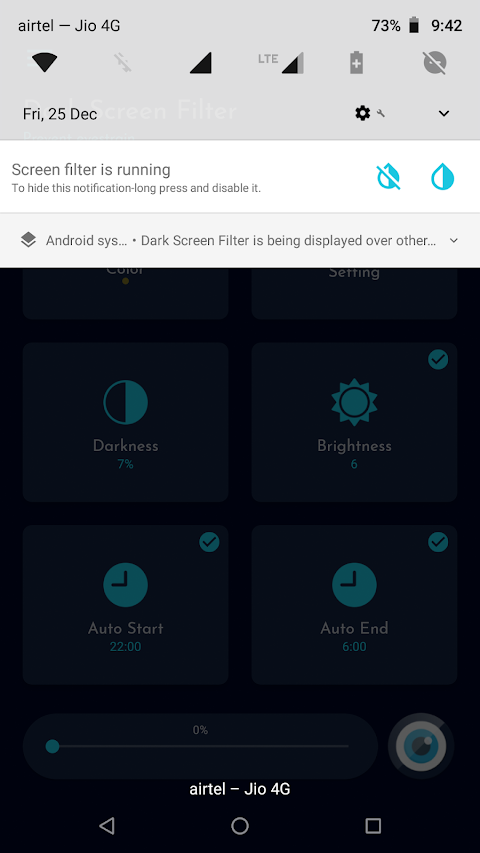
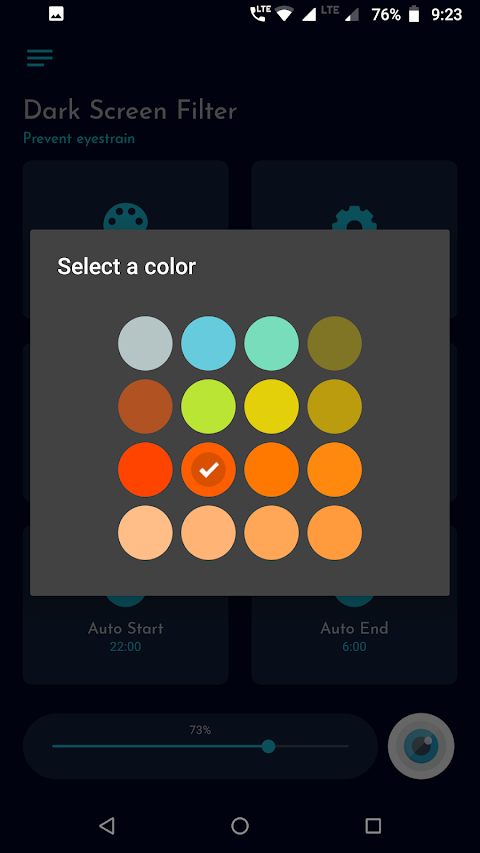
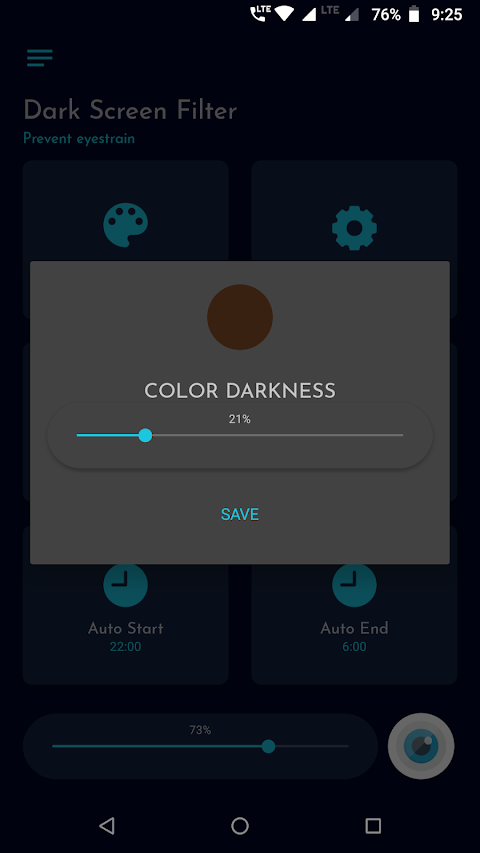
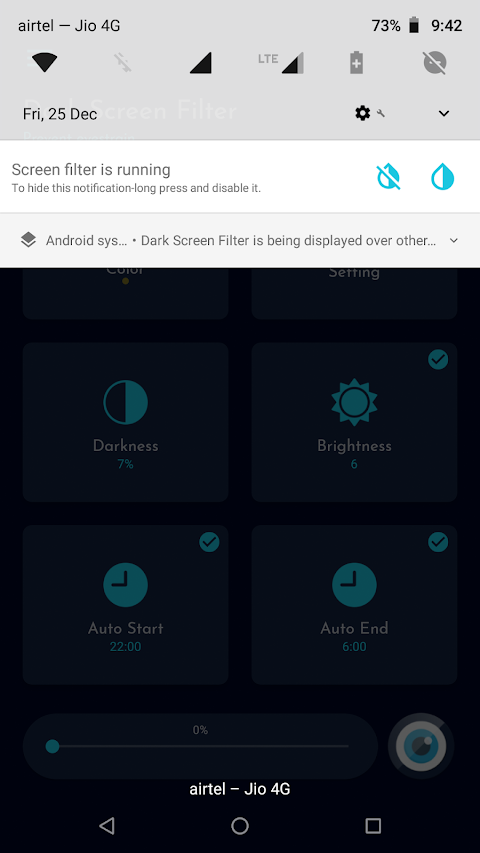
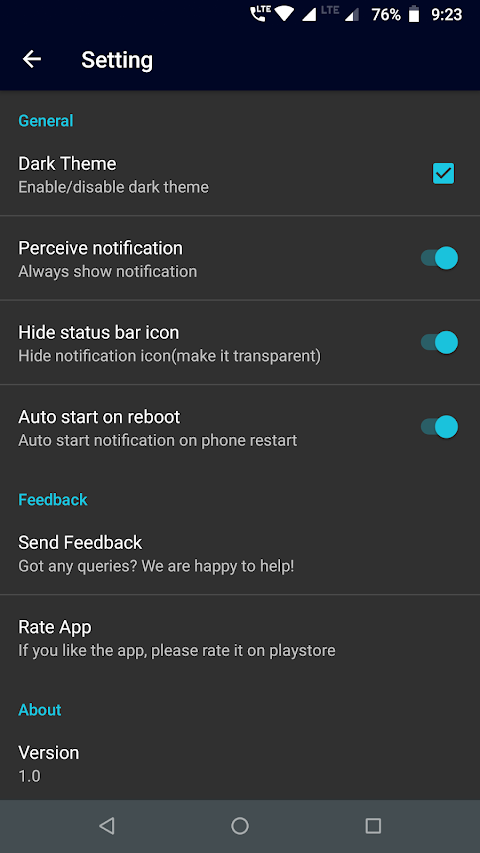
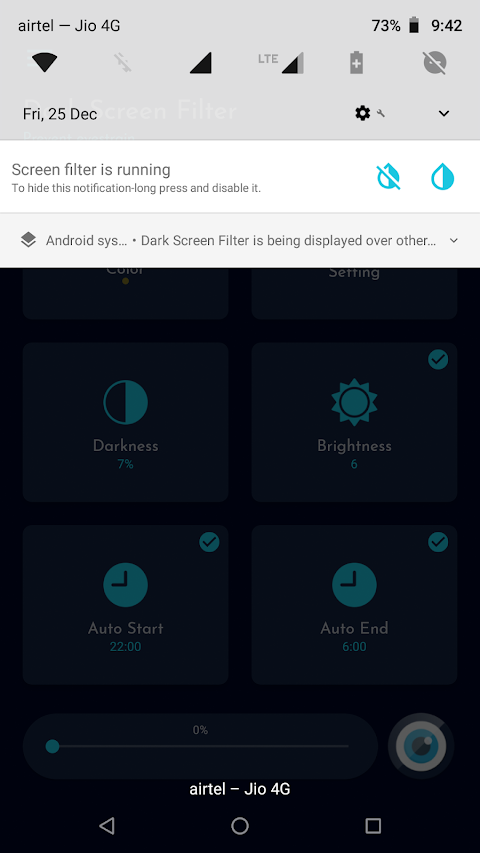
The Dark Screen Filter includes a permanent notification feature, which allows you to quickly activate or stop the screen filter directly from your notifications. It also offers customizable filter settings, letting you adjust color darkness and opacity easily.
If you're a Xiaomi user, you may need to check your MIUI settings. Go to Settings, then Installed apps, find Dark Screen Filter, and enable "Display pop-up window" for the app to work properly. Additionally, devices like OnePlus and Huawei may have restrictions that affect background service management. Following the provided instructions will help prevent unwanted termination of the screen filter.
To use the Dark Screen Filter effectively, certain permissions are required. The system overlay is necessary to apply the dark screen filter, and network access is needed to unlock certain app features.
Please try the Dark Screen Filter and let us know how it can be improved to better serve all users. If you enjoy using the app, we would appreciate your review and rating in the app store. Thank you for your support!
When you use your phone at night, exposure to blue light can negatively affect both your eyes and your sleep. The Dark Screen Filter combats this by applying color screen filters to reduce blue light exposure. It includes handy features such as auto start options and auto end options, letting you configure the app to activate the screen filter automatically at night.
This app gives you full control over brightness with the ability to adjust screen filter intensity. You can also soften the screen light according to your preference. The user interface design is simple and easy to navigate, making it accessible for everyone. You can choose between dark themes and light themes to fit your style.
The Dark Screen Filter includes a permanent notification feature, which allows you to quickly activate or stop the screen filter directly from your notifications. It also offers customizable filter settings, letting you adjust color darkness and opacity easily.
If you're a Xiaomi user, you may need to check your MIUI settings. Go to Settings, then Installed apps, find Dark Screen Filter, and enable "Display pop-up window" for the app to work properly. Additionally, devices like OnePlus and Huawei may have restrictions that affect background service management. Following the provided instructions will help prevent unwanted termination of the screen filter.
To use the Dark Screen Filter effectively, certain permissions are required. The system overlay is necessary to apply the dark screen filter, and network access is needed to unlock certain app features.
Please try the Dark Screen Filter and let us know how it can be improved to better serve all users. If you enjoy using the app, we would appreciate your review and rating in the app store. Thank you for your support!

HistaminRadar: Histamine & HIT
maRadar Studio
$0.99
Exquisite Pendulum ZKin Watch
ZKin
$2.99
$0.99

Mindroid PRO Unlock
Petr Nálevka (Urbandroid)
$9.99
$4.90