
$2.99
$0.99
67% Off
Wise Blue For Wear OS
ZKin










About the App
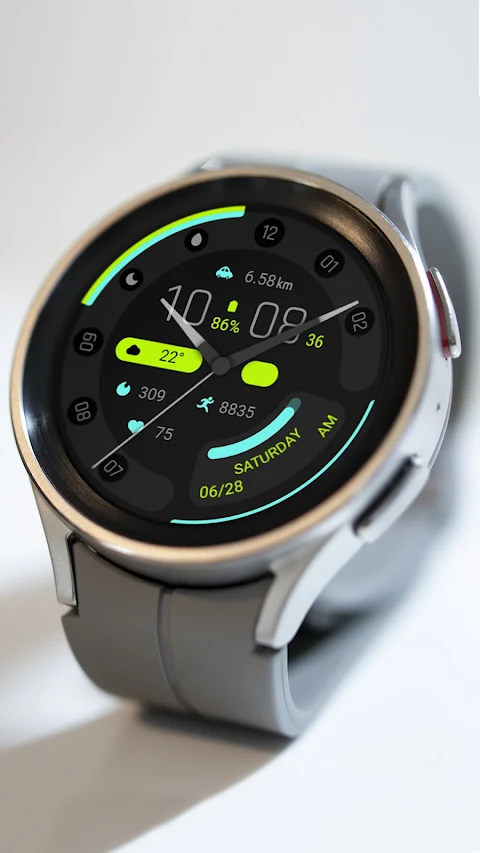
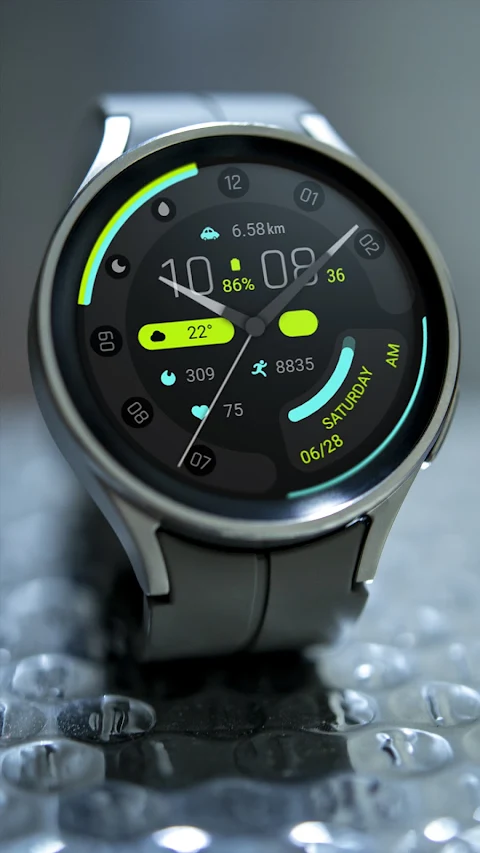
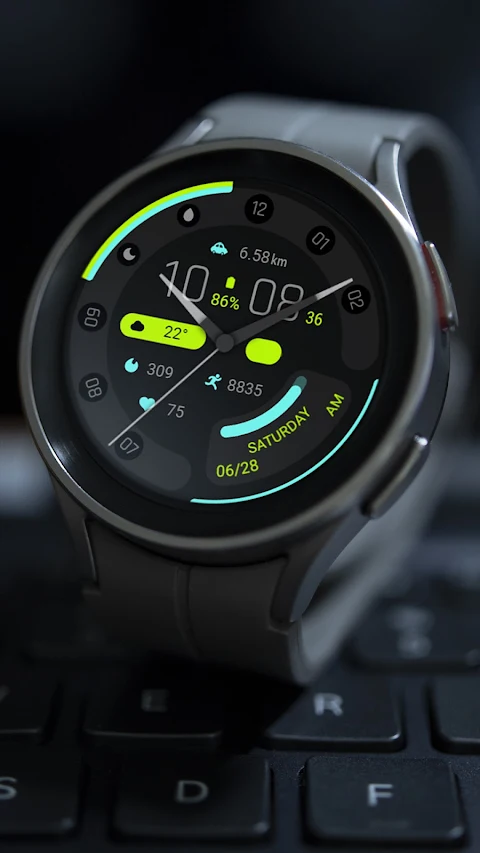
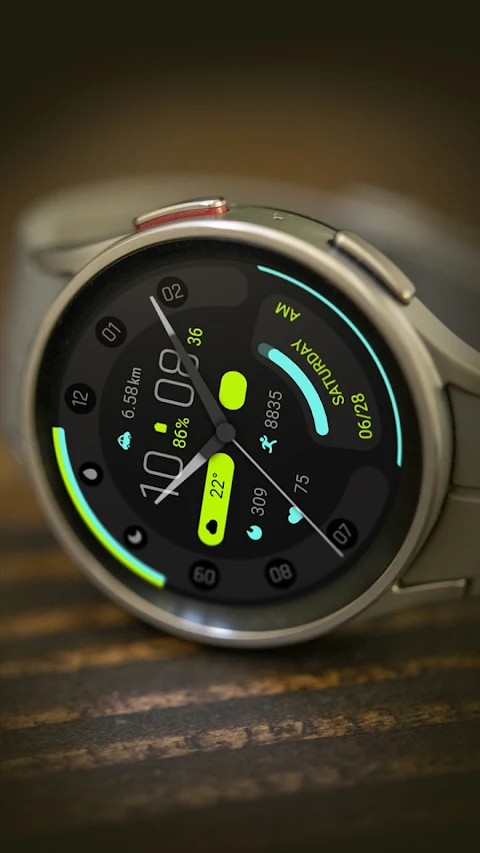
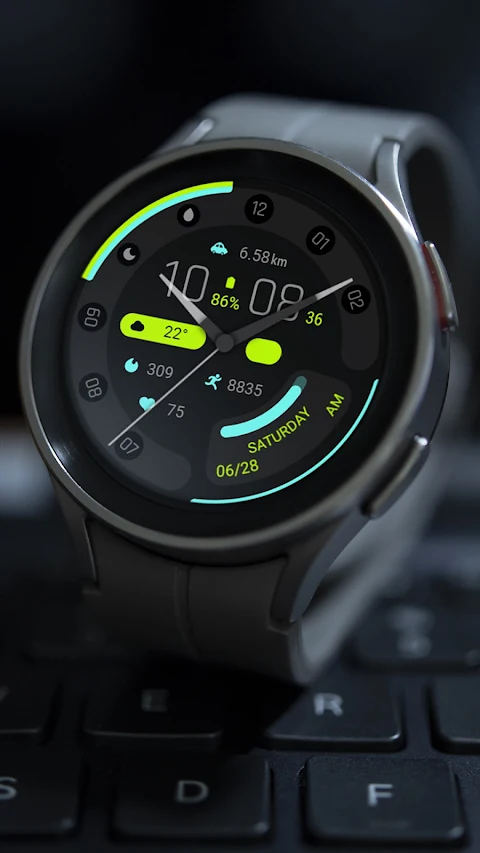
Wise Blue for Wear OS offers stylish and functional watch faces that run on the Wear OS platform. You can choose from various options to personalize your watch, with features designed to help you track your fitness and daily activities.
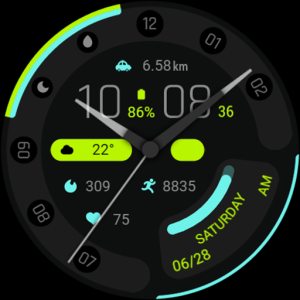
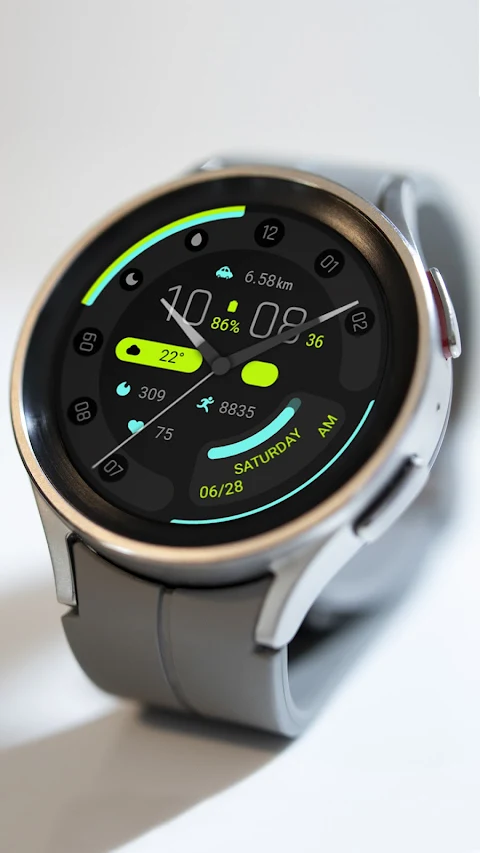
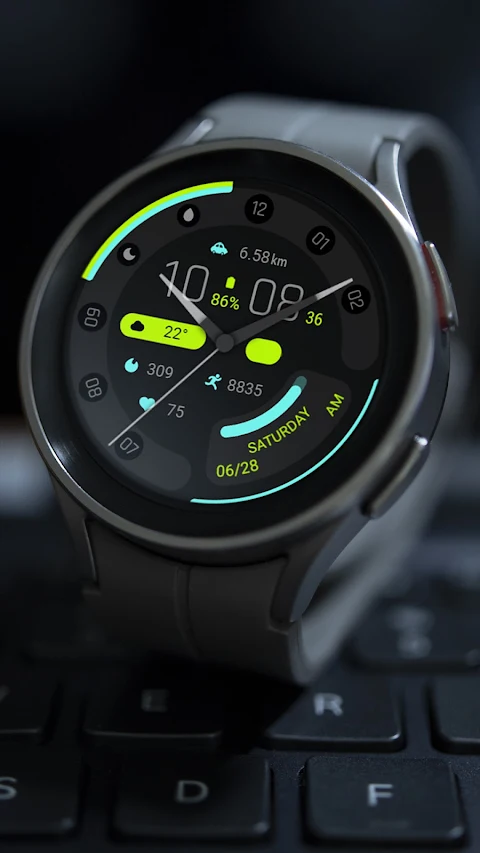
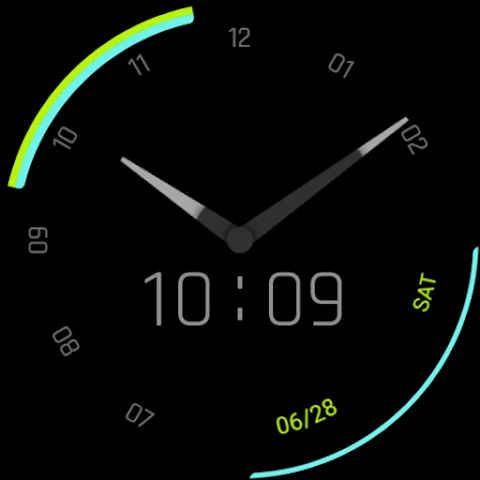
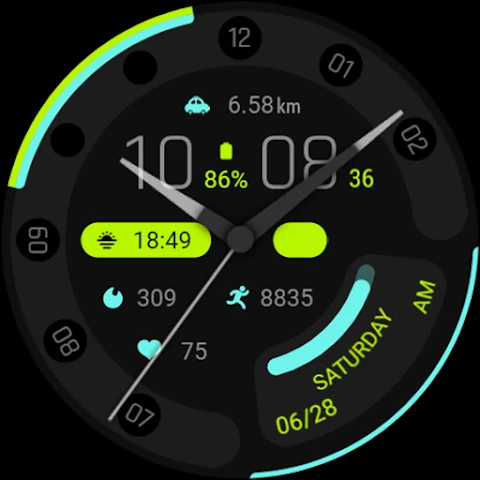
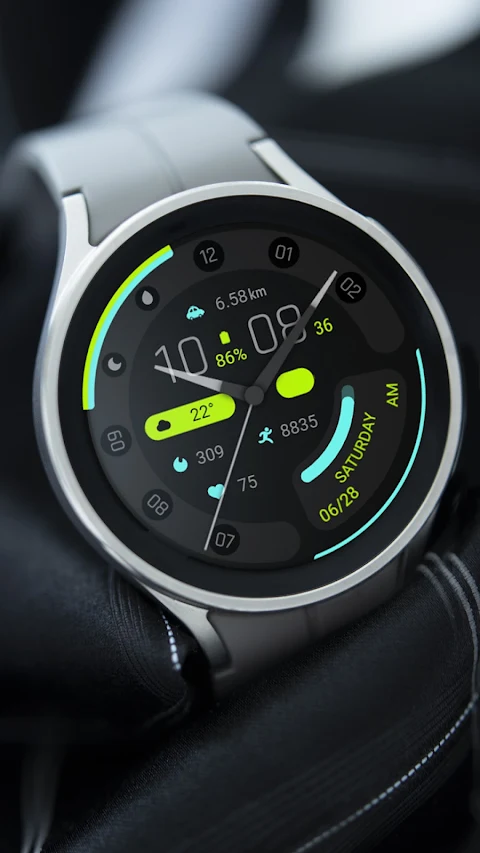
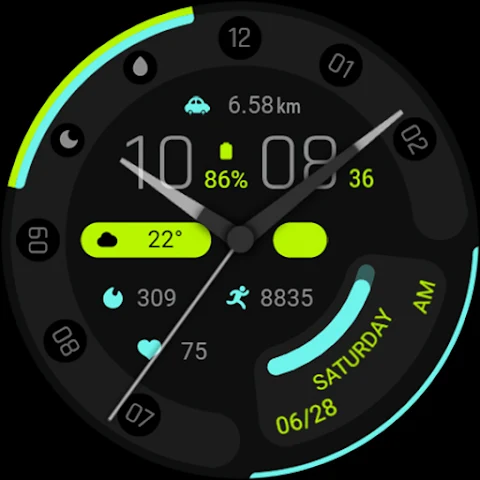
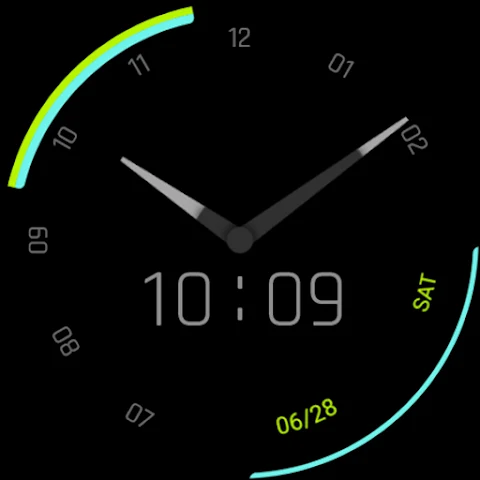
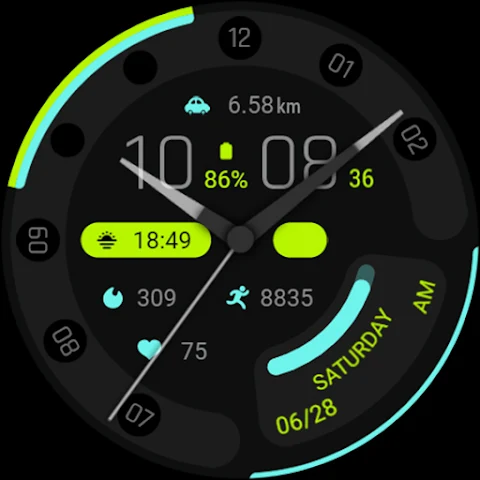
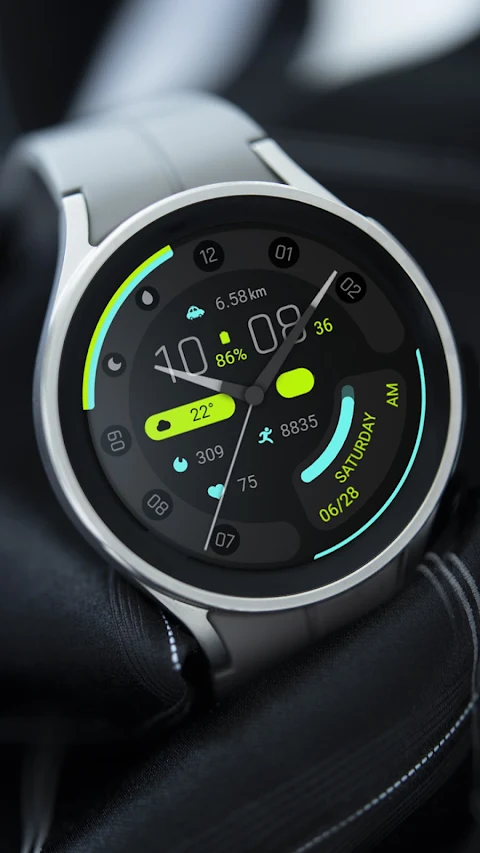
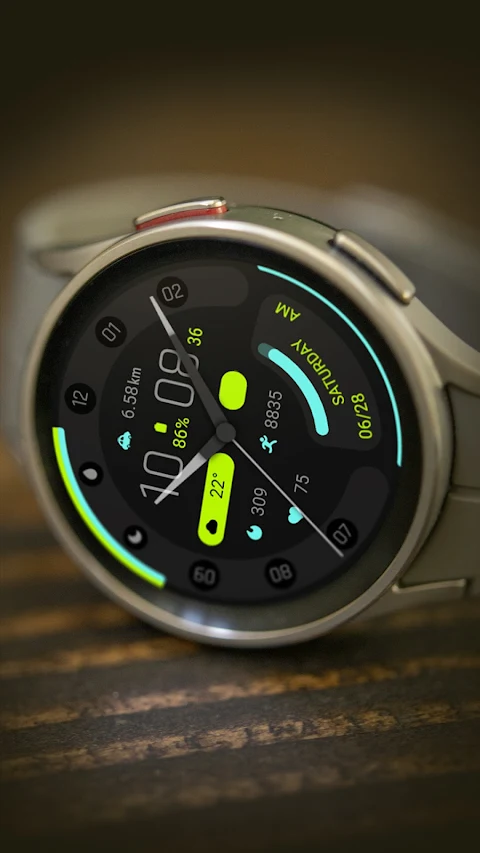
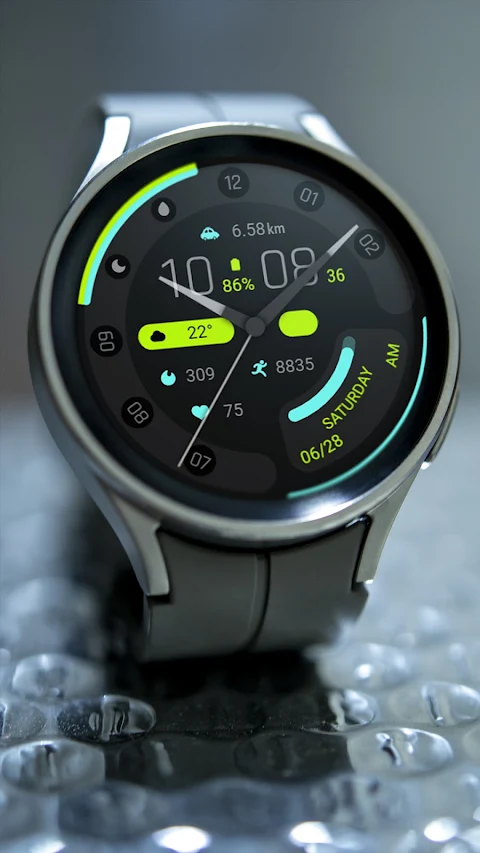
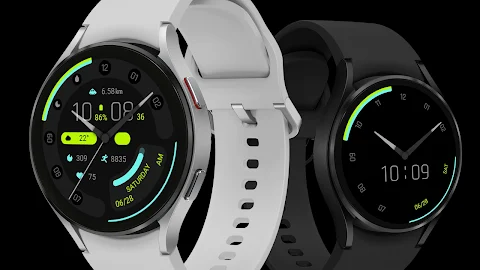
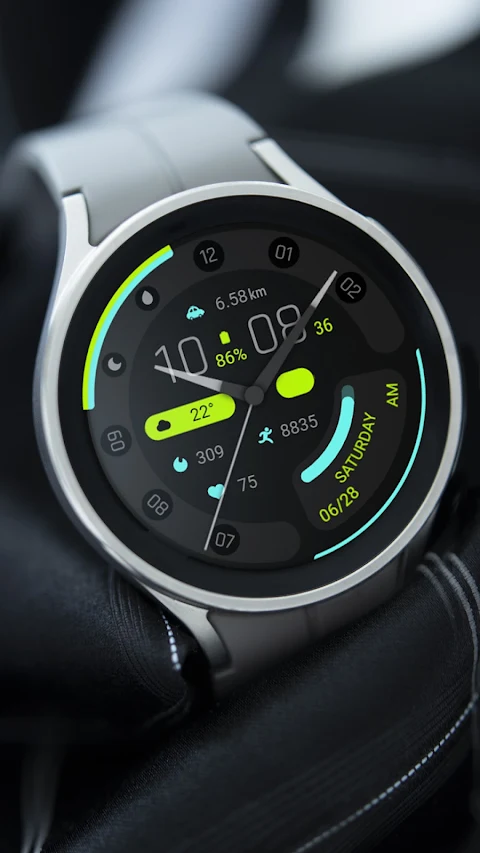
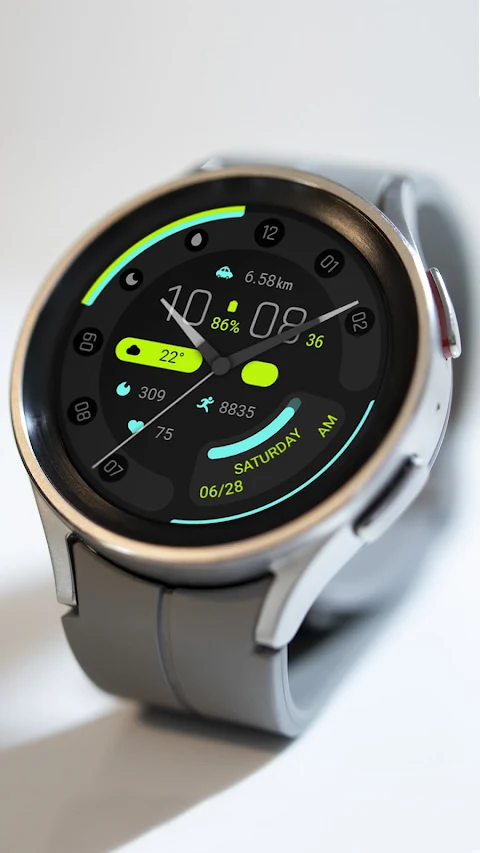
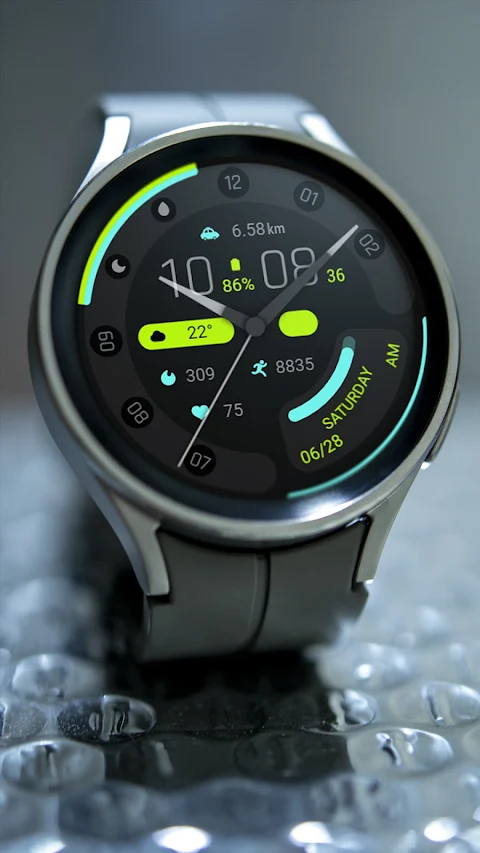
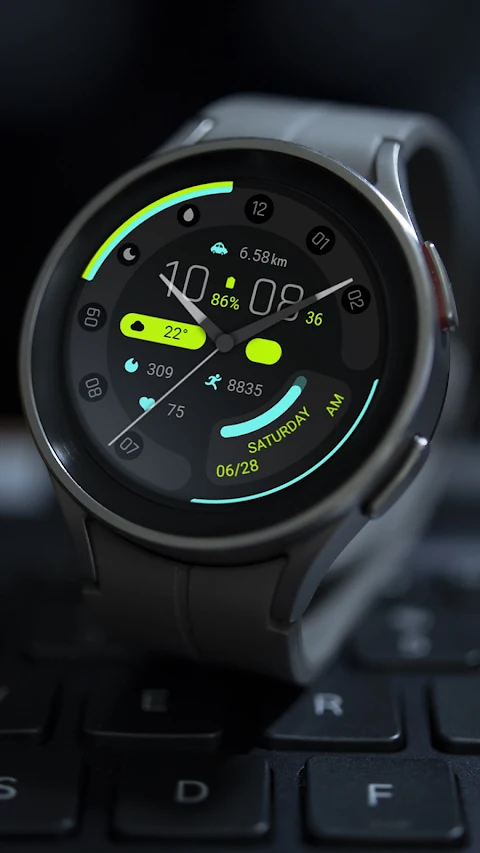
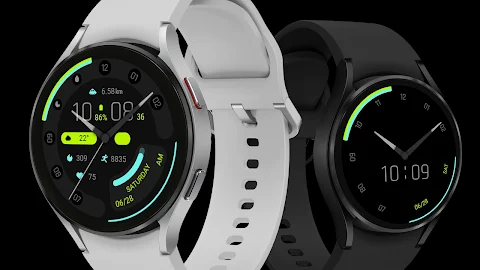
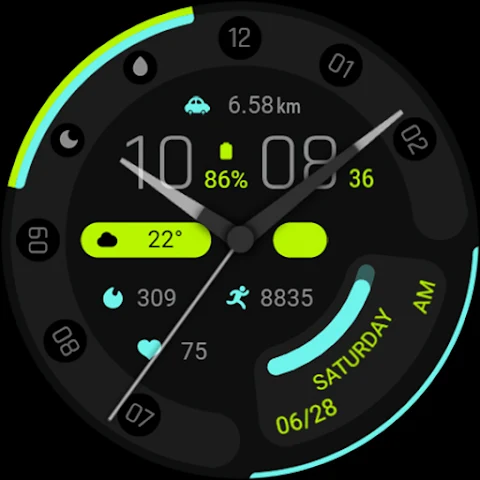
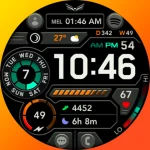
The top section of these watch faces displays a custom app, distance, time, and custom data fields. This allows you to see the information that matters most to you at a glance. The middle part shows additional custom data, while the bottom section tracks important health metrics. Here, you can find details like calories burned, heart rate, steps taken, step target progress, the date, and even information on the week and times of day—morning and afternoon.
One of the great aspects of Wise Blue for Wear OS is its customization options. You have four customizable areas for selection, allowing you to adjust the display according to your preferences. However, please note that the world clock icon may not be displayed after testing, so keep that in mind. The preview image serves only as a reference point, and actual results may vary, so exploring the app’s full customization features is recommended.
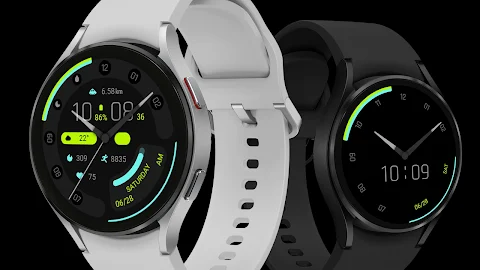
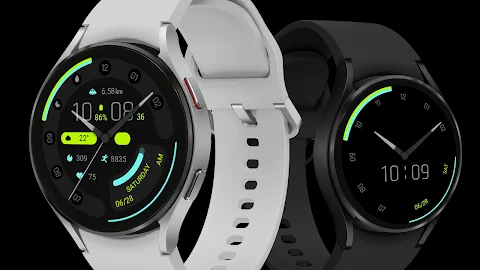
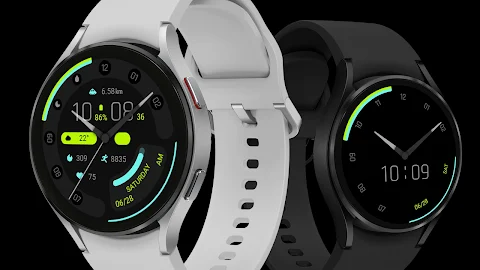
Wise Blue is compatible with a range of devices, including the Pixel Watch, Galaxy Watch 4, Galaxy Watch 5, Galaxy Watch 6, and other Wear OS devices. This means you have flexibility in choosing the right watch for your needs.
If you’re wondering how to install the watch face on your device, it’s simple. You can install it directly from the Google Play Store on your watch. Additionally, for full customization, make sure to install the companion app on your Android phone. This integration ensures you get the best out of your Wise Blue experience.
Enjoy detailed fitness tracking with heart rate and calorie tracking, alongside steps tracking and step target progress. The clean time display and week display make it easy to stay organized. The Wise Blue for Wear OS emphasizes user-friendly interface design and real-time updates, ensuring you stay in touch with your daily activities.
Whether you need data monitoring for fitness or just want a stylish way to check the time, Wise Blue offers everything you need in a sleek package. With its widget integration and focus on performance metrics, it stands out in the world of wearable technology, making it a valuable addition to your smartwatch collection.
The top section of these watch faces displays a custom app, distance, time, and custom data fields. This allows you to see the information that matters most to you at a glance. The middle part shows additional custom data, while the bottom section tracks important health metrics. Here, you can find details like calories burned, heart rate, steps taken, step target progress, the date, and even information on the week and times of day—morning and afternoon.
One of the great aspects of Wise Blue for Wear OS is its customization options. You have four customizable areas for selection, allowing you to adjust the display according to your preferences. However, please note that the world clock icon may not be displayed after testing, so keep that in mind. The preview image serves only as a reference point, and actual results may vary, so exploring the app’s full customization features is recommended.
Wise Blue is compatible with a range of devices, including the Pixel Watch, Galaxy Watch 4, Galaxy Watch 5, Galaxy Watch 6, and other Wear OS devices. This means you have flexibility in choosing the right watch for your needs.
If you’re wondering how to install the watch face on your device, it’s simple. You can install it directly from the Google Play Store on your watch. Additionally, for full customization, make sure to install the companion app on your Android phone. This integration ensures you get the best out of your Wise Blue experience.
Enjoy detailed fitness tracking with heart rate and calorie tracking, alongside steps tracking and step target progress. The clean time display and week display make it easy to stay organized. The Wise Blue for Wear OS emphasizes user-friendly interface design and real-time updates, ensuring you stay in touch with your daily activities.
Whether you need data monitoring for fitness or just want a stylish way to check the time, Wise Blue offers everything you need in a sleek package. With its widget integration and focus on performance metrics, it stands out in the world of wearable technology, making it a valuable addition to your smartwatch collection.
M3 Expressive Widgets for KWGT
Raj Arya Designs
$0.99
$0.65
ATHLETIC Digital Watch Face
LIBERTY WATCH FACES™
$0.99
Ballozi ULTRO Digital
BALLOZI Watch Faces
$1.49
$0.45