
$1.49
$0.25
83% Off
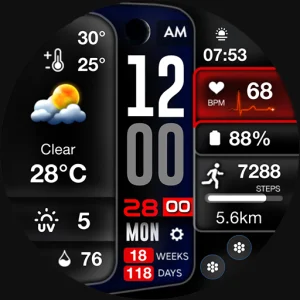
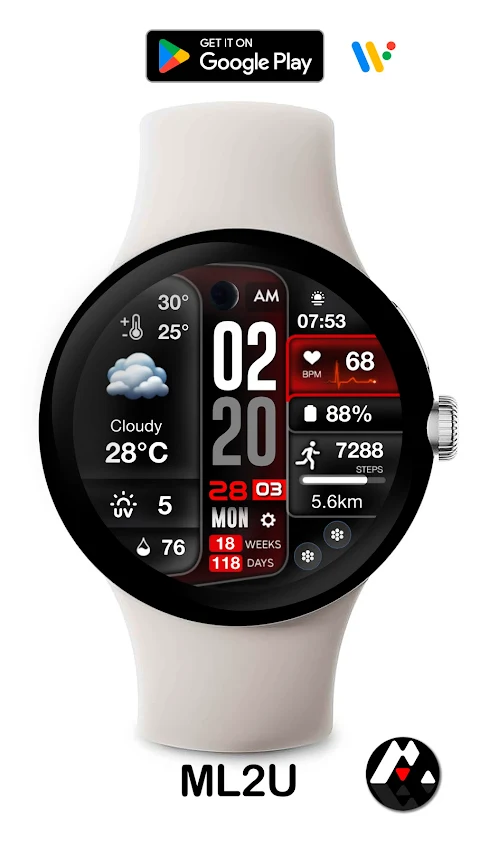
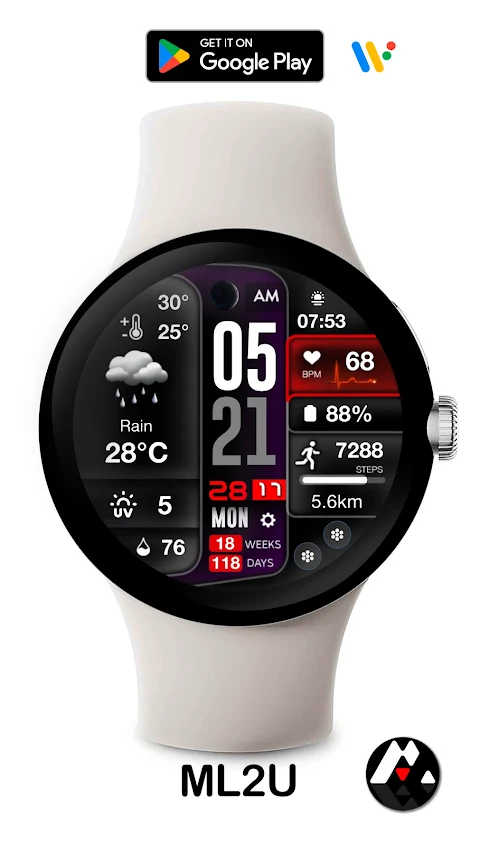
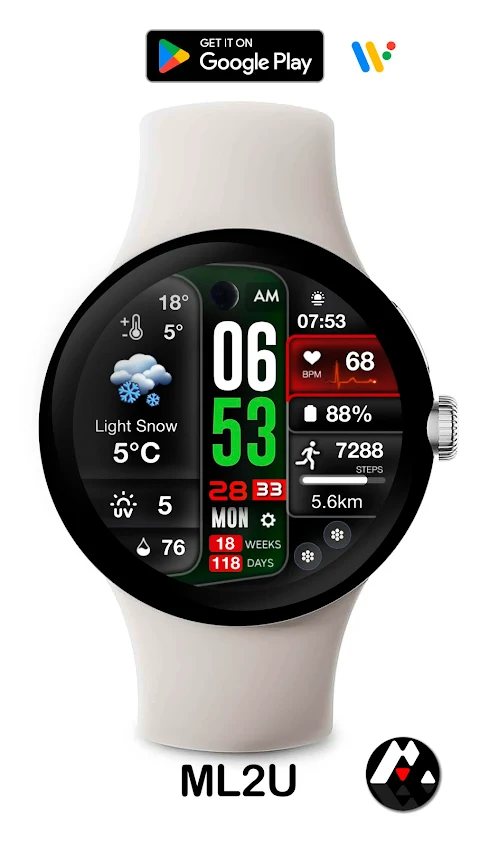
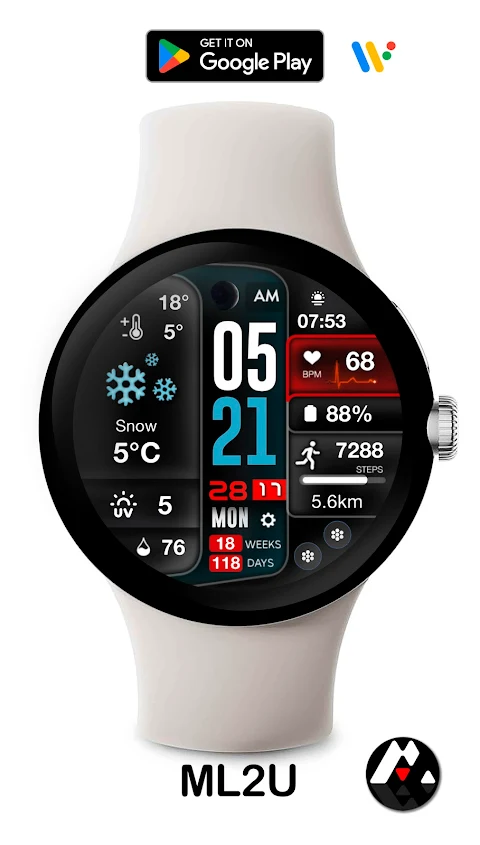
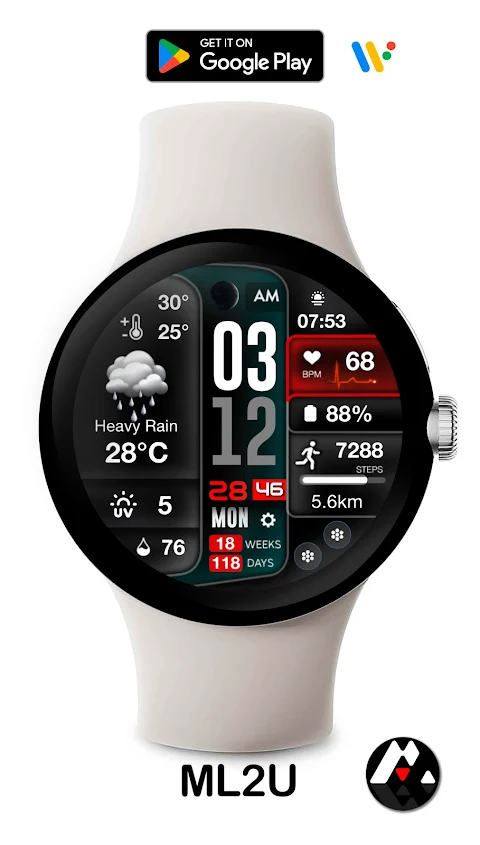
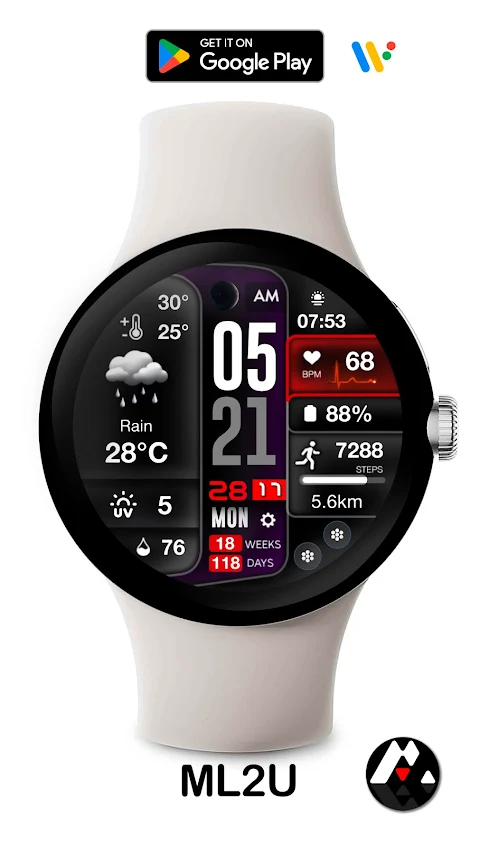
ML2U 233 Watch Face
ML2U








About the App
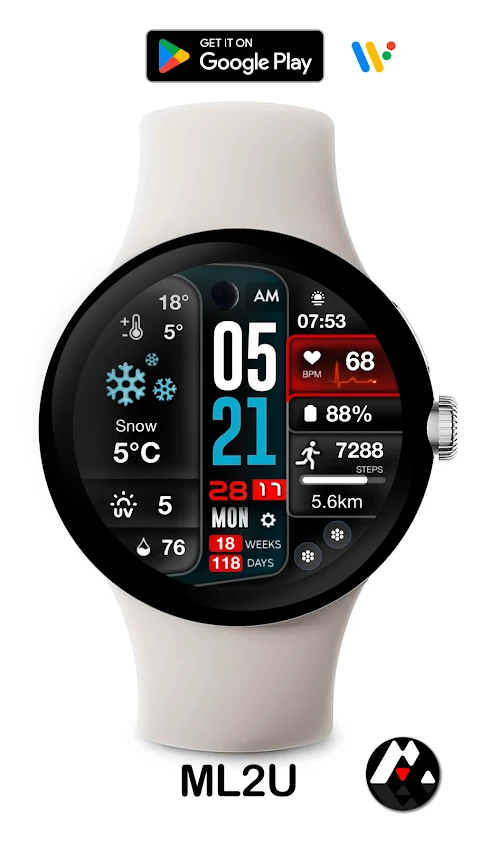
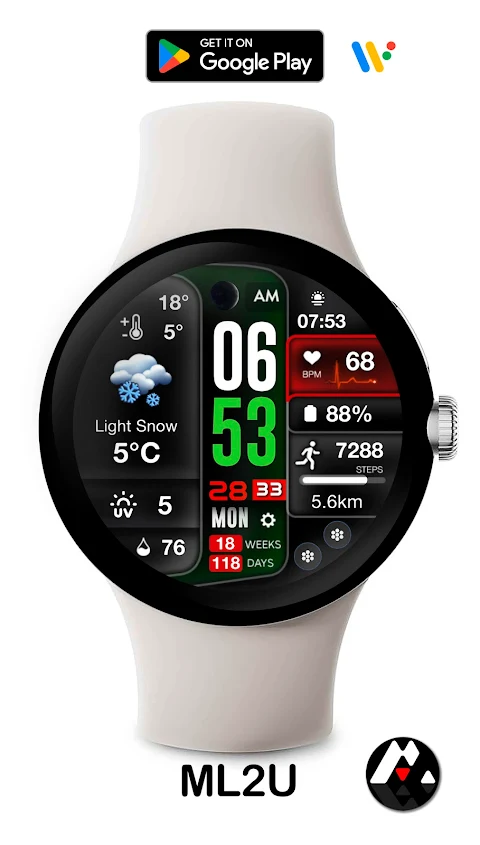
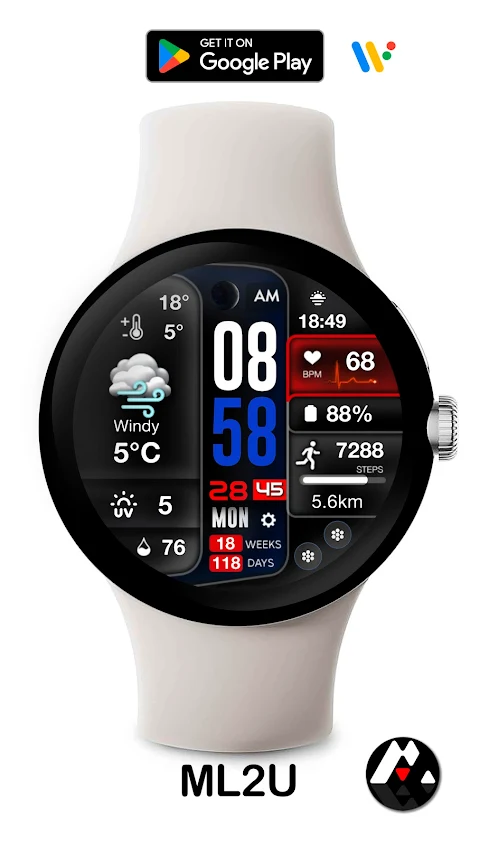
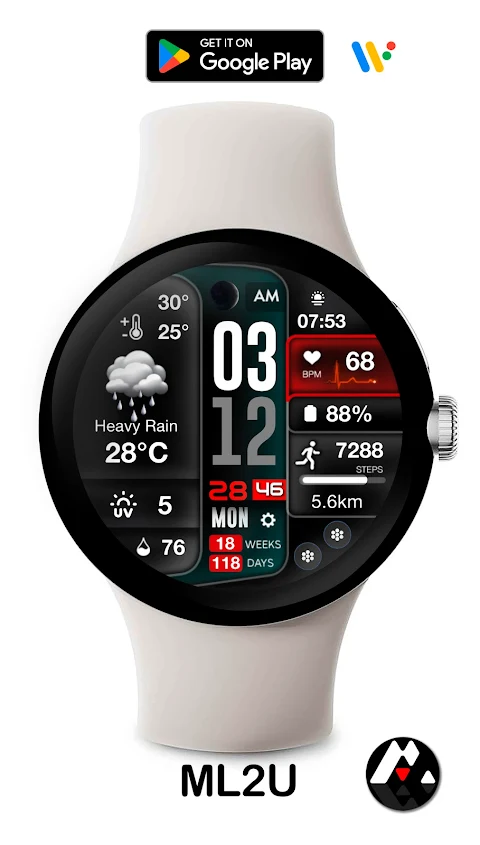
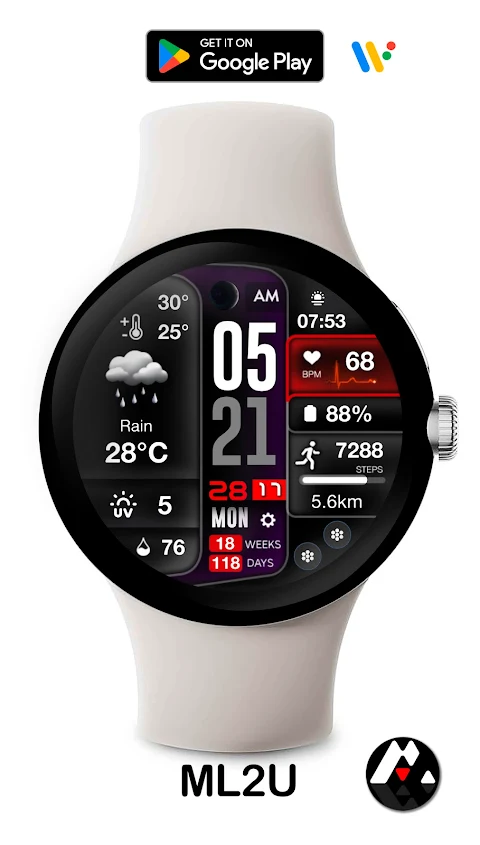
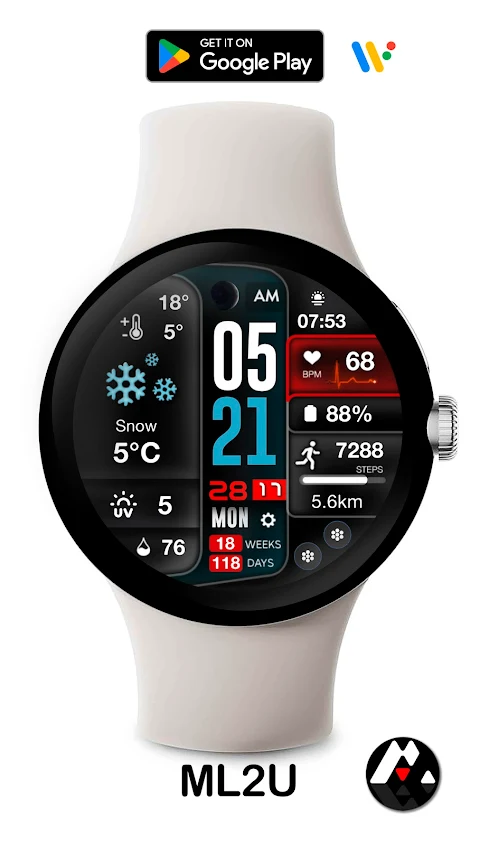
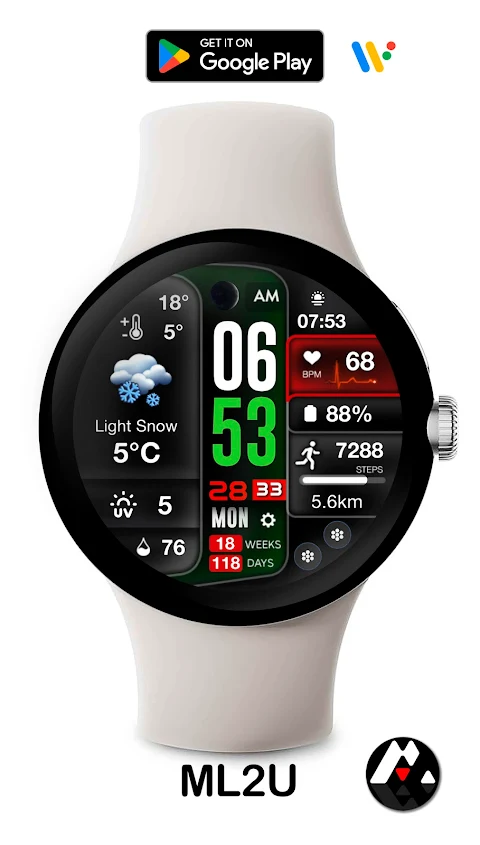
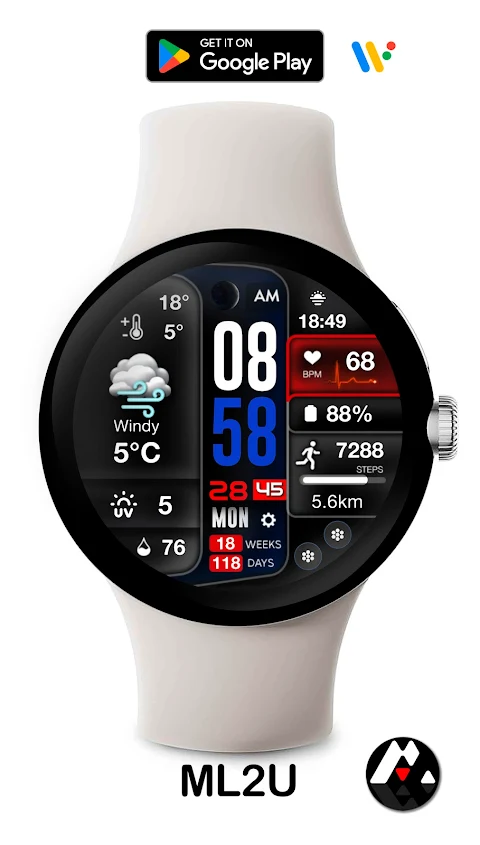
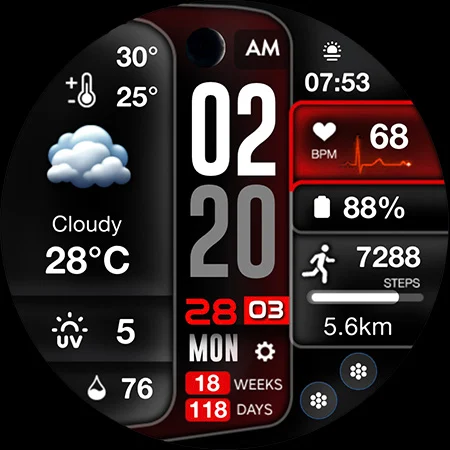
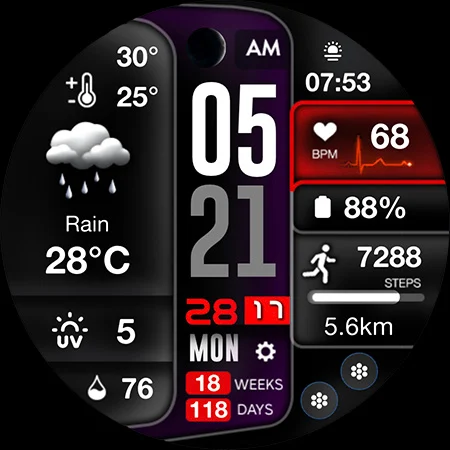
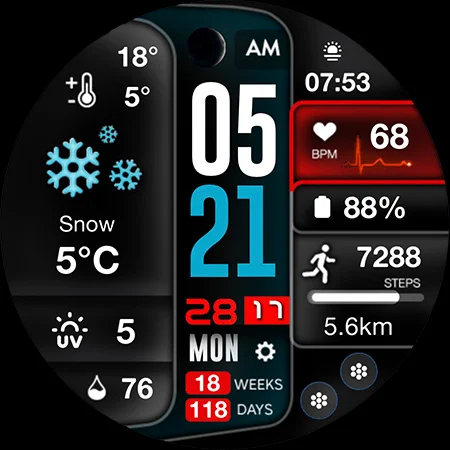
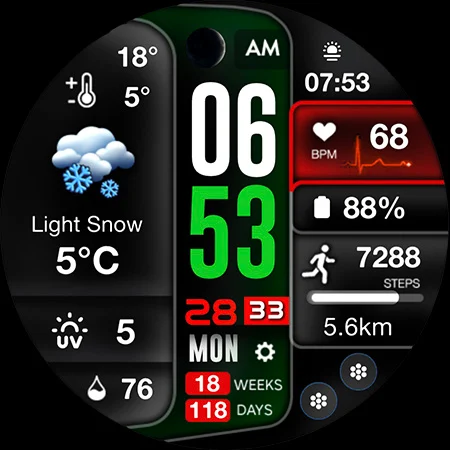
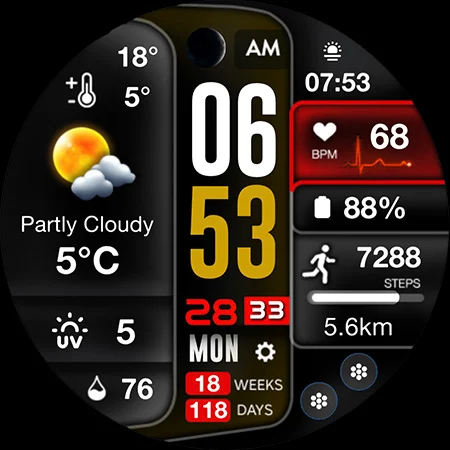
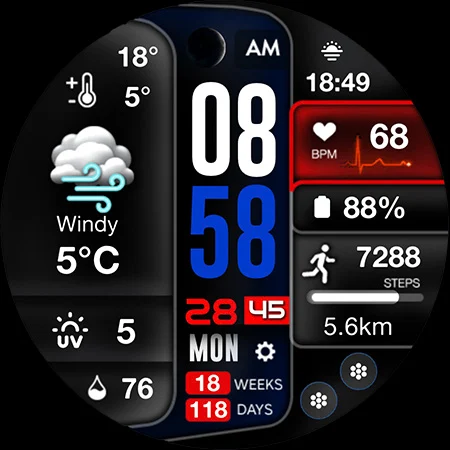
The ML2U 233 Watch Face is a versatile and customizable tool designed for Wear OS devices. It works perfectly with popular smartwatches like the Samsung Galaxy Watch 4, 5, 6, 7, Ultra, as well as the Pixel Watch 1, 2, and 3. This watch face gives you the ability to view time in a 12/24 hour format, based on your phone settings, so you can choose what works best for you.
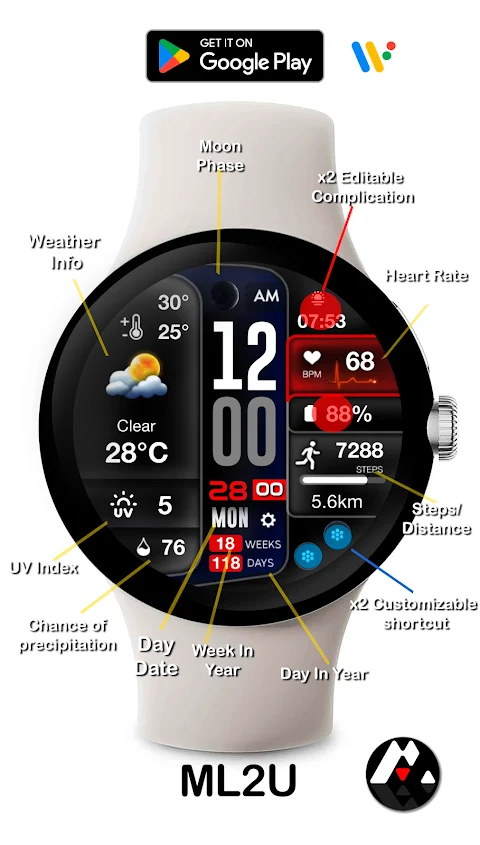
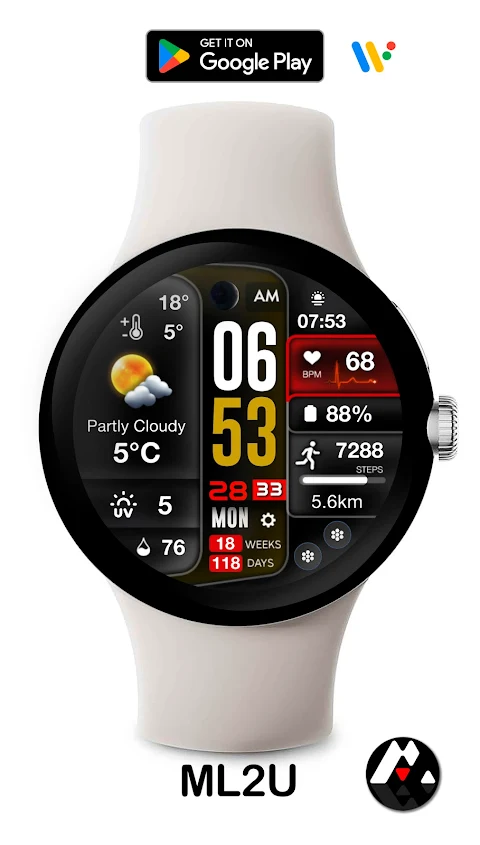
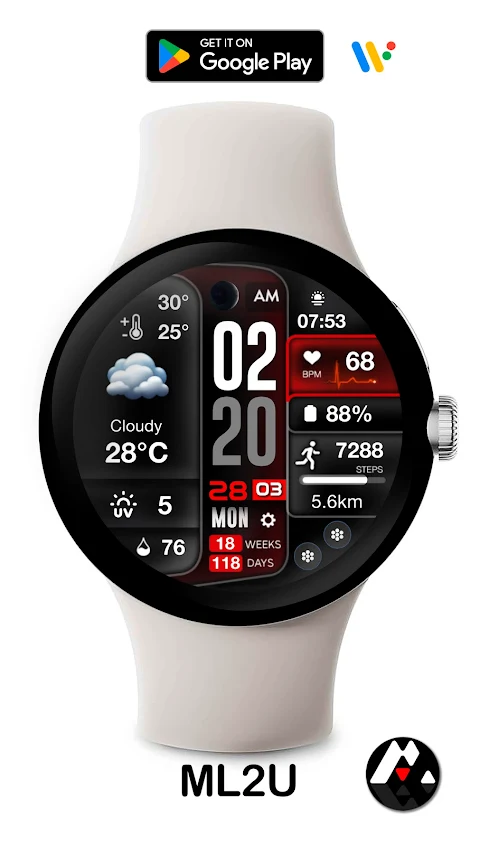
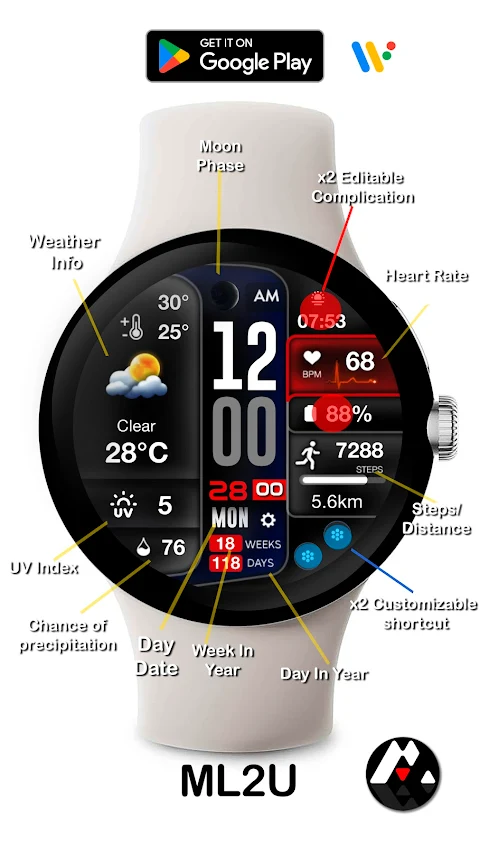
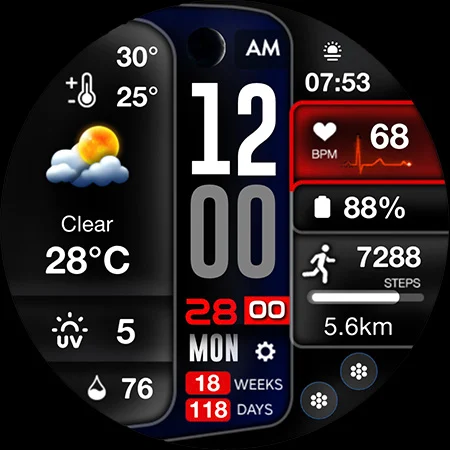
One of the standout features of the ML2U 233 Watch Face is its customizable shortcuts and complications. You can set up two shortcuts for quick access to your most-used apps. Additionally, it allows for two customizable complications that let you display relevant information right on your watch face. If you prefer a specific color, you can easily change this to match your style with adjustable color options.
For health and fitness tracking, the watch face includes useful features such as step tracking and heart rate monitoring. You can tap on the steps to get a detailed analysis, and the heart rate feature also provides metrics with just a tap. The distance tracking integrates seamlessly with Google Maps, making it easy to keep track of your activities.
Weather information is another important aspect of the ML2U 233 Watch Face. You will have quick access to weather details at a tap, keeping you informed about the conditions outside. Plus, with calendar access, you can view the day and date and even tap to check upcoming events in your calendar.
If you set alarms, you can use the alarm feature by simply tapping the hour’s first digit. Music control is just as easy; tap the second digit of the hour to manage your playlists. For staying connected, you can quickly access phone settings by tapping the first digit of the minutes, and check for message notifications with a tap on the second digit.
The watch face also displays the week in year and day in year, helping you to keep track of time effectively. Setting up the watch face is simple. To customize, just touch and hold the display and tap the Customise button. However, remember that the watch face doesn’t automatically set on your watch screen after installation. You will need to adjust it in your watch’s screen settings to get it up and running.
This watch face is compatible with all Wear OS devices that meet API Level 34 or higher. With the ML2U 233 Watch Face, you get a comprehensive fitness tracking watch face packed with features designed to enhance your smartwatch experience. Thank you for your support!
One of the standout features of the ML2U 233 Watch Face is its customizable shortcuts and complications. You can set up two shortcuts for quick access to your most-used apps. Additionally, it allows for two customizable complications that let you display relevant information right on your watch face. If you prefer a specific color, you can easily change this to match your style with adjustable color options.
For health and fitness tracking, the watch face includes useful features such as step tracking and heart rate monitoring. You can tap on the steps to get a detailed analysis, and the heart rate feature also provides metrics with just a tap. The distance tracking integrates seamlessly with Google Maps, making it easy to keep track of your activities.
Weather information is another important aspect of the ML2U 233 Watch Face. You will have quick access to weather details at a tap, keeping you informed about the conditions outside. Plus, with calendar access, you can view the day and date and even tap to check upcoming events in your calendar.
If you set alarms, you can use the alarm feature by simply tapping the hour’s first digit. Music control is just as easy; tap the second digit of the hour to manage your playlists. For staying connected, you can quickly access phone settings by tapping the first digit of the minutes, and check for message notifications with a tap on the second digit.
The watch face also displays the week in year and day in year, helping you to keep track of time effectively. Setting up the watch face is simple. To customize, just touch and hold the display and tap the Customise button. However, remember that the watch face doesn’t automatically set on your watch screen after installation. You will need to adjust it in your watch’s screen settings to get it up and running.
This watch face is compatible with all Wear OS devices that meet API Level 34 or higher. With the ML2U 233 Watch Face, you get a comprehensive fitness tracking watch face packed with features designed to enhance your smartwatch experience. Thank you for your support!
ML2U 328 Watch Face
ML2U
$1.64
$0.25

Essentia KWGT
Raj Arya Designs
$0.99
$0.50
Nixie Digital Watch Face A10
Inspire Watch
$1.99
$1.00