

$0.99
$0.29
71% Off
Cherry – Red icon pack
Panoto Gomo



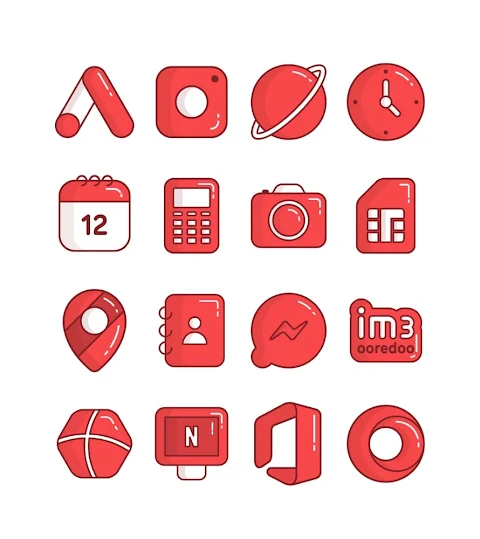
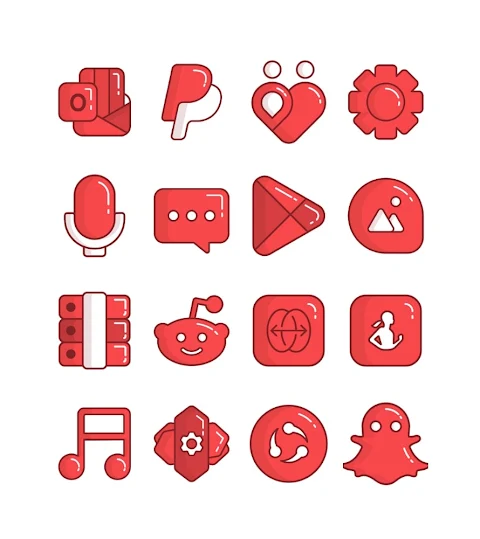
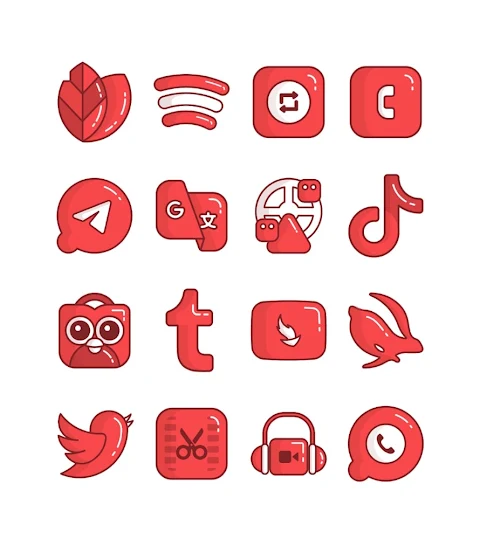
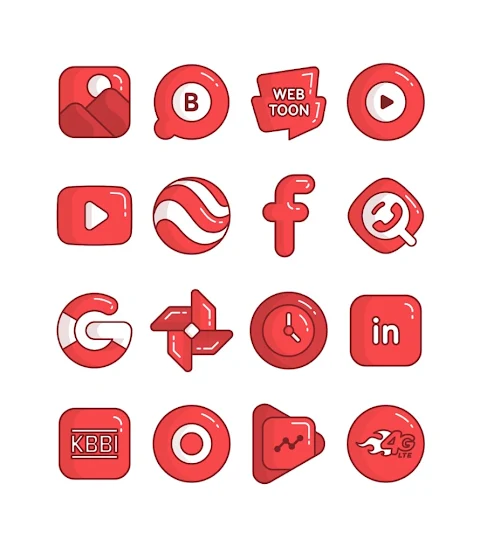
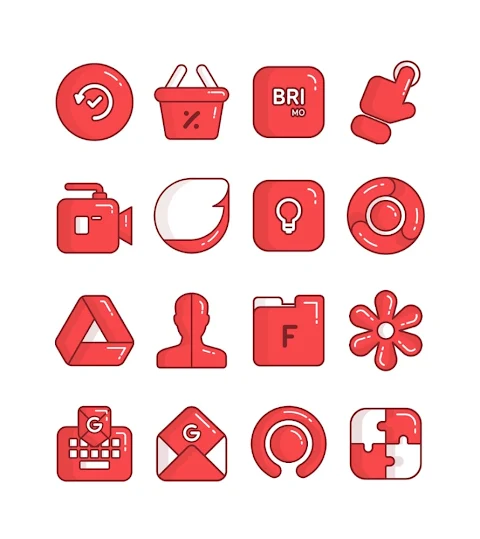
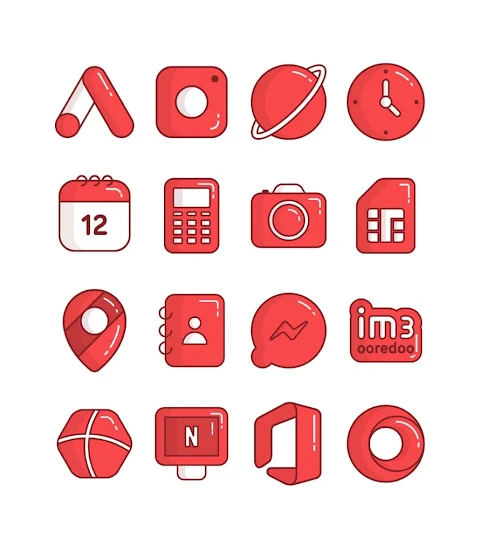
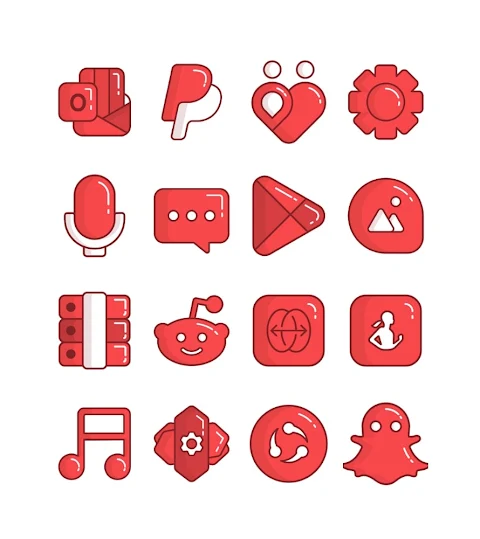
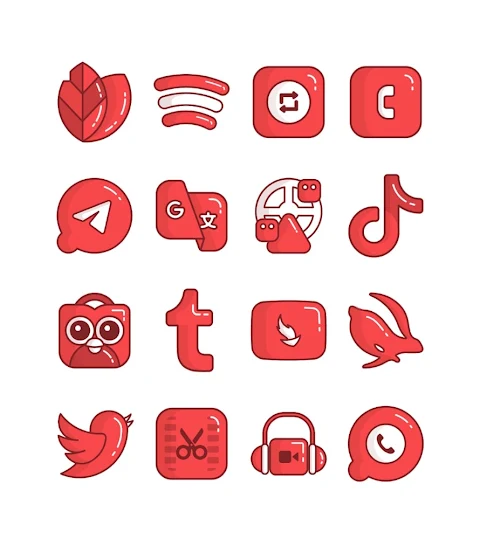

About the App
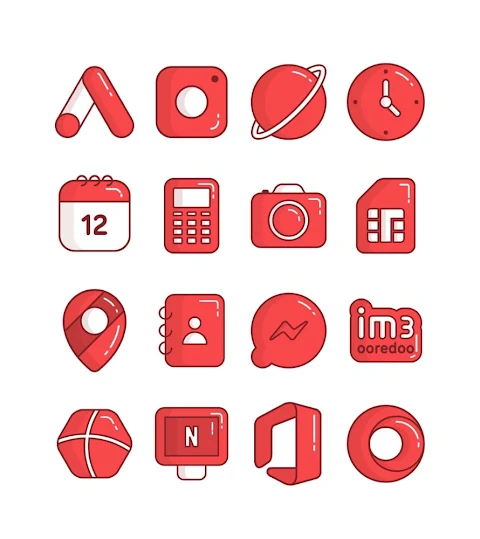
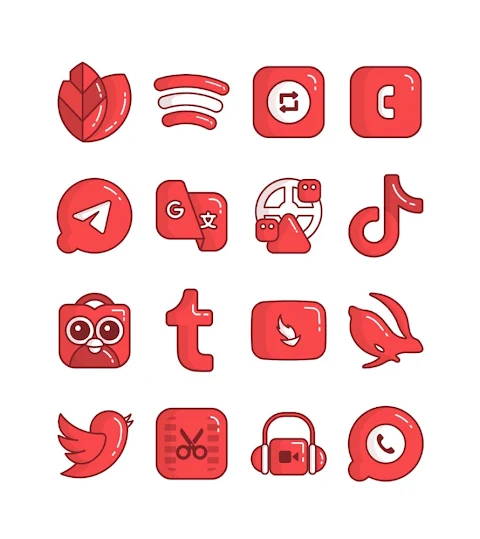
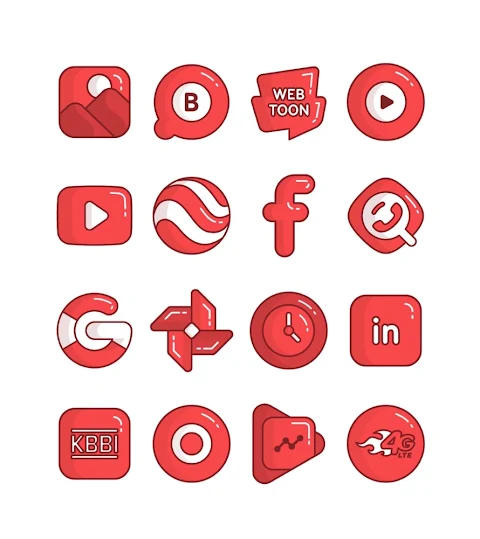
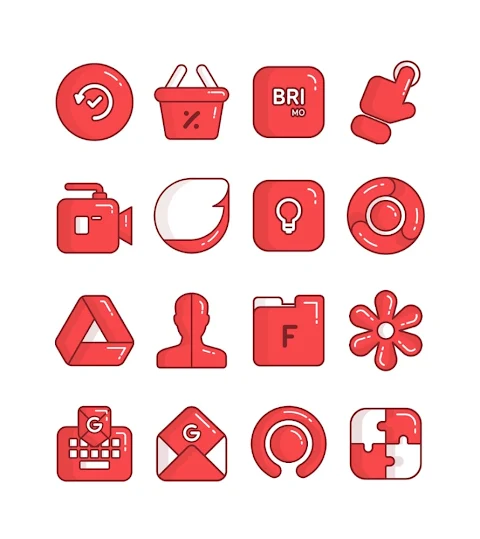
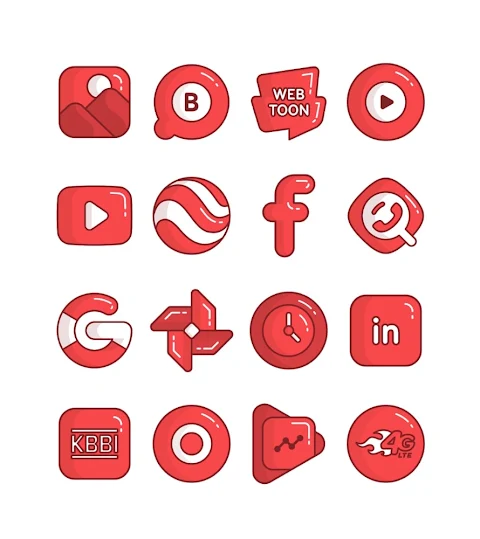
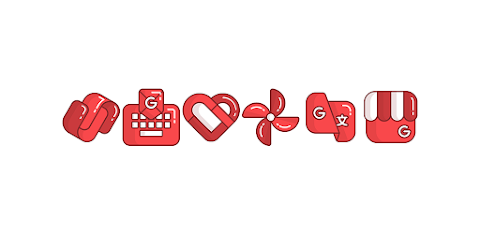
Cherry is a fun and vibrant Red cartoon-ish icon pack designed to give your Android device a fresh look. With over 3000 icons and counting, you have plenty of options to customize your mobile home screen design. Each icon in the pack has an HD icon resolution of 256x256 pixels, ensuring that your apps look great.
The Cherry icon pack is perfect for anyone who loves to personalize their device. Whether you want to change the look of your apps or find custom wallpapers, this icon pack makes it easy. The icon request feature allows you to ask for specific icons, so you can create a unique look tailored just for you.
Using the Cherry icon pack is simple. It supports numerous popular launchers, such as Nova Launcher, Evie Launcher, Apex Launcher, ADW Launcher, ABC Launcher, Next Launcher, Holo Launcher, Lucid Launcher, M Launcher, Action Launcher, Aviate Launcher, and Smart Launcher. To apply the Cherry icon pack, follow these steps:
1. Open the Cherry icon pack app.
2. Navigate to the Apply Icon Pack screen.
3. You’ll see a list of supported launchers. Select Nova Launcher or any other launcher installed on your phone.
4. The app will automatically apply the icons from Cherry to your selected launcher.
If you can't find your launcher while trying to apply the icons from the pack, you might want to apply them directly from your launcher settings instead.
For users with a Sony Xperia Home Launcher, please note that the icon pack is compatible only with versions 10.0.A.0.8 and up. To set Cherry as your icon pack on this launcher, the process is easy. Simply long-press on the main screen, go to the settings, scroll down to the appearance icon setting, and choose Cherry from the list. Your Sony Xperia will then have the Cherry icon pack applied.
Do keep in mind that there may be some limitations with Go Launcher and Zero Launcher, as they do not support icon masking.
In addition to its wide array of icons, Cherry also comes with several launcher customization options, allowing you to find the perfect themes and styles for your device. The user-friendly interface ensures that even those new to mobile UI design tools can easily navigate through the app and find what they need.
As you explore Cherry, you may also want to check for design updates and more inspiration on social media platforms. Follow Cherry on Google+, Instagram, and Twitter for the latest design information and tips.
With Cherry, you can take personalization to the next level with its character-themed icons and a variety of options that cater to all your mobile design preferences. Make your device truly yours with this delightful Red cartoon-ish icon pack.
The Cherry icon pack is perfect for anyone who loves to personalize their device. Whether you want to change the look of your apps or find custom wallpapers, this icon pack makes it easy. The icon request feature allows you to ask for specific icons, so you can create a unique look tailored just for you.
Using the Cherry icon pack is simple. It supports numerous popular launchers, such as Nova Launcher, Evie Launcher, Apex Launcher, ADW Launcher, ABC Launcher, Next Launcher, Holo Launcher, Lucid Launcher, M Launcher, Action Launcher, Aviate Launcher, and Smart Launcher. To apply the Cherry icon pack, follow these steps:
1. Open the Cherry icon pack app.
2. Navigate to the Apply Icon Pack screen.
3. You’ll see a list of supported launchers. Select Nova Launcher or any other launcher installed on your phone.
4. The app will automatically apply the icons from Cherry to your selected launcher.
If you can't find your launcher while trying to apply the icons from the pack, you might want to apply them directly from your launcher settings instead.
For users with a Sony Xperia Home Launcher, please note that the icon pack is compatible only with versions 10.0.A.0.8 and up. To set Cherry as your icon pack on this launcher, the process is easy. Simply long-press on the main screen, go to the settings, scroll down to the appearance icon setting, and choose Cherry from the list. Your Sony Xperia will then have the Cherry icon pack applied.
Do keep in mind that there may be some limitations with Go Launcher and Zero Launcher, as they do not support icon masking.
In addition to its wide array of icons, Cherry also comes with several launcher customization options, allowing you to find the perfect themes and styles for your device. The user-friendly interface ensures that even those new to mobile UI design tools can easily navigate through the app and find what they need.
As you explore Cherry, you may also want to check for design updates and more inspiration on social media platforms. Follow Cherry on Google+, Instagram, and Twitter for the latest design information and tips.
With Cherry, you can take personalization to the next level with its character-themed icons and a variety of options that cater to all your mobile design preferences. Make your device truly yours with this delightful Red cartoon-ish icon pack.
Pace 2: Watch face
amoledwatchfaces™
$1.79
$0.90

OneYou Three Accent Icons
PashaPuma Design
$1.49
$1.00
Circuit Board Watch Face GTS2
GoodTimes Initiative
$1.99
$1.00