
$0.99
$0.29
71% Off
Linios Red – Icon Pack
Panoto Gomo


About the App
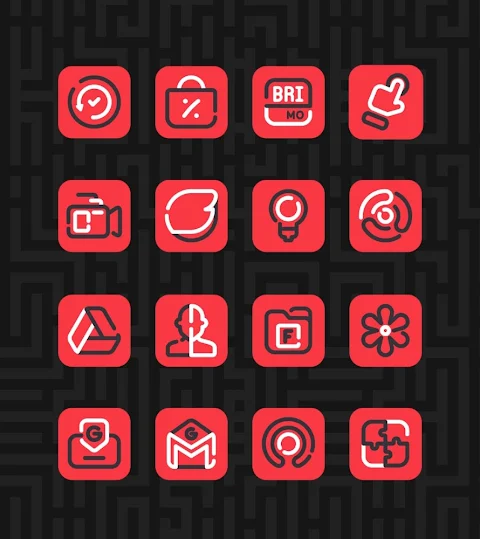
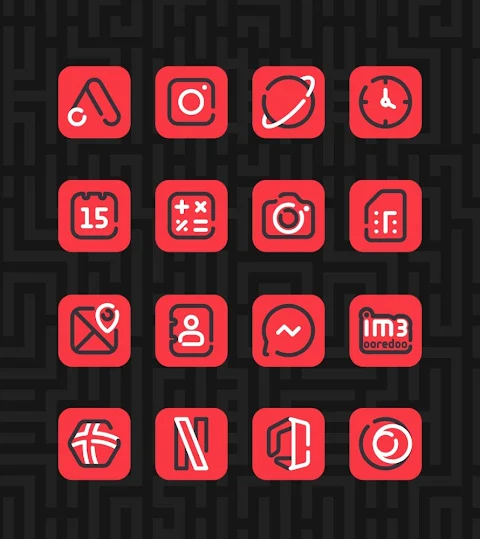
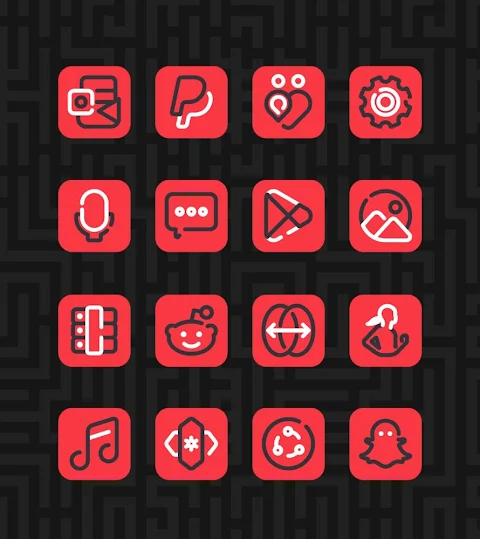
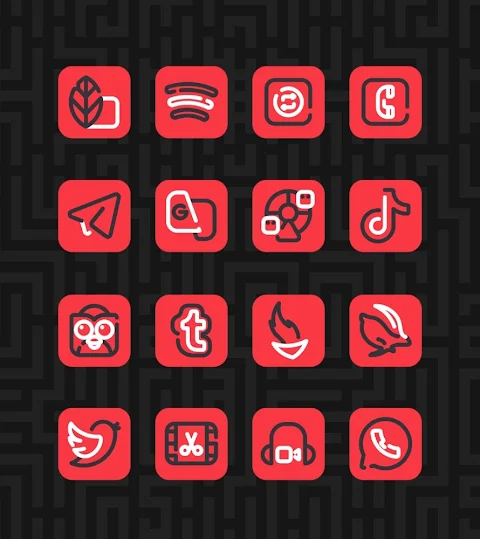
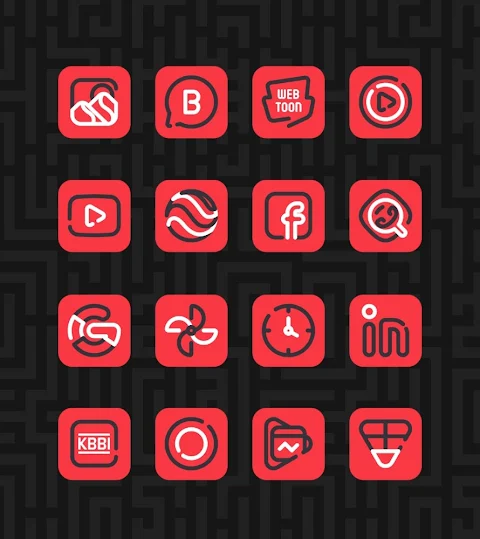
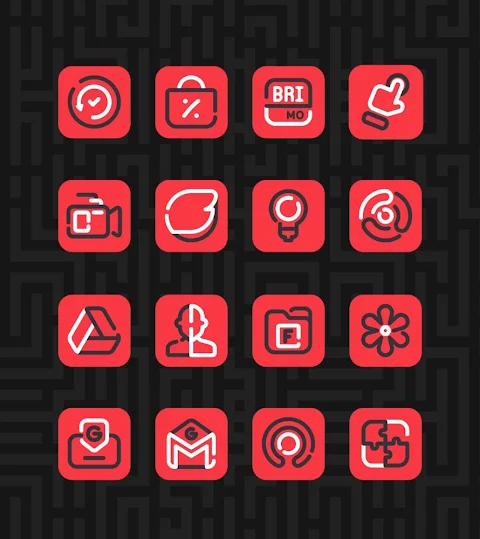
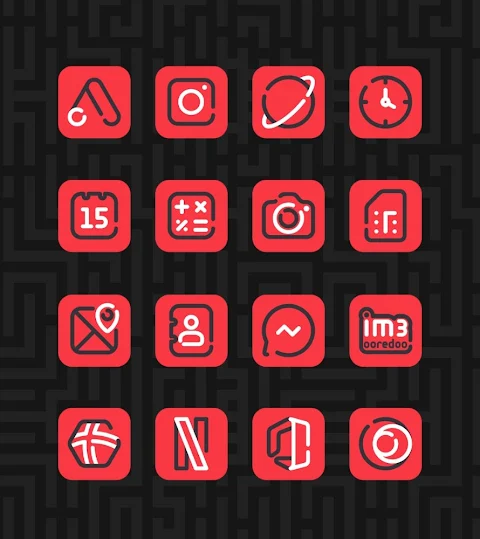
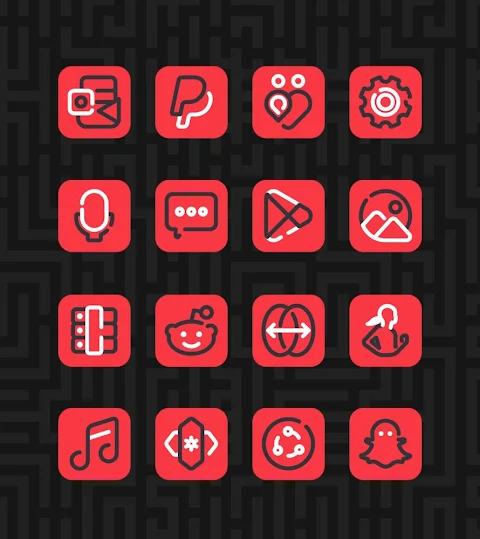
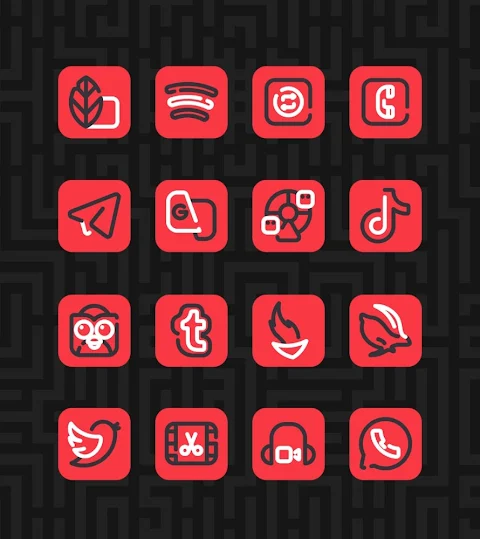
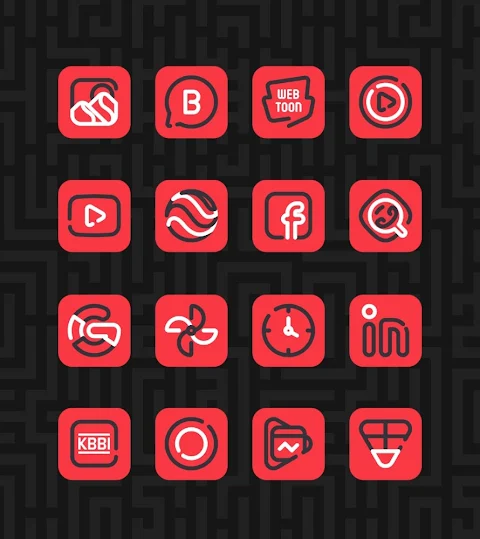
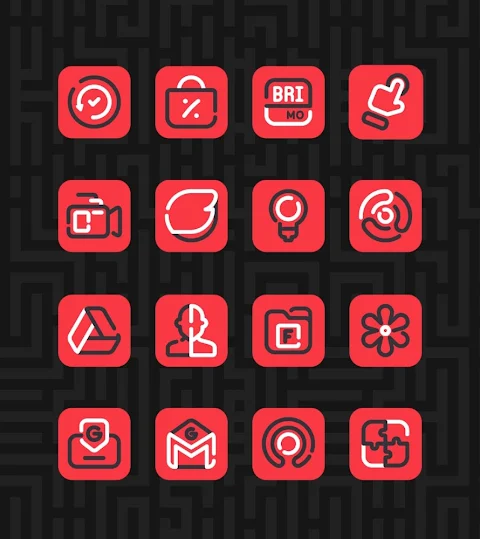
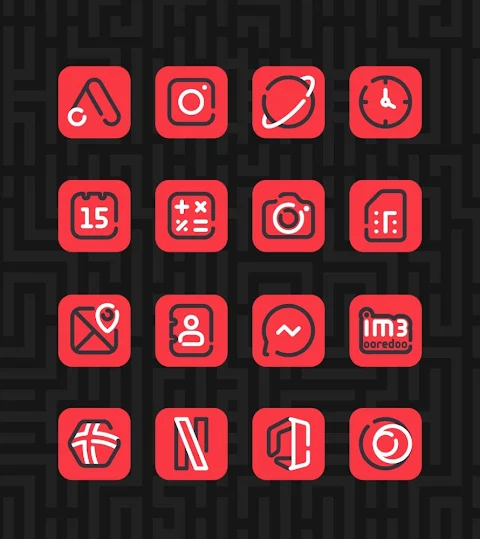
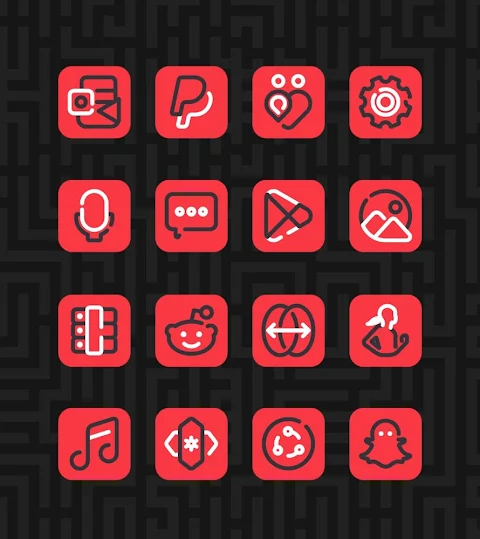
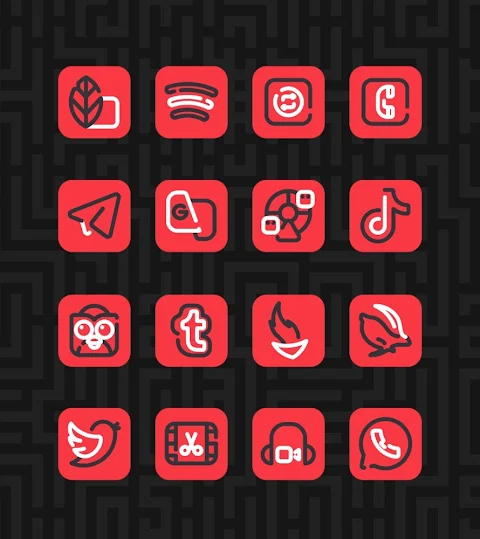
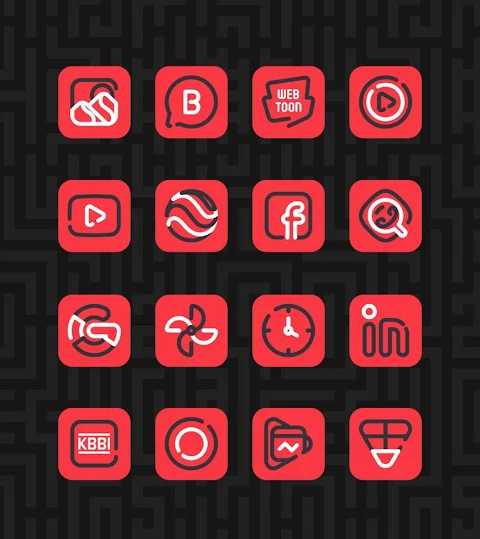
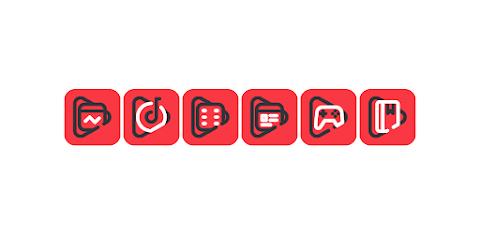
Linios Red - Icon Pack is a vibrant, red-themed version of the popular Linios icon pack. This app is perfect for anyone who wants to personalize their Android device with unique and stylish icons.
With over 3000 icons and counting, Linios Red offers a vast selection for users to choose from. Each icon is designed in HD icon resolution of 256x256 pixels, making them look sharp and appealing on your screen. Additionally, the app features custom wallpapers that can enhance the overall aesthetic of your device. If you’re looking for a specific icon that isn’t included, the icon request feature allows you to suggest new icons to be added.
Using Linios Red is straightforward. To apply the icon pack, simply follow these easy steps:
1. Open the Linios Red - Icon Pack app on your device.
2. Navigate to the Apply Icon Pack screen.
3. The app will show you a list of supported launchers like Nova Launcher and Evie Launcher. Select the launcher you have installed to apply the icons.
4. The app automatically applies the icons from Linios Red for your chosen launcher.
In case your launcher doesn’t appear while applying from the icon pack, you can also apply the icons directly from the launcher settings.
For users with Sony Xperia devices, there’s a slightly different process. While the Sony Xperia Home Launcher doesn’t appear directly in this app, you can still use Linios Red with the following steps:
1. Long press on the main screen of your Sony Xperia.
2. Open the settings menu.
3. Scroll down to the appearance icon settings.
4. Choose Linios Red - Icon Pack, and you’re all set!
It's important to note that the icon pack only supports Sony Xperia Home Launcher versions 10.0.A.0.8 or higher.
Linios Red works seamlessly with a variety of popular launchers. Besides Nova Launcher and Evie Launcher, it offers compatibility with Apex Launcher, ADW Launcher, ABC Launcher, Next Launcher, Holo Launcher, Lucid Launcher, M Launcher, Action Launcher, Aviate Launcher, Smart Launcher, and Go Launcher. However, be aware that Go Launcher and Zero Launcher do not support icon masking.
This icon pack not only allows you to customize app icons but also gives you tools for visual customization. Whether you want to adjust your launcher settings or explore tablet icon customization, Linios Red provides the flexibility for Android personalization.
Enhance the mobile aesthetics of your device with Linios Red - Icon Pack, where quality theme design meets practicality. If you’d like more design inspiration or updates, you can follow us on Google+, Instagram, and Twitter. Special thanks to Dani Mahardika for the Candybar Dashboard that helps in creating this icon pack.
Get started today and give your Android device a fresh look!
With over 3000 icons and counting, Linios Red offers a vast selection for users to choose from. Each icon is designed in HD icon resolution of 256x256 pixels, making them look sharp and appealing on your screen. Additionally, the app features custom wallpapers that can enhance the overall aesthetic of your device. If you’re looking for a specific icon that isn’t included, the icon request feature allows you to suggest new icons to be added.
Using Linios Red is straightforward. To apply the icon pack, simply follow these easy steps:
1. Open the Linios Red - Icon Pack app on your device.
2. Navigate to the Apply Icon Pack screen.
3. The app will show you a list of supported launchers like Nova Launcher and Evie Launcher. Select the launcher you have installed to apply the icons.
4. The app automatically applies the icons from Linios Red for your chosen launcher.
In case your launcher doesn’t appear while applying from the icon pack, you can also apply the icons directly from the launcher settings.
For users with Sony Xperia devices, there’s a slightly different process. While the Sony Xperia Home Launcher doesn’t appear directly in this app, you can still use Linios Red with the following steps:
1. Long press on the main screen of your Sony Xperia.
2. Open the settings menu.
3. Scroll down to the appearance icon settings.
4. Choose Linios Red - Icon Pack, and you’re all set!
It's important to note that the icon pack only supports Sony Xperia Home Launcher versions 10.0.A.0.8 or higher.
Linios Red works seamlessly with a variety of popular launchers. Besides Nova Launcher and Evie Launcher, it offers compatibility with Apex Launcher, ADW Launcher, ABC Launcher, Next Launcher, Holo Launcher, Lucid Launcher, M Launcher, Action Launcher, Aviate Launcher, Smart Launcher, and Go Launcher. However, be aware that Go Launcher and Zero Launcher do not support icon masking.
This icon pack not only allows you to customize app icons but also gives you tools for visual customization. Whether you want to adjust your launcher settings or explore tablet icon customization, Linios Red provides the flexibility for Android personalization.
Enhance the mobile aesthetics of your device with Linios Red - Icon Pack, where quality theme design meets practicality. If you’d like more design inspiration or updates, you can follow us on Google+, Instagram, and Twitter. Special thanks to Dani Mahardika for the Candybar Dashboard that helps in creating this icon pack.
Get started today and give your Android device a fresh look!

Roman Analog Dark WF Wear OS
OQ Watchfaces
$1.49
Simple Functions For Wear OS
ZKin
$2.99
$1.49

Elements Live Wallpaper
DotCode Apps
$3.99
$0.12