

$0.99
$0.29
71% Off
Lineblack – Red icon Pack
Panoto Gomo


About the App
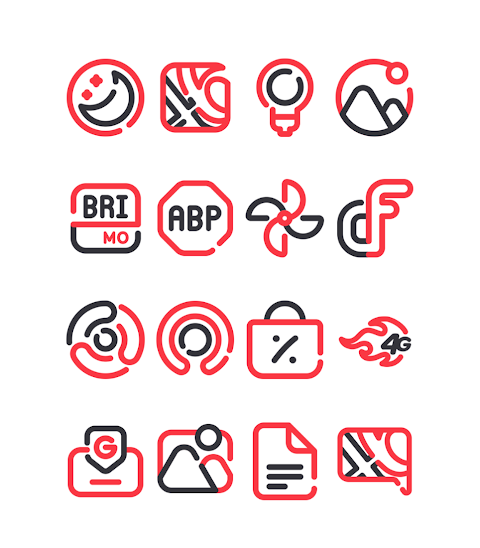
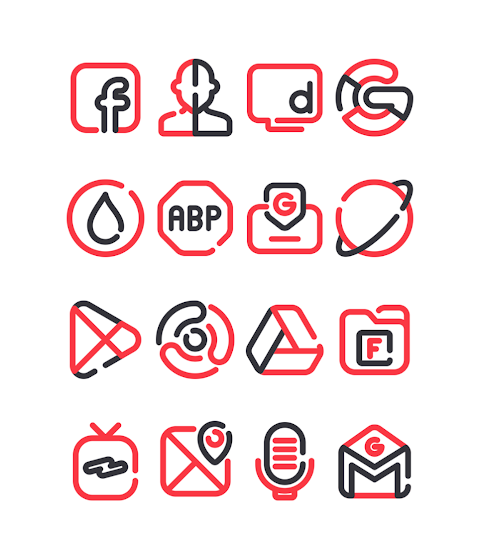
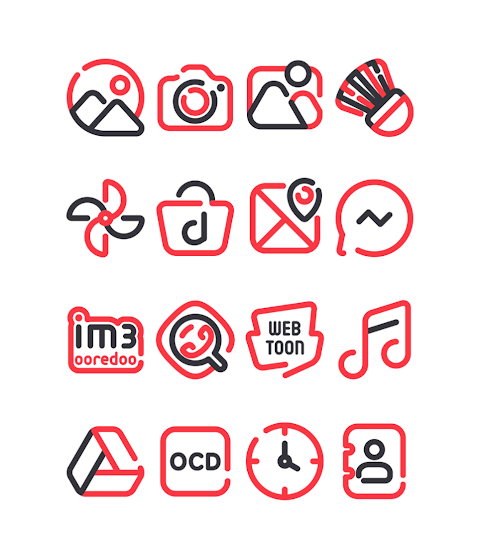
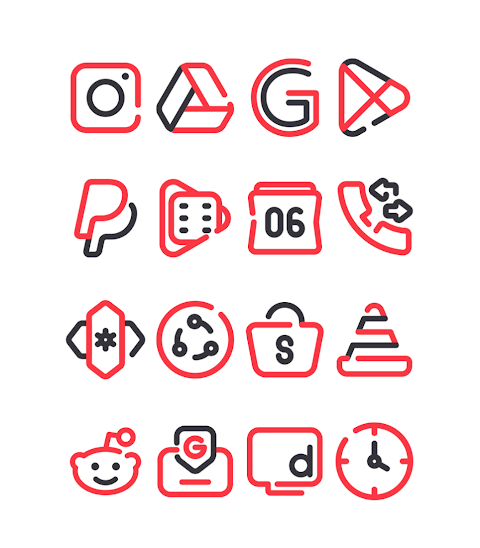
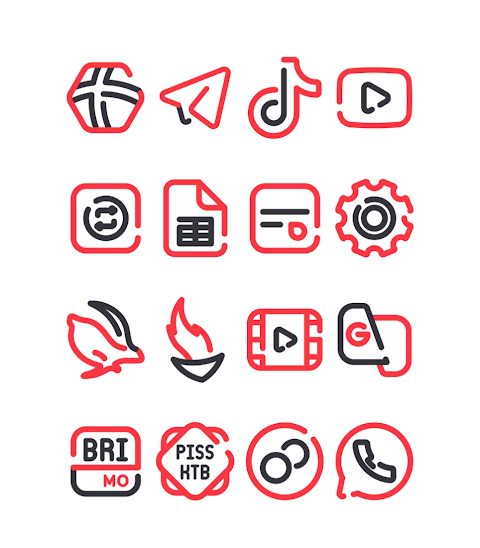
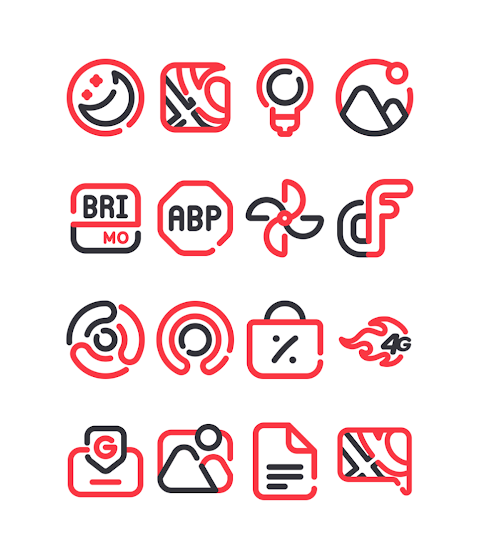
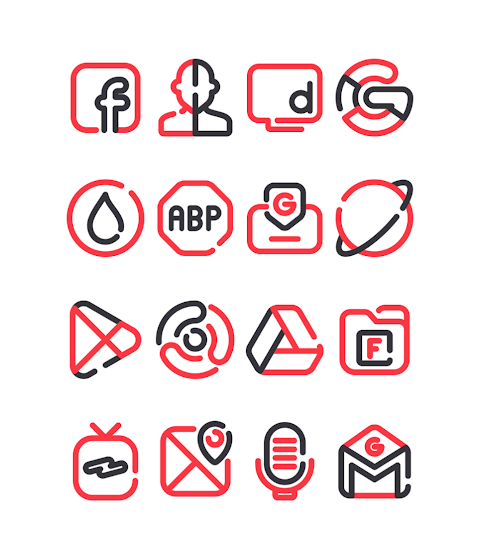
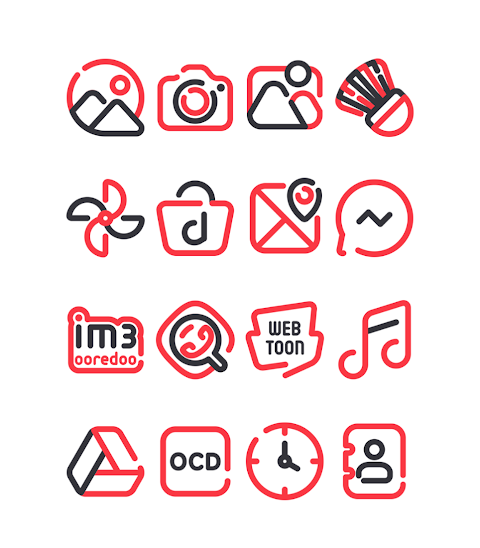
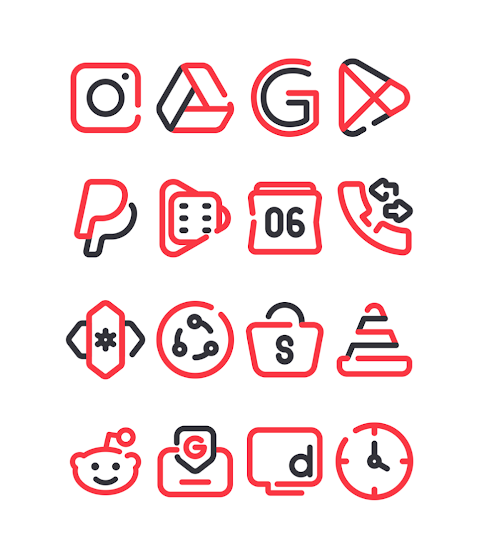
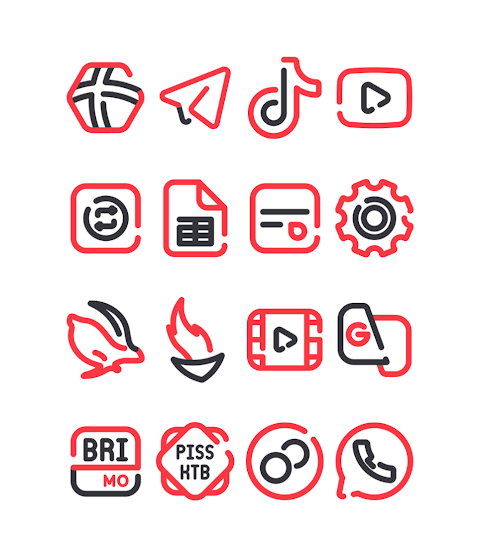
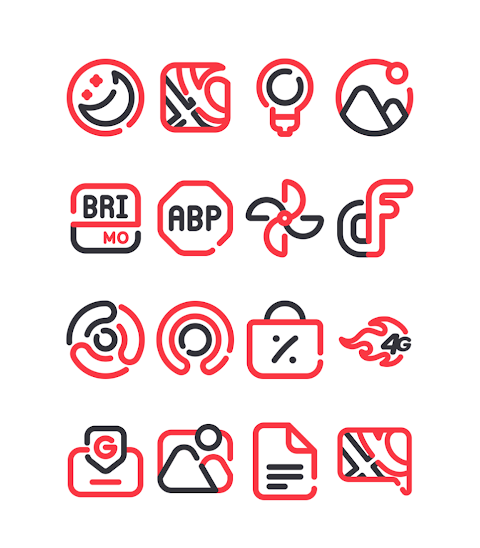
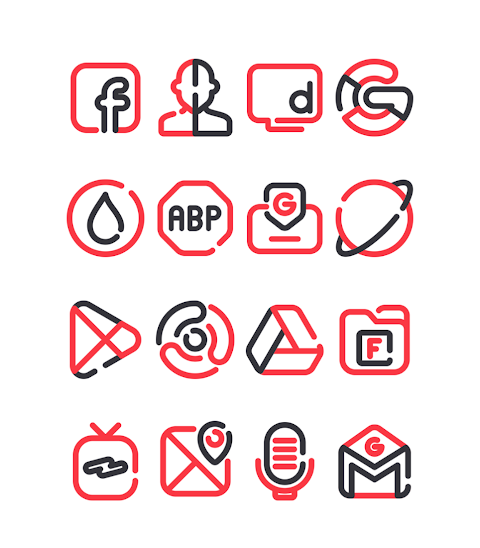
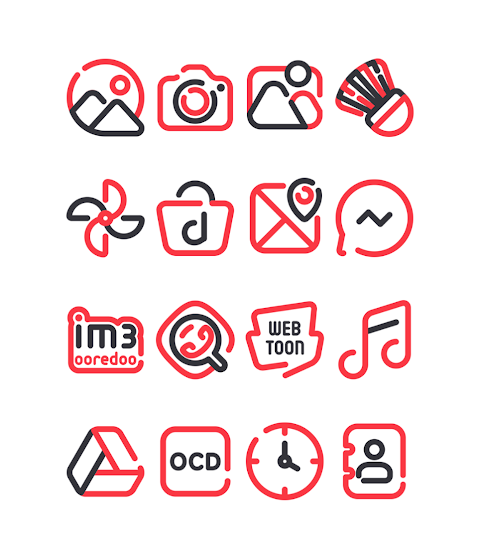
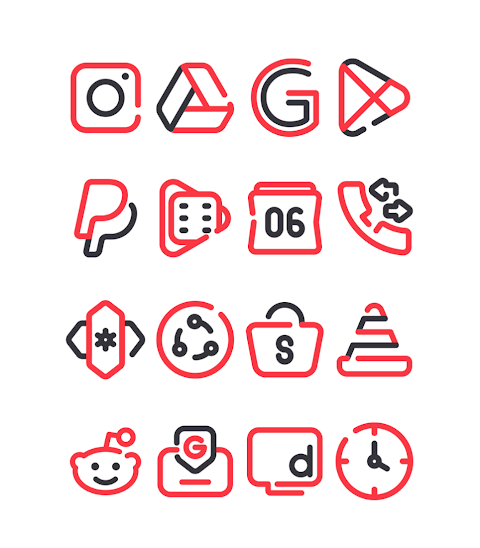
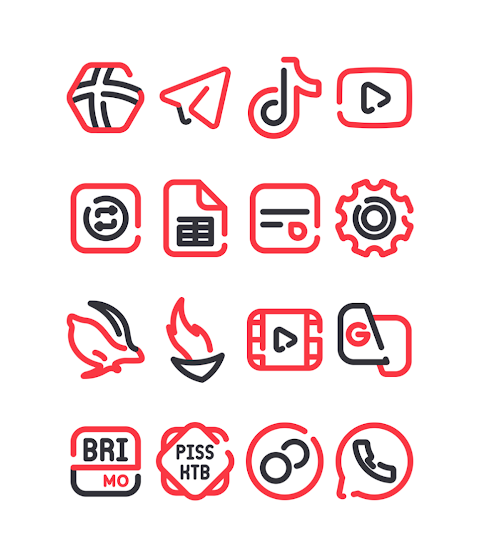
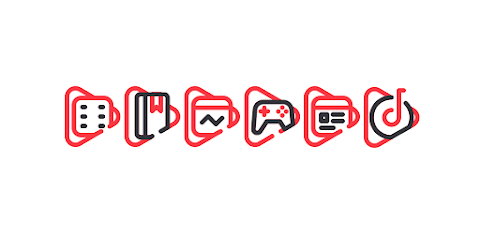
LineBlack Red is a vibrant icon pack that offers a red-themed design for your device. It comes with over 3000 icons and is continually growing. With HD icon resolution, each icon is crafted at 256x256px, ensuring that everything looks sharp and clear on your screen. Additionally, the pack includes beautiful wallpapers to complement your icons, giving your device a fresh, modern look.
One of the key features of LineBlack Red is its icon request feature. If you find that your favorite app doesn’t have an icon, you can easily request it. This makes your custom icon themes even more complete.
Using the LineBlack Red icon pack is simple and user-friendly. It works with many popular launchers, including Nova Launcher and Evie Launcher, among others. To apply the icon pack, just follow these easy steps:
1. Open the LineBlack Red icon pack app on your phone.
2. Go to the Apply Icon Pack screen.
3. You will see a list of supported launchers like Nova Launcher and Evie Launcher. Select the launcher you have installed.
4. The app will automatically apply the icons from the LineBlack Red icon pack to your chosen launcher.
If you don’t see your launcher in the list when trying to apply the pack, you can also apply it directly from the launcher itself.
For those using the Sony Xperia Home Launcher, you won’t find it listed in this application, but you can still use the LineBlack Red icon pack. Here’s how to apply it on your Sony Xperia:
1. Long press on the main screen.
2. Open the settings menu.
3. Scroll down to the appearance icon setting.
4. Choose the LineBlack Red icon pack.
5. You're all set! Your Sony Xperia will now feature the icons from the LineBlack Red pack.
Please note that the icon pack is only supported on Sony Xperia Home Launcher version 10.0.A.0.8 or newer.
LineBlack Red is compatible with various launchers, including:
- Nova Launcher
- Apex Launcher
- ADW Launcher
- ABC Launcher
- Evie Launcher
- Next Launcher
- Holo Launcher
- Lucid Launcher
- M Launcher
- Action Launcher
- Smart Launcher
- Go Launcher (note that it has limitations with icon masking)
- Zero Launcher (also has limitations with icon masking)
With LineBlack Red, you get not just an icon pack, but a fun and dynamic way to customize your device. Enjoy modern icon designs while optimizing your home screen with ease. For more design information and updates, you can follow us on Google+, Instagram, and Twitter.
Transform your home screen today with LineBlack Red and experience the beauty of personalized icons!
One of the key features of LineBlack Red is its icon request feature. If you find that your favorite app doesn’t have an icon, you can easily request it. This makes your custom icon themes even more complete.
Using the LineBlack Red icon pack is simple and user-friendly. It works with many popular launchers, including Nova Launcher and Evie Launcher, among others. To apply the icon pack, just follow these easy steps:
1. Open the LineBlack Red icon pack app on your phone.
2. Go to the Apply Icon Pack screen.
3. You will see a list of supported launchers like Nova Launcher and Evie Launcher. Select the launcher you have installed.
4. The app will automatically apply the icons from the LineBlack Red icon pack to your chosen launcher.
If you don’t see your launcher in the list when trying to apply the pack, you can also apply it directly from the launcher itself.
For those using the Sony Xperia Home Launcher, you won’t find it listed in this application, but you can still use the LineBlack Red icon pack. Here’s how to apply it on your Sony Xperia:
1. Long press on the main screen.
2. Open the settings menu.
3. Scroll down to the appearance icon setting.
4. Choose the LineBlack Red icon pack.
5. You're all set! Your Sony Xperia will now feature the icons from the LineBlack Red pack.
Please note that the icon pack is only supported on Sony Xperia Home Launcher version 10.0.A.0.8 or newer.
LineBlack Red is compatible with various launchers, including:
- Nova Launcher
- Apex Launcher
- ADW Launcher
- ABC Launcher
- Evie Launcher
- Next Launcher
- Holo Launcher
- Lucid Launcher
- M Launcher
- Action Launcher
- Smart Launcher
- Go Launcher (note that it has limitations with icon masking)
- Zero Launcher (also has limitations with icon masking)
With LineBlack Red, you get not just an icon pack, but a fun and dynamic way to customize your device. Enjoy modern icon designs while optimizing your home screen with ease. For more design information and updates, you can follow us on Google+, Instagram, and Twitter.
Transform your home screen today with LineBlack Red and experience the beauty of personalized icons!
Fluorescence Clock ZKin Watch
ZKin
$2.99
$1.50

Ballozi FIGEAR Digital Retro
BALLOZI Watch Faces
$1.79
$0.36
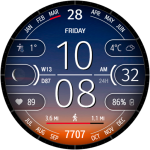
CFS120 Solar Sync
CFS Creative Face Studio
$1.49
$0.69