

$0.99
FREE
100% Off
Stony Icon Pack
OSheden Design




About the App
Stony Icon Pack is a trusted tool for customizing your device's look. As my 20th icon pack, it follows a tradition of quality and care. Since day one, I have ensured all previous apps are well maintained. I’m here to answer all your questions and handle any icon requests you might have. Regular updates keep the Stony Icon Pack fresh and exciting.
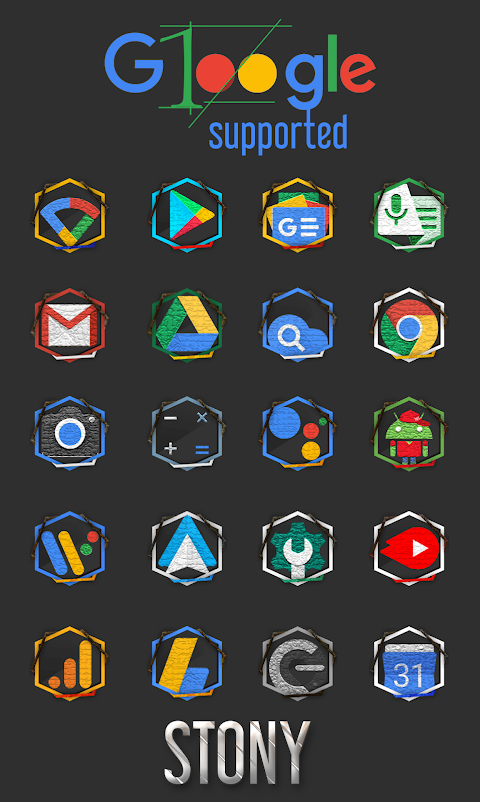
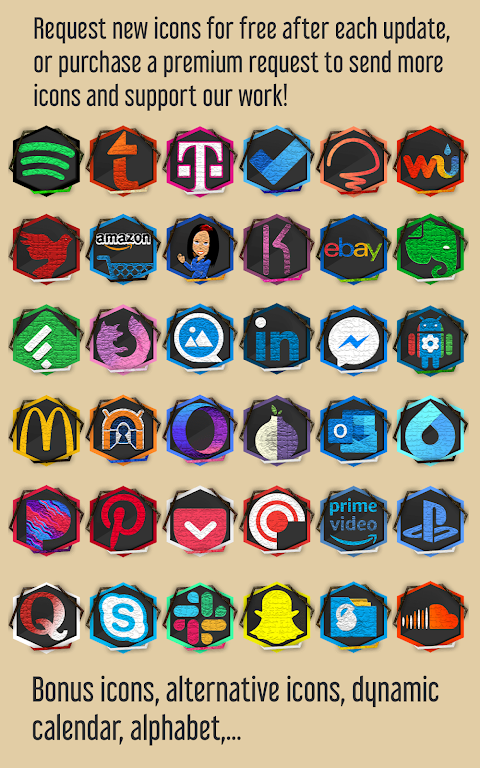
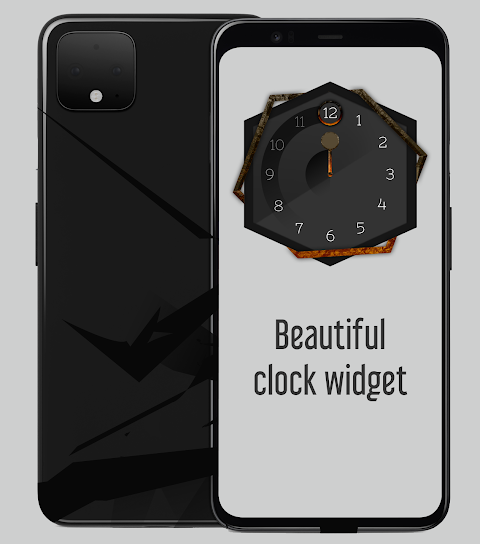
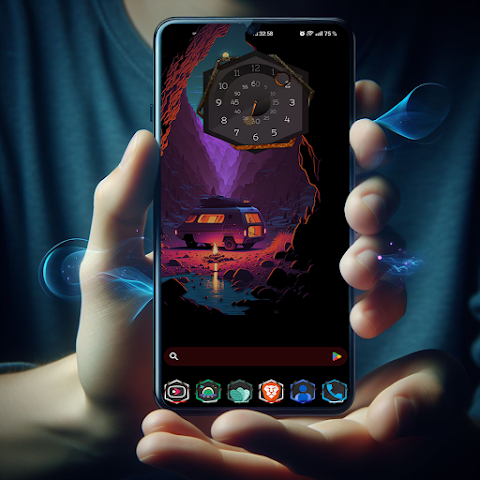
This icon pack features thousands of icons to choose from, making it easy for you to find the perfect look for your device. You can enjoy six different icon masking variants that allow for greater customization. The CandyBar dashboard, which has been tweaked for better performance, offers features such as an icon preview and a search option to help you find icons quickly. Additionally, you’ll find a clock widget feature, adding even more functionality.
When it comes to using the Stony Icon Pack, there are a few rules to remember. The free icon request limit resets after each update, giving you new chances to get the icons you want. If you want your custom icon requests to be completed more quickly, several premium icon options are available to help support the development of the app. While some patience is required—typically 3-4 weeks for completion—all your icons will be supported in due time. For any questions, feel free to reach out via email, Twitter, or Telegram.
Launcher compatibility is an important aspect to consider. Stony Icon Pack is designed around the CandyBar dashboard, which makes it compatible with several popular launchers. I have personally tested these launchers to provide you with the best experience.
For full support, you can apply the icon pack directly from the dashboard using launchers like ADW launcher, Nova launcher, and Smart launcher. You can also use other launchers, like Evie launcher and Hyperion launcher, but note that you need to apply the icon pack from their settings.
Unfortunately, some launchers, such as Action launcher and Poco launcher, offer poor support for icon packs. They may not allow icon masking features to work properly, which can lead to a less satisfying user experience. I recommend checking the compatibility of your launcher to ensure you get the most out of the Stony Icon Pack.
If you want to learn more about which launcher might be best for using icon packs, you can find a launcher comparison guide online. This can help you make an informed decision about which tool to use.
For your security and privacy, rest assured that our policy is clear: nothing is collected by default. If you ever wish for your emails to be removed, just let me know.
Getting help is easy. If you need support, do not hesitate to contact us. You can reach us via Telegram, email, or find us on Instagram and X.
Thank you for using the Stony Icon Pack and supporting my work. I’m dedicated to providing the best icon customization experience for you.
This icon pack features thousands of icons to choose from, making it easy for you to find the perfect look for your device. You can enjoy six different icon masking variants that allow for greater customization. The CandyBar dashboard, which has been tweaked for better performance, offers features such as an icon preview and a search option to help you find icons quickly. Additionally, you’ll find a clock widget feature, adding even more functionality.
When it comes to using the Stony Icon Pack, there are a few rules to remember. The free icon request limit resets after each update, giving you new chances to get the icons you want. If you want your custom icon requests to be completed more quickly, several premium icon options are available to help support the development of the app. While some patience is required—typically 3-4 weeks for completion—all your icons will be supported in due time. For any questions, feel free to reach out via email, Twitter, or Telegram.
Launcher compatibility is an important aspect to consider. Stony Icon Pack is designed around the CandyBar dashboard, which makes it compatible with several popular launchers. I have personally tested these launchers to provide you with the best experience.
For full support, you can apply the icon pack directly from the dashboard using launchers like ADW launcher, Nova launcher, and Smart launcher. You can also use other launchers, like Evie launcher and Hyperion launcher, but note that you need to apply the icon pack from their settings.
Unfortunately, some launchers, such as Action launcher and Poco launcher, offer poor support for icon packs. They may not allow icon masking features to work properly, which can lead to a less satisfying user experience. I recommend checking the compatibility of your launcher to ensure you get the most out of the Stony Icon Pack.
If you want to learn more about which launcher might be best for using icon packs, you can find a launcher comparison guide online. This can help you make an informed decision about which tool to use.
For your security and privacy, rest assured that our policy is clear: nothing is collected by default. If you ever wish for your emails to be removed, just let me know.
Getting help is easy. If you need support, do not hesitate to contact us. You can reach us via Telegram, email, or find us on Instagram and X.
Thank you for using the Stony Icon Pack and supporting my work. I’m dedicated to providing the best icon customization experience for you.
Minimal Watch Face 2
Galaxy Design Watch Face
$1.99
FREE

Ballozi RADIA Digital
BALLOZI Watch Faces
$1.49
$0.49
Information Block ZKin Watch
ZKin
$2.99
$0.99