

$0.99
FREE
100% Off
GuavaLine Pink – Icon Pack
Panoto Gomo





About the App
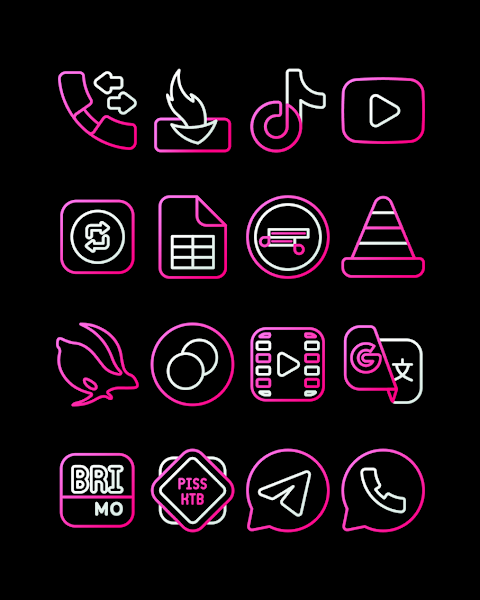
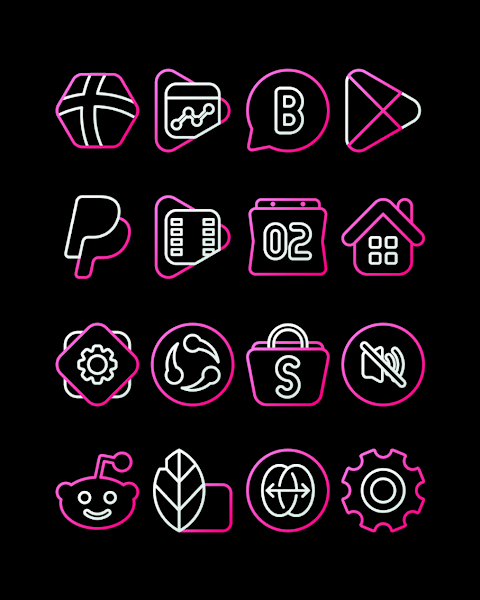
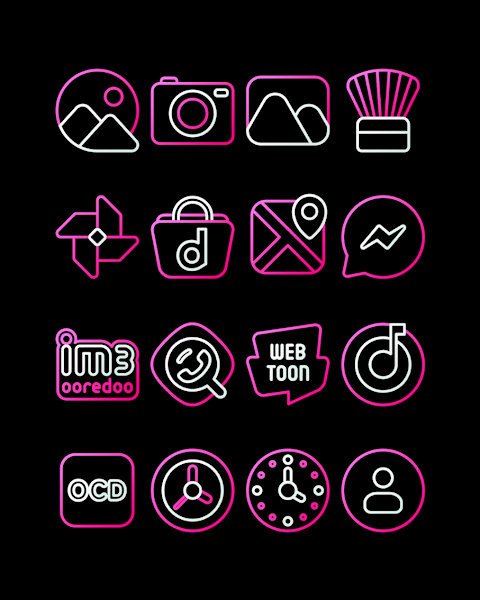
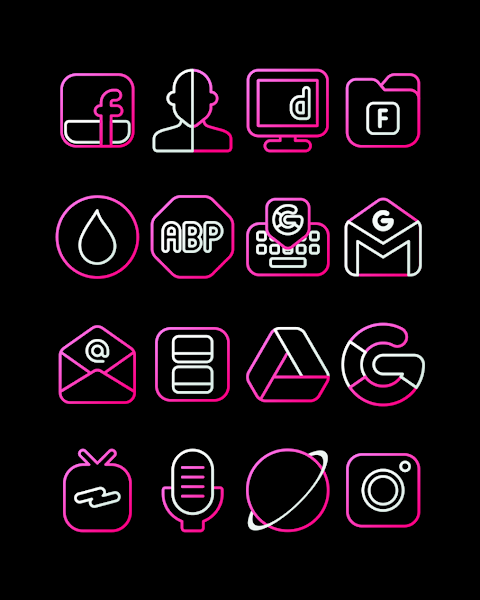
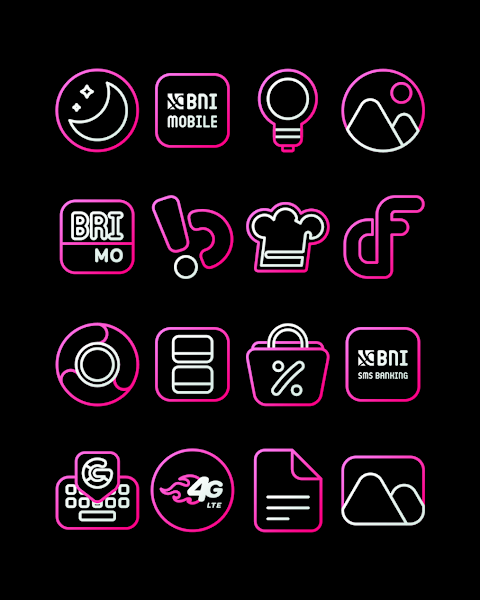
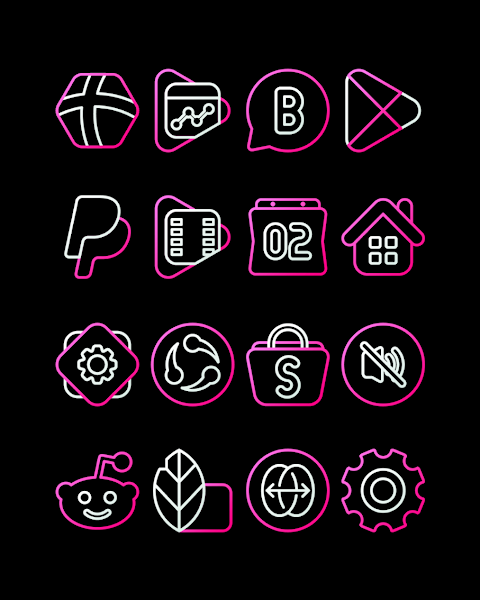
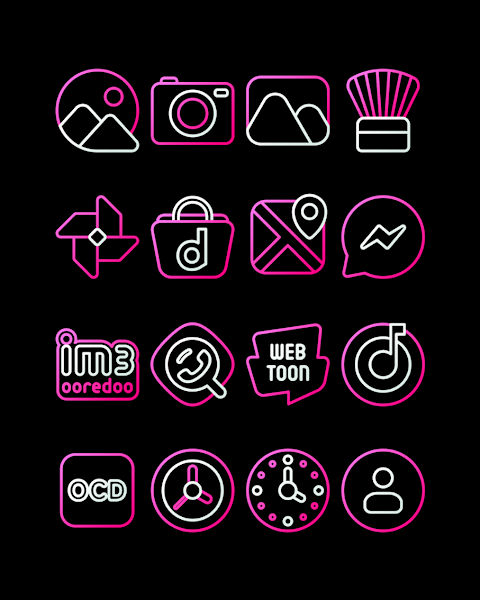
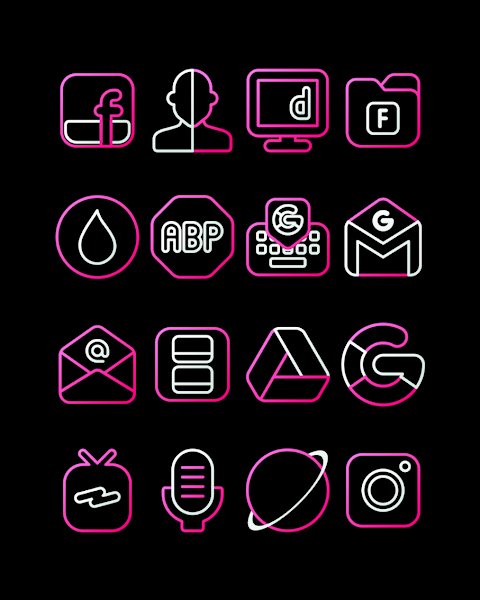
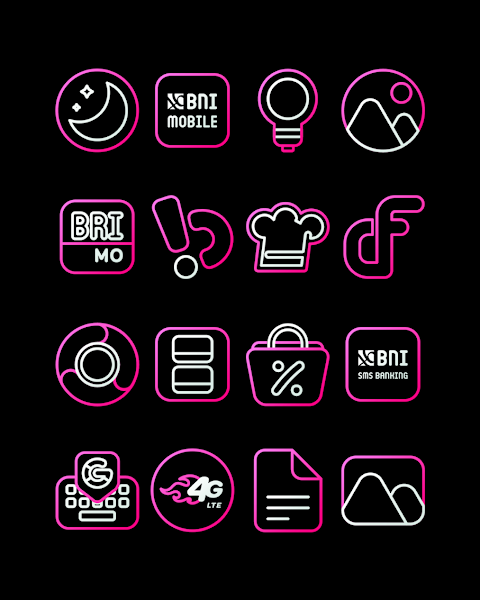
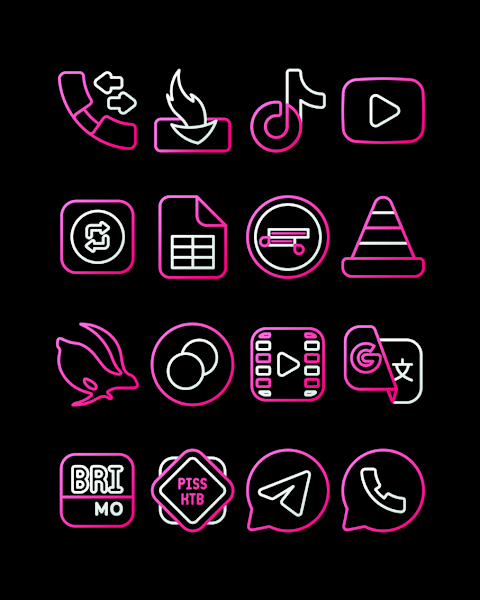
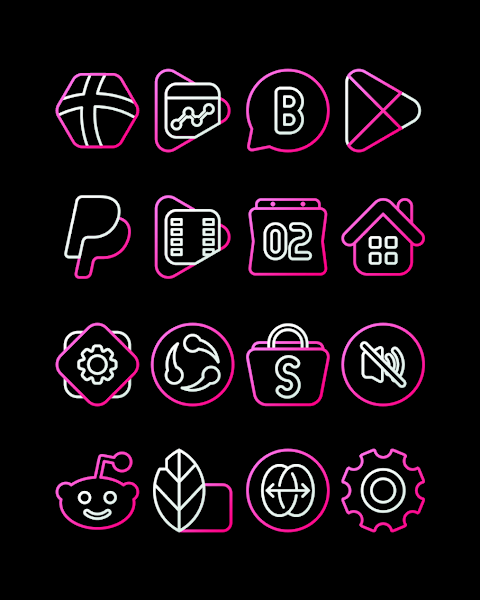
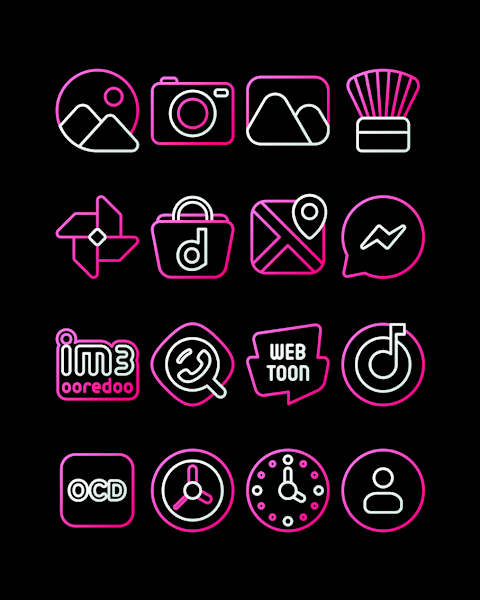
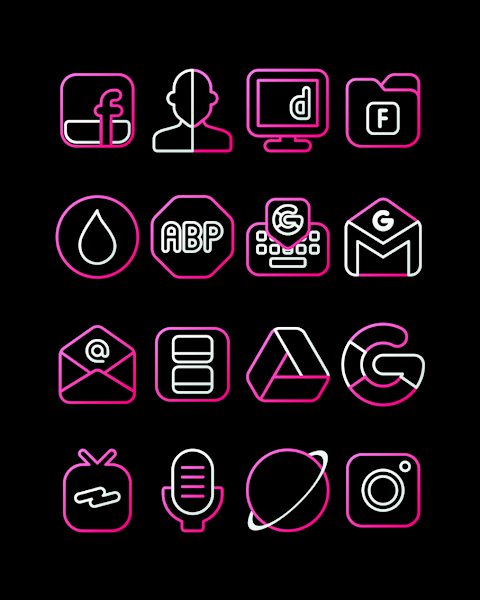
GuavaLine Pink - Icon Pack offers a vibrant set of pink outlined icons that will refresh the look of your device, making it feel as lively and inviting as a glass of juice. With over 3000 icons available, users will find plenty of stylish options to customize their screens. Each icon is designed in high-definition with a resolution of 256x256 pixels, ensuring that everything looks sharp and crisp.
This icon pack is user-friendly and easy to install, making it accessible for everyone, whether you are a tech novice or an expert. If you want to change the icons on your device, GuavaLine Pink - Icon Pack supports many popular launchers, including Nova Launcher and Evie Launcher. Here’s how to get started:
First, open the GuavaLine Pink - Icon Pack app on your device. Next, go to the "Apply Icon Pack" screen. You will see a list of compatible launchers. Simply select Nova Launcher or any other launcher you've installed on your phone from the list to apply the icons. The app will automatically apply the new icons for you.
For users with Sony Xperia Home Launcher, the process is a bit different but still straightforward. First, long press on your main screen to open settings. Then scroll down to the appearance icon settings, and choose GuavaLine Pink - Icon Pack from the options. Just a few taps and your icons will be transformed.
It’s important to note that the GuavaLine Pink - Icon Pack works best with Sony Xperia Home Launcher version 10.0.A.0.8 or higher. If your launcher doesn’t appear in the application, you can also apply the icons directly from the launcher’s settings.
On top of the beautiful icons, GuavaLine offers the option to request additional icons to ensure that any specific needs are met. You can enjoy custom wallpapers that complement the fresh, juice-inspired design of the icons, adding another layer of personalization to your device.
Supported launchers include Apex Launcher, ADW Launcher, ABC Launcher, Smart Launcher, Holo Launcher, Lucid Launcher, M Launcher, Action Launcher, and even Go Launcher, although it doesn't support icon masking. Zero Launcher works too, but it also lacks icon masking features. This broad range of launcher compatibility allows you to seamlessly integrate GuavaLine Pink - Icon Pack into your current setup.
Keep your device updated with new design information by following GuavaLine on social media platforms like Google+, Instagram, and Twitter. Special thanks to Dani Mahardika for the Candybar Dashboard integration, which helps streamline the icon pack experience.
With its modern icon design and themed icon packs, GuavaLine Pink - Icon Pack is perfect for anyone looking to breathe new life into their device. Experience fresh screen aesthetics and personalize your launcher themes today!
This icon pack is user-friendly and easy to install, making it accessible for everyone, whether you are a tech novice or an expert. If you want to change the icons on your device, GuavaLine Pink - Icon Pack supports many popular launchers, including Nova Launcher and Evie Launcher. Here’s how to get started:
First, open the GuavaLine Pink - Icon Pack app on your device. Next, go to the "Apply Icon Pack" screen. You will see a list of compatible launchers. Simply select Nova Launcher or any other launcher you've installed on your phone from the list to apply the icons. The app will automatically apply the new icons for you.
For users with Sony Xperia Home Launcher, the process is a bit different but still straightforward. First, long press on your main screen to open settings. Then scroll down to the appearance icon settings, and choose GuavaLine Pink - Icon Pack from the options. Just a few taps and your icons will be transformed.
It’s important to note that the GuavaLine Pink - Icon Pack works best with Sony Xperia Home Launcher version 10.0.A.0.8 or higher. If your launcher doesn’t appear in the application, you can also apply the icons directly from the launcher’s settings.
On top of the beautiful icons, GuavaLine offers the option to request additional icons to ensure that any specific needs are met. You can enjoy custom wallpapers that complement the fresh, juice-inspired design of the icons, adding another layer of personalization to your device.
Supported launchers include Apex Launcher, ADW Launcher, ABC Launcher, Smart Launcher, Holo Launcher, Lucid Launcher, M Launcher, Action Launcher, and even Go Launcher, although it doesn't support icon masking. Zero Launcher works too, but it also lacks icon masking features. This broad range of launcher compatibility allows you to seamlessly integrate GuavaLine Pink - Icon Pack into your current setup.
Keep your device updated with new design information by following GuavaLine on social media platforms like Google+, Instagram, and Twitter. Special thanks to Dani Mahardika for the Candybar Dashboard integration, which helps streamline the icon pack experience.
With its modern icon design and themed icon packs, GuavaLine Pink - Icon Pack is perfect for anyone looking to breathe new life into their device. Experience fresh screen aesthetics and personalize your launcher themes today!

Caelus Black: linear icon pack
One4Studio
$2.49
$1.25

Embossed – Icon Pack
PhunktasticDesigns
$1.49
$0.75
Ballozi VERTICE – Hybrid Face
BALLOZI Watch Faces
$1.49
$0.34