

$1.49
FREE
100% Off
Roman Analog Dark WF Wear OS
OQ Watchfaces







About the App
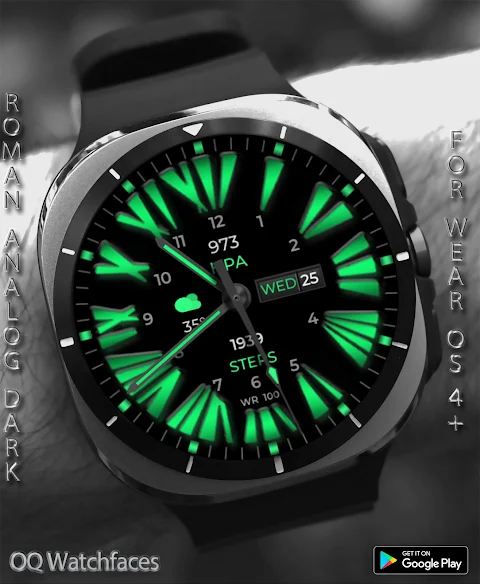
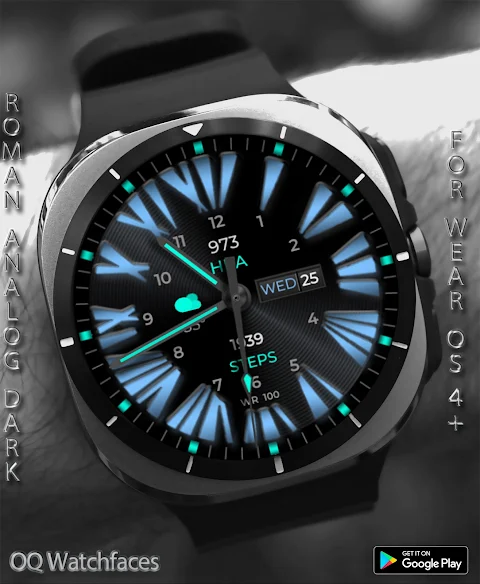
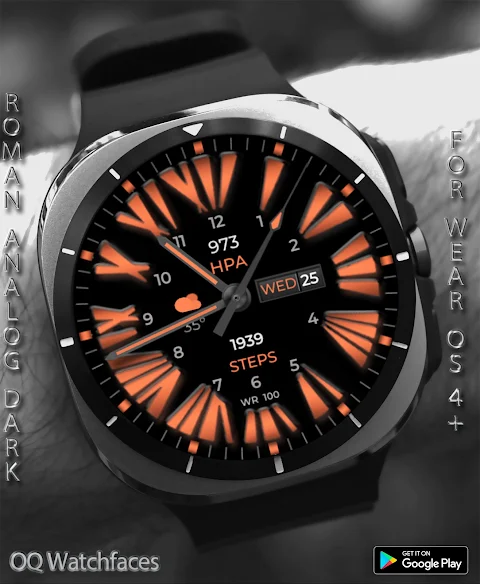
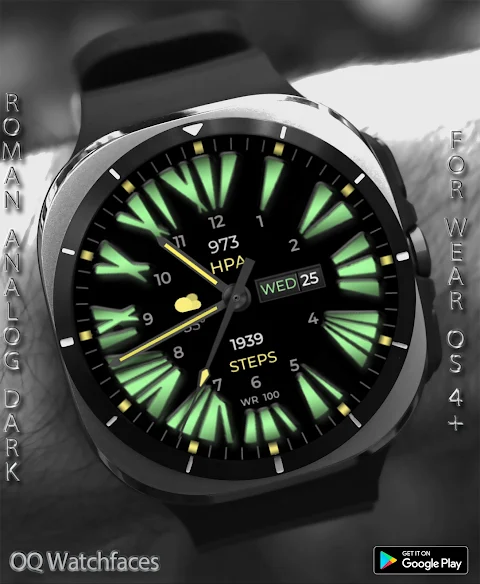
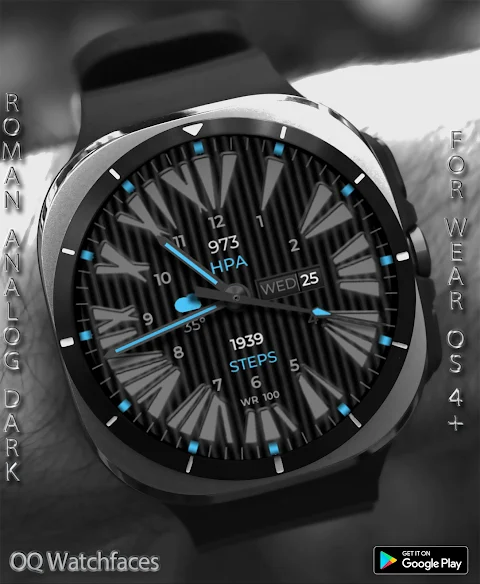
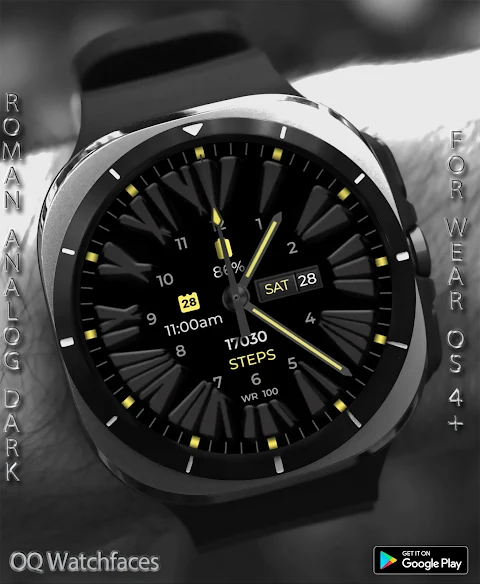
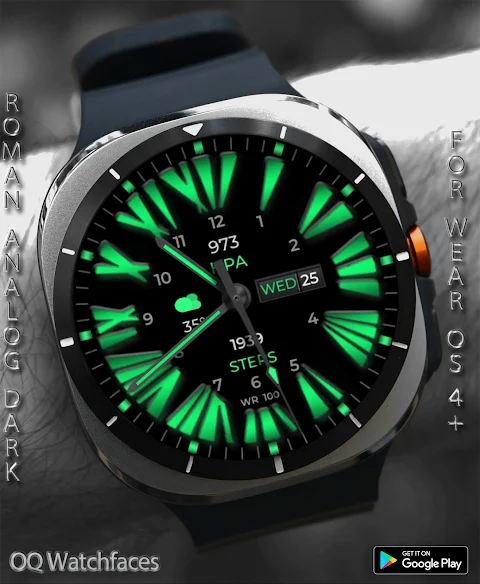
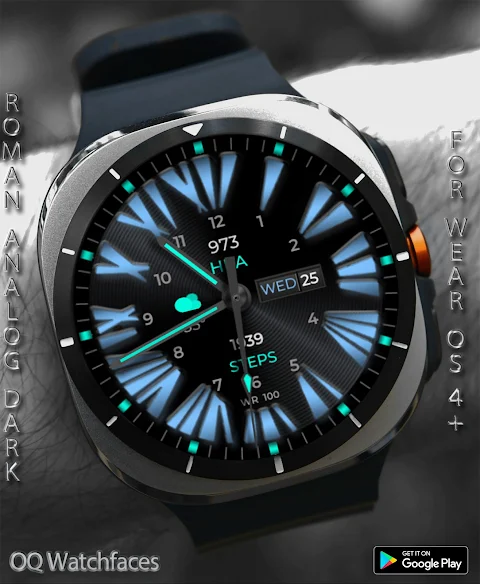
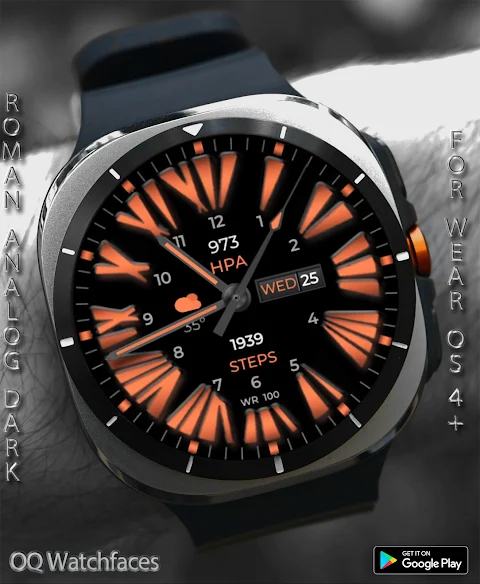
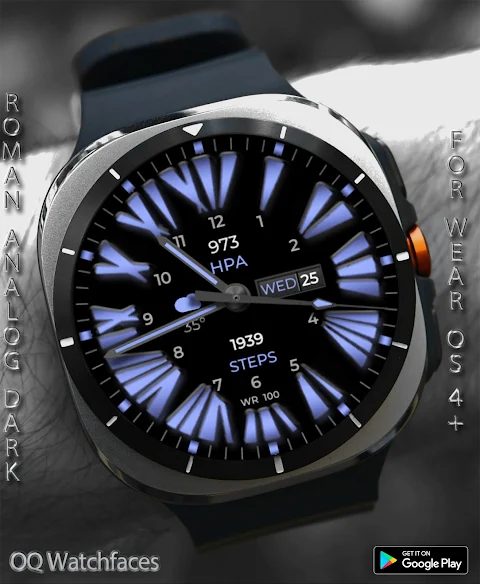
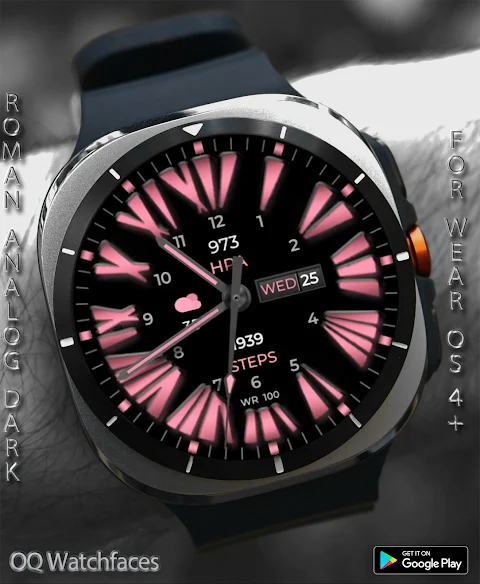
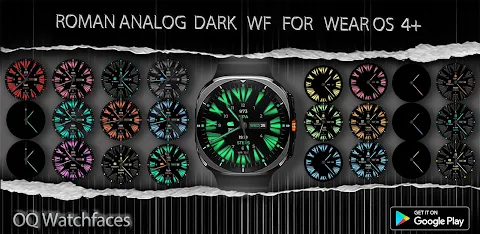
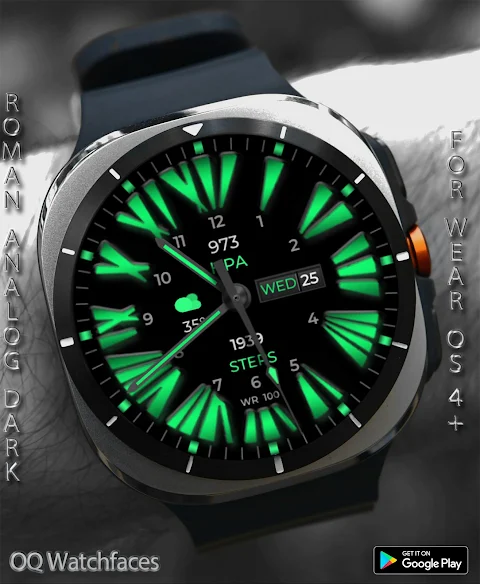
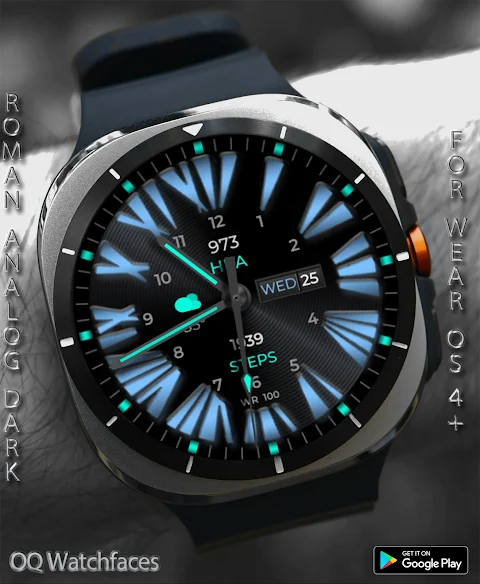
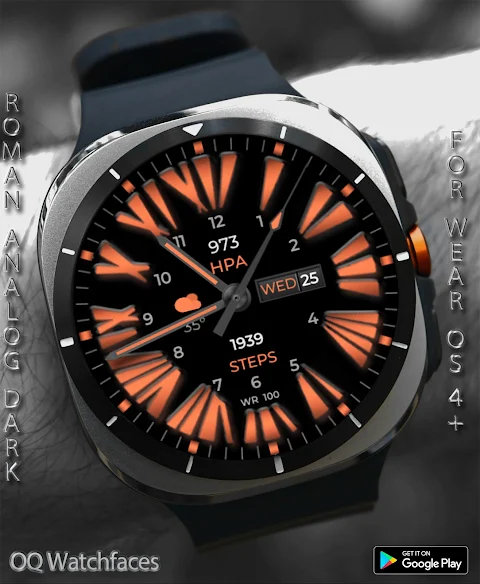
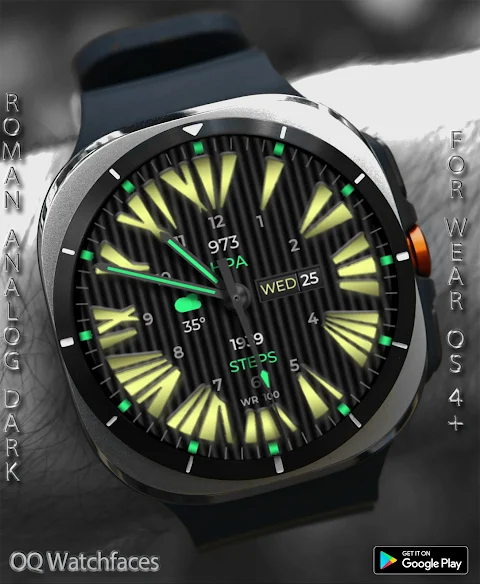
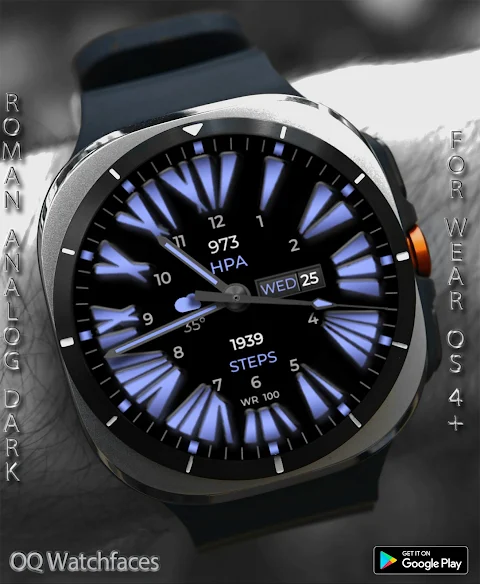
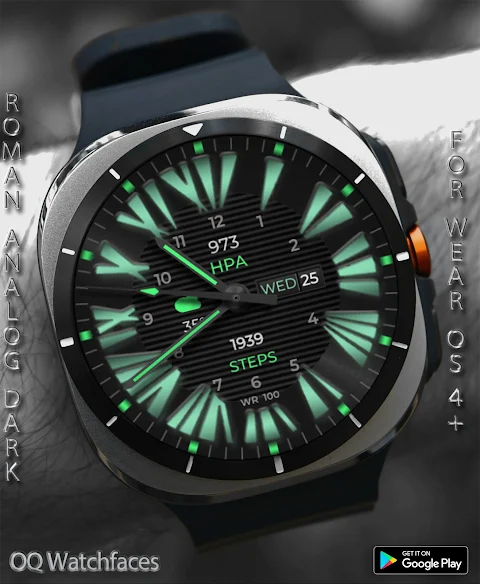
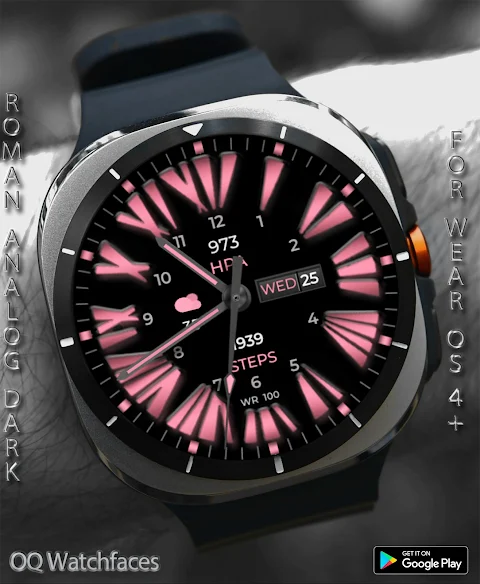
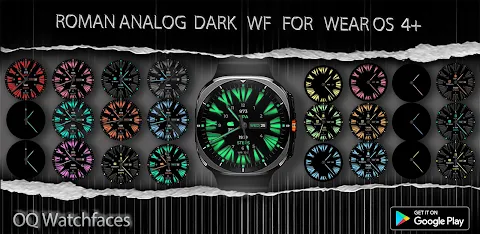
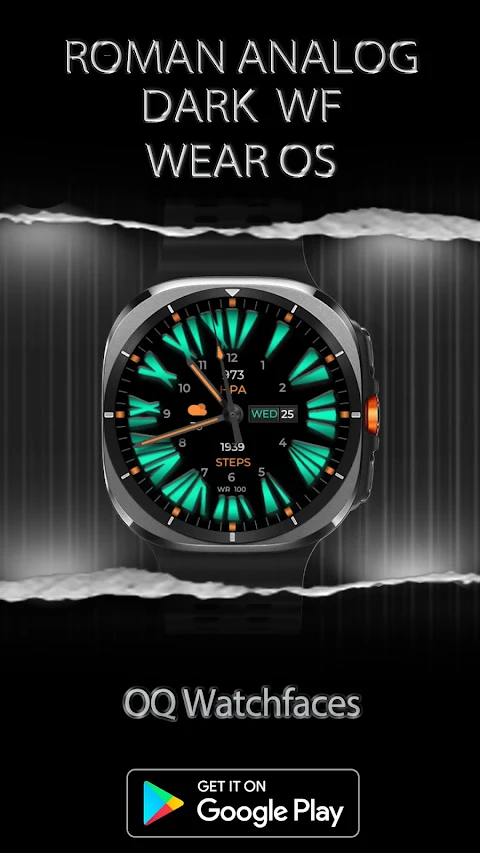
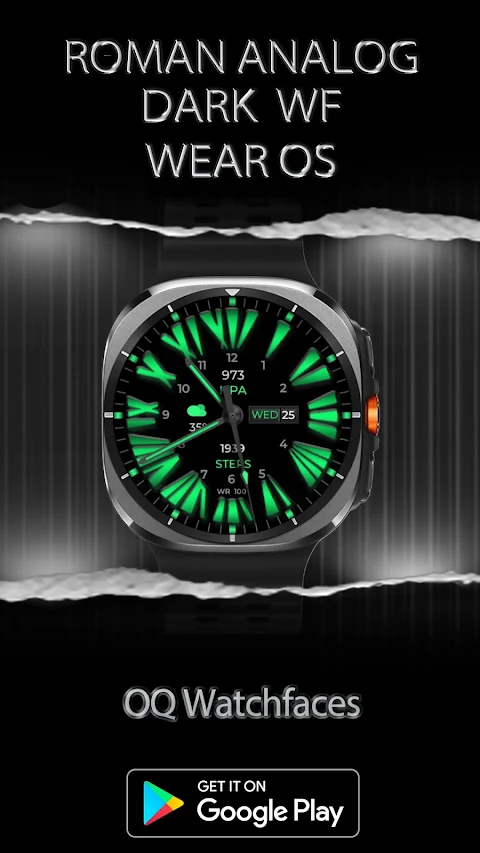
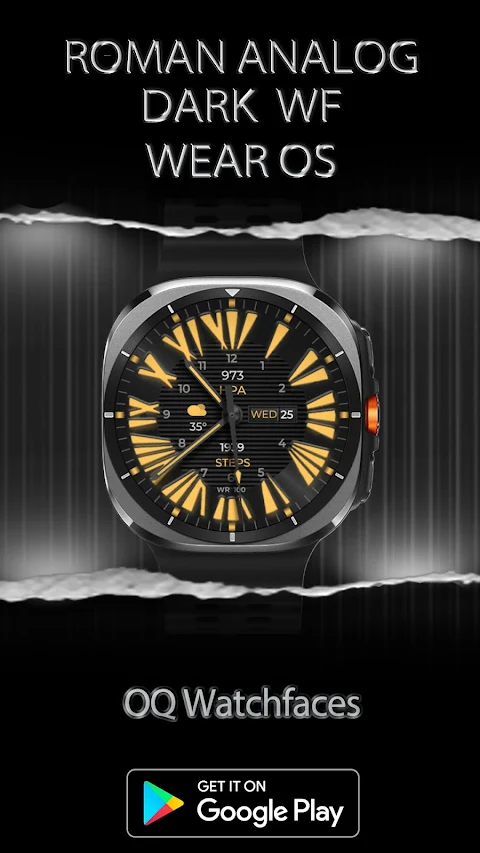
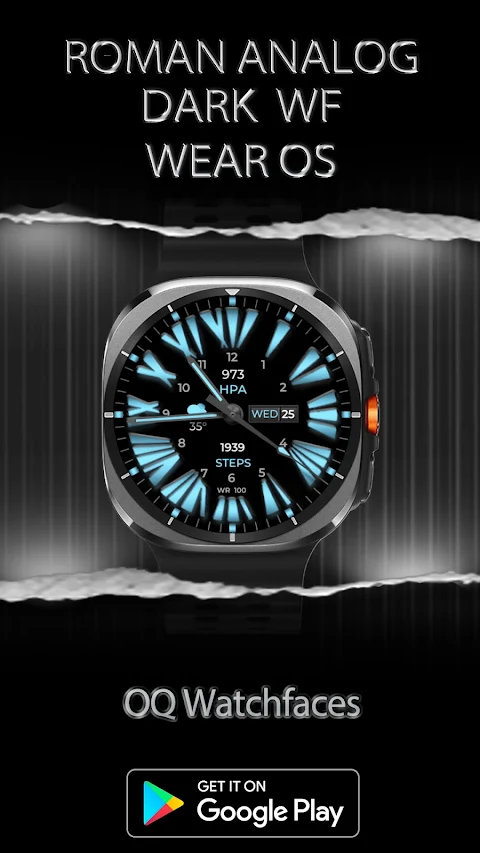
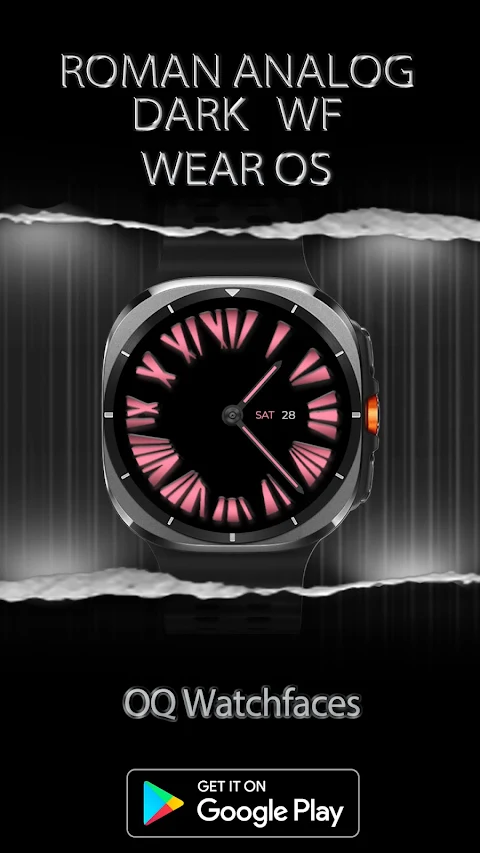
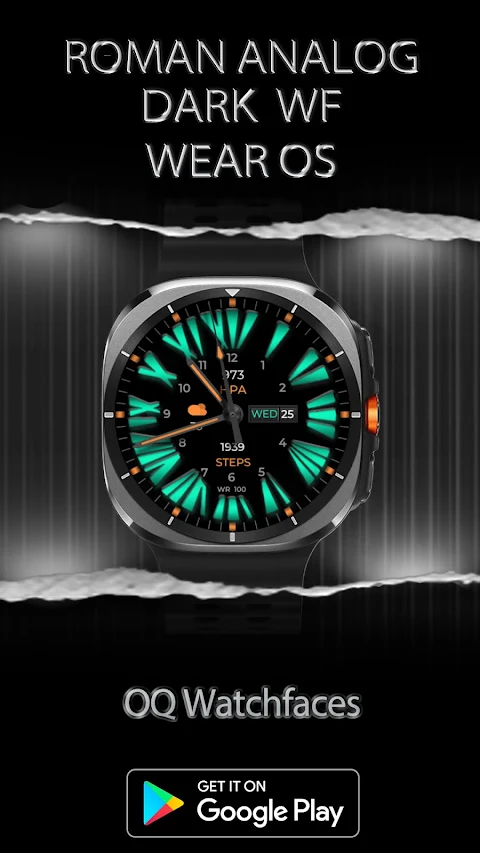
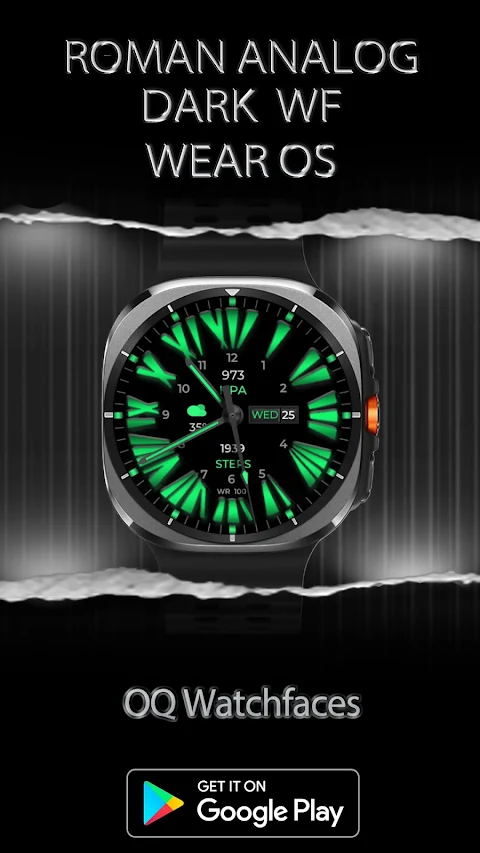
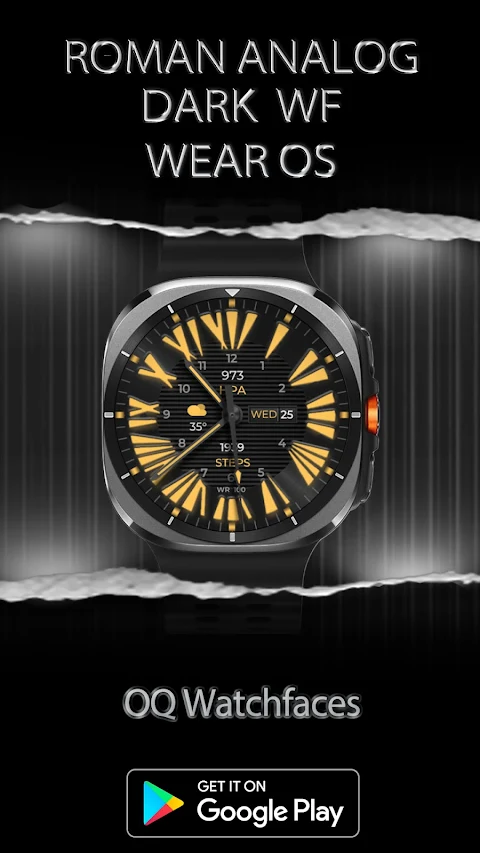
The Roman Analog Dark WF Wear OS is a customizable watch face designed for users who enjoy personalizing their wearable experience. This watch face brings a stylish and functional design to your wrist, allowing you to access various apps and features easily.
To get started, it’s important to know that the best way to customize this watch face is by long pressing on the home screen. This will open the customization menu, where you can explore over nine customization menu options. However, please note that using the Samsung Galaxy Wearable app for customization can sometimes cause issues. This is due to a bug affecting watch faces made in Samsung Watch Face Studio, particularly for those that offer many customization options. If you primarily customize via your phone, this watch face might not be the best fit for you. Stock watch faces created in Android Studio do not have these issues.
If you decide to purchase the Roman Analog Dark WF, but later find it does not meet your expectations, don't worry. You can email within 24 hours of your purchase to get a full refund. Also, ensure you do not pay twice from the watch Play Store. It’s best to wait for your purchases to sync. If you prefer not to wait, you can choose the direct install method without needing a helper app. Just remember to select your connected watch in the install button dropdown menu.
For those who are unsure about installation, an installation guide is available. Follow this link to learn about three effective methods for properly installing the watch face: https://developer.samsung.com/sdp/blog/en-us/2022/11/15/install-watch-faces-for-galaxy-watch5-and-one-ui-watch-45.
Now, let’s explore the features and functions that make this watch face stand out. The Roman Analog Dark WF offers several tap interaction features. For instance, tapping the 6 o'clock hour number will open the Google Maps app, while tapping the 12 o'clock number takes you to the Google Play Store app. The 10 o'clock hour number opens the battery app, and the date or day text can take you directly to the calendar app. You can also tap the 2 o'clock hour for the watch settings app, the 4 o'clock hour for the phone app, and the 8 o'clock hour to access the messaging app.
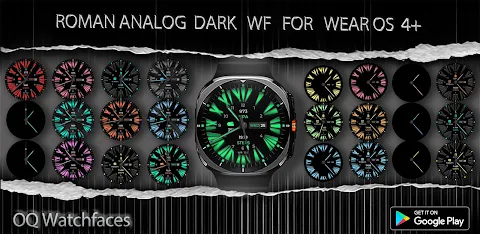
When it comes to backgrounds, this watch face provides multiple background styles. The main background includes six options, including the default pure black background. The always-on display (AOD) background also defaults to a pure black backdrop, with customization options available to turn different background styles on or off.
Users can also enjoy dim mode, which is added as a customization option for both the main display and AOD. Additionally, the AOD glow style is set to normal glow mode by default, with options to increase the glow or to switch to a plain view. You can even turn off color entirely, activating the dark hours index style, which makes it easy to read in low light.
For those who prefer a minimalist look, the only hands mode customization option allows you to turn off everything except the hour and minute hands. This option is available through the watch face customization menu when you long press on the display.
The Roman Analog Dark WF Wear OS not only enhances your watch's design but also features practical functionality. It's made for those who seek a personal touch in their wearable technology while enjoying the benefits of efficient battery life tracking and user-friendly interface options. Whether you’re interested in custom watch faces or simply want a reliable watch face with various display background colors, this app provides all the tools you need for a personalized experience. Explore the watch face feature set and adapt it to suit your style!
To get started, it’s important to know that the best way to customize this watch face is by long pressing on the home screen. This will open the customization menu, where you can explore over nine customization menu options. However, please note that using the Samsung Galaxy Wearable app for customization can sometimes cause issues. This is due to a bug affecting watch faces made in Samsung Watch Face Studio, particularly for those that offer many customization options. If you primarily customize via your phone, this watch face might not be the best fit for you. Stock watch faces created in Android Studio do not have these issues.
If you decide to purchase the Roman Analog Dark WF, but later find it does not meet your expectations, don't worry. You can email within 24 hours of your purchase to get a full refund. Also, ensure you do not pay twice from the watch Play Store. It’s best to wait for your purchases to sync. If you prefer not to wait, you can choose the direct install method without needing a helper app. Just remember to select your connected watch in the install button dropdown menu.
For those who are unsure about installation, an installation guide is available. Follow this link to learn about three effective methods for properly installing the watch face: https://developer.samsung.com/sdp/blog/en-us/2022/11/15/install-watch-faces-for-galaxy-watch5-and-one-ui-watch-45.
Now, let’s explore the features and functions that make this watch face stand out. The Roman Analog Dark WF offers several tap interaction features. For instance, tapping the 6 o'clock hour number will open the Google Maps app, while tapping the 12 o'clock number takes you to the Google Play Store app. The 10 o'clock hour number opens the battery app, and the date or day text can take you directly to the calendar app. You can also tap the 2 o'clock hour for the watch settings app, the 4 o'clock hour for the phone app, and the 8 o'clock hour to access the messaging app.
When it comes to backgrounds, this watch face provides multiple background styles. The main background includes six options, including the default pure black background. The always-on display (AOD) background also defaults to a pure black backdrop, with customization options available to turn different background styles on or off.
Users can also enjoy dim mode, which is added as a customization option for both the main display and AOD. Additionally, the AOD glow style is set to normal glow mode by default, with options to increase the glow or to switch to a plain view. You can even turn off color entirely, activating the dark hours index style, which makes it easy to read in low light.
For those who prefer a minimalist look, the only hands mode customization option allows you to turn off everything except the hour and minute hands. This option is available through the watch face customization menu when you long press on the display.
The Roman Analog Dark WF Wear OS not only enhances your watch's design but also features practical functionality. It's made for those who seek a personal touch in their wearable technology while enjoying the benefits of efficient battery life tracking and user-friendly interface options. Whether you’re interested in custom watch faces or simply want a reliable watch face with various display background colors, this app provides all the tools you need for a personalized experience. Explore the watch face feature set and adapt it to suit your style!

Ango Freeform Icons
myAP Devs
$1.99
$1.19

Minimal O – Icon Pack
JustNewDesigns
$1.49
$0.49

Pills 3D – Icon Pack
GomoTheGom
$1.49
$0.89