
$1.49
FREE
100% Off
Striped Analog WF Wear OS 4+
OQ Watchfaces








About the App
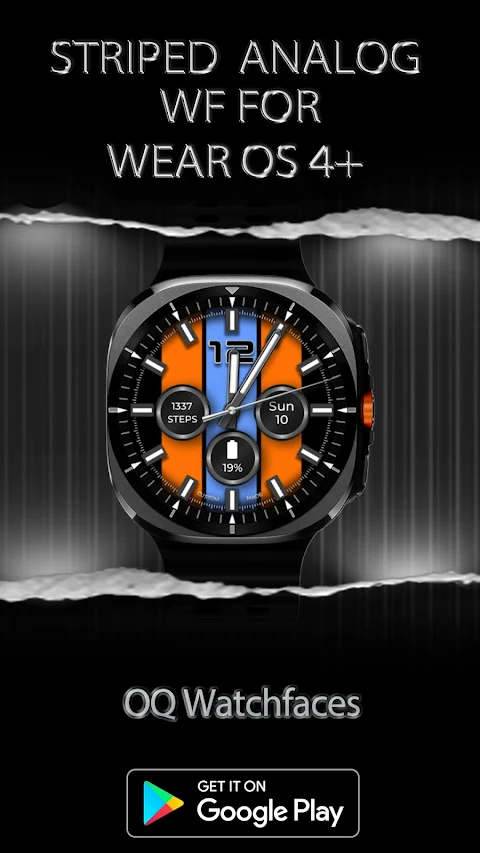
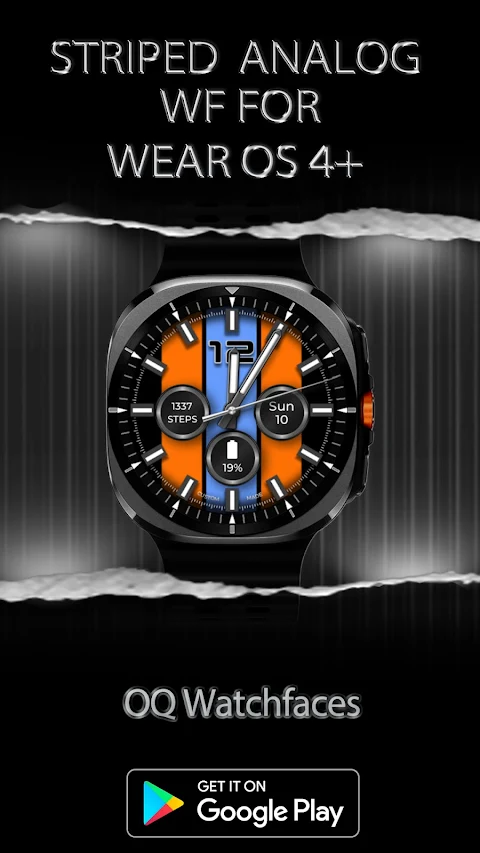
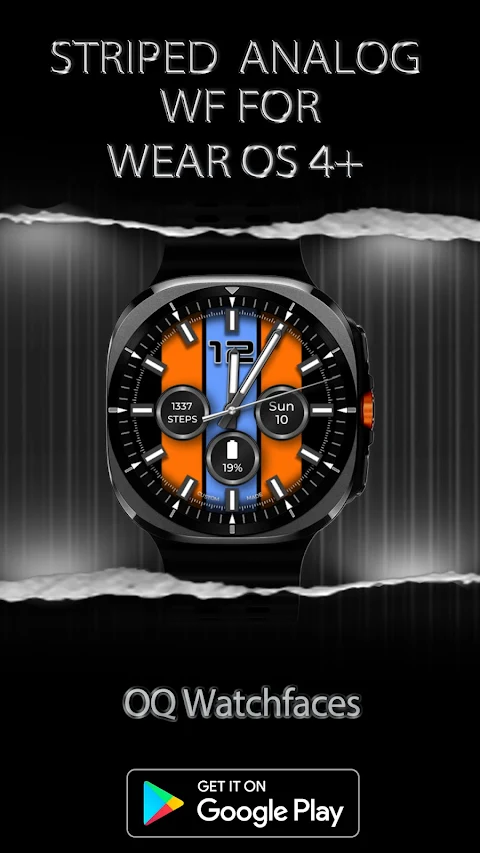
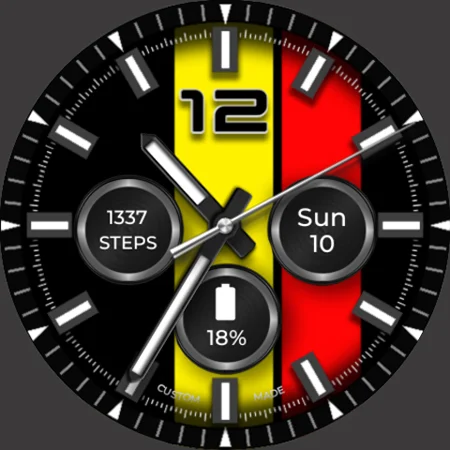
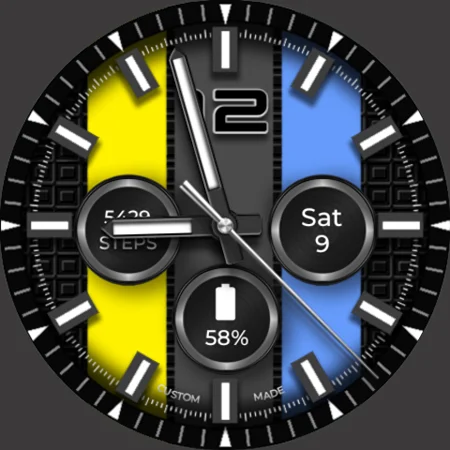
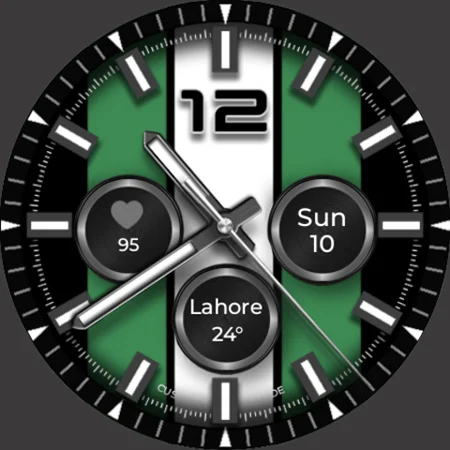
Striped Analog WF for Wear OS is a unique watch face designed for Wear OS 4+ devices. This watch face has been developed using the Samsung Galaxy Watch Studio, specifically version 1.6.10. It has been tested on several popular devices, including the Samsung Watch Ultra, Samsung Watch 4 Classic, Samsung Watch 5 Pro, and Tic Watch 5 Pro. While it is compatible with these models, the experience may vary slightly on other Wear OS 4+ devices.
Before purchasing Striped Analog WF, it's important to know that it offers more than nine customization menu options. However, users should be aware that the Galaxy Wearable app may not always work well with watch faces made in the Samsung Watch Face Studio. This issue has been apparent for the past four years and is a known limitation in the app. If you usually handle customization via your phone, you might find the experience less satisfactory. Remember, stock watch faces on Samsung devices are built using Android Studio, so they do not face this issue.
In case you buy this watch face by mistake, you can email for a refund within 24 hours of your purchase, and you will be refunded 100%. If you need help using Striped Analog WF, you can utilize long press customization directly on the watch face, which has consistently worked without issues.
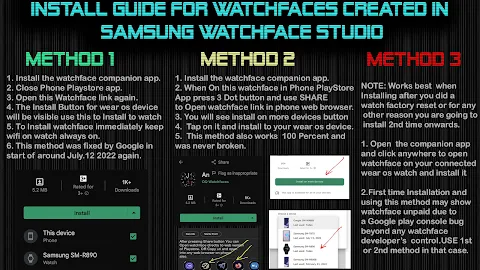
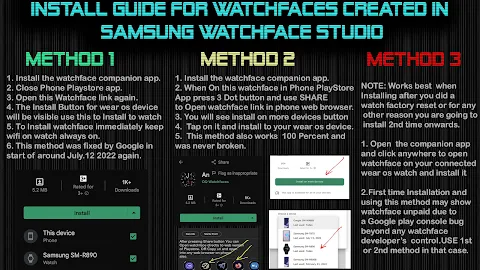
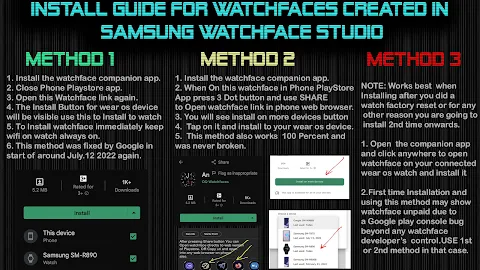
A special thanks goes to Bredlix for providing the source code of the new helper app, which aims to improve the overall user experience. There's also an install guide for Wear OS users, complete with screen previews to assist those who may not know how to install the watch face on their connected device. For the installation process, it's best not to pay twice through the watch Play Store. You should wait for purchases to sync, or if you prefer not to wait, you can use the direct install method without needing the helper app.
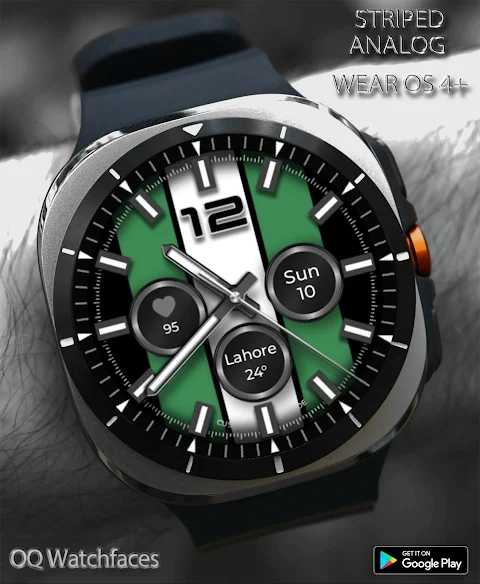
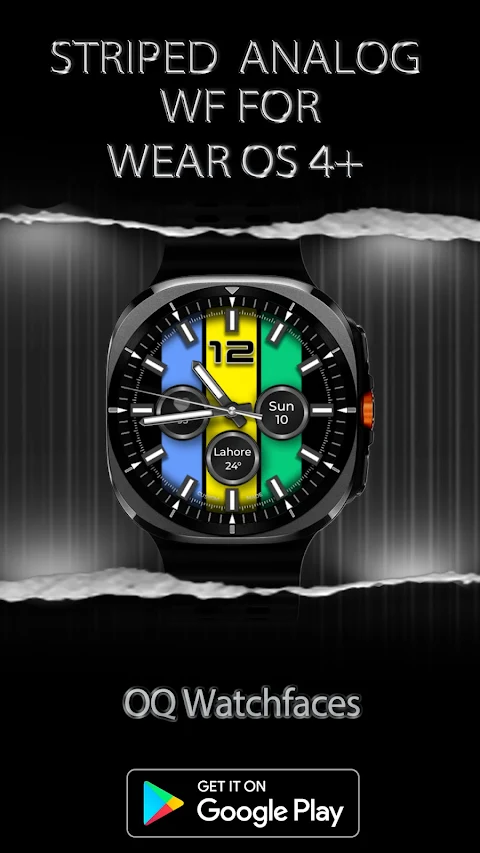
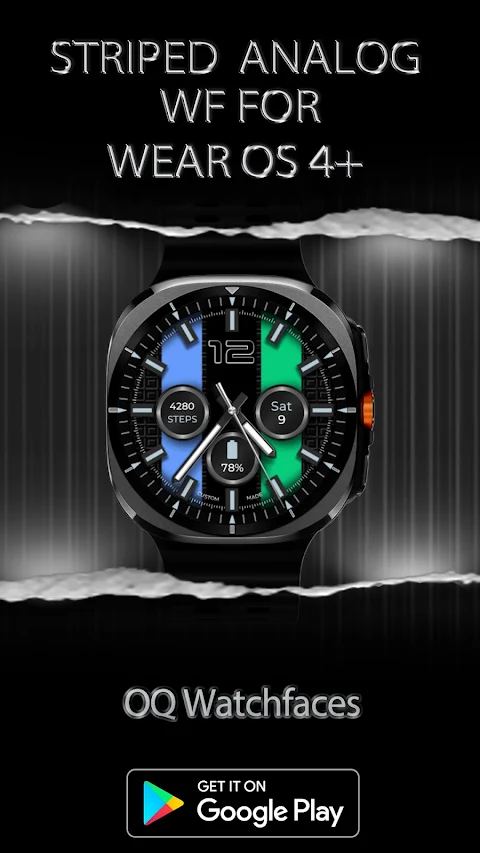
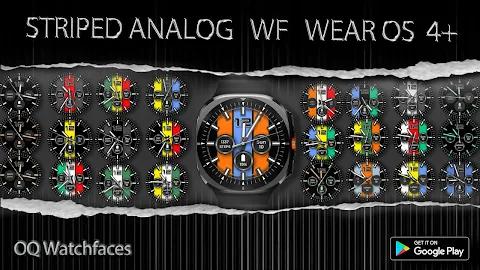
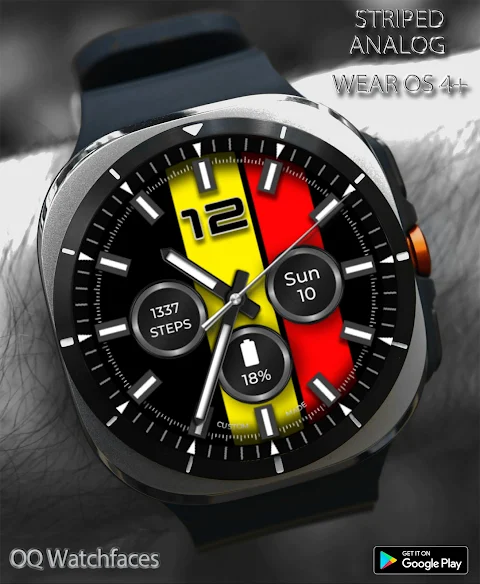
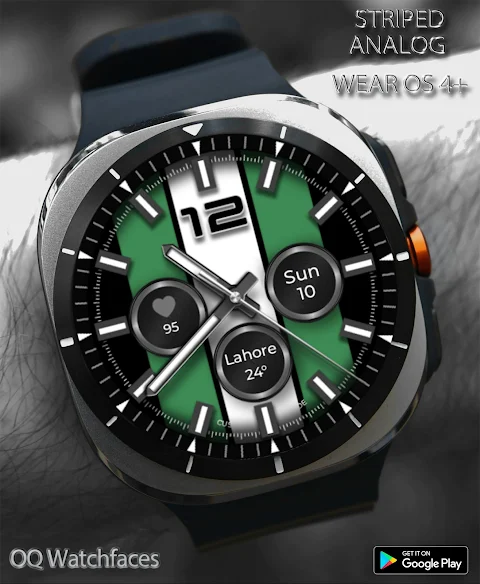
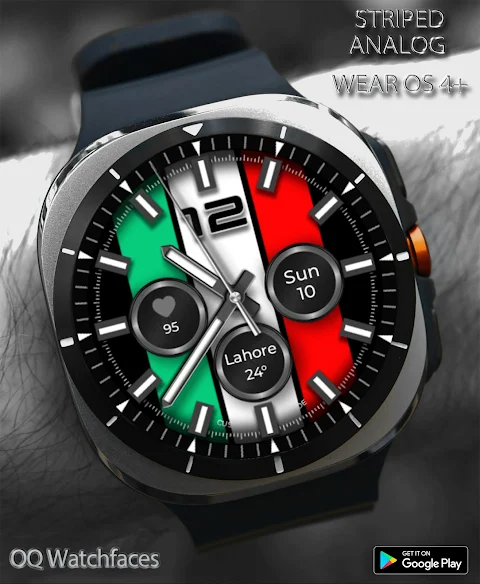
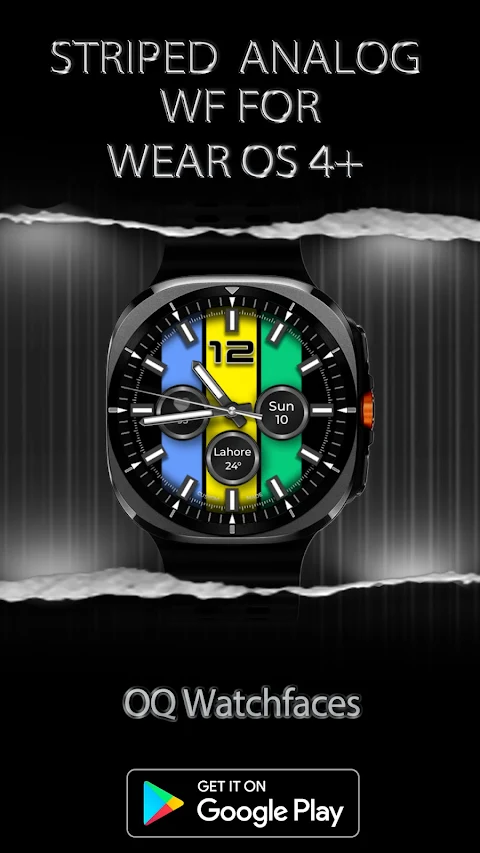
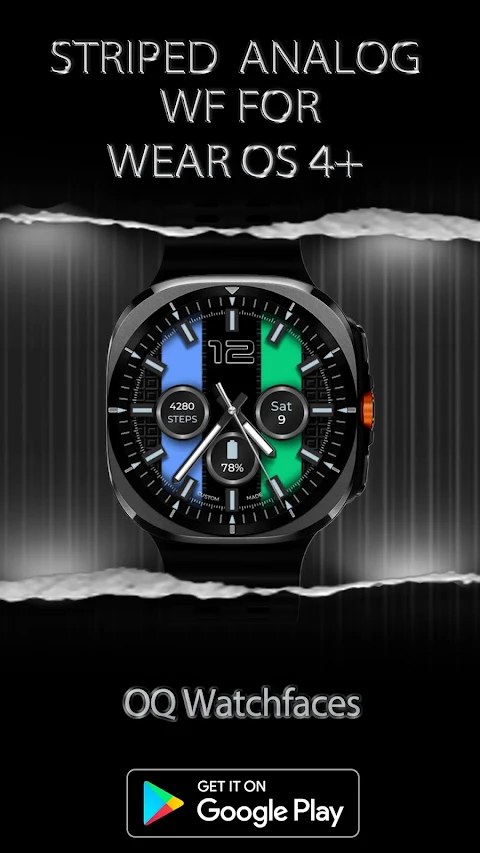
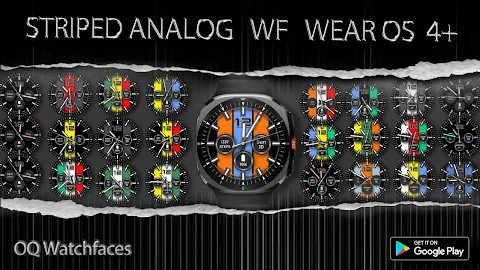
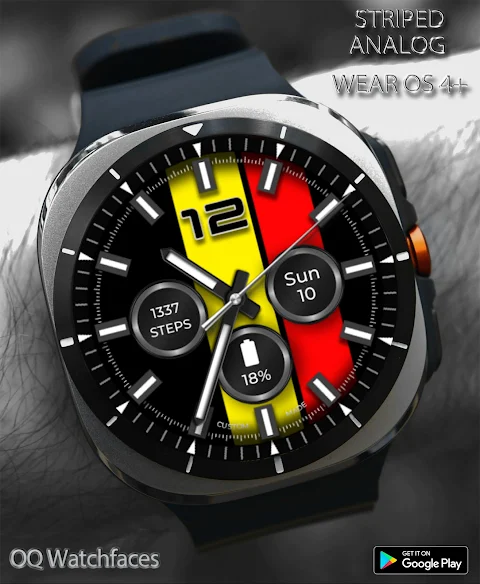
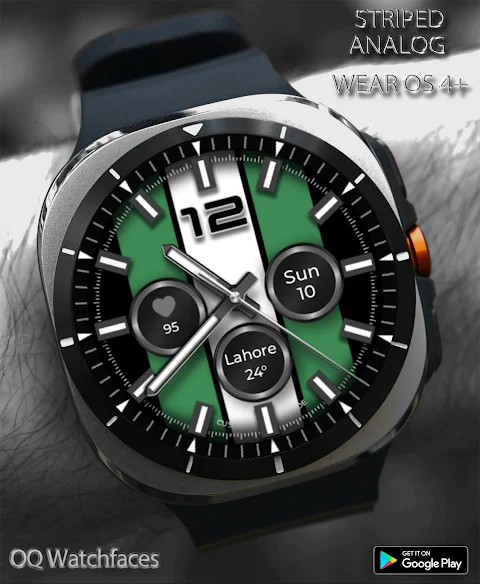
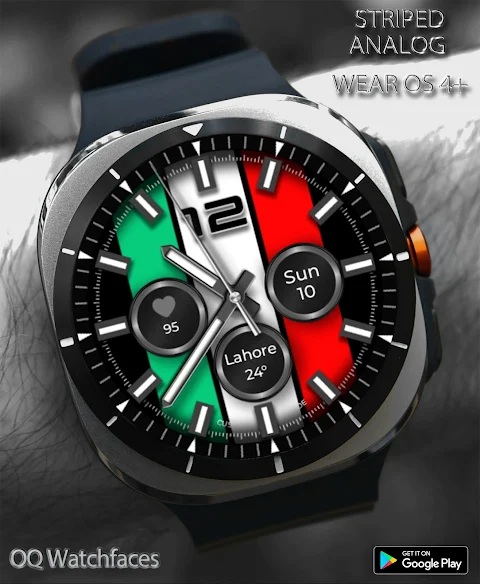
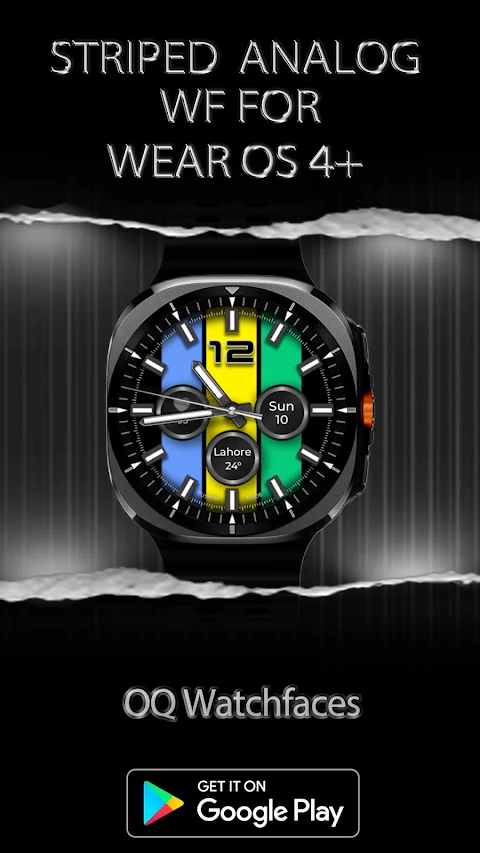
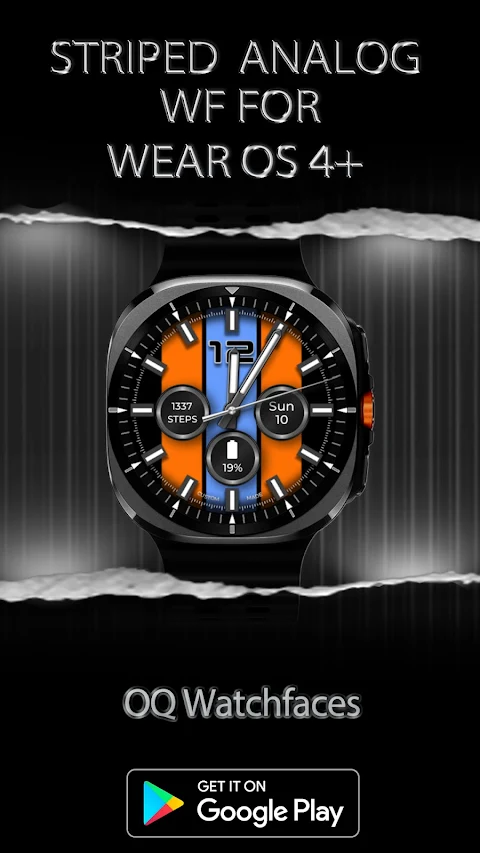
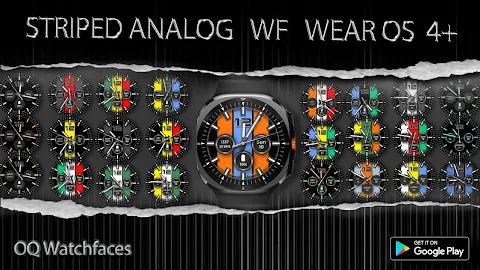
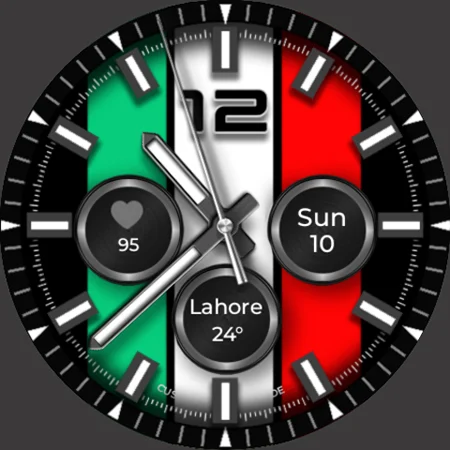
Striped Analog WF allows users to choose from ten color styles for each stripe—left, center, and right. The background beneath complications can be customized, and users have the option to dim the background through the customization menu. The watch face also features convenient tap shortcuts for various apps. For example, tapping the 3 o'clock index bar opens the watch phone app, while tapping the 9 o'clock index opens the watch messaging app. Other shortcuts include the 4 o'clock index for the watch Play Store, the 8 o'clock index for Google Maps, the 5 o'clock index for the alarm app, and the 7 o'clock index for the music player. You can also tap on the date text to access the watch calendar app and use the 12 o'clock number to open the watch settings menu.
With its rich features and customization options, Striped Analog WF offers a versatile experience for users looking to enhance their smartwatch. Remember to check compatibility with Samsung devices, and refer to the user installation guide if you have any questions. Enjoy designing the perfect look for your watch with Striped Analog WF!
Before purchasing Striped Analog WF, it's important to know that it offers more than nine customization menu options. However, users should be aware that the Galaxy Wearable app may not always work well with watch faces made in the Samsung Watch Face Studio. This issue has been apparent for the past four years and is a known limitation in the app. If you usually handle customization via your phone, you might find the experience less satisfactory. Remember, stock watch faces on Samsung devices are built using Android Studio, so they do not face this issue.
In case you buy this watch face by mistake, you can email for a refund within 24 hours of your purchase, and you will be refunded 100%. If you need help using Striped Analog WF, you can utilize long press customization directly on the watch face, which has consistently worked without issues.
A special thanks goes to Bredlix for providing the source code of the new helper app, which aims to improve the overall user experience. There's also an install guide for Wear OS users, complete with screen previews to assist those who may not know how to install the watch face on their connected device. For the installation process, it's best not to pay twice through the watch Play Store. You should wait for purchases to sync, or if you prefer not to wait, you can use the direct install method without needing the helper app.
Striped Analog WF allows users to choose from ten color styles for each stripe—left, center, and right. The background beneath complications can be customized, and users have the option to dim the background through the customization menu. The watch face also features convenient tap shortcuts for various apps. For example, tapping the 3 o'clock index bar opens the watch phone app, while tapping the 9 o'clock index opens the watch messaging app. Other shortcuts include the 4 o'clock index for the watch Play Store, the 8 o'clock index for Google Maps, the 5 o'clock index for the alarm app, and the 7 o'clock index for the music player. You can also tap on the date text to access the watch calendar app and use the 12 o'clock number to open the watch settings menu.
With its rich features and customization options, Striped Analog WF offers a versatile experience for users looking to enhance their smartwatch. Remember to check compatibility with Samsung devices, and refer to the user installation guide if you have any questions. Enjoy designing the perfect look for your watch with Striped Analog WF!
Ballozi LEGANCE Classic Luxury
BALLOZI Watch Faces
$1.99
$0.60

Knots Live Wallpaper
DotCode Apps
$5.49
$0.99

Evrything Adaptive Widget Pack
Raj Arya Designs
$0.99
$0.50