

$1.09
$0.39
64% Off
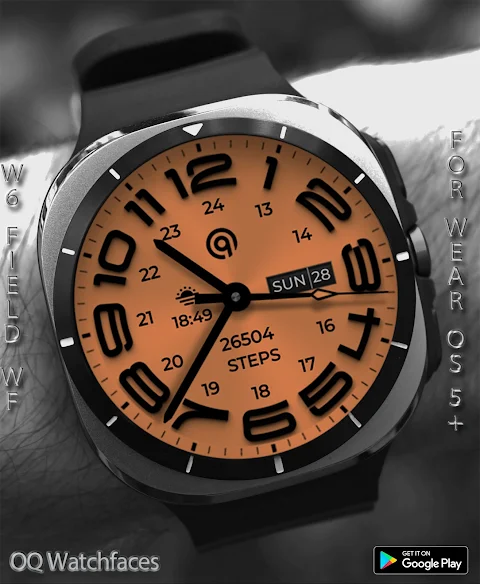
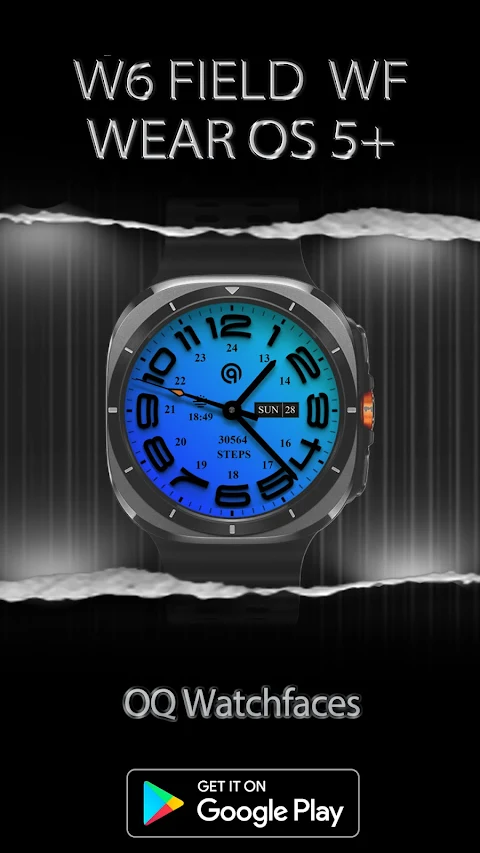
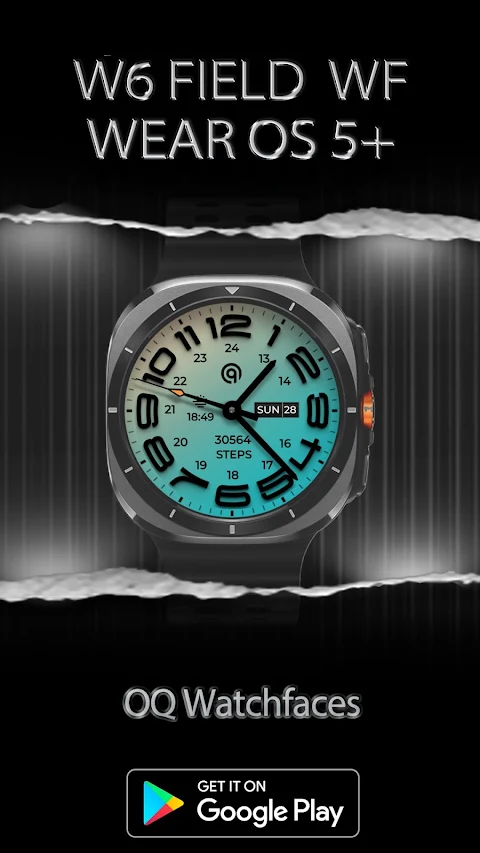
W6 Field Watch Face Wear OS 5+
OQ Watchfaces

About the App
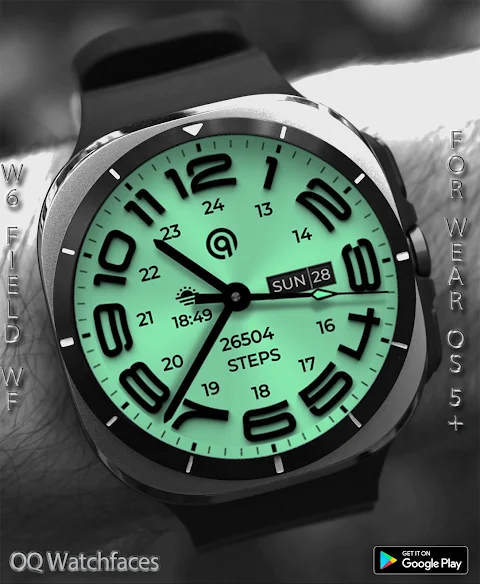
Introducing the W6 Field Watch Face for Wear OS 5+, a customizable and feature-rich choice for smartwatch users. This watch face stands out for its extensive options in the customization menu. However, before you dive into these features, it’s important to note a few points to ensure a smooth experience.
Firstly, if the customization options take a little time to load in the Galaxy Wearable app, please be patient. It may need around eight seconds to display all the available choices. If it still doesn't open, try switching to a different watch face and then return to W6 Field Watch Face. Alternatively, you can close the Samsung Wearable app through your phone's task manager and reopen it.
Make sure to read the install guide carefully to avoid paying twice in the watch Play Store. The guide shows three simple methods to install both the phone and watch apps effectively. If you tap "connected" on your watch for the first time, you'll easily set everything up.
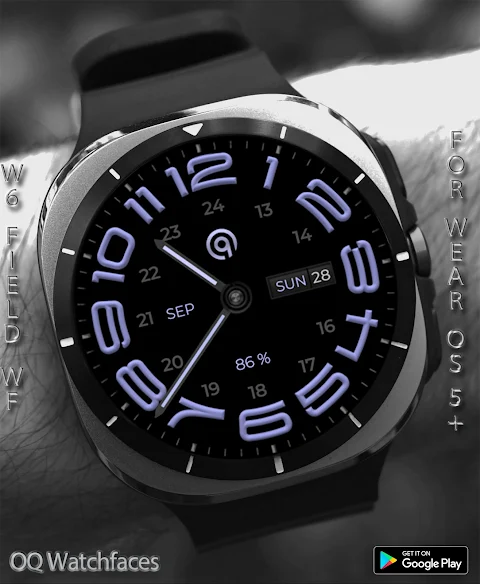
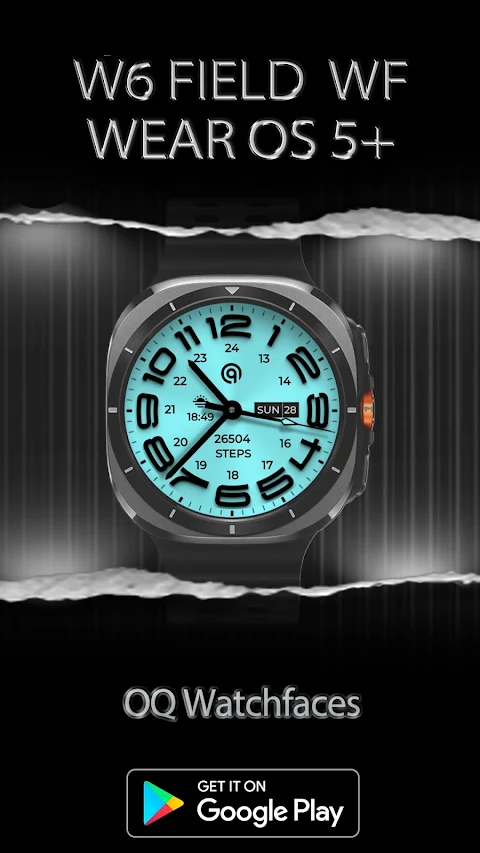
The W6 Field Watch Face for Wear OS offers various interactive features. You can tap the 6 o'clock hour number to open the Google Maps app. Want to check the Play Store? Just tap the number at 12 o'clock. If you need information about battery status, the Battery app is accessible by tapping the 10 o'clock hour. Calendar app access is easy—simply tap on the date or day text. The Alarm app functionality is right at your fingertips by tapping the 2 o'clock hour number, and you can quickly access the settings app by tapping the number at 4 o'clock.
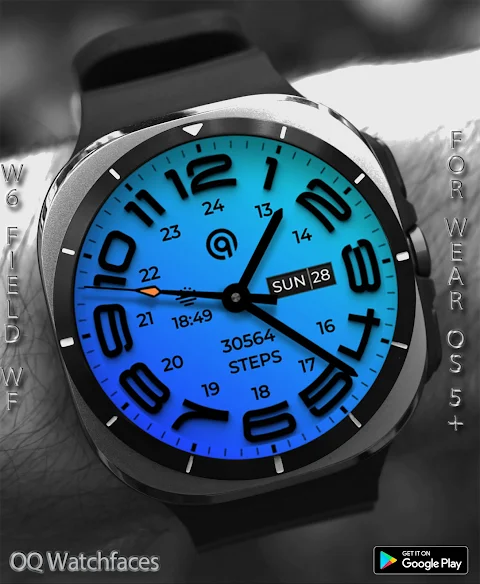
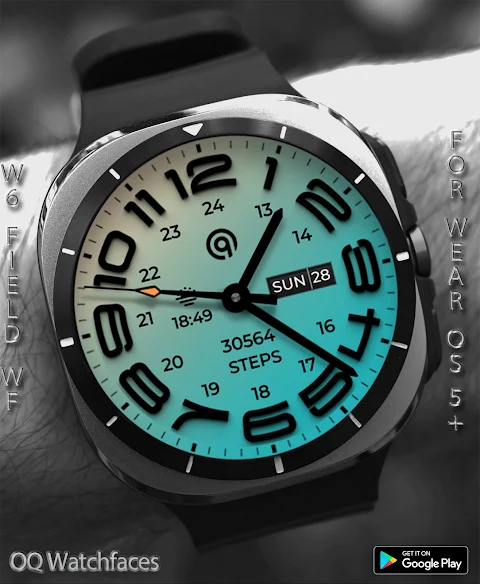
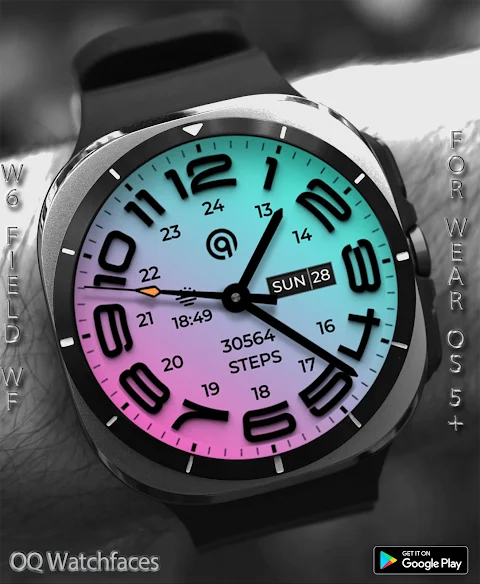
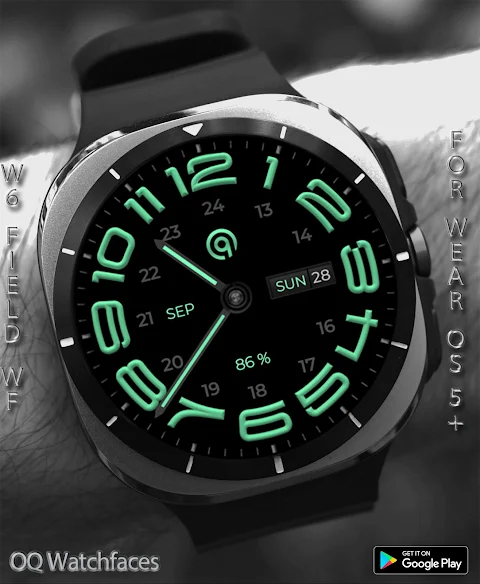
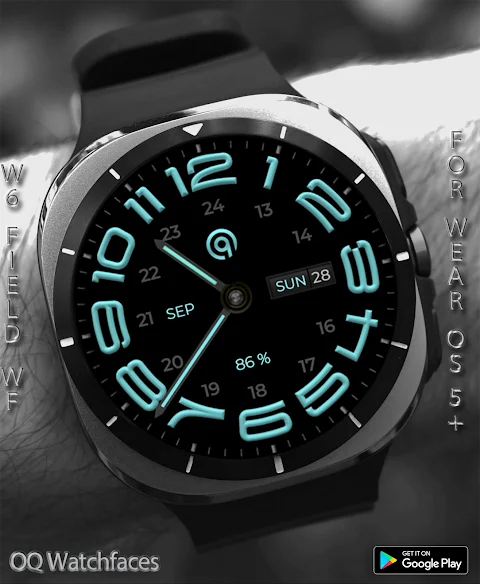
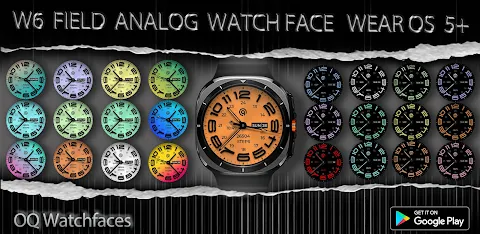
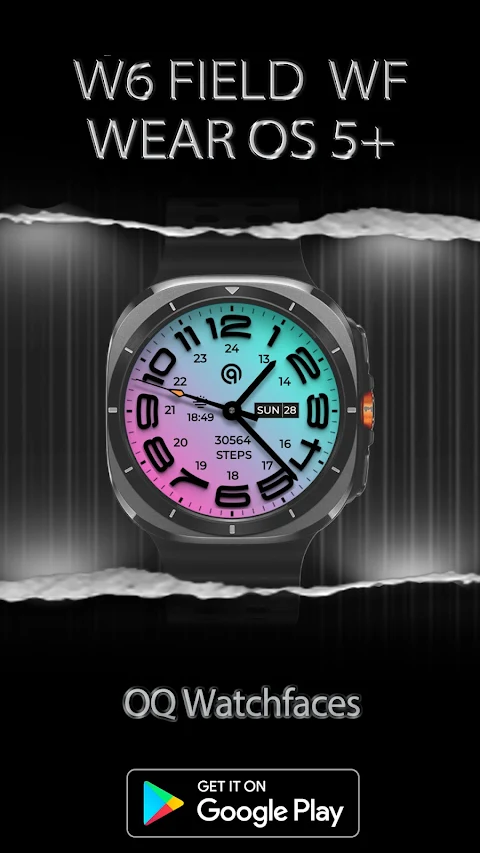
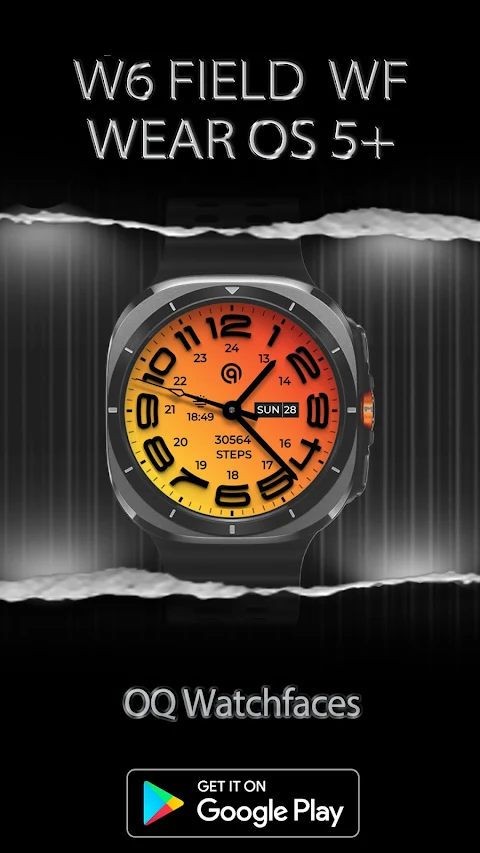
Customization is a key feature of the W6 Field Watch Face. Users can choose from different logo options in the menu to personalize their look. There are also several background styles. The non-gradient backgrounds are set by default and will change color to match the main theme styles you select. Alternatively, you can opt for the gradient backgrounds feature, which maintains a fixed color. If you'd like to revert to non-gradient backgrounds, simply adjust the setting in the customization menu back to the original.
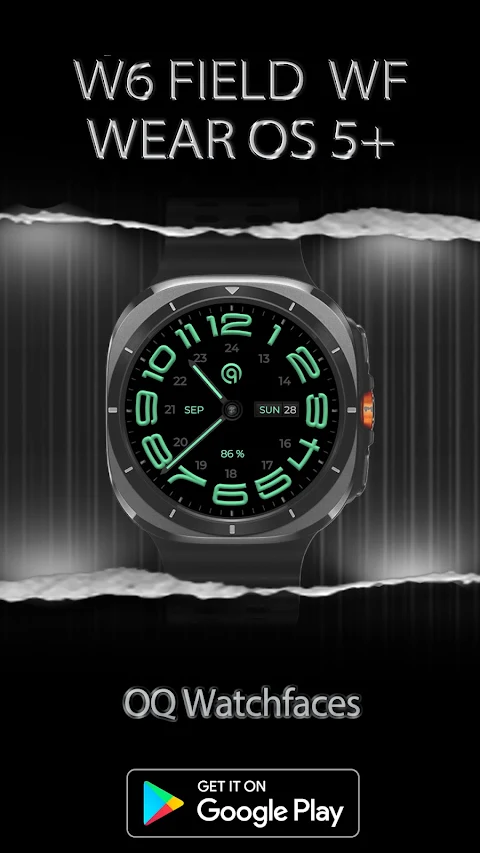
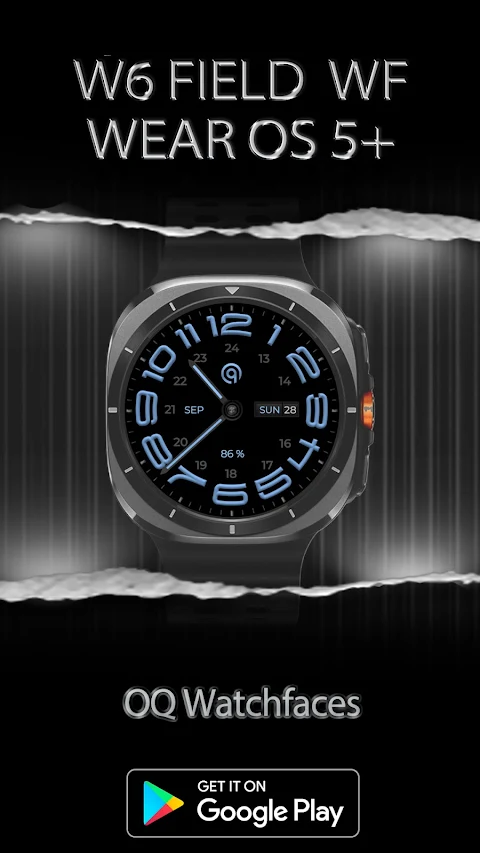
If you prefer a minimal design, the AoD background remains a pure black, which complements the watch display customization. You can also adjust the hour and minute hand colors, with options to switch them off entirely from the customization menu.
Additionally, dim mode settings are available for both the main display and the AoD mode, allowing you to tailor the visibility based on your environment.
With user-friendly customization and clear installation paths provided in the customization guide, W6 Field Watch Face is designed for all smartwatch users. This watch face enhances your wearable experience while ensuring compatibility across various devices.
Explore all the smartwatch features you can access with just a tap. The simplicity and effectiveness of the connected watch interaction make this watch face a great choice for those looking to enhance their wearable technology experience. Overall, the W6 Field Watch Face delivers a blend of style and functionality that is easy to adapt to any lifestyle.
Firstly, if the customization options take a little time to load in the Galaxy Wearable app, please be patient. It may need around eight seconds to display all the available choices. If it still doesn't open, try switching to a different watch face and then return to W6 Field Watch Face. Alternatively, you can close the Samsung Wearable app through your phone's task manager and reopen it.
Make sure to read the install guide carefully to avoid paying twice in the watch Play Store. The guide shows three simple methods to install both the phone and watch apps effectively. If you tap "connected" on your watch for the first time, you'll easily set everything up.
The W6 Field Watch Face for Wear OS offers various interactive features. You can tap the 6 o'clock hour number to open the Google Maps app. Want to check the Play Store? Just tap the number at 12 o'clock. If you need information about battery status, the Battery app is accessible by tapping the 10 o'clock hour. Calendar app access is easy—simply tap on the date or day text. The Alarm app functionality is right at your fingertips by tapping the 2 o'clock hour number, and you can quickly access the settings app by tapping the number at 4 o'clock.
Customization is a key feature of the W6 Field Watch Face. Users can choose from different logo options in the menu to personalize their look. There are also several background styles. The non-gradient backgrounds are set by default and will change color to match the main theme styles you select. Alternatively, you can opt for the gradient backgrounds feature, which maintains a fixed color. If you'd like to revert to non-gradient backgrounds, simply adjust the setting in the customization menu back to the original.
If you prefer a minimal design, the AoD background remains a pure black, which complements the watch display customization. You can also adjust the hour and minute hand colors, with options to switch them off entirely from the customization menu.
Additionally, dim mode settings are available for both the main display and the AoD mode, allowing you to tailor the visibility based on your environment.
With user-friendly customization and clear installation paths provided in the customization guide, W6 Field Watch Face is designed for all smartwatch users. This watch face enhances your wearable experience while ensuring compatibility across various devices.
Explore all the smartwatch features you can access with just a tap. The simplicity and effectiveness of the connected watch interaction make this watch face a great choice for those looking to enhance their wearable technology experience. Overall, the W6 Field Watch Face delivers a blend of style and functionality that is easy to adapt to any lifestyle.
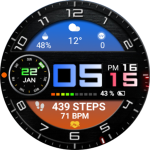
Color Digital WearOS NTV68
NTV Watchfaces
$0.99
$0.40
Minimal Black Watch Face WIN26
WinWatchfaces
$1.29
$0.71
CWF 008 Luxury Watch Face
Calkanos Watch Faces Studio
$1.99
FREE