
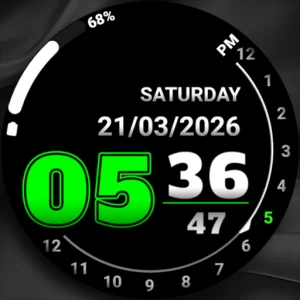
$1.49
FREE
100% Off
Analog clock touch
Freiberg watches



About the App
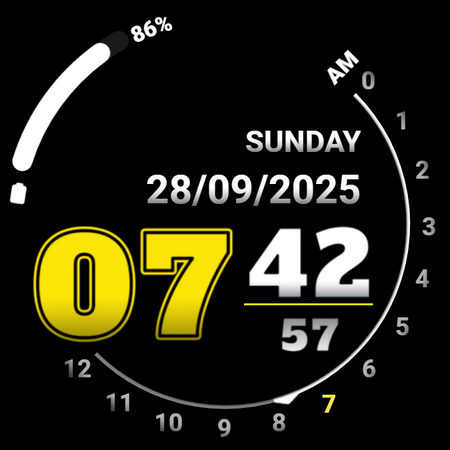
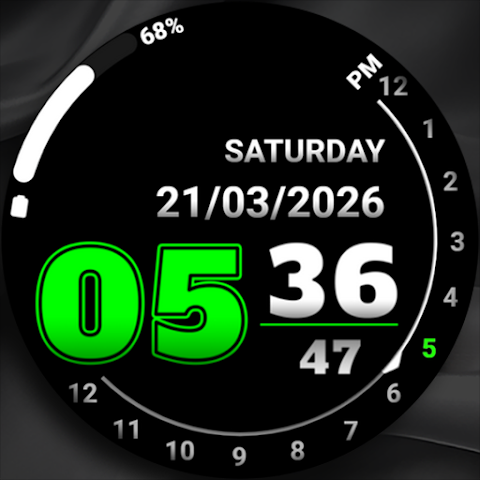
Analog Clock Touch is a handy companion app for your phone designed to enhance your Wear OS watch screen experience. Once you install the mobile application, a message will guide you through the watch face installation process. To get started, simply tap on the watch face image displayed in the app. If you want a faster connection, it's a good idea to open the GALAXY WEARABLE app or another clock management program before proceeding. Your watch will begin downloading the new face right away.
Once the installation completes, you can delete the companion app if you wish. After that, you can explore the watch face library to find a style you like. It’s important to remember that after installation, your phone will show an install refund link that appears on your watch. If you see this link, don’t click on the refund option; instead, browse through the watch face library to find the perfect design.
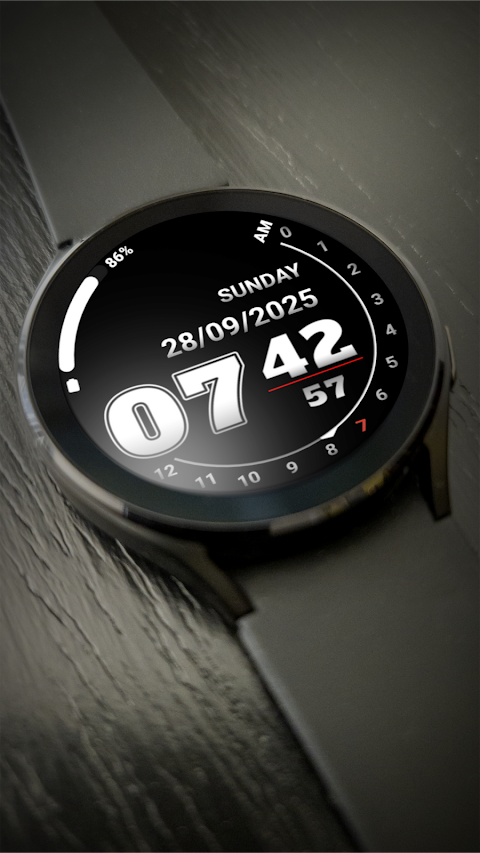
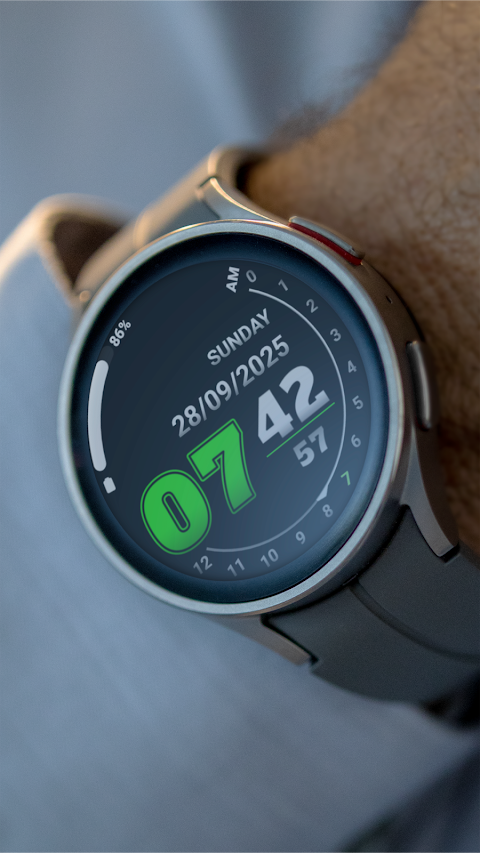
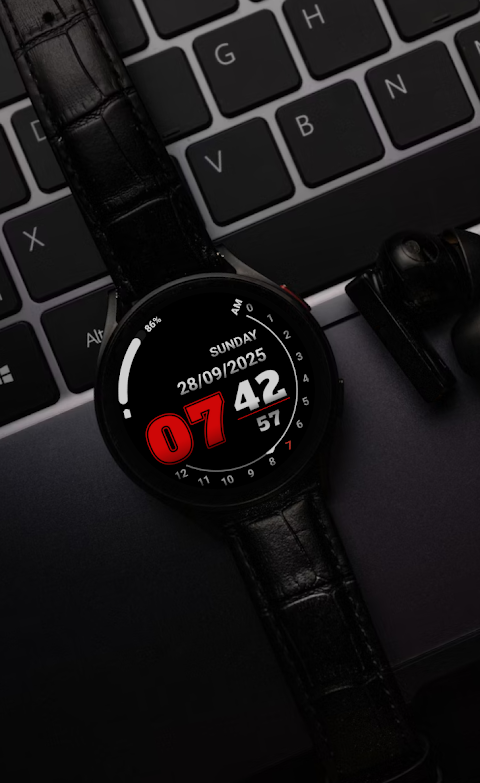
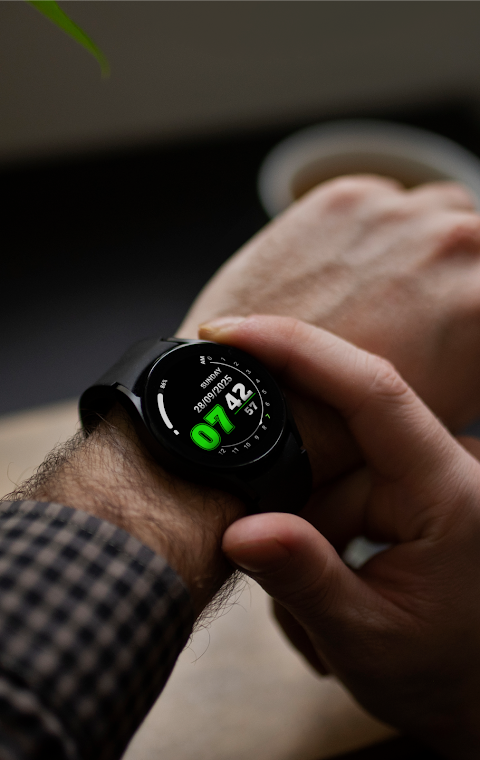
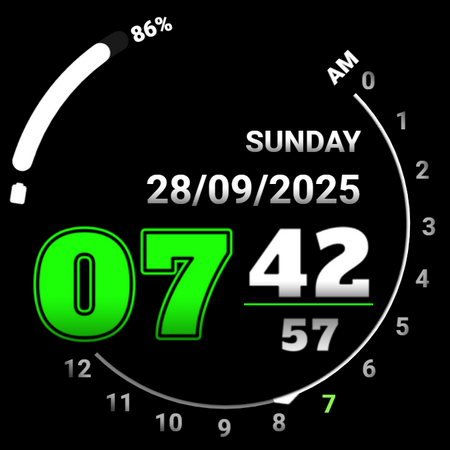
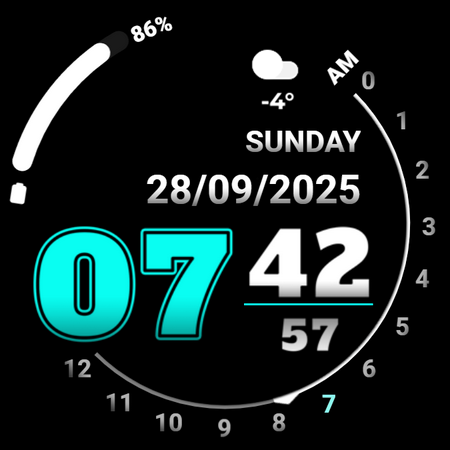
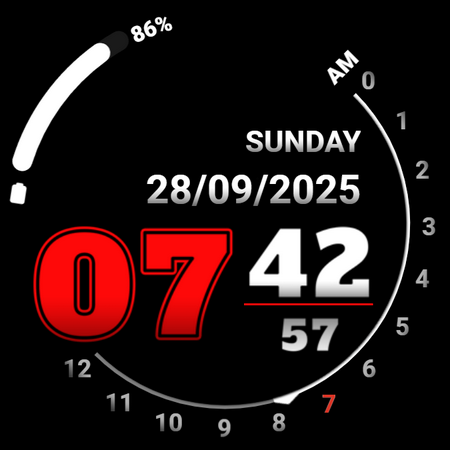
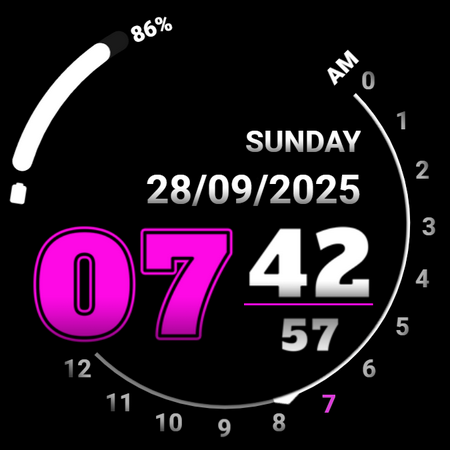
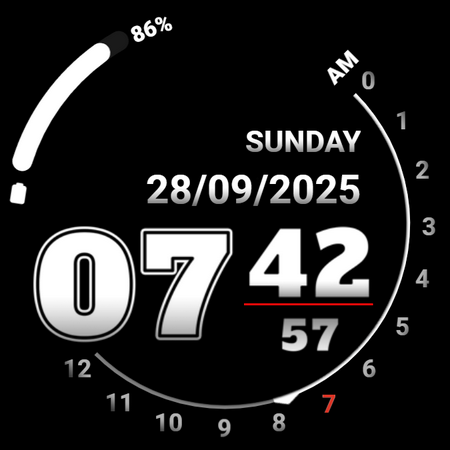
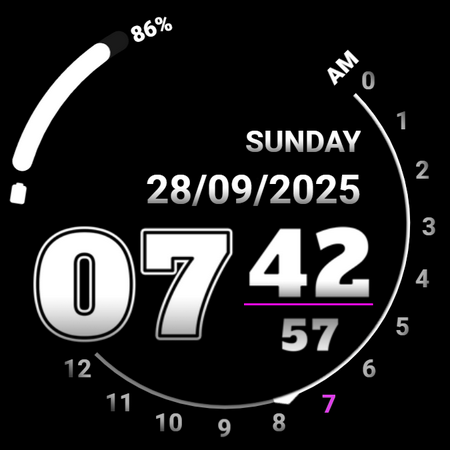
One of the main features of Analog Clock Touch is the AM/PM marker, which makes it easy to read the time. You can switch between a 12/24 hour format through your phone settings, giving you flexibility in how you view time. This app also displays the date and includes the days of the week so you can easily see the current day.
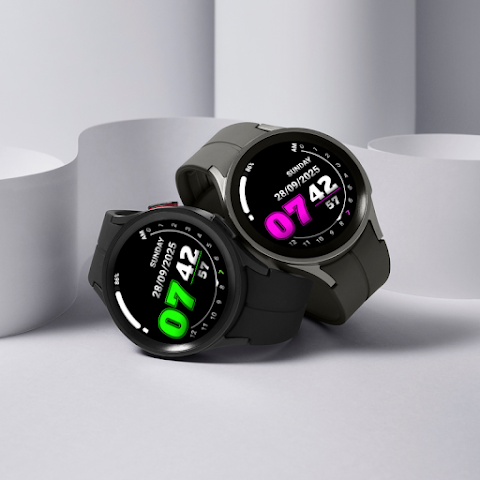
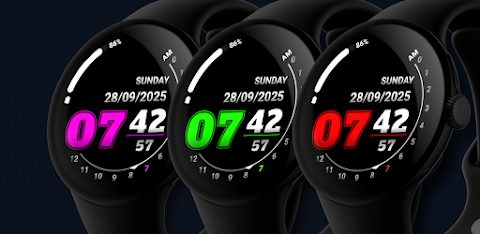
Another useful aspect is the battery level status, which you can monitor at a glance. If you want to personalize your watch face further, the app offers customizable colors. Just tap and hold to change and customize the colors to match your style. The app also provides quick access to the alarm and the calendar, ensuring you have what you need at your fingertips.
You can set up two custom shortcuts as well. Just tap and hold to customize these shortcuts to your preferred actions. This feature makes the watch more functional and suited to your needs. The always on display means you can view the time and essential information without needing to wake up the device, adding to the convenience.
With this mobile application integration, you enjoy a user-friendly interface that is simple to navigate. Whether you are installing watch faces or browsing through the various features, you will find that it enhances your smartwatch functionality.
If you enjoy a personalized clock experience, Analog Clock Touch delivers with its range of customization options. You'll find that the digital clock options allow you to select the style and features you like best.
Overall, Analog Clock Touch combines functionality with style, making it a multifaceted tool for your Wear OS watch screen. Enjoy the enhanced watch display and explore the many ways you can personalize your device. If you have feedback or suggestions, feel free to reach out via email at freibergclockfaces@gmail.com.
Once the installation completes, you can delete the companion app if you wish. After that, you can explore the watch face library to find a style you like. It’s important to remember that after installation, your phone will show an install refund link that appears on your watch. If you see this link, don’t click on the refund option; instead, browse through the watch face library to find the perfect design.
One of the main features of Analog Clock Touch is the AM/PM marker, which makes it easy to read the time. You can switch between a 12/24 hour format through your phone settings, giving you flexibility in how you view time. This app also displays the date and includes the days of the week so you can easily see the current day.
Another useful aspect is the battery level status, which you can monitor at a glance. If you want to personalize your watch face further, the app offers customizable colors. Just tap and hold to change and customize the colors to match your style. The app also provides quick access to the alarm and the calendar, ensuring you have what you need at your fingertips.
You can set up two custom shortcuts as well. Just tap and hold to customize these shortcuts to your preferred actions. This feature makes the watch more functional and suited to your needs. The always on display means you can view the time and essential information without needing to wake up the device, adding to the convenience.
With this mobile application integration, you enjoy a user-friendly interface that is simple to navigate. Whether you are installing watch faces or browsing through the various features, you will find that it enhances your smartwatch functionality.
If you enjoy a personalized clock experience, Analog Clock Touch delivers with its range of customization options. You'll find that the digital clock options allow you to select the style and features you like best.
Overall, Analog Clock Touch combines functionality with style, making it a multifaceted tool for your Wear OS watch screen. Enjoy the enhanced watch display and explore the many ways you can personalize your device. If you have feedback or suggestions, feel free to reach out via email at freibergclockfaces@gmail.com.

Evrything Adaptive Widget Pack
Raj Arya Designs
$0.99
$0.50
Key120 Digital Watch Face
Key Watch Face
$0.49
$0.25
BLZ VALEN – Analog Watch Face
BALLOZI Watch Faces
$1.99
$0.80