

$1.49
$0.29
81% Off
Rubuk – Square Icon Pack
GomoTheGom

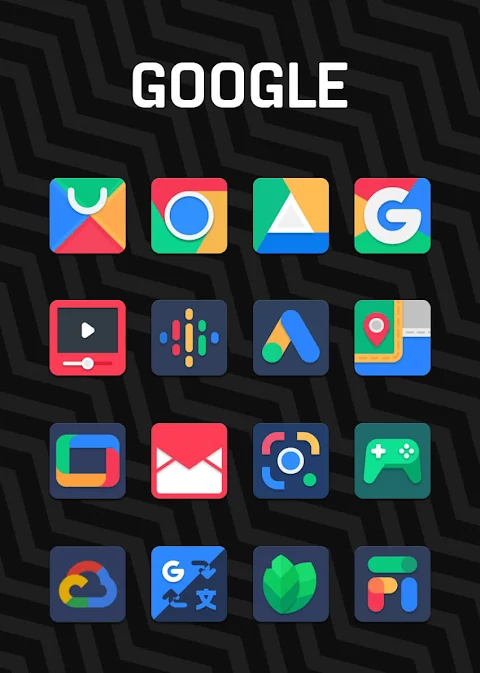
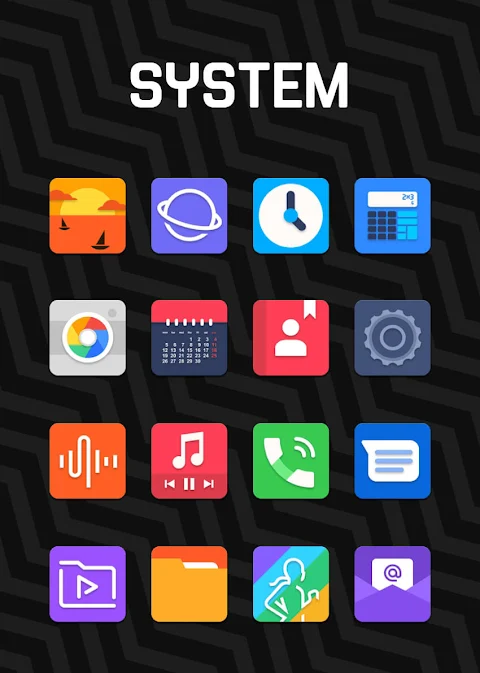
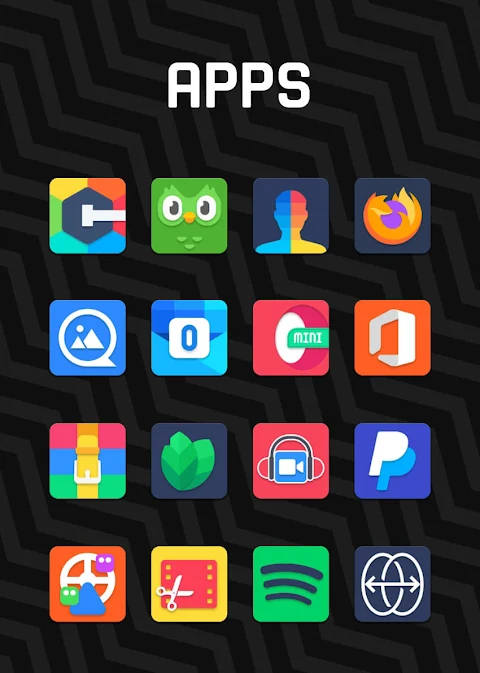
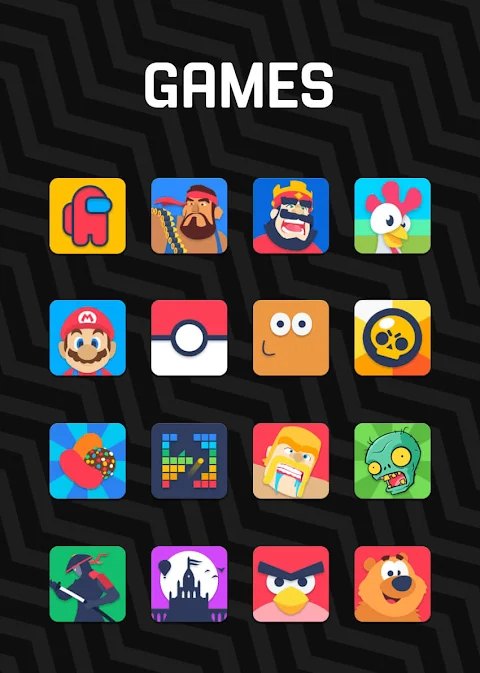
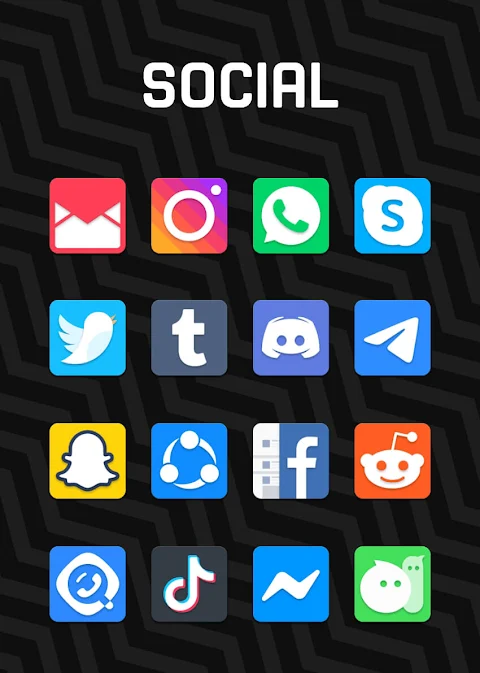
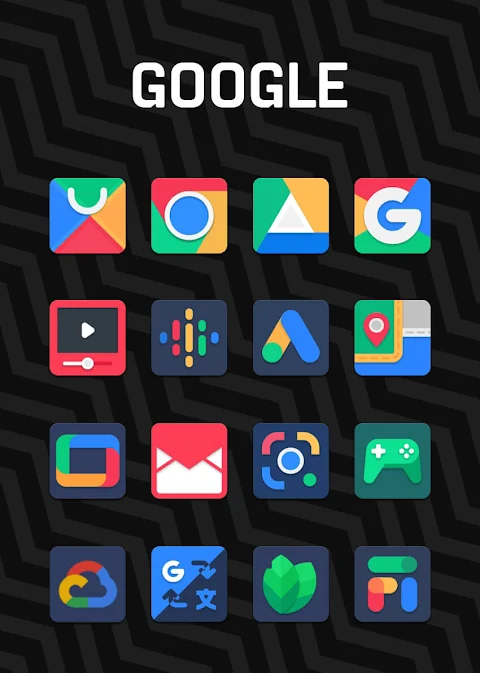
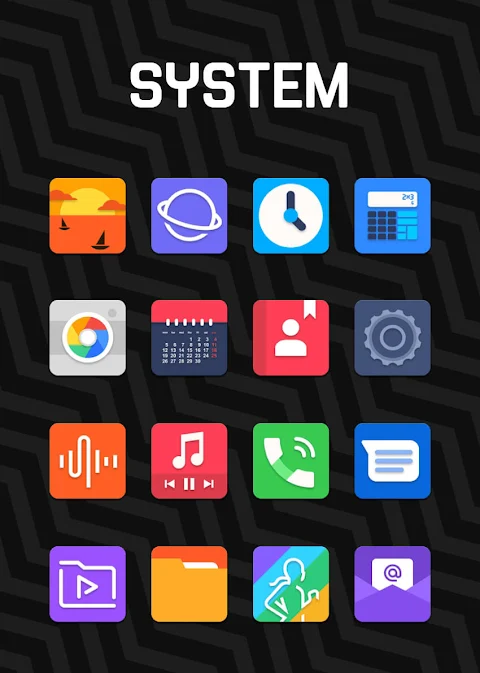

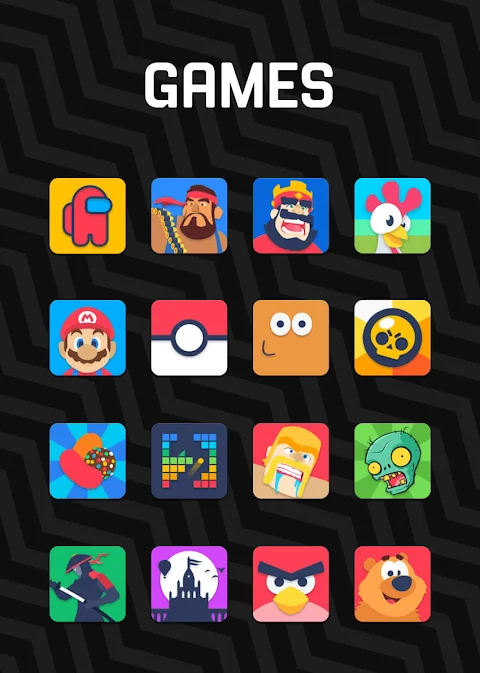
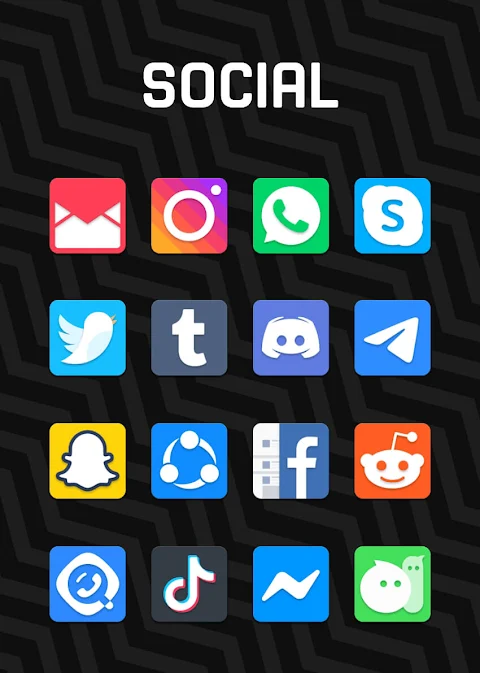


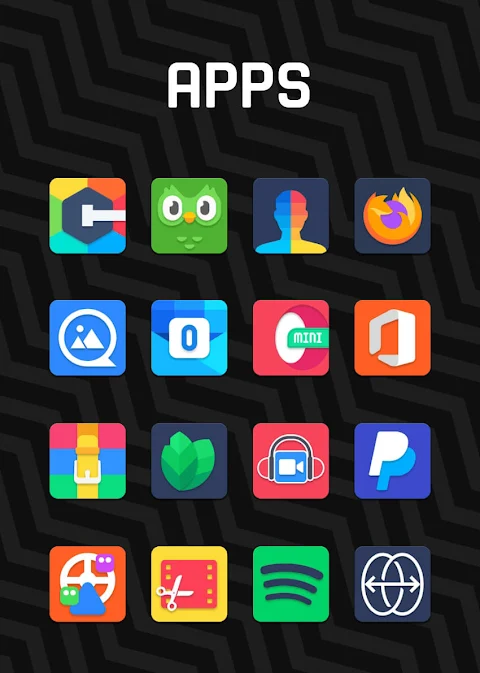
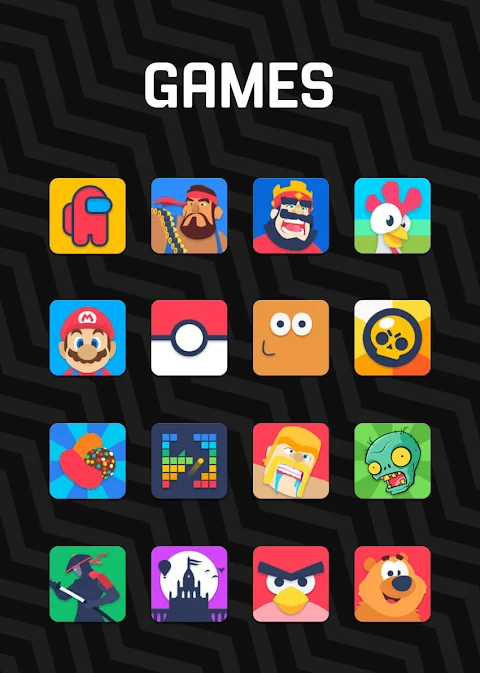
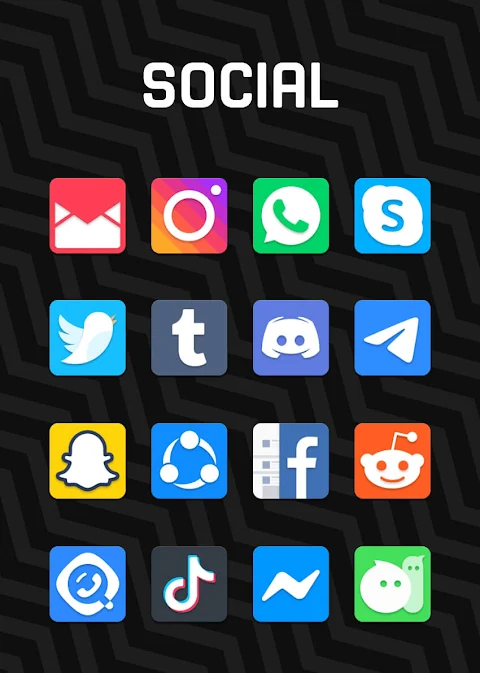


About the App
Rubuk is a unique Square Icon Pack designed with a focus on Material Design guidelines. This icon pack brings Google's aesthetic right to your device, featuring icons that are true masterpieces. Each icon in Rubuk is crafted with great attention to detail, ensuring you not only get high-quality icons but also a beautiful visual experience.
Rubuk offers over 7,500 high-quality icons, and the collection continues to grow with regular updates. You can also download high-quality wallpapers to enhance your home screen even further. If you notice any icons for missing apps, you can take advantage of the free icon request feature, allowing you to personalize your experience.
To make things easy, Rubuk has a quick apply feature for your favorite launchers. Just install one of the supported launchers, such as Nova Launcher or Lawnchair, and open Rubuk to apply the icon pack. If your launcher isn't listed, you can still change the icon pack settings from your phone's launcher settings. You'll find Rubuk in the list of available icon themes.
The app includes a user-friendly dashboard for icon pack management. This dashboard even allows you to try out icons on your current wallpaper using the dashboard preview pane. Frequent updates ensure that you always have new designs at your fingertips, and long-term support means that you can count on continued improvements and additional features.
Rubuk Square Icon Pack is compatible with a wide range of launchers. You can apply it via the dashboard with launchers such as Abc Launcher, Action Launcher, Apex Launcher, and Cm Launcher, among others. It also supports Evie Launcher and Go Launcher, including Holo HD Launcher and Lucid Launcher.
For those using Poco Launcher or Arrow Launcher, Rubuk is also compatible, as well as with Xperia Home and EverythingMe. Themer and Z Launcher can also integrate seamlessly with Rubuk, offering additional options for customizing your icons.
When using Rubuk, you might want to check the icon shape settings. If you're using Nova Launcher, icons may appear rounded automatically. You can easily adjust this by accessing the theme menu in Nova Launcher and turning off the icon shape option.
If you encounter any issues or have questions, Rubuk provides user support contact through email and Twitter. The team is ready to assist you with any problems, ensuring you have a smooth experience with the icon pack.
In summary, Rubuk Square Icon Pack brings you a beautiful collection of high-quality icons designed under Material Design guidelines, complete with downloadable wallpapers and plenty of customization options. With a simple quick apply feature and a helpful dashboard, personalizing your device has never been easier. Enjoy frequent updates and long-term support, knowing that Rubuk is here to make your home screen look stunning.
Rubuk offers over 7,500 high-quality icons, and the collection continues to grow with regular updates. You can also download high-quality wallpapers to enhance your home screen even further. If you notice any icons for missing apps, you can take advantage of the free icon request feature, allowing you to personalize your experience.
To make things easy, Rubuk has a quick apply feature for your favorite launchers. Just install one of the supported launchers, such as Nova Launcher or Lawnchair, and open Rubuk to apply the icon pack. If your launcher isn't listed, you can still change the icon pack settings from your phone's launcher settings. You'll find Rubuk in the list of available icon themes.
The app includes a user-friendly dashboard for icon pack management. This dashboard even allows you to try out icons on your current wallpaper using the dashboard preview pane. Frequent updates ensure that you always have new designs at your fingertips, and long-term support means that you can count on continued improvements and additional features.
Rubuk Square Icon Pack is compatible with a wide range of launchers. You can apply it via the dashboard with launchers such as Abc Launcher, Action Launcher, Apex Launcher, and Cm Launcher, among others. It also supports Evie Launcher and Go Launcher, including Holo HD Launcher and Lucid Launcher.
For those using Poco Launcher or Arrow Launcher, Rubuk is also compatible, as well as with Xperia Home and EverythingMe. Themer and Z Launcher can also integrate seamlessly with Rubuk, offering additional options for customizing your icons.
When using Rubuk, you might want to check the icon shape settings. If you're using Nova Launcher, icons may appear rounded automatically. You can easily adjust this by accessing the theme menu in Nova Launcher and turning off the icon shape option.
If you encounter any issues or have questions, Rubuk provides user support contact through email and Twitter. The team is ready to assist you with any problems, ensuring you have a smooth experience with the icon pack.
In summary, Rubuk Square Icon Pack brings you a beautiful collection of high-quality icons designed under Material Design guidelines, complete with downloadable wallpapers and plenty of customization options. With a simple quick apply feature and a helpful dashboard, personalizing your device has never been easier. Enjoy frequent updates and long-term support, knowing that Rubuk is here to make your home screen look stunning.

Black practical MOD Watch face
WinWatchfaces
$1.29
$0.49
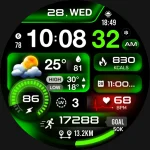
ML2U 261 Watch Face
ML2U
$1.49
$0.25
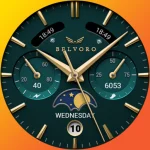
Ballozi BELVORO Classic Face
BALLOZI Watch Faces
$1.99
$0.40