

$0.99
FREE
100% Off
Samak Blue – Icon Pack
Panoto Gomo







About the App
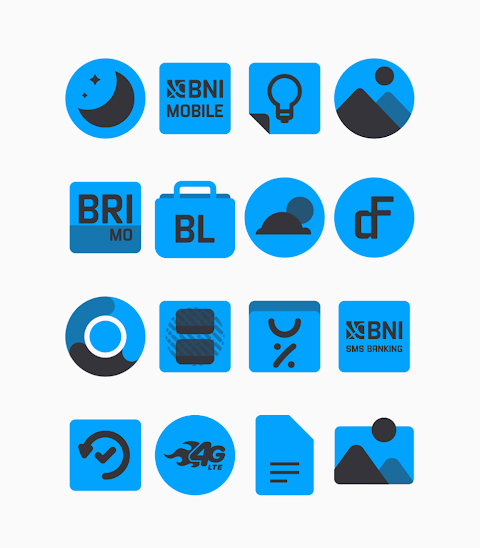
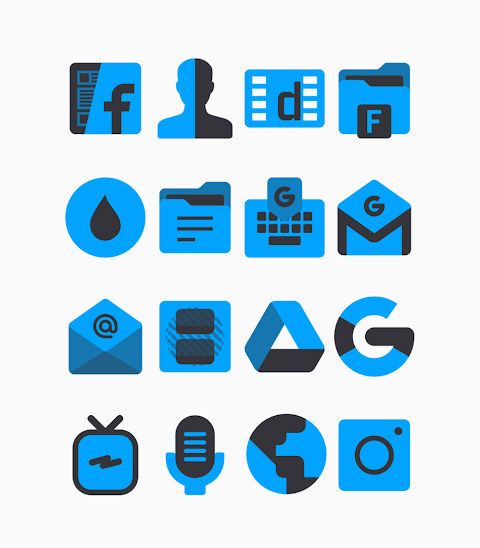
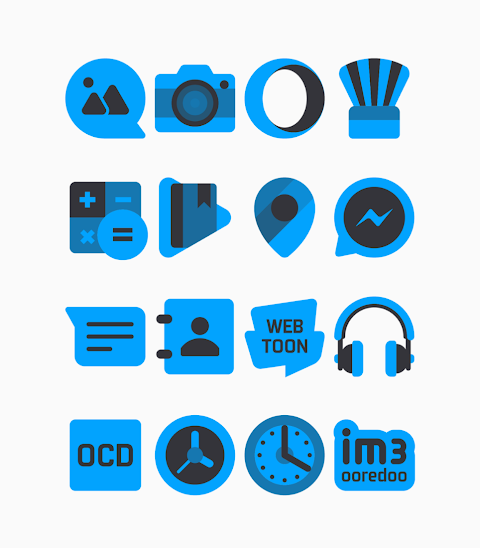
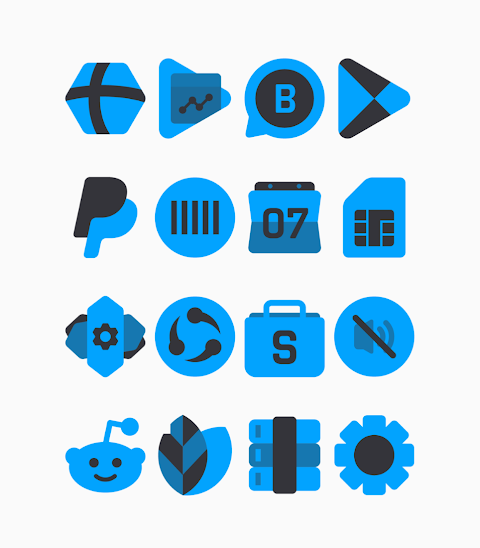
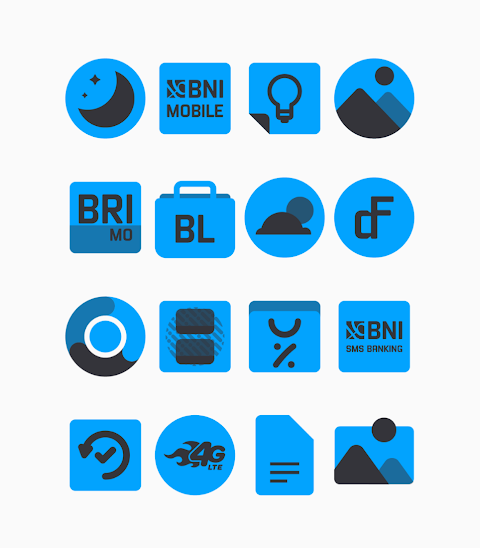
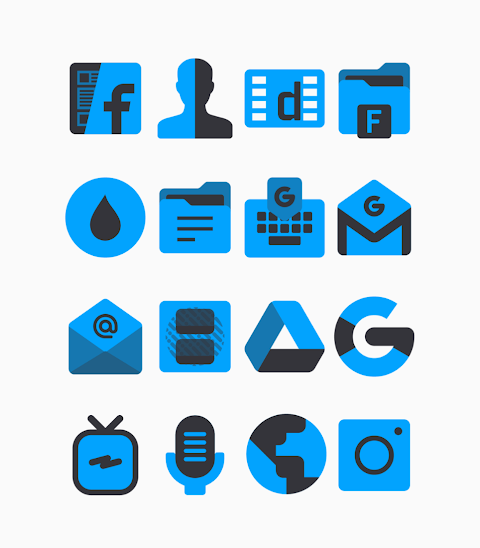
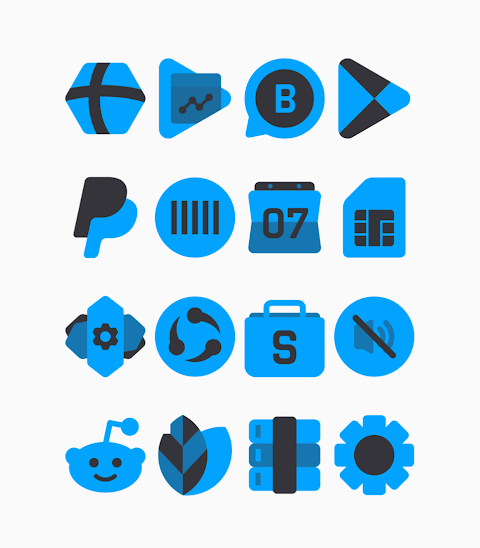
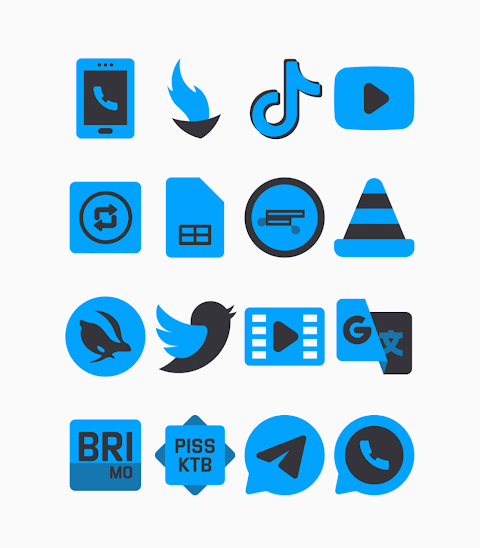
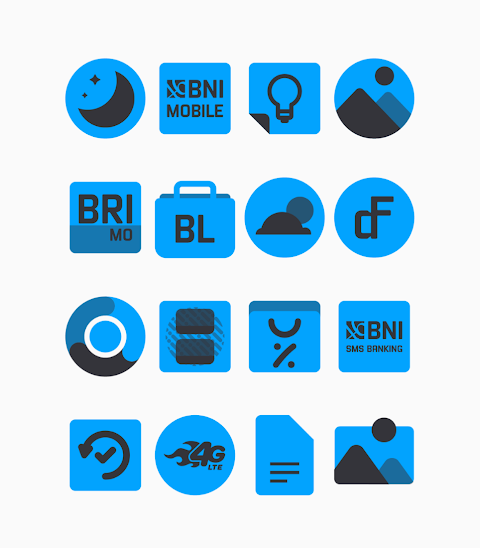
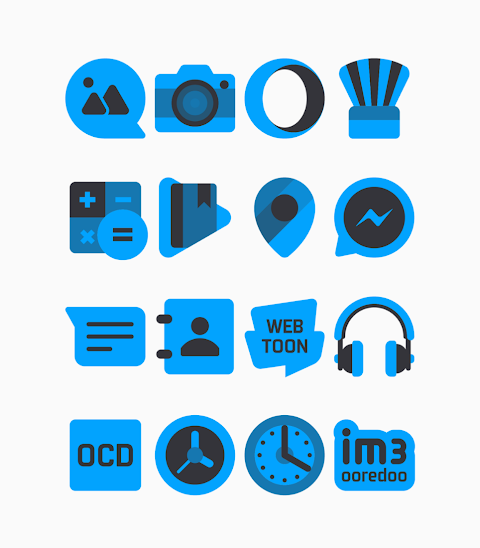
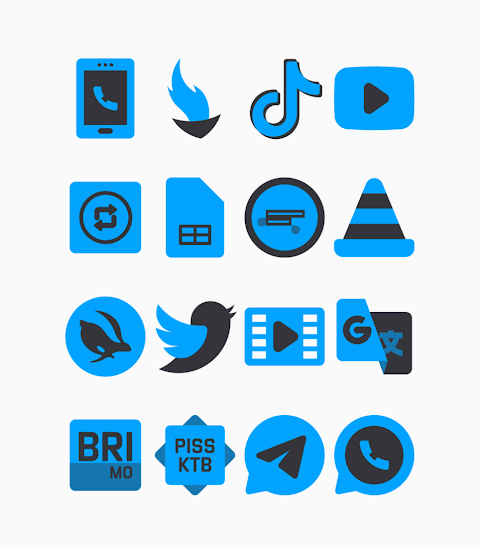
Samak Blue is an icon pack featuring bold blue colored icons that bring a stylish touch to your device with their dark vibes. This pack includes over 3000 icons, making it a great choice for anyone wanting to refresh their mobile interface. Each icon is created in HD icon resolution, ensuring they look sharp and clear on your screen.
One of the great features of Samak Blue is the icon request option. If you have a specific icon in mind that isn't included, you can easily request it. This adds to the overall enjoyment of customizing your mobile experience.
Applying the Samak Blue icon pack is straightforward, especially since it supports a wide range of popular launchers. You can use it with Nova Launcher, Evie Launcher, Apex Launcher, ADW Launcher, ABC Launcher, Next Launcher, Holo Launcher, Lucid Launcher, M Launcher, Action Launcher, Aviate Launcher, Smart Launcher, Go Launcher, and Zero Launcher. However, be aware that Go Launcher and Zero Launcher have limitations when it comes to icon masking.
To get started, simply follow the icon pack application process. First, open the Samak Blue icon pack app on your device. From there, navigate to the Apply Icon Pack Screen. You will see a list of supported launchers, such as Nova Launcher and Evie Launcher. If you have Nova Launcher installed, you can select it and the app will automatically apply the icons from the Samak Blue icon pack.
If you encounter any issues with your launcher not showing up, you can try applying the icons directly from the launcher itself.
For Sony Xperia users, the Samak Blue icon pack can be applied, but it requires a few specific settings. To do this, long press on your main screen, open the settings, scroll down to the appearance icon setting, and select the Samak Blue icon pack. Just a note: the icon pack is only compatible with Sony Xperia Home Launcher version 10.0.A.0.8 or higher.
The user interface design of this icon pack makes it easy to navigate and customize your device. With Samak Blue, you not only get beautiful icons but also the opportunity to enhance your device's look through ongoing icon pack updates.
You can find more design information and updates on social media platforms such as Google+, Instagram, and Twitter. Feel free to connect and share your customization designs. Special thanks goes to Dani Mahardika for the Candybar dashboard integration, which contributes to the seamless experience of using Samak Blue.
In summary, whether you're looking to bring new life to your device or simply want great-looking blue colored icons with dark vibes, Samak Blue is a fantastic choice for a wide variety of launchers and offers a lot of fun customization options.
One of the great features of Samak Blue is the icon request option. If you have a specific icon in mind that isn't included, you can easily request it. This adds to the overall enjoyment of customizing your mobile experience.
Applying the Samak Blue icon pack is straightforward, especially since it supports a wide range of popular launchers. You can use it with Nova Launcher, Evie Launcher, Apex Launcher, ADW Launcher, ABC Launcher, Next Launcher, Holo Launcher, Lucid Launcher, M Launcher, Action Launcher, Aviate Launcher, Smart Launcher, Go Launcher, and Zero Launcher. However, be aware that Go Launcher and Zero Launcher have limitations when it comes to icon masking.
To get started, simply follow the icon pack application process. First, open the Samak Blue icon pack app on your device. From there, navigate to the Apply Icon Pack Screen. You will see a list of supported launchers, such as Nova Launcher and Evie Launcher. If you have Nova Launcher installed, you can select it and the app will automatically apply the icons from the Samak Blue icon pack.
If you encounter any issues with your launcher not showing up, you can try applying the icons directly from the launcher itself.
For Sony Xperia users, the Samak Blue icon pack can be applied, but it requires a few specific settings. To do this, long press on your main screen, open the settings, scroll down to the appearance icon setting, and select the Samak Blue icon pack. Just a note: the icon pack is only compatible with Sony Xperia Home Launcher version 10.0.A.0.8 or higher.
The user interface design of this icon pack makes it easy to navigate and customize your device. With Samak Blue, you not only get beautiful icons but also the opportunity to enhance your device's look through ongoing icon pack updates.
You can find more design information and updates on social media platforms such as Google+, Instagram, and Twitter. Feel free to connect and share your customization designs. Special thanks goes to Dani Mahardika for the Candybar dashboard integration, which contributes to the seamless experience of using Samak Blue.
In summary, whether you're looking to bring new life to your device or simply want great-looking blue colored icons with dark vibes, Samak Blue is a fantastic choice for a wide variety of launchers and offers a lot of fun customization options.

DM178 Cyber Tech Digital
Dominus Mathias | Watch Faces
$2.99
Autumn Falling Leaves
StarWatchfaces
$1.99
$0.99

Iris Dark – 3D App Icons
Creativepixels
$1.59
$0.49